
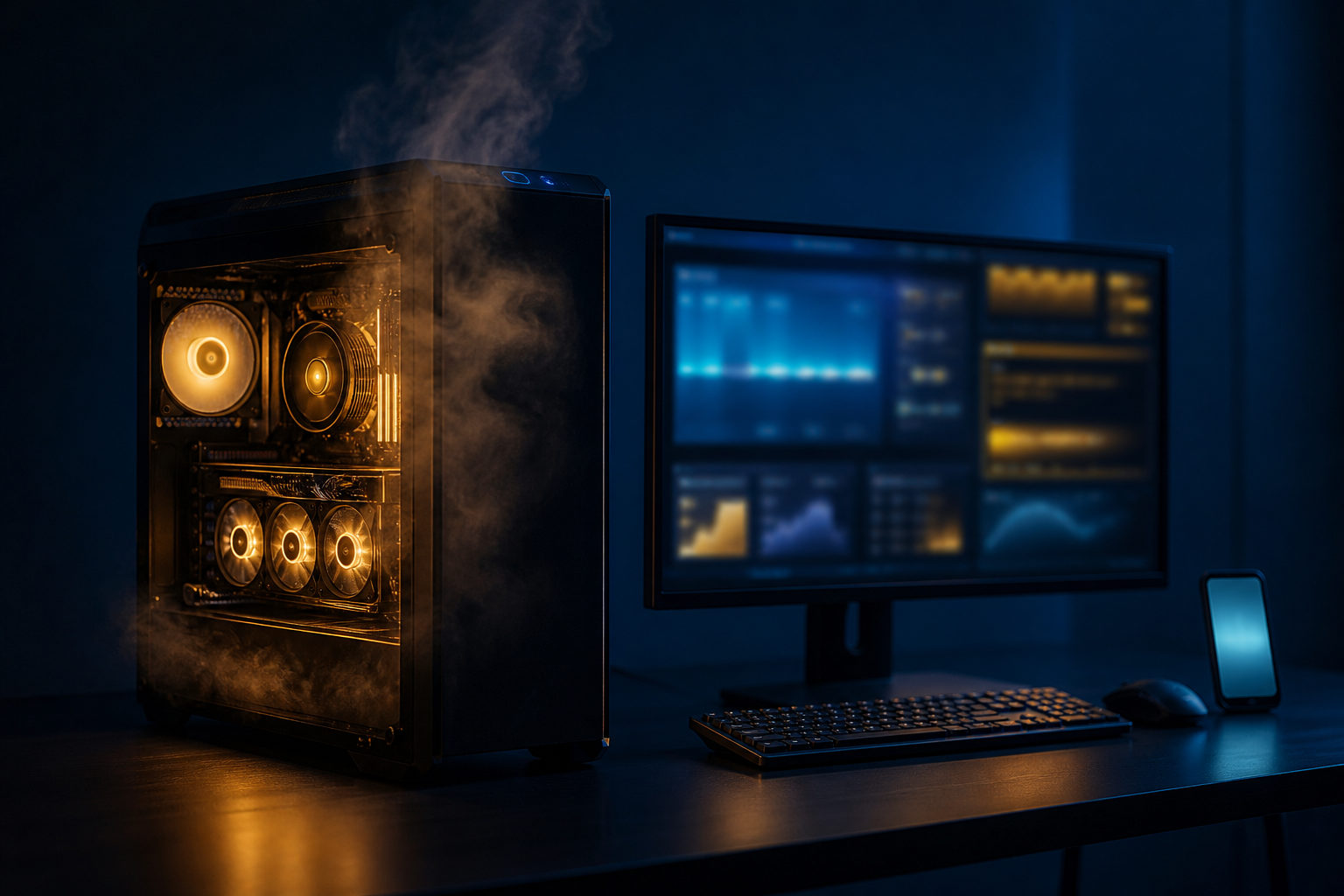
To tell if your computer is mining bitcoins, look for sustained high hardware usage, unusual heat, loud fans, and background activity you did not choose. In many cases, a computer that “looks like it is mining” is actually running another heavy task or unwanted software that is using your processing power.
Start with the basics: what Bitcoin mining actually does
Bitcoin mining is easiest to understand as a bookkeeping race. The network groups pending transactions into blocks, and participants keep trying calculations until one of them finds a valid result that lets a new block be added to the blockchain.
Bitcoin produces a new block about every 10 minutes, and the competition shifts with the total computing power on the network. In practice, modern Bitcoin mining is usually done with specialized hardware, not with an ordinary office desktop or a home laptop. That matters because many users assume any hot, noisy computer must be mining Bitcoin, when the real issue may simply be that some program is working your machine hard.
Signs your computer may be mining or having its power used without your knowledge
No single symptom proves anything on its own. A better approach is to look for patterns that stay in place even when you are not doing anything demanding.
| What to check | What you may notice | Why it matters |
|---|---|---|
| CPU or GPU usage | High load for long periods while the computer is idle | Mining and similar workloads tend to stay busy rather than spike briefly |
| Heat and fan noise | Fans run hard and the machine stays hot | Continuous calculation creates steady thermal pressure |
| Battery drain or power draw | A laptop loses charge quickly or stays warm even on light tasks | Persistent load often shows up as abnormal power use |
| System responsiveness | Slow switching, lag, or delayed input | Background workloads can steal enough resources to affect normal use |
| Background processes | Unknown processes appear or relaunch after you stop them | Unwanted software often tries to stay active |
| Browser behavior | A certain page makes the computer suddenly loud or sluggish | Web scripts or extensions can trigger heavy resource use |
| Startup items | Unfamiliar software launches when you sign in | Persistence on startup is a common warning sign |
If the problem appears only when a certain browser tab is open, the cause may be a web page, an extension, or a browser setting that has been tampered with. If the machine stays noisy and busy across the whole system, the next place to look is the operating system level: background processes, startup entries, scheduled tasks, and security alerts.
Another point matters here: a suspicious workload may not be mining Bitcoin at all. From a user’s point of view, that distinction is less important at the start. What you need to answer first is whether your computer is doing heavy calculations for a reason you understand.
How to check without jumping to the wrong conclusion
A common mistake is to see high usage and assume mining right away. Video rendering, game updates, cloud sync tools, antivirus scans, software builds, and local AI workloads can all create the same basic symptoms. Before you label something as mining, rule out the work you knowingly started.
| Step | What to look at | How to read it |
|---|---|---|
| Open a system monitor | Find which process is using the CPU or GPU the most | Start with the exact process, not with the symptom |
| Check the process path | See where the file is located | A normal-looking name means little if the location is strange |
| Review recent installs | Think about cleanup tools, cracked software, bundled installers | Low-trust installs are a common entry point for unwanted components |
| Inspect browser extensions | Disable unfamiliar or unnecessary add-ons | Some issues come from the browser rather than the whole machine |
| Check startup behavior | See what launches automatically at sign-in | Unknown startup items deserve attention |
| Run a security scan | Look for malware or unwanted software warnings | Use this as supporting evidence, not as the only test |
| Watch what changes | Close tabs, disconnect, quit apps, then compare usage | Behavior changes help narrow the source quickly |
When you find a suspicious process, do not focus only on its name. Programs can use names that resemble system components. The file path, whether the program came from software you knowingly installed, and whether it keeps returning after you stop it usually tell you more than the label itself.
It also helps to separate short bursts from constant load. A brief spike when an app updates or exports a file is normal. A machine that sits at high usage for long stretches while doing very little in the foreground is the pattern that deserves closer inspection.
If you are trying to mine on purpose, what “working” usually looks like
Some readers ask this question because they installed mining software themselves and want to know whether anything is actually happening. In that case, the signs are more direct: the software should show that hardware is detected, calculations are running, and the connection is active.
With Bitcoin specifically, though, it is important to keep expectations grounded. On a home computer, running mining software does not automatically mean practical participation. Real-world Bitcoin mining comes with hardware, cooling, noise, power, and maintenance demands that go well beyond installing a program.
| Situation | Typical pattern | Main question |
|---|---|---|
| You installed mining software on purpose | You can see settings, logs, and device information | Is the software detecting hardware and staying active? |
| You never installed anything related | The system still stays hot and busy | Is an unknown process using resources in the background? |
| The issue appears only on certain sites | Closing the page brings the system back to normal | Is the browser causing the load? |
| Load appears only during known heavy tasks | Usage falls after the task ends | Is this simply expected workload? |
If your real goal is to “see whether a normal computer can mine Bitcoin,” the practical answer is less about whether software can launch and more about whether the device can handle the job in a usable way. Heat, noise, and day-to-day usability are part of the answer.
What to do if you find something suspicious
First narrow the source. Close the tab that causes the spike, disable an extension you do not recognize, or stop a startup item that should not be there, then watch whether usage drops. A clear before-and-after change is often the fastest clue.
After that, run a full security scan and update the operating system and commonly used software. If a process keeps returning, if a file reappears after removal, or if you cannot tell whether a component is legitimate, back up important files before making bigger changes. Deleting the wrong system file can create a worse problem than the original one.
Prevention is plain but effective: avoid software from unclear sources, be careful with cracked installers, keep browser extensions to a minimum, and do not hand out elevated permissions casually. If someone cannot get code onto your system, they cannot quietly borrow your computing power.
FAQ
Does a loud fan mean my computer is mining Bitcoin?
No. A loud fan only tells you that the system is under load or dealing with heat. You need to check which process is active before you can tell whether the cause is mining, a normal heavy task, or something unwanted.
If one web page makes my computer slow, is that mining?
It can be, but it can also be a heavy page, too many ads, or a problematic browser extension. Close the page or test it in a cleaner browser setup and compare the change in resource usage.
I never installed mining software, so why is my GPU still busy?
Start by ruling out game launchers, media tools, creative apps, and driver utilities. Some programs keep using the GPU in the background even after you think you closed them; if none of those apply, inspect unknown processes more closely.
Can a regular home computer mine Bitcoin at all?
It can run software for learning or testing, but that is different from practical mining. For most home users, the bigger issue is whether the machine can handle the heat, noise, and constant load without becoming unpleasant to use.
Should I delete a suspicious file as soon as I find it?
It is better to identify what launches it, where it lives, and whether it is tied to something important first. A scan, a backup, and a careful check of the process path usually come before manual deletion.
The most useful next move is simple: open your system monitor, identify the exact process that keeps the machine busy, and trace it through its file path, startup behavior, and browser links. Once you know what is actually doing the work, you can decide whether it is normal, intentional, or a problem that needs cleaning up.
Disclaimer: This article is for informational and educational purposes only and is not investment, financial, or legal advice. Crypto assets are highly volatile and you could lose your entire investment. Do your own research and decide carefully.