
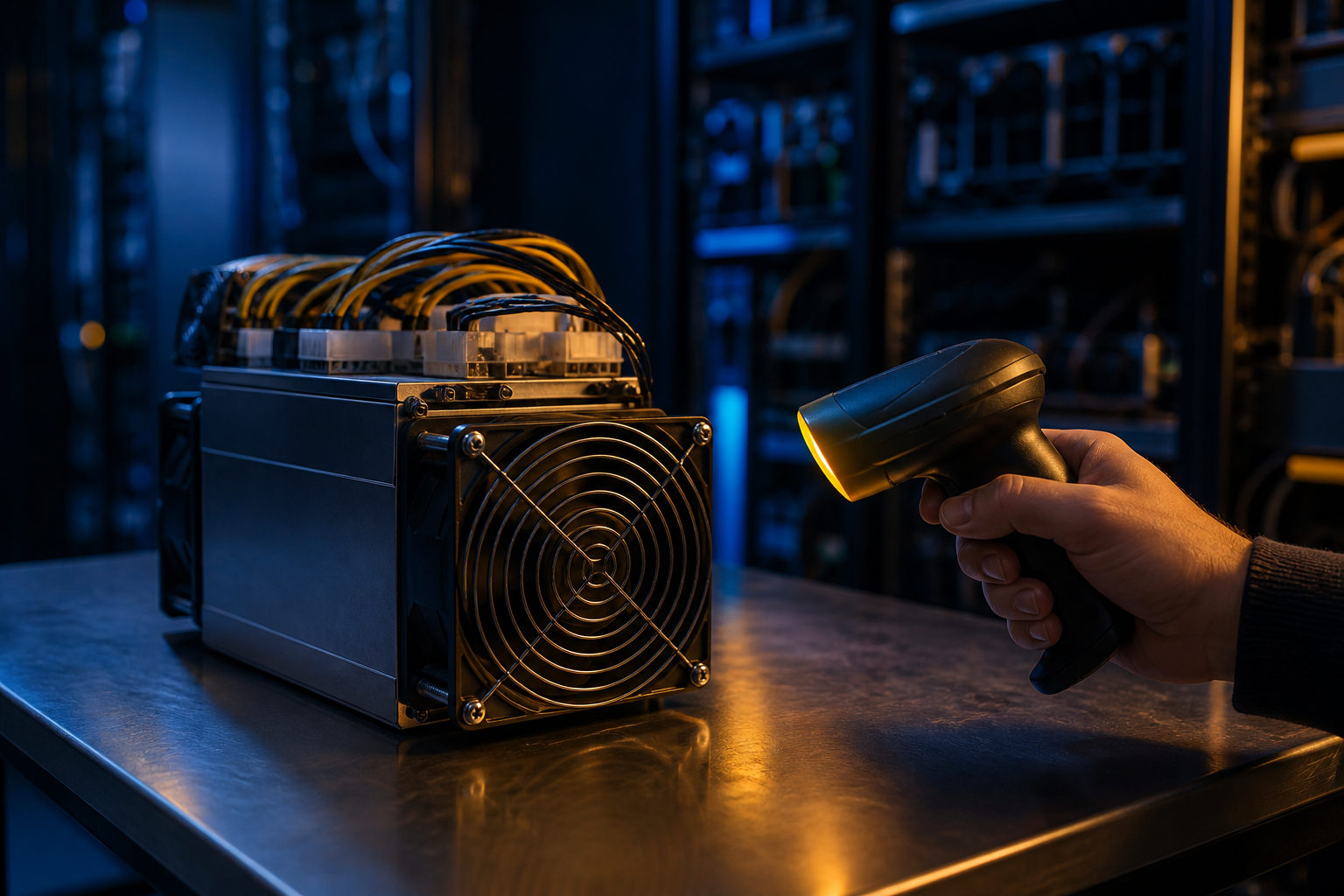
How to scan for bitcoin miners depends on what you mean by “scan.” In most real cases, you are either trying to identify a miner on your own local network or checking whether a machine is actually set up to take part in Bitcoin mining.
Start with the bookkeeping race analogy
A simple way to understand a bitcoin miner is to picture a nonstop bookkeeping race. About every 10 minutes, the Bitcoin network accepts a new block, and miners compete to produce a valid result first so they can package transactions into that block for the network to verify.
That matters because a miner is not just any computer you happen to detect on a network. It is specialized hardware built to perform repeated hashing work under Bitcoin’s proof-of-work rules. The system has a supply cap of 21 million coins, and the issuance schedule changes through halvings that occur about every 4 years, or every 210,000 blocks.
So when people ask how to scan for bitcoin miners, they often mix together two separate tasks. One is device discovery: finding the machine on a local network. The other is operational verification: checking whether the machine is reachable, configured correctly, connected to a pool, and able to run under real power, cooling, and noise constraints.
What “scanning for miners” can mean in practice
The phrase sounds technical, but the practical goal changes from one person to another. A new owner may simply need the miner’s local IP address. A hosting customer may want to confirm that a machine is online. Someone else may be wondering whether mining is even realistic in a home or small office setup.
| Situation | What you are actually identifying | Typical method | Main limit |
|---|---|---|---|
| New device setup | Miner address on the local network | Router admin page, vendor discovery tool, device list | You need permission to manage the network |
| Status check | Web panel, fans, temperature, connection state | Log in to the miner interface | You need account access |
| Facility inventory | Connected hosts and port activity | Asset inventory tools, switch management view | Discovery does not always reveal the exact model |
| Trying to find external miners | Internet-exposed devices | Not recommended | Security and compliance issues |
| Evaluating whether to mine | Power, heat, noise, maintenance capacity | Build an environment checklist first | The hard part is not scanning |
If your goal is to locate a machine you own, scanning starts with your own network. If your goal is to judge whether mining makes sense for you, scanning is a minor step in a much larger hardware and operations decision.
How to identify a bitcoin miner on your own network
The most direct place to start is your router or switch management page. Look for newly connected wired devices, systems that remain active for long periods, or host names that do not match your usual phones, laptops, TVs, or office gear.
Many bitcoin miners connect by Ethernet and receive a local address from the network. A practical workflow is simple: power on the unit, confirm that it appears to boot, check the router’s device list, identify the new host, then enter that local address in a browser to see whether the miner’s login page appears. If the manufacturer provides a local discovery utility, that can help when several new devices appear at once.
| Step | What to check | What to inspect first if something fails |
|---|---|---|
| Power on the machine | Startup state, fan activity, basic signs of life | Power source and cabling |
| Open the router device list | Whether a new wired host appears | Ethernet cable, port, address assignment |
| Open the local address in a browser | Whether a login page loads | Wrong address or a stalled device |
| Review pool settings | Pool endpoint, account name, worker label | Configuration errors |
| Watch runtime status | Whether operation looks stable | Cooling, connectivity, hardware faults |
One mistake is treating “I found the address” as proof that mining is working. Device discovery only tells you the miner is present on the network. It does not confirm healthy operation, stable pool communication, or safe thermal behavior.
There is also an access issue that should be plain. If you do not control the network, you should not be probing other people’s devices. Legitimate miner discovery starts with clear authorization.
Before you try mining, face the operating reality
Many readers looking up how to scan for bitcoin miners are really asking a bigger question: can I get into mining at all? In practice, the scanning step is easy compared with the long-term demands of running mining hardware.
| Area | Common assumption | What reality usually looks like |
|---|---|---|
| Hardware | Any normal computer can fill the role | Bitcoin mining usually relies on specialized machines |
| Power | If it turns on, that is enough | Continuous operation needs stable electrical support |
| Cooling | A spare corner should be fine | Sustained heavy workload produces major heat |
| Noise | Home placement is easy | Many living spaces are a poor fit for mining noise |
| Network | Any internet connection works | Dropouts and instability can disrupt operation |
| Maintenance | Set it once and forget it | Cleaning, monitoring, and routine checks still matter |
That is why a miner should be viewed as part of an operating environment, not as a standalone gadget. Even if you can detect it, access the web panel, and enter pool credentials, the machine still has to run under conditions that make ongoing operation possible.
Bitcoin’s mining schedule adds another layer. Halvings take place about every 4 years, and the previous halving years were 2012, 2016, 2020, and 2024. You do not need a profit estimate to see the operational point: mining is tied to a competitive system with fixed issuance rules, so cost discipline and maintenance planning matter from day one.
What to verify after you find the miner
Once you have identified the machine, the useful work begins. A good check is not just “it responds on the network.” You want to separate network status, hardware health, configuration, and management hygiene.
| Category | What to confirm | Why it matters |
|---|---|---|
| Network | Stable address, no repeated disconnects | Supports panel access and pool communication |
| Hardware | Fan behavior, temperature signs, unusual sound | Shows whether the machine can sustain load |
| Configuration | Pool settings, account labels, login security | Bad settings can leave the unit idle |
| Environment | Dust, airflow path, available space | Affects cooling and serviceability |
| Management | Password changes, records, labeling | Makes troubleshooting easier later |
If this is your first miner, treat the scan as the start of documentation. Record the local address, the physical cable path, the login method, and the current state while everything is fresh. That small habit saves time when a network change or hardware issue appears later.
FAQ
How can I tell whether the device I found is actually a bitcoin miner?
Start by checking whether it is a wired device with its own management page. The strongest clues usually come from the admin panel itself, such as device information, hashboard status, or mining pool fields.
Can I use a home PC as a bitcoin miner?
You can discover a home PC on a network, but that does not make it suitable for Bitcoin mining. Bitcoin mining usually depends on specialized hardware designed for that specific workload.
Why is the miner online but not really mining?
Network presence only means the device is reachable. Wrong pool settings, cooling trouble, unstable connectivity, or hardware faults can leave a machine visible but not operating properly.
Can I scan for miners if I do not have router access?
Your options become limited very quickly. If the machine is in a hosted setup, ask the operator for an approved way to view device status instead of trying to inspect a network you do not control.
What should I do right after I locate the miner?
Log in to the management panel and verify configuration first. After that, check airflow, noise, and connection stability so you know whether the machine is merely detected or actually ready for sustained operation.
If your real question is whether you should participate in Bitcoin mining, make a short checklist before buying or deploying anything: network control, power reliability, cooling room, acceptable noise, and time for upkeep. If those points are unclear, scanning tools will not solve the core problem.