
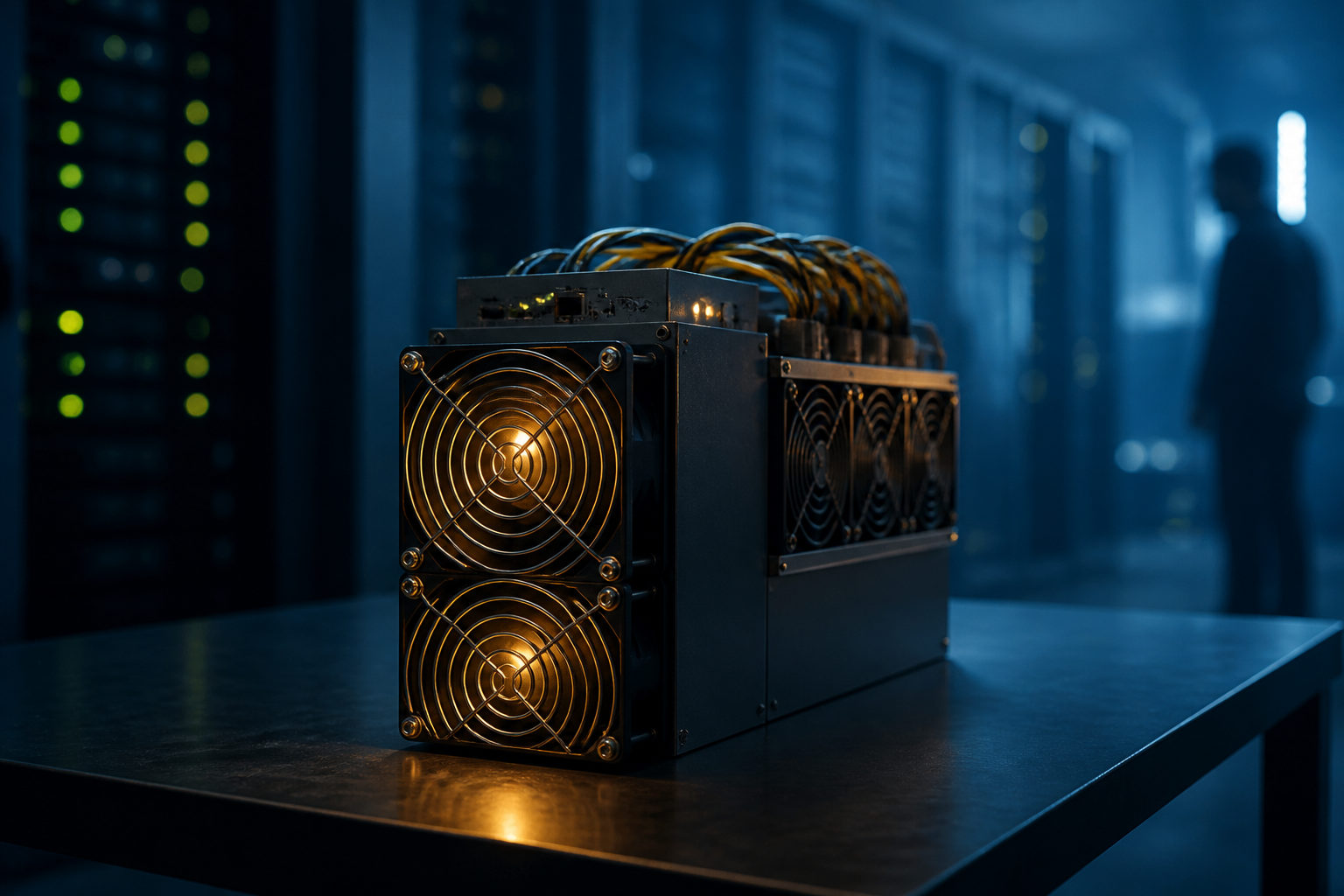
To detect a bitcoin miner, you first need to know what you are trying to identify: a block producer on the Bitcoin network, a mining program running on a device, or a real-world setup used to join mining.
What a bitcoin miner actually does
Bitcoin mining makes more sense if you picture it as a public bookkeeping race. New transactions need to be grouped into a block, and participants compete to add that block to the shared ledger. The participant that solves the required proof-of-work task gets the chance to publish the next block.
That participant is what people call a bitcoin miner. In conversation, the term can refer to the operator, the machine, or even a whole mining operation. That is why the question of detection can point in several directions at once.
The network produces a new block about every 10 minutes on average. Miners keep trying different outputs until one result satisfies the network rules. This process repeats continuously, which is why mining is best understood as an ongoing contest rather than a one-time action.
“Detecting a bitcoin miner” can mean three different things
Many readers use the phrase loosely, but the practical method depends on the situation. Someone following the blockchain wants to know who mined a recent block. A system administrator may be checking whether a server has been hijacked by mining malware. A beginner may simply want to know how mining works and whether joining is realistic.
| Context | What you are detecting | Main clues | Best approach |
|---|---|---|---|
| On-chain analysis | The miner or mining pool that produced a block | Block records and public labels | Use a block explorer to view the block producer |
| Device security | Mining software on a computer or server | Persistent resource drain, heat, fan noise | Inspect processes, startup items, scheduled tasks, network activity |
| Participation planning | Whether you can become a miner | Hardware, power costs, maintenance demands | Review costs and operating conditions first |
These are not interchangeable. If a block explorer shows that a mining pool found a block, that does not reveal every physical machine behind it. If a laptop gets hot and loud, that still does not prove it is mining Bitcoin; video rendering, updates, or other heavy tasks can look similar at first glance.
How to identify a bitcoin miner on the blockchain
If your question is about the Bitcoin network itself, the main trail is the newly produced block. Every block comes from a miner or mining pool that won that round of the bookkeeping race. Many block explorers display a public label for the producer, which helps users see which pools appear often in recent blocks.
Still, this is usually pool-level visibility, not full identity disclosure. A lot of miners contribute hash power to pools, and the pool coordinates the work. What outside observers often see is the pool name attached to the block, not a complete list of every contributing machine or operator.
Another common mistake is to treat large holders of bitcoin as miners. A holder owns bitcoin. A miner performs the proof-of-work role that helps maintain the network and compete for block production. One person can be both, but the terms describe different things.
| Visible on-chain information | What it tells you | What it does not tell you |
|---|---|---|
| Block producer label | Who produced a given block | The full real-world identity behind all machines |
| Reward destination address | Where the block reward was first sent | Whether the address owner is publicly known |
| Pool name | Whether block production is linked to a known pool | The internal member list of that pool |
So if you want to detect a bitcoin miner from blockchain data, the practical answer is narrow: you can often identify the public block-producing entity, but not always the individual operator behind it.
How to tell if a device is running mining software
This is the most common real-world use of the question. Here, you are not trying to identify a miner on the blockchain. You are checking whether a computer, server, or cloud instance has a process that is quietly consuming computing resources for mining.
Start with system behavior. A machine that stays unusually busy while idle, runs hot for long periods, keeps its fans spinning loudly, or feels sluggish during light use deserves a closer look. Mining software is built to keep computing resources active for extended periods, so resource pressure tends to be persistent rather than brief.
Then move to process-level evidence. Look at active processes, startup entries, scheduled tasks, background services, and unfamiliar directories. Some malicious miners use names that resemble system components, so the process name alone is weak evidence. File path, launch method, parent process, and network behavior matter much more.
| Where to check | Normal sign | Suspicious sign | What to do next |
|---|---|---|---|
| Task manager or process list | Resource use matches what you are doing | High usage during idle periods | Inspect process path and parent process |
| Startup items | Known apps and expected system entries | Unknown item keeps returning | Disable it and see whether it reappears |
| Scheduled tasks or services | Clear source and expected purpose | Vague name or unclear origin | Review creator and executable location |
| Network connections | Connections match known applications | Persistent links to unfamiliar endpoints | Match the connection to a specific process |
| Heat and fan activity | Rise during heavy work only | Stay elevated without a clear reason | Compare with CPU or GPU usage over time |
In business environments, the review should go further. Check whether deployment scripts changed, whether container images were replaced, whether a cloud instance is consuming far more resources than its intended workload, and whether recurring jobs were added without approval. Illicit mining often hides in places that already run around the clock.
The key point is evidence quality. High power draw, fan noise, and heat are warning signs, not proof. A real diagnosis comes from linking unusual system load to an identifiable process and then checking how that process starts, where it lives, and what it connects to.
How people actually join Bitcoin mining
Once readers understand the miner's role, the next question is usually whether they can participate. In principle, anyone can try to join the race. In practice, Bitcoin mining is shaped by hardware requirements, electricity costs, cooling, noise, and long-term maintenance.
Early participation looked very different from today. Modern Bitcoin mining usually involves specialized mining hardware and often a mining pool. The pool organizes work across many contributors, while the equipment must run steadily for long stretches under demanding operating conditions.
This is where many beginners misread the topic. Detecting who miners are is one question. Deciding whether you should become one is another. Before thinking about setup, think about operating realities: where the machines would run, how heat would be managed, whether the sound would be acceptable, and whether you are prepared to deal with hardware faults and downtime.
| Participation path | Who it suits | Advantage | Main challenge |
|---|---|---|---|
| Run your own mining hardware | People ready to manage equipment directly | More direct control | Power, cooling, noise, upkeep |
| Join a mining pool | People who want coordinated participation | Structured workflow and shared effort | Need to understand pool rules and setup |
| Study the mechanism first | Beginners building a mental model | Low-risk way to learn | No hands-on operating experience |
If your interest came from seeing the phrase “how to detect bitcoin miner,” this distinction matters. You may only need to detect mining software on a device. You may only want to read block data. Neither one means you are ready to run a mining operation.
FAQ
How can I tell if my computer is secretly mining bitcoin?
Check whether resource use stays high while the machine is otherwise idle, then tie that behavior to a specific process. Review startup entries, scheduled tasks, and active network connections before drawing a conclusion.
Can I identify a bitcoin miner directly from blockchain data?
You can often identify the public block producer label, which is frequently a mining pool. That does not always reveal the full real-world identity behind the machines contributing hash power.
Does a loud fan always mean a device is mining?
No. Software updates, rendering, compiling, antivirus scans, and other demanding workloads can trigger similar symptoms. Fan noise becomes useful only when combined with process and network evidence.
Are miners and mining pools the same thing?
Not exactly. A miner provides computing power, while a mining pool coordinates the work of many miners. In block records, the visible name is often the pool rather than a single individual miner.
Can a regular home computer still take part in Bitcoin mining?
It can still be used to understand the concept, but real participation faces much higher practical barriers today. Hardware efficiency, cooling, power use, and continuous operation all matter before you even think about setup.
If you are investigating a machine, focus on process evidence, startup behavior, and network activity. If you are investigating the Bitcoin network, focus on new blocks and pool labels. The right detection method depends entirely on which of those two questions you are actually asking.