
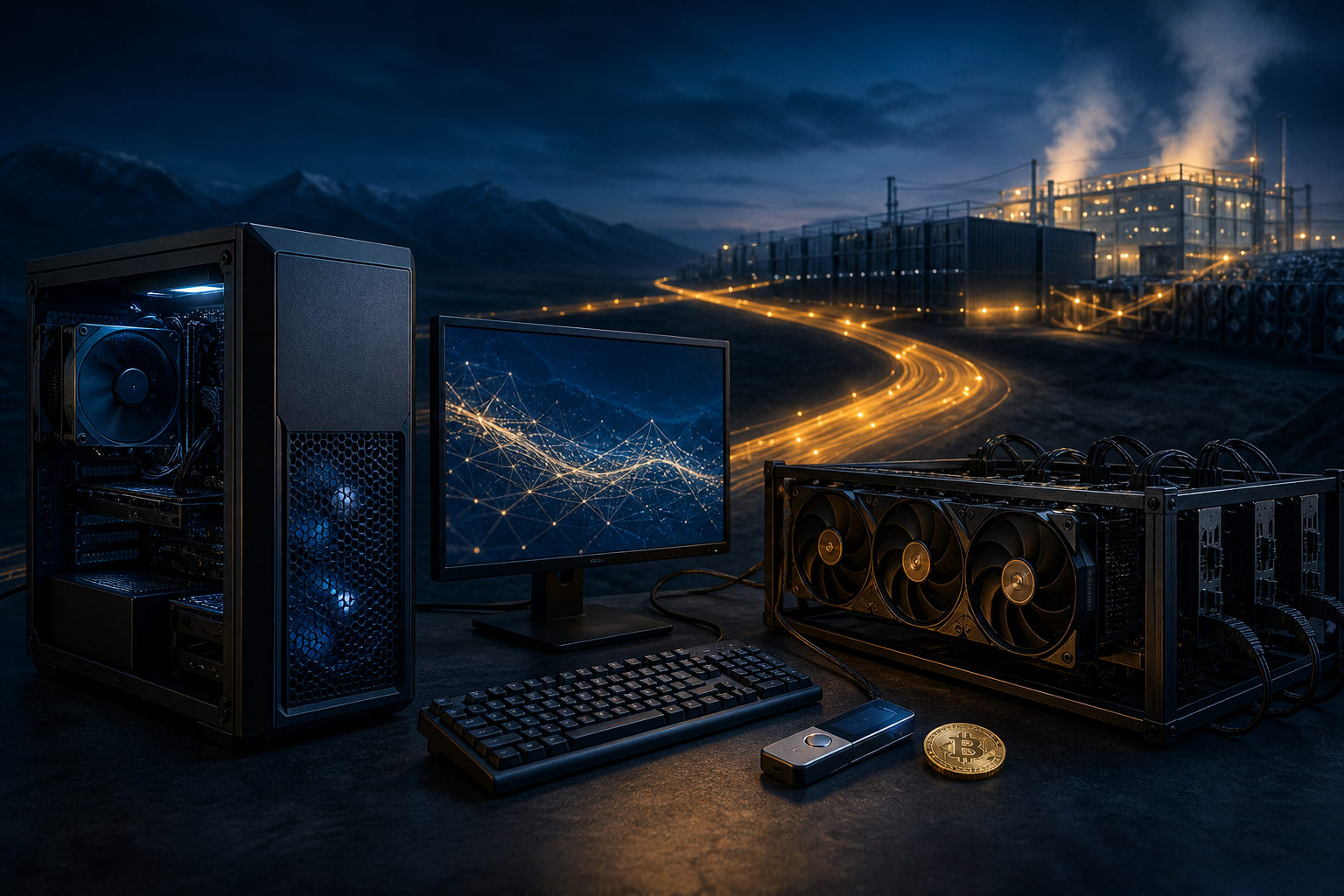
How to mine bitcoins on Windows? The short answer is this: Windows can be part of the setup, but a normal Windows PC is usually not enough to mine Bitcoin effectively on its own. What matters more is understanding mining, choosing the right hardware, joining a pool, and managing cost and security.
Think of Bitcoin mining as a race to write the next page
Bitcoin mining is often described in a way that makes it sound like coins are being dug out of a machine. That picture is misleading. A better way to see it is as an ongoing competition to package transactions into a block and earn the right to add that block to the chain.
Participants compete by performing calculations under the rules of Bitcoin's proof-of-work system. The network produces a new block about every 10 minutes, so miners across the world are constantly racing to find a valid result first. The winner gets the block reward plus transaction fees for that block.
That simple idea clears up a common beginner mistake. Windows is just the operating system you use to run tools, monitor devices, and change settings. It does not make a home computer competitive by itself. Mining results depend far more on specialized hardware, electricity cost, cooling, uptime, and safe operational habits.
Windows can be used for mining, but the system is not the main factor
From a technical point of view, yes, you can mine Bitcoin in a Windows environment. You can install software, connect to mining pools, manage wallets, and check machine status from a Windows desktop. The harder question is whether the Windows machine itself is suitable for real Bitcoin mining.
For most people, that answer is no. Bitcoin mining is now dominated by dedicated ASIC hardware built for this exact task. A general-purpose CPU or a standard gaming GPU does not compete well in the current environment. So when people ask how to mine for bitcoins on Windows, the useful reply is not just a download link. It is a reality check about what role Windows actually plays.
In many setups, Windows acts as a control point rather than the main mining engine. You may use it to reach the miner's web interface, manage pool credentials, monitor hashrate, track temperature, or confirm payout settings. That is very different from assuming a regular Windows 10 PC can quietly mine BTC in the background and produce meaningful results.
Why a normal PC is usually not enough
- Proof of work is highly competitive: the task rewards sustained computational performance.
- Specialized miners dominate: dedicated ASIC devices are designed for Bitcoin's mining algorithm.
- Heat and noise matter: hardware under constant load creates practical problems at home.
- Solo mining is highly uncertain: most individuals look at pools instead of mining alone.
What the Windows mining process actually looks like
If you still want to learn the process, it helps to break it into stages. This makes it easier to separate education from expectation. You might be setting up a test environment to understand how Bitcoin mining works, or you might be evaluating whether to run specialized equipment. Those are not the same goal.
- Set up a wallet first: You need a wallet you control to receive BTC payouts. Back up the recovery information carefully and do not keep the only copy on the same online machine.
- Choose a participation model: Most individuals do not mine Bitcoin solo. They join a mining pool to reduce the uncertainty of waiting for a block.
- Confirm the hardware role: If the target is actual Bitcoin mining, the core device is usually an ASIC miner. The Windows machine often serves as the management station.
- Install the required tools: Depending on the hardware and pool, this may mean local software, a browser-based dashboard, or access to a device interface on your local network.
- Enter pool details carefully: Typical fields include the pool address, worker name, and payout wallet. If these are wrong, a machine can run without sending rewards to you.
- Monitor the setup: Watch for disconnections, unstable performance, overheating, and incorrect payout settings. A machine that appears active is not always configured correctly.
This is the part many short guides skip. They focus on the click path and ignore the decision path. Installing a tool is easy. Knowing whether the setup is sensible, safe, and aligned with your goal is the harder part.
Cost matters more than the install steps
People searching for how to mine bitcoin Windows 10 often expect a practical tutorial with a quick setup. The real issue is not whether Windows can run the software. The real issue is whether the economics and logistics make sense for your situation.
Bitcoin mining is not just a software activity. It is an ongoing operating process. Electricity usage matters. Cooling matters. Noise matters. Device maintenance matters. Network stability matters. If you need to buy extra hardware, deal with heat, and keep equipment online around the clock, this is already far beyond the idea of casually turning on a PC to earn Bitcoin.
You do not need current profitability figures to make a basic judgment. If your plan depends on a standard desktop doing the heavy lifting, your expectations are probably off. If your plan involves dedicated mining equipment, then your main questions shift toward power, environment, security, and management discipline.
What to evaluate before you start
- Power cost: long-running hardware makes electricity a central variable.
- Cooling and airflow: heat affects stability and can shorten hardware life.
- Noise tolerance: dedicated miners are often unsuitable for normal living spaces.
- Maintenance burden: downtime, firmware problems, and pool changes require attention.
- Security exposure: fake downloads, weak passwords, and poor wallet backups can cause direct loss.
One more point is easy to miss. Some tools marketed to Windows users do not mean direct native Bitcoin mining. Some are management utilities. Others use your hardware for a different workload and then settle in BTC. Those are different models, with different risks and assumptions. Do not treat them as the same thing.
How to use Windows more safely in a mining setup
If Windows is part of your mining workflow, treat it as a sensitive control surface. It may hold wallet information, pool login details, worker settings, or access to a miner dashboard. A weak setup can fail even if the hardware side is fine.
- Download software only from trusted official sources: avoid random “one-click mining” tools.
- Back up wallet recovery data offline: do not rely on a single online copy.
- Protect pool accounts with extra verification: this helps prevent payout address changes by an attacker.
- Separate management use from everyday browsing: the less cluttered the system, the better.
- Recheck payout details regularly: make sure rewards still point to your own wallet.
- Do not disable security protections just to run unknown software: that shortcut can create bigger problems than any mining issue.
Windows is useful because it is familiar and convenient. It works well for configuration, monitoring, and troubleshooting. Still, if the question is whether Windows alone makes Bitcoin mining accessible, the answer is no. The operating system is the wrapper around the process, not the source of mining competitiveness.
FAQ
Can I mine Bitcoin directly on a Windows PC?
You can run mining-related software on Windows, but a normal PC is usually not competitive for real Bitcoin mining. In practice, Windows is often used to manage mining hardware rather than replace it.
What do I need before mining Bitcoin on Windows 10?
Start with a wallet you control, then choose a mining pool or device setup, and only after that install the required tools. Correct payout information and safe backups matter more than the speed of setup.
Is solo mining a good idea for individuals?
For most people, solo mining is not the practical path because block discovery is highly uncertain. A pool is more common, though joining one does not automatically make mining worthwhile.
Can I use a CPU or GPU to mine Bitcoin on Windows?
In theory, any computing device can attempt proof of work. In practice, Bitcoin mining has become specialized, so CPUs and standard GPUs usually do not offer meaningful competitiveness.
What is the biggest mistake beginners make?
A common mistake is focusing only on software and ignoring hardware, power, and security. Another is confusing BTC-denominated payout services with direct Bitcoin mining.
Before you try it, make this decision first
If your goal is to learn, Windows is a good place to understand wallets, pools, miner interfaces, and operational checks. If your goal is to mine BTC with a regular home computer, stop and reassess the hardware, noise, cooling, power, and security side first. Confirm your wallet setup, backup method, software source, and mining model before you turn anything on.
Disclaimer: This article is for informational and educational purposes only and is not investment, financial, or legal advice. Crypto assets are highly volatile and you could lose your entire investment. Do your own research and decide carefully.