
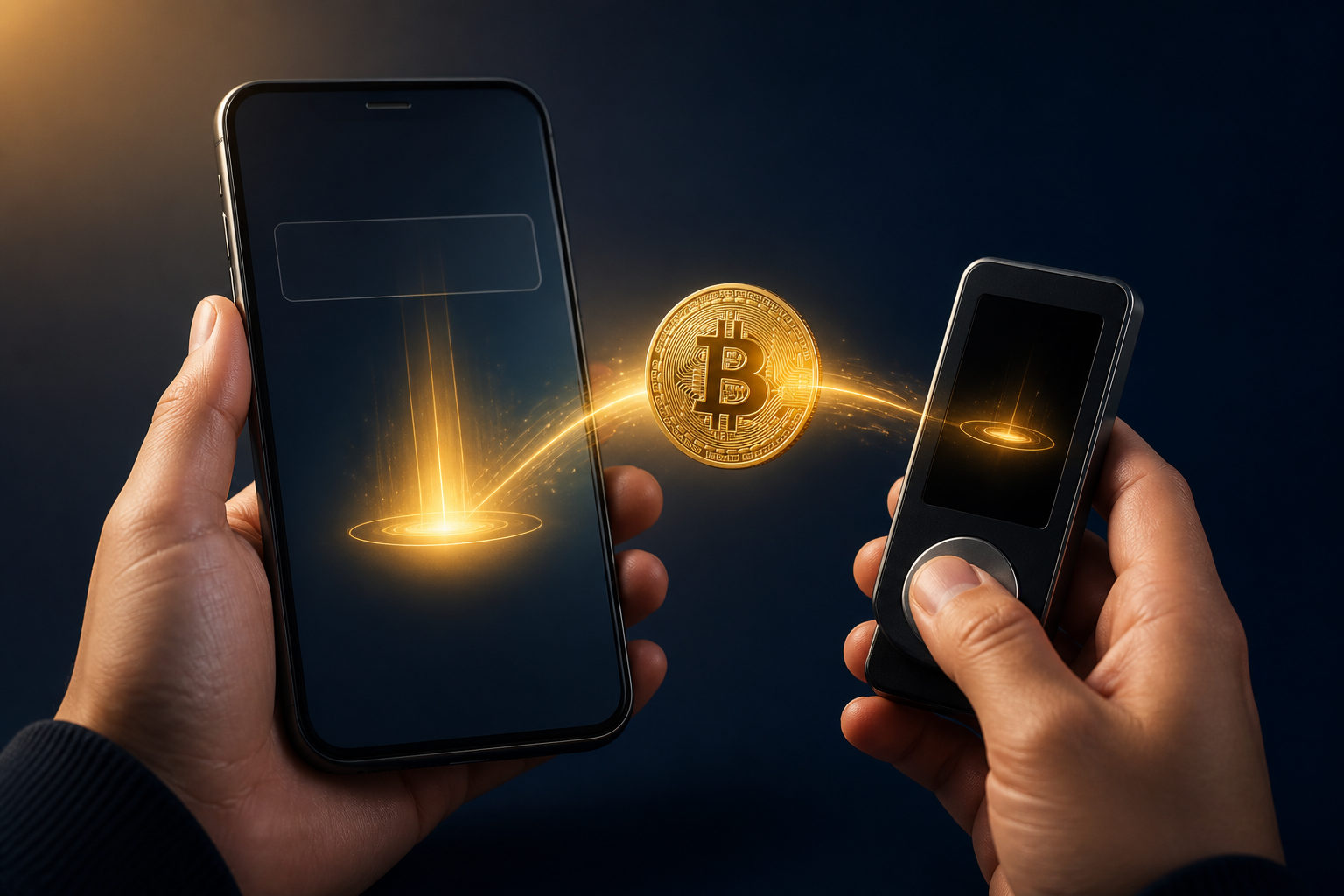
How to deposit bitcoin comes down to three steps: get the correct BTC deposit address, send from the place where you already hold bitcoin, and wait for blockchain confirmations.
First, know what “deposit bitcoin” means in your case
People use this phrase for different actions. Sometimes they want to move BTC into an exchange account for trading. In other cases, they want to transfer BTC into a personal wallet they control.
The flow is similar in both cases, but the checks are different. With an exchange deposit, the main job is reading the deposit page carefully. With a self-custody wallet, the bigger issue is whether you control your backup phrase, protect your device, and understand that you are responsible for access.
How to deposit bitcoin step by step
Open the receive or deposit page
Start at the destination. In an exchange app, this is usually the deposit page. In a wallet app, it is often labeled receive. That screen shows your bitcoin address, and many apps also show a QR code for scanning.
Do not type a bitcoin address by hand unless you have no other option. Copy and paste or scan the code instead, then still check the first part and last part of the address before sending.
Make sure the asset and network match
If you are depositing BTC, the receiving page must clearly be for bitcoin. A common mistake is assuming every deposit page works the same way, then sending to the wrong asset page or misunderstanding the network instructions.
If anything on the screen looks unclear, stop there. A short delay is far better than sending funds to the wrong place.
Send from your current wallet or exchange
Go back to the platform or wallet where your bitcoin is now held. Paste the receiving address into the send or withdrawal field, enter the amount, and review the network fee before confirming.
For a first transfer to a new address, a small test transaction is the safest move. Once that arrives correctly, you can send the rest with more confidence.
Wait for confirmations
Bitcoin transfers are not instant final settlements. The network produces a new block about every 10 minutes, so a deposit often needs time before the destination wallet or exchange marks it as completed.
Some services credit deposits after a certain number of confirmations. During that waiting period, your job is simple: verify that the address was correct and that the transaction was actually sent, then give the network time to process it.
Where people make mistakes when they deposit bitcoin
- Using the wrong address: even a small mistake can send funds somewhere else or cause the transfer to fail.
- Skipping the asset check: users see a deposit button and move ahead without confirming that the page is for BTC.
- Confusing account details with a blockchain address: a username, email, or account ID is not the same as a bitcoin receiving address.
- Sending the full amount first: this raises risk when you are dealing with a new destination.
- Repeating the action too soon: if the deposit is not visible right away, some users send again and create a bigger problem for themselves.
Another source of confusion is internal transfers. Some services move balances between users inside the same platform without creating a normal on-chain bitcoin transaction. Fast crediting in that case does not always mean it was a standard blockchain deposit.
Depositing to an exchange vs depositing to your own wallet
| Destination | Main thing to check | Common risk |
|---|---|---|
| Exchange account | Deposit page instructions and confirmation rules | Using the wrong deposit screen or ignoring platform requirements |
| Self-custody wallet | Backup phrase storage, address verification, device security | Losing access yourself or sending to a bad address |
If your goal is active trading, depositing bitcoin to an exchange may make sense. If your goal is long-term control of your coins, a personal wallet may fit better.
Neither choice is automatically better for everyone. What matters is understanding who controls the keys, who can access the funds, and who carries the risk if something goes wrong.
FAQ
Where do I find my bitcoin deposit address?
You can usually find it on the receive page of a wallet or the deposit page of an exchange. Before copying it, confirm that the page is specifically for BTC.
Why is my bitcoin deposit not showing up yet?
A bitcoin transfer needs blockchain confirmations before many services credit it. Network conditions, fee settings, and the destination platform’s rules can all affect how long that takes.
Should I send a small test amount first?
Yes, especially if you have never used that address before. A test transfer can catch address errors, network confusion, or workflow mistakes before you move a larger amount.
Can I cancel a bitcoin deposit if I entered the wrong address?
Usually not once the transaction has been broadcast and confirmed on the network. That is why checking the address before sending matters much more than trying to fix the problem later.
Is depositing bitcoin to an exchange the same as sending it to my own wallet?
No. With an exchange, the platform usually controls custody after the deposit. With a self-custody wallet, you control access yourself, which gives you more responsibility as well.
Use this checklist before you press send
- Confirm the destination page is for BTC.
- Make sure the address came from the official app or a trusted device.
- Check the beginning and end of the address.
- Send a small test amount first.
- Keep the transaction record and wait for confirmations before taking the next step.
If you are about to deposit bitcoin now, the safest approach is not speed. It is verifying the address, the destination, and the transfer details one more time before you send.