
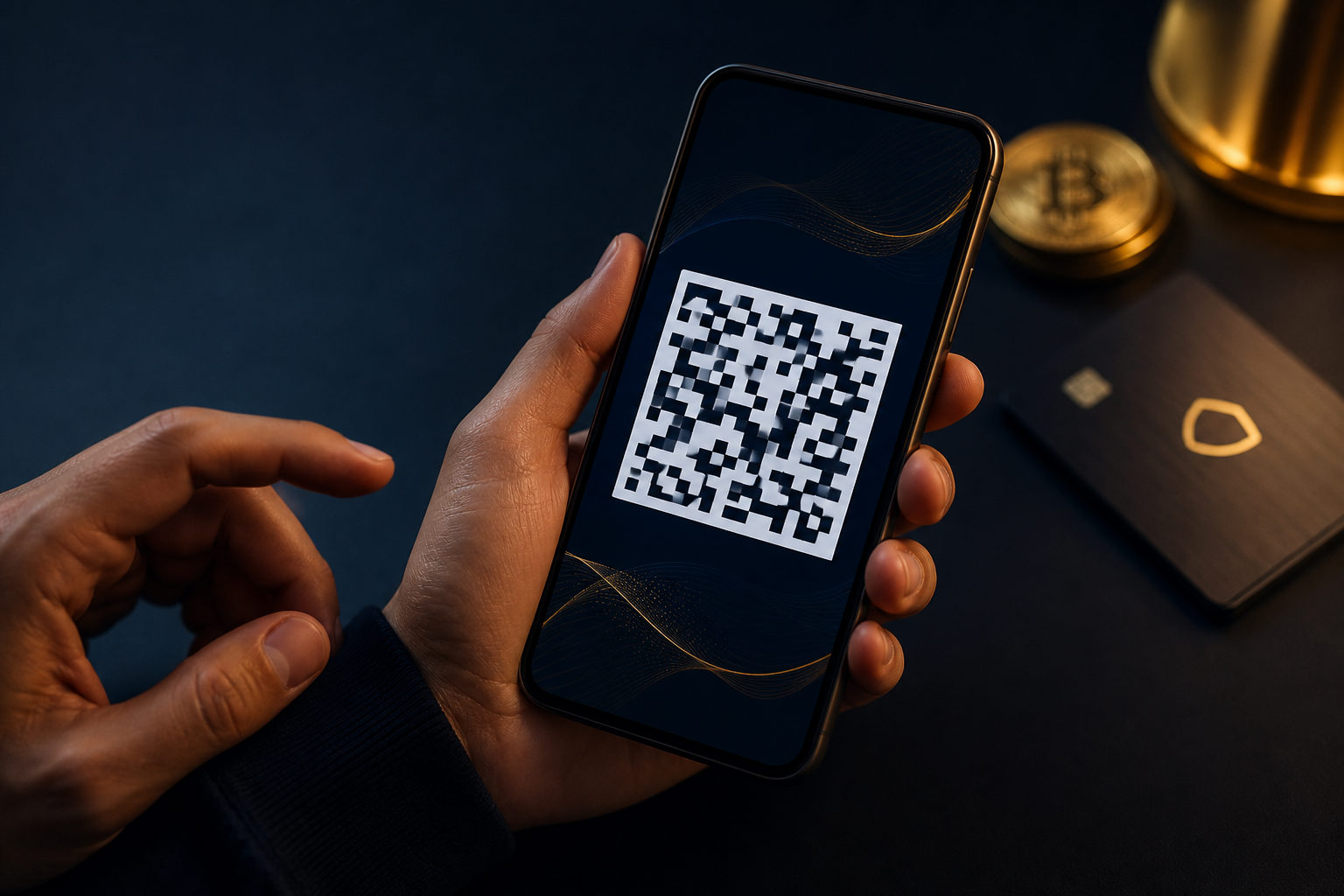
To know your Bitcoin address, open your wallet and go to the receive screen. Your Bitcoin address is for receiving funds; your private key or seed phrase is for control, and sharing them can put your coins at risk.
What a Bitcoin address actually is
A Bitcoin address is the identifier someone uses to send Bitcoin to you. In most wallets, it appears as a string of letters and numbers, and the same screen usually shows a QR code for easier scanning.
One wallet can generate more than one address. That does not always mean you have multiple wallets; in many cases, it is a normal privacy and account-management feature.
Where to find your Bitcoin address
If you are asking how to know your Bitcoin wallet address, the answer is usually simple: check the receive section of the wallet or platform you use. The exact label may be Receive, Deposit, or something similar.
In a mobile wallet
Open the app and make sure you are viewing the Bitcoin account, not another asset. Then tap the receive function, where the app will usually show both the address text and a QR code.
On an exchange account
If your Bitcoin is held on an exchange, go to your asset page and choose the option to deposit Bitcoin. The platform will show a deposit address for your account, but that is different from a self-custody setup where you hold the keys yourself.
In a desktop or hardware wallet
Desktop wallets often place the address inside an account details or receive tab. With a hardware wallet, the safer habit is to compare the address shown on the companion app with the one displayed on the device screen before you use it.
Common mistakes when checking an address
The main risk is not failing to find an address. The bigger problem is copying the wrong one, choosing the wrong network page, or exposing sensitive recovery data by mistake.
- Do not send your private key or seed phrase to anyone. A Bitcoin address can be shared for receiving funds. Recovery credentials cannot.
- Confirm you are on the Bitcoin receive page. Do not assume every deposit page in a crypto app is for Bitcoin.
- Check the first and last characters after copying. You do not need to read every character aloud, but a quick verification helps catch errors.
- Use a small test first when the transfer matters. This is especially useful with a new wallet, a new platform, or a large incoming payment.
- Be careful with clipboard malware. On a compromised device, copied addresses can be replaced before you paste them.
Address vs private key vs seed phrase vs QR code
These terms are often mixed together by new users, which leads to avoidable mistakes. Their roles are very different, and treating them as the same thing is dangerous.
| Item | Purpose | Safe to share? |
|---|---|---|
| Bitcoin address | Receive Bitcoin | Usually yes |
| QR code | Visual form of the address | Usually yes |
| Private key | Control and spend Bitcoin | No |
| Seed phrase | Restore wallet access | No |
You can think of the address as a receiving label. The private key and seed phrase are the credentials that control the funds, so they should stay offline and private.
A practical checklist you can follow every time
A short routine can prevent costly mistakes. This matters even more because Bitcoin transactions are commonly treated as irreversible once sent.
- Open the wallet or exchange account you actually use.
- Make sure the selected asset is Bitcoin.
- Go to the receive or deposit screen.
- Copy the address or show the QR code.
- Verify the beginning and ending characters.
- Do not share backup screens, seed phrases, or private keys.
- For an important transfer, start with a small test.
- Afterward, check the transaction record in your account.
If you use a custodial platform, it is also smart to confirm your account is in good standing before relying on it for a payment.
FAQ
Where do I see my Bitcoin receiving address?
In most wallets, it is on the receive screen. On exchanges, it is usually under deposit for Bitcoin, so make sure you selected Bitcoin before copying anything.
Why does my wallet show more than one Bitcoin address?
Many wallets generate fresh addresses as a normal feature. Different addresses can still belong to the same wallet as long as they were created and managed inside your wallet.
Is it safe to give someone my Bitcoin address?
Sharing a receiving address is a normal part of getting paid in Bitcoin. What you must keep private are your seed phrase, private key, backup files, and recovery details.
How can I make sure the address is really mine?
Copy it directly from your own wallet’s receive page rather than from an old screenshot or chat message. If you use a hardware wallet, compare the software display with the address on the device screen.
Can I reverse a transfer if the address was wrong?
In many cases, no. That is why checking the address, confirming the right asset, and using a small test transfer are practical habits rather than extra steps.
The next time you need to receive Bitcoin, pull the address directly from your wallet’s receive page, verify the asset and the first and last characters, and keep your seed phrase and private key offline at all times.