
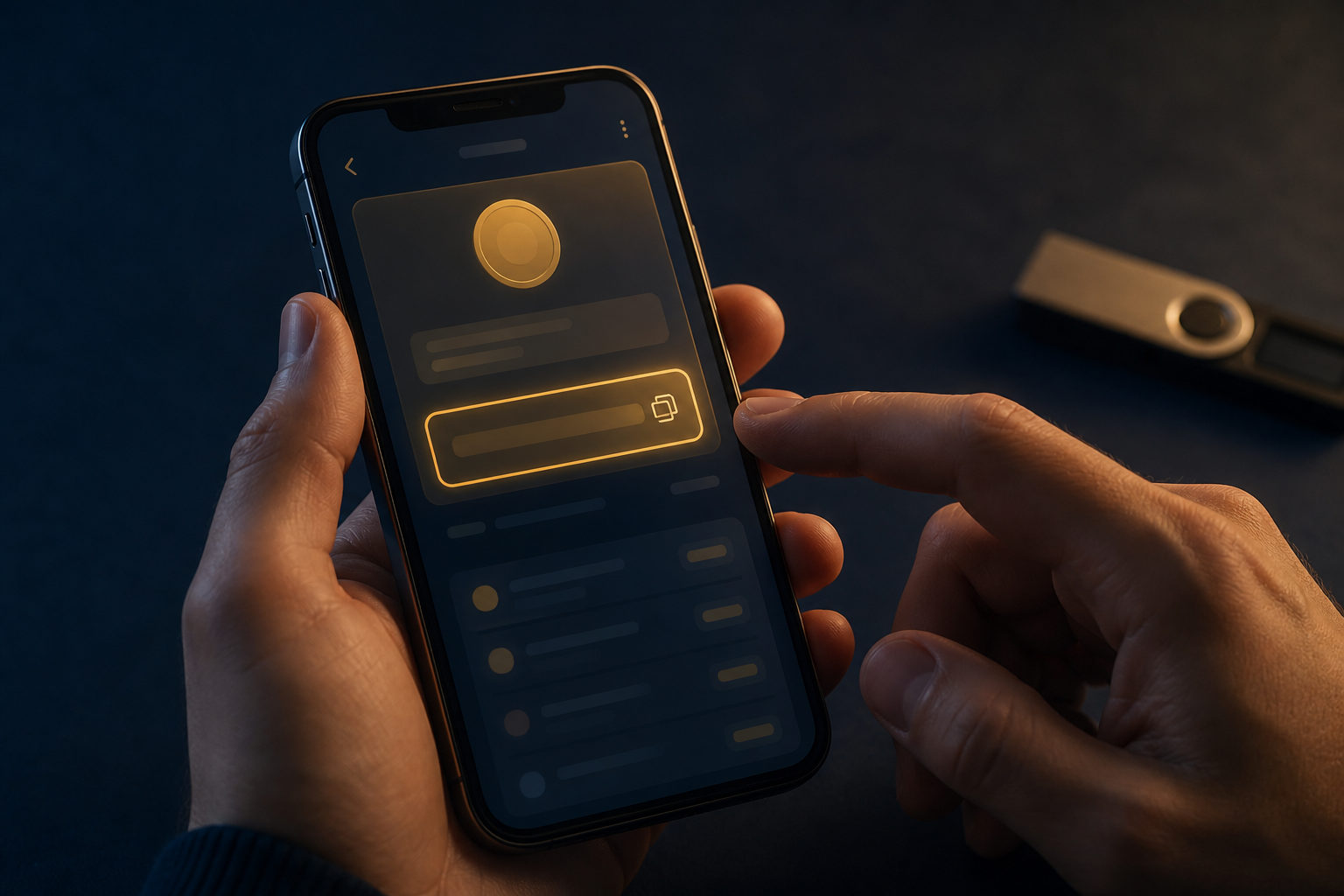
To find a bitcoin address, open a wallet or exchange account that supports BTC, go to the Receive section, and copy the address shown there. Before using it, check that you are on the Bitcoin network and never confuse a receiving address with a private key or seed phrase.
What a bitcoin address actually is
A bitcoin address is public receiving information used to accept BTC from another wallet or platform. It is meant to be shared for payment, which is very different from a private key or seed phrase that controls access to funds.
New users often mix up wallet names, account IDs, transaction hashes, and receiving addresses. In practice, the bitcoin address is usually the string of characters or QR code displayed on the wallet's receive screen.
Where to find your bitcoin address
In a self-custody wallet
If you use a mobile wallet, desktop app, or browser extension, open the BTC account first. Then look for a button labeled Receive, Request, or something similar.
That screen usually shows your bitcoin address and a QR code for scanning. Some wallets generate a fresh address from time to time for privacy reasons, so seeing a new one does not automatically mean anything is wrong.
In an exchange account
If your BTC is held on an exchange, go to the asset page, choose Bitcoin or BTC, and open the deposit section. The platform will usually assign a deposit address to your account.
This is one of the easiest places to make a mistake. Some platforms list several network options, and you need to choose the one that matches Bitcoin rather than a similar-looking option from another chain.
In a hardware wallet setup
Hardware wallets are commonly used together with companion software. You can open the BTC account in that software, enter the receive page, and then confirm the address on the device screen before using it.
That extra check matters. If your computer or phone is compromised, malware may try to replace a copied address, so confirming it on the hardware device adds an important layer of protection.
A practical checklist before you use the address
Finding the address is only the first step. Before you send it to someone or paste it into a withdrawal form, run through this checklist:
- Confirm the asset is BTC: make sure you are looking at the Bitcoin account, not another coin.
- Open the receive page: transaction history and withdrawal pages do not show the right receiving details.
- Verify the network: if the platform offers choices, select the Bitcoin network for BTC deposits.
- Check the first and last characters: after copying, compare the beginning and end of the address.
- Do a small test first: this is especially useful when sending to a new address.
- Protect your seed phrase and private key: a bitcoin address can be shared, but control credentials cannot.
Bitcoin transfers are generally not something you can cancel like a routine bank action. Once a transaction is sent and confirmed, recovery may be difficult or impossible.
Why people fail to find it even when they have a wallet
One common reason is simple: they are not in the BTC section. Many wallets support multiple assets, and the screens can look very similar at a glance.
Another reason is that an exchange may require account verification or security settings before showing a deposit address. If the address does not appear, review the account status, restrictions, and any prompts on the deposit page.
A more serious issue is misunderstanding what should be shared. A receiving address is public, but a seed phrase is the backup that can restore wallet control, and a private key is the credential that signs transactions.
| What you see | What it is | Should you share it? |
|---|---|---|
| Bitcoin address | Public receiving information for BTC | Yes, for payments |
| QR code | Visual form of the address | Yes, after checking it |
| Seed phrase | Wallet backup used for recovery | No |
| Private key | Credential that controls the funds | No, never |
FAQ
Where in my wallet should I look for my bitcoin receiving address?
In most wallets, it appears inside the BTC account under Receive or Request. If you only see activity history, you are probably still on the wrong screen.
Why does my bitcoin address look different each time?
Many wallets rotate receiving addresses to improve privacy. That behavior can be normal, and it does not by itself mean your funds moved or disappeared.
Is an exchange deposit address the same as a wallet address?
Both can receive BTC, but the control model is different. An exchange manages the address on your behalf, while a self-custody wallet puts backup and security responsibility on you.
Is it safe to give someone my bitcoin address?
Sharing a receiving address is generally fine because it is meant for incoming payments. What must stay private are your seed phrase, private key, login details, and security codes.
Why should I send a small test transaction first?
Errors often come from copying the wrong address, picking the wrong network, or using the wrong account. A small test can confirm the full flow before you move a larger amount.
The address is shareable; wallet control is not
If you want a simple rule to follow, use this one: find the BTC receive page, confirm the network, compare the first and last characters, and test with a small amount first. If anyone asks for your seed phrase or private key while claiming they need it to send you bitcoin, stop immediately.