
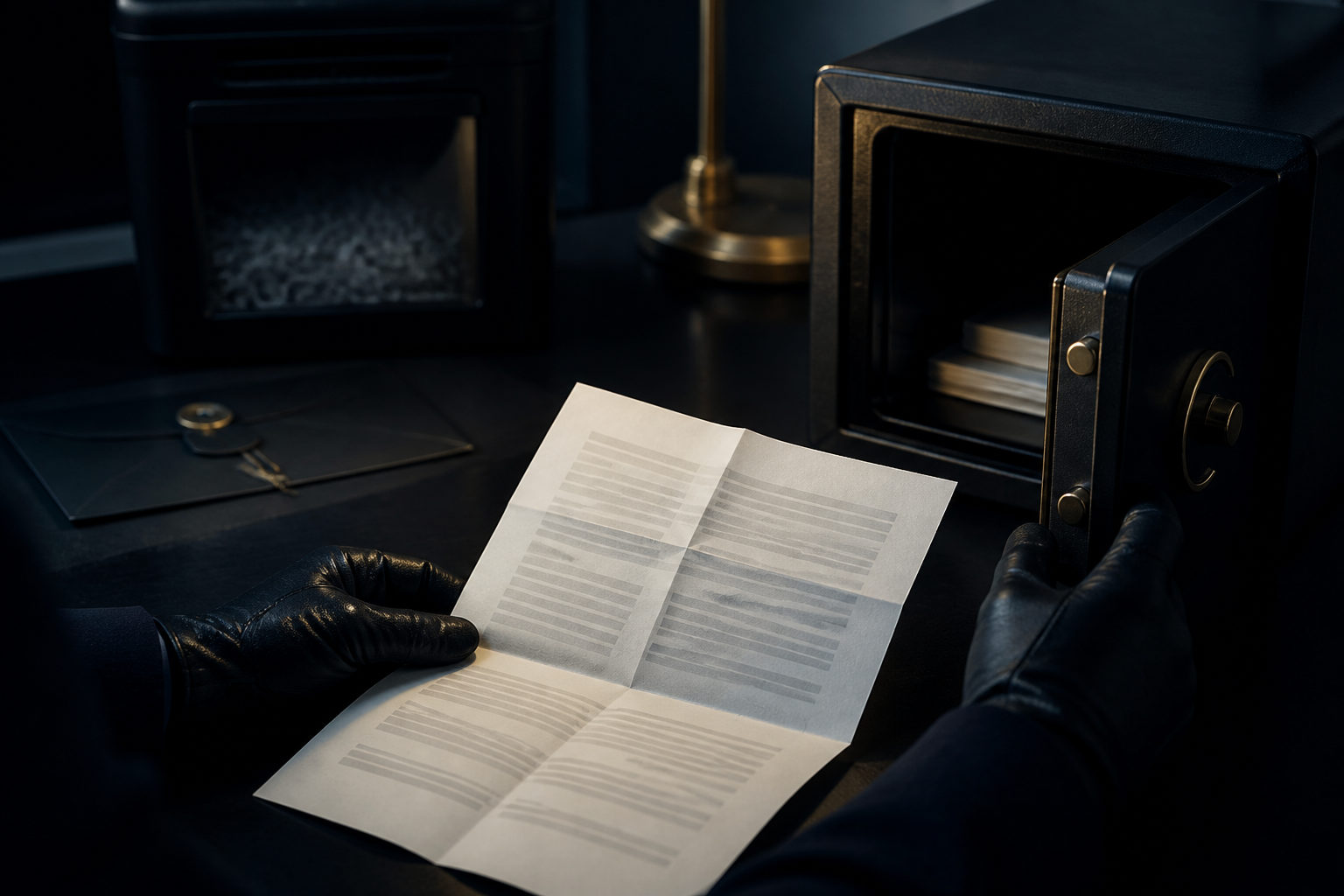
Printing a Bitcoin multisig descriptor can be safe, but only if you first verify what the file contains and control the full path from export to storage to disposal.
What a printed multisig descriptor can expose
The key question is not whether the document is called a descriptor. The real question is what data sits inside it. In many setups, a multisig descriptor includes extended public keys, derivation paths, script rules, and the signing threshold. That usually does not give someone the power to spend funds by itself, yet it can reveal how your wallet is built, which addresses belong together, and how future activity may be tracked.
A different case is far more serious. Some wallet exports, backup bundles, or user-made notes mix descriptors with seed words, private keys, passphrases, or device recovery material. Once that happens, the safety profile changes completely. A person who asks whether it is safe to print a Bitcoin multisig descriptor may think they are handling watch-only data, while the page in front of them actually contains spend-critical information.
| Printed content | Main risk if exposed | Good candidate for paper backup? |
|---|---|---|
| Extended public keys plus multisig rules | Wallet structure and address privacy may be exposed | Possibly, with care |
| Device fingerprints, paths, operational notes | Recovery becomes easier, but so does identification | Only if each field is truly needed |
| Seed words or private keys | Funds may be taken if other conditions are met | No |
| Names, email addresses, personal labels | On-chain activity may be tied to a real person | No |
The bigger risk is often the print workflow, not the paper
People often focus on the final sheet of paper: can it be locked away, hidden, or laminated. That matters, but the print path often leaks more than the sheet itself. Exporting the file on a networked computer, moving it to a phone, sending it through email, pasting it into a cloud document for formatting, or using remote print features can leave copies in places you never meant to use as storage.
Even if you delete the original file, systems may keep previews, caches, print history, temporary files, or sync copies. Shared printers add another layer of exposure. Office devices, public copy shops, and managed print systems may queue jobs, store logs, or let someone else see pages left in the tray. A bystander does not need deep Bitcoin knowledge to recognize that a page full of xpub-like strings, QR codes, or multisig notes is important.
This is why the answer to “is it safe to print bitcoin multisig descriptor” depends as much on process as on content. A harmless-looking descriptor can become a risky document if your workflow spreads it across too many devices or services.
| Stage | Warning sign | Safer response |
|---|---|---|
| Export | The file is saved into a synced folder by default | Choose a local location you control |
| Transfer | You send it through chat, email, or cloud storage | Keep the file on one controlled device if possible |
| You use a shared or managed printer | Prefer a printer under your own control | |
| Cleanup | Draft pages, test pages, and jammed sheets are ignored | Collect and destroy all leftovers immediately |
Red flags that should make you stop before printing
One red flag is any guide that tells you to print everything together. If seed words, descriptors, passphrase hints, account labels, and device information end up on one page or in one envelope, a single mistake can expose far more than it should. Multisig is often chosen to split risk across components. Bundling those components back together defeats part of that design.
Another red flag is sloppy language around watch-only data and spend authority. A descriptor may let someone reconstruct addresses or import the wallet into a watch-only setup. That still matters. They may learn where funds move, which outputs belong together, or when a wallet is active. Any advice that treats descriptor exposure as “no problem” without checking its actual contents is too broad to trust.
A third warning sign is heavy use of QR codes with no explanation of what they encode. QR is only a format. It can hold harmless metadata, or it can hold highly sensitive recovery data. If you cannot decode or otherwise inspect what is inside before printing, you are working blind.
There is also a simple social signal to watch for: if a setup requires outside help, public printing, or ad hoc notes made in haste, risk rises fast. The more people and devices touch the material, the less confidence you should have in the secrecy of the final result.
How to handle paper backups without turning them into a weak point
Start with minimization. Print only the fields needed to restore the multisig setup. Remove personal labels, account nicknames, contact details, and explanatory notes that tie the document to your identity. A useful backup does not need to advertise who owns it or what amount it protects.
Before printing, inspect the file in a controlled environment. If you do not understand whether a line represents an extended public key, a derivation path, a private key, or something more sensitive, pause there. Guessing is a poor security method. You want to know what each block of information does before committing it to paper.
During printing, use equipment you control whenever possible. Stay present while the job runs, retrieve every page, and look for duplicate pages, printer test sheets, and partial pages from jams. Those scraps are often where real leaks happen. A formal backup may be protected well, while a discarded misprint ends up in ordinary trash.
After printing, do not store the descriptor in the same place as seed words, private keys, or other signing material. Keep the recovery components separated in a way that preserves the point of multisig. If you later rotate wallets, change setup details, or replace a signer, make sure outdated pages are clearly retired and destroyed. Stale paper backups can cause both privacy problems and recovery confusion.
| Phase | Best move | Why it matters |
|---|---|---|
| Before printing | Confirm the file contains no seed words, private keys, or identity clues | Prevents a paper copy from becoming a spending secret |
| While printing | Use controlled equipment and recover all pages | Reduces copy leakage and casual observation |
| After printing | Store the descriptor apart from signing secrets | Keeps multisig risk separation intact |
| When updating | Retire and destroy old versions | Avoids confusion and stale exposure |
FAQ
Can someone steal my bitcoin if they find a printed multisig descriptor?
Not always. If the page contains only extended public keys and policy details, it usually does not give direct spending power, but it may still expose wallet structure and transaction privacy.
Is printing only the QR code safer than printing the text?
No automatic safety comes from using a QR code. The important part is the payload, so you should inspect what the code represents before deciding to print it.
Should I keep the descriptor in the same place as seed words for convenience?
That weakens the separation multisig is meant to create. Convenience may improve, but one physical compromise can then expose too many recovery elements at once.
Is a home printer safe enough for this?
It can be safer than shared equipment if you control the device and the computer used to print. You still need to think about local file storage, print history, and any leftover pages.
What if I want family members to recover the wallet later?
Give them enough information to identify the document and its role, but avoid packing every secret and every personal note into one sheet. Clear separation is often better for both security and future recovery.
Before you print, ask a practical question: if this page falls into the wrong hands, what exactly does it reveal, and what does it still leave out? That answer should decide whether your Bitcoin multisig descriptor belongs on paper at all.