
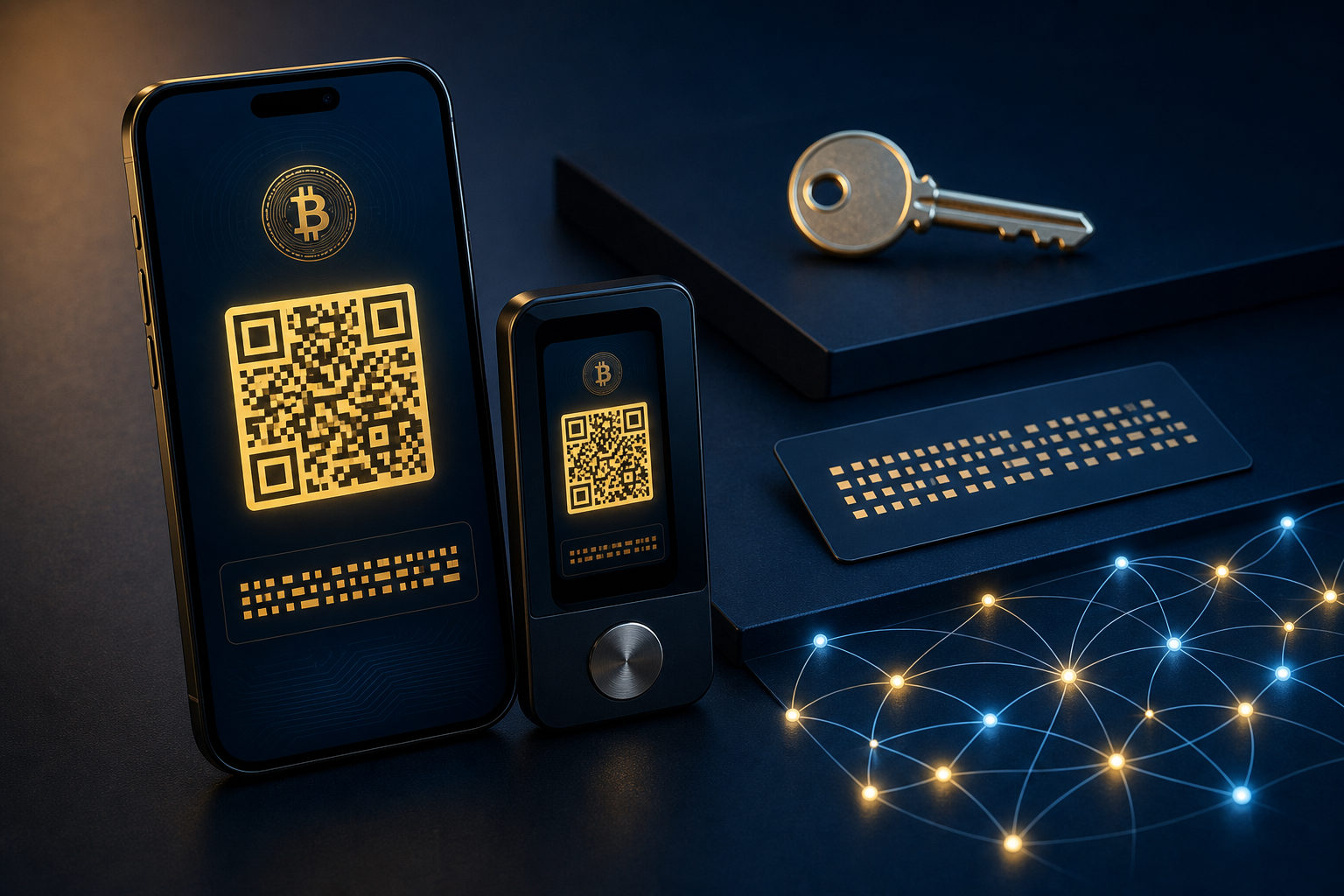
To check a Bitcoin wallet address, open your wallet’s receive screen and copy the BTC address shown there. Before you share it, confirm it is a Bitcoin receiving address, not a seed phrase, private key, or an address for another network.
What you are actually looking for
People who search how to check bitcoin wallet address are often dealing with two separate problems. One is the basic task of finding the receive screen. The other, which matters more, is telling a public wallet address apart from sensitive recovery data.
A Bitcoin wallet address is meant for receiving funds. You can share it with the sender. A private key or seed phrase is completely different: it gives control over the wallet itself and should never be sent to anyone, including someone claiming to be support staff.
This distinction matters because Bitcoin transfers are usually irreversible once broadcast and confirmed. If you give someone the wrong receiving details, or if you expose recovery credentials by mistake, the damage can be hard to undo. So the safe workflow is simple: find the correct receive page, verify what you are looking at, then copy and share only that address.
Where to find a Bitcoin wallet address in different wallet types
Exchange or custodial account
If your Bitcoin is held on an exchange or another custodial platform, go to your asset page, select BTC, and open the deposit, receive, or add funds section. The platform should show a wallet address and often a QR code. That is the information a sender needs to transfer Bitcoin to you.
The main risk here is confusion between assets and networks. Some platforms support many coins and several deposit routes. If the screen asks you to choose a network, slow down and confirm that the page is specifically for BTC deposits. Do not rely on memory, icons, or a partial label.
Mobile wallet
In a mobile wallet, the process is usually straightforward. Open the app, tap your Bitcoin balance or BTC account, then choose Receive. Most apps will display the receiving address in text form along with a QR code and a copy button.
Some wallets generate a fresh receiving address from time to time. That is normal and often tied to privacy. Another common point of confusion is the wallet nickname or account label shown near the address. The nickname is only for your own organization. The actual receiving information is the address string or its QR code.
Desktop wallet
Desktop wallets often split functions into Send and Receive tabs. To check a Bitcoin wallet address, open Receive rather than transaction history or settings. Some software also lets you label addresses for bookkeeping, which can be useful if you separate personal receipts from business payments.
If you manage more than one wallet file or more than one account, verify you are in the right one before copying anything. A wrong address copied from the wrong account is still a valid address, which makes this kind of mistake easy to miss until it is too late.
Hardware wallet
With a hardware wallet, the safest practice is to check the address in two places: in the companion app and on the hardware device screen itself. If both match, you can be much more confident that the address has not been altered by malware on the computer or phone you are using.
This extra check matters most when the amount is meaningful to you. The device screen acts as an independent confirmation source, which is one of the main security benefits of using hardware in the first place.
What to verify before you share the address
Knowing where the address sits in the app is only part of the job. Safe handling comes from a short verification routine you repeat every time.
- Confirm the asset: make sure the screen clearly shows BTC.
- Confirm the function: you are on the receive or deposit page, not a backup, export, or send screen.
- Confirm the network context: the sender is transferring Bitcoin, and you are providing Bitcoin receiving details.
- Confirm the source: use the official wallet app, the official desktop client, or the hardware wallet companion software.
- Confirm the copied result: after copying, compare the beginning and ending characters with what the wallet shows.
- Confirm what you share: send the plain address or QR code only, not a screenshot filled with balance data, account names, or transaction history.
If the transfer is important, ask for a small test transaction first. That one habit can catch wrong-network mistakes, clipboard tampering, and plain human error before the full amount is sent.
Public address vs private key: the mistake that causes real loss
The most dangerous misunderstanding is treating every string in a wallet as if it were just another address. It is not. A Bitcoin address is public receiving information. A seed phrase or private key is a recovery and control credential. Anyone who gets it may be able to access the wallet.
A simple rule helps here: if a piece of information can restore the wallet, sign transactions, or move funds, do not share it. That includes seed phrases, private keys, backup files, and any export data that grants control.
Clipboard replacement malware is another practical threat. A compromised device can swap the address you copied and replace it with an attacker’s address. The defense is not complicated. After pasting, compare the first and last characters against the original receive screen. For larger transfers, verify the address on a second trusted device or on the hardware wallet screen.
Privacy deserves attention too. A wallet address can be shared, but a full screenshot may reveal much more than intended: balances, wallet labels, recent activity, or device details. If you only need to receive Bitcoin, send only the text address or the QR code.
Why the address may change, and whether old ones still work
Many wallets present a new receiving address from time to time. That design supports privacy by making it harder for outside observers to connect all of your receipts to a single visible address. So if you open the receive page and see a different address than before, that does not automatically mean something is wrong.
Whether an old address still works depends on how the wallet manages addresses internally. Many wallets can still recognize funds sent to earlier addresses under the same wallet, but that does not mean you should keep reusing old screenshots. The safer habit is to open the wallet and use the address it shows right now.
Custodial platforms can behave differently. Some keep a stable deposit address for long periods. Others may update deposit details after account changes or internal policy adjustments. That is why checking the live deposit page before every important transfer is safer than relying on an address saved months ago.
FAQ
Where should I go if I want to find my Bitcoin receiving address?
Go directly to the wallet or exchange account you currently use and open the BTC receive or deposit screen. Avoid pulling an address from an old screenshot, a message thread, or a search result page.
Is a QR code different from the wallet address itself?
They usually represent the same receiving information in two formats. The QR code is easier to scan, while the text form is easier to copy and compare.
Why does my wallet show a different address on the receive screen?
That is often a normal privacy feature. If the address appears inside the same wallet you control and the screen clearly says it is for receiving Bitcoin, the change is usually expected behavior.
Is it safe to send my Bitcoin wallet address to someone?
Yes, sharing a receiving address is a normal part of getting paid in Bitcoin. The unsafe part is sharing your seed phrase, private key, backup data, or a screenshot that exposes sensitive account details.
How can I tell whether the address I copied was changed?
Compare the first and last characters after pasting, then check them against the wallet’s receive screen again. If you use a hardware wallet, confirm the same address on the device display before using it.
Use this checklist before you send the address out
- Open the official wallet app or a trusted exchange account and go to the BTC receive page.
- Make sure the screen is for Bitcoin, not another asset or another network.
- Copy the address and compare its beginning and ending characters.
- If you use a hardware wallet, confirm the address on the device screen too.
- Share only the address or QR code, never the seed phrase, private key, or backup material.
- Ask the sender to confirm the asset and receiving details before sending.
- If the amount matters, start with a small test transaction.
If you are still unsure how to check bitcoin wallet address details safely, stop at the receive screen and verify three things before anything moves: that it is BTC, that the address is complete, and that you are sharing a public receiving address rather than a credential that controls the wallet.