
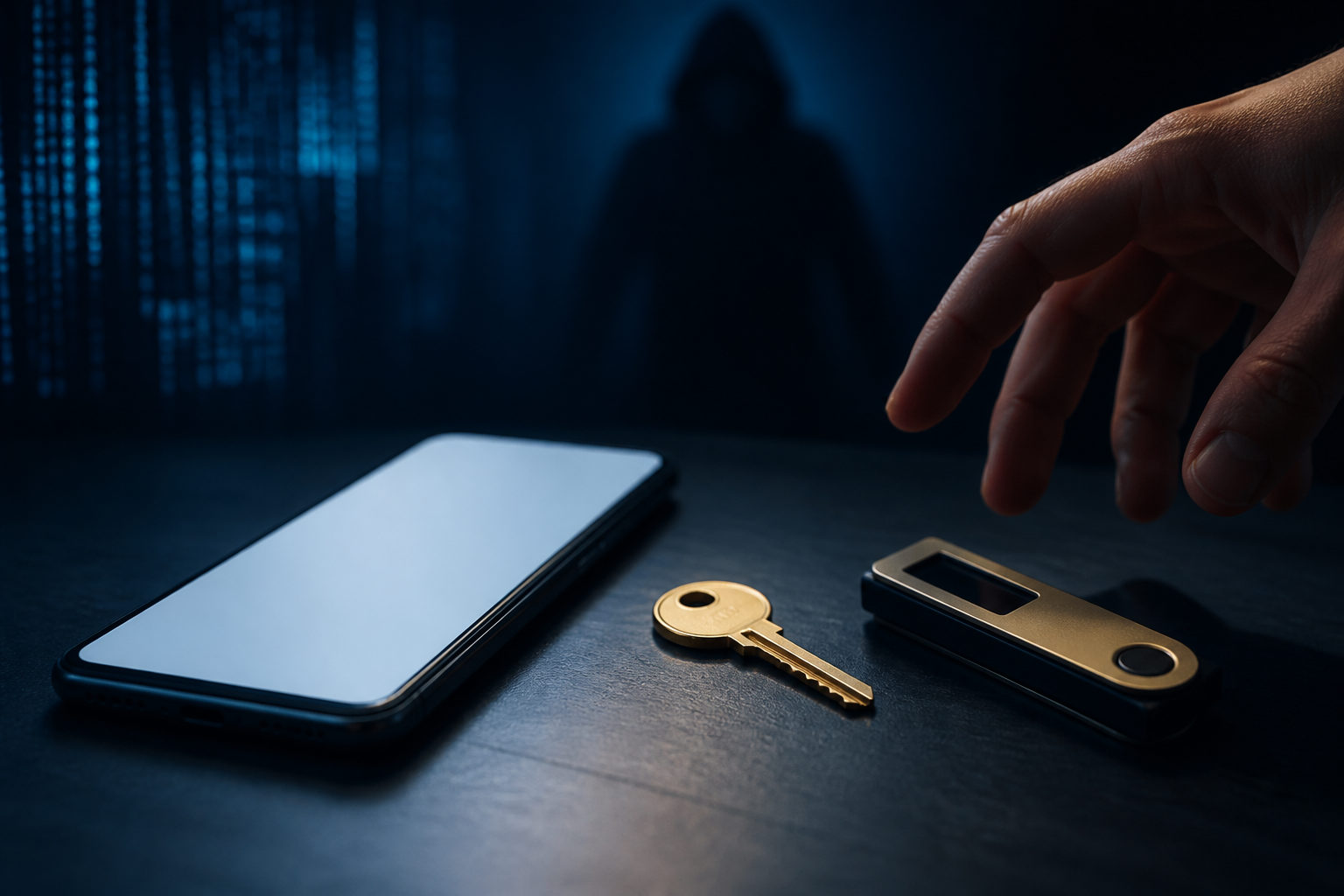
A bitcoin wallet can be hacked, but in most cases the attacker is really after your private key, seed phrase, device, or transaction approval. Once bitcoin is sent on-chain and confirmed, reversing it is usually not an option.
What “wallet hacked” usually means
People often say their wallet was hacked as if it were one single failure. In practice, several different things can happen: a fake wallet app can trick you, a malware infection can watch what you type, a phishing page can collect your seed phrase, or a compromised device can alter the address before you send funds.
A wallet is mainly a tool for generating addresses, viewing balances, and signing transactions. Control over bitcoin comes from the private key. The seed phrase is the recovery path for that control. If someone gets the phrase, they can often restore the wallet elsewhere and move the funds without needing your device again.
| Item | What it does | Main risk if exposed |
|---|---|---|
| Wallet app | Displays balances and signs transactions | Can mislead you or expose sensitive actions on a compromised device |
| Private key | Proves spending authority over an address | An attacker can move bitcoin directly |
| Seed phrase | Restores the full wallet | Often gives away complete control |
| Device | Hosts the wallet and your input environment | Malware, screen capture, or clipboard tampering can interfere |
| Transaction confirmation | Your final approval step | A wrong address or amount can create permanent loss |
That is why wallet safety is never only about choosing a popular app. It also depends on where your recovery phrase is stored, how clean your device is, whether your account security is strong, and how carefully you review each outgoing transaction.
Common attack paths happen off-chain
Most retail users do not lose bitcoin because the Bitcoin network itself was broken. The more common route is off-chain: phishing sites, fake apps, malicious browser extensions, remote access tools, account takeover attempts, and social engineering messages that pretend to offer support.
These attacks work because they blend into normal behavior. Someone searches for a download page, installs a file from a chat app, stores a seed phrase in cloud notes, or lets another person “help” through screen sharing. The user feels they are solving a problem. The attacker is collecting access.
| Attack method | Typical setup | What to watch for |
|---|---|---|
| Phishing page | Fake login or wallet recovery screen | Never enter a seed phrase or private key on an unknown page |
| Fake wallet app | Similar name and icon to a real product | Download only from the official published source |
| Clipboard malware | Copied address gets replaced silently | Check the destination address before signing |
| Social engineering | Impersonated support or community admin | No legitimate helper needs your seed phrase |
| Cloud leakage | Photos, notes, or backups synced online | Keep recovery data off internet-connected services |
| Remote access scam | Someone asks to control your device | Do not handle transfers while another party can view or control the screen |
If you use a custodial wallet, there is another layer of exposure. Your risk is tied not only to your own behavior, but also to the provider’s account system, internal controls, recovery process, and security practices.
Custodial and self-custody wallets fail in different ways
The word wallet covers products with very different trust models. In a custodial setup, the service holds the keys and you access bitcoin through an account. In a self-custody setup, you hold the recovery material and the spending authority rests with you.
Both can be attacked, yet the failure point is different. With custody, the weak spots often include password reuse, weak account protection, poor provider security, or abuse of the account recovery flow. With self-custody, the major risks are seed phrase exposure, signing the wrong transaction, and using an infected device.
| Wallet type | Who controls the keys | Main exposure | What happens after a mistake |
|---|---|---|---|
| Custodial | Provider | Account theft, provider-side incident, flawed recovery process | There may be a support path, but no guarantee |
| Self-custody | User | Seed phrase leakage, device compromise, bad transaction approval | Recovery usually depends on your own backup and response |
So the better question is not simply whether a bitcoin wallet can be hacked. Ask where the keys are, who can reset access, what would happen if your device were compromised, and whether a single mistake would expose all funds at once.
A practical checklist that lowers the odds of loss
Most users do not need advanced security theater. They need a short list of habits that remove the easiest attack opportunities.
| Situation | Better practice | Why it matters |
|---|---|---|
| Creating a wallet | Write down the seed phrase offline and avoid screenshots or copy-paste | Reduces cloud sync, clipboard, and photo backup exposure |
| Storing backup | Keep it offline and separate copies by location | Helps against both loss and single-point exposure |
| Daily spending | Separate spending funds from long-term holdings | Limits damage if one device is compromised |
| Account access | Use a strong password and enable two-factor authentication where available | Makes account takeover harder |
| Installing software | Use the official published source only | Fake installers are a common entry point |
| Sending bitcoin | Review address, network, amount, and prompt details before approval | Signed transactions are usually final |
| Changing devices | Confirm your backup works before moving funds or retiring the old device | Prevents lockout during migration |
| Asking for help | Describe symptoms without sharing recovery data | Many “support” contacts are theft attempts |
One warning deserves to stand on its own: anyone who gets your seed phrase usually gets your bitcoin. A real support team does not need it. A real wallet provider does not need it. A real recovery process should not ask you to paste it into a chat window.
Transaction review also matters more than many users think. If the address was copied from another app, if a browser extension is requesting approval, or if somebody is rushing you through the process, slow down and read the prompt carefully. If you do not understand what you are signing, stop there.
What to do if something feels wrong
If you suspect your device is compromised or your recovery phrase has been exposed, stop entering passwords, codes, and wallet data in that environment. Continued use can give the attacker more information and more time.
If you still control the funds, move them from a trusted device to a newly created secure wallet, then investigate the old environment afterward. Look for malicious extensions, remote control tools, suspicious sync activity, and unexpected account access. The order matters: secure control first, investigate second.
| Warning sign | First move | Avoid this mistake |
|---|---|---|
| Seed phrase may be exposed | Create a new wallet and move funds promptly | Continuing to use the old recovery phrase |
| Device may be infected | Use a trusted device for sensitive actions | Repeatedly logging in on the same suspect machine |
| Address appears altered | Cancel and verify the destination again | Relying on memory or partial checks |
| Custodial account shows strange access | Change the password and review two-factor settings | Clicking a “recovery” link sent by a stranger |
| You approved something suspicious | Pause further activity and assess related exposure | Making another large transfer in the same setup |
Bitcoin gives users direct control, and that control cuts both ways. If a mistaken transfer is confirmed on-chain, there is often no equivalent of a card chargeback or a bank-side reversal. The final click carries real responsibility.
FAQ
Is a well-known wallet enough to keep bitcoin safe?
No. A reputable wallet can reduce some software risk, but it cannot protect you from a stolen seed phrase, a compromised device, or a phishing page that tricks you into handing over recovery data.
Security comes from the full setup, not the brand name alone.
Can a hardware wallet still be hacked?
A hardware wallet can reduce online exposure, which is why many people use one for longer-term storage. It still does not fix bad backups, exposed seed phrases, or careless transaction approval.
The device lowers part of the risk surface. It does not remove user responsibility.
What is the difference between a seed phrase and a private key?
A private key is the spending authority for bitcoin. A seed phrase is commonly used to restore the wallet that generates and manages those keys.
Users are more likely to see the seed phrase during setup, which is one reason attackers try so hard to steal it.
Is checking only the first and last characters of an address enough?
It is better than sending blindly, but it may not be enough in a hostile environment. Some malware swaps in an address that looks similar at a glance.
For an important transfer, verify carefully and consider a small test transaction first.
If I forgot my wallet password but still have the seed phrase, can I recover access?
In many cases, yes. A valid seed phrase can usually restore the wallet on a trusted device.
After recovery, review how you store backups so the same weakness does not remain in place.
If you want one immediate action, check whether your seed phrase is sitting in photos, notes, chat history, or any cloud-synced app. Then confirm your wallet software came from the official source and review the full destination details before your next bitcoin transfer.