
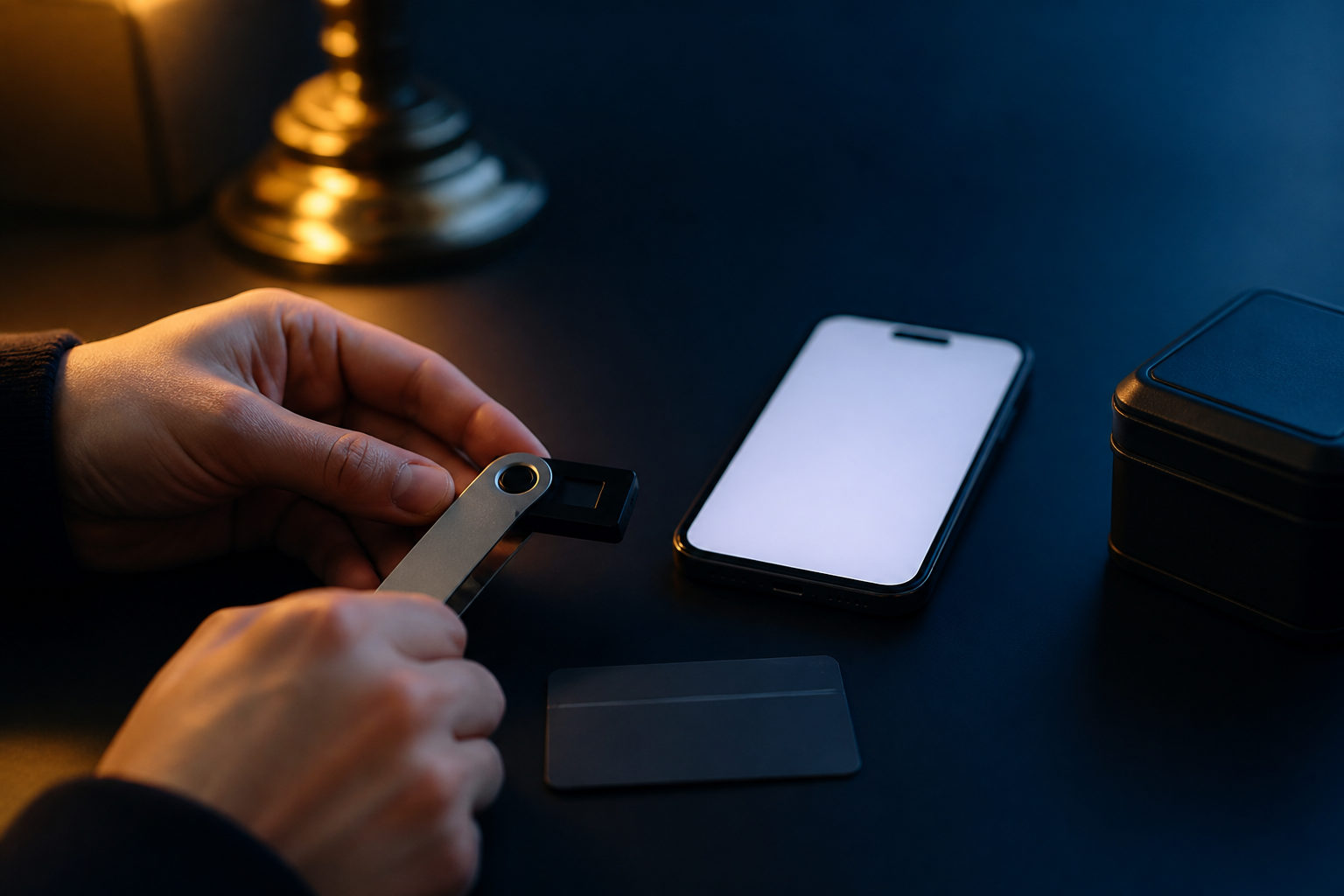
To set up Bitcoin, you do not “open a Bitcoin account” in the usual sense. You set up a wallet, secure its recovery data, and test a small receive-and-send flow before trusting it with meaningful funds.
What “set up Bitcoin” really means
When people search for how to set up bitcoin, they usually want to know how to start using it safely. Bitcoin is a network and asset system, not a single company app with a master customer service desk. The network began with the genesis block on 2009-01-03, and its total supply is capped at 21,000,000 BTC.
Your practical starting point is a wallet. A wallet generates addresses, shows balances, and signs transactions with private keys. The coins are not stored inside your phone or laptop like local files; what matters is control over the keys that let you authorize movement on the network.
This distinction changes how setup should be done. If you only create an exchange account, you may gain exposure to BTC, but the platform is still holding the keys for you. If you want to actually set up Bitcoin for personal use, you should learn the basics of self-custody, even if you begin with a small amount.
| Item | What it does | Why it matters during setup |
|---|---|---|
| Wallet app or hardware wallet | Creates addresses and signs transactions | This is the main tool you configure |
| Recovery phrase or private key material | Restores access if the device is lost | It is the single most sensitive part of setup |
| Receiving address | Lets someone send BTC to you | You need to know where to find and verify it |
| Fee selection | Affects confirmation priority | You should understand the wallet prompts before sending |
Choose your setup path before you install anything
There is no universal best wallet for every user. The right setup depends on how you plan to use Bitcoin. A software wallet is usually the easiest place to start because it gives you a direct way to receive, send, and learn the flow on a phone or computer. A hardware wallet makes more sense for people who plan to hold for longer periods and want stronger separation between private keys and internet-connected devices.
Some people begin on an exchange because buying is simple there. That can be a reasonable first step, but it is different from completing your own Bitcoin setup. If your goal is to understand real ownership, you should still create a wallet you control and practice with a small transfer.
| Option | Best for | Main strength | Main tradeoff |
|---|---|---|---|
| Software wallet | Beginners and small everyday use | Fast to install and easy to access | Security depends more on the device you use |
| Hardware wallet | Long-term holders | Keeps signing operations on a dedicated device | More steps during initial setup |
| Exchange account | People who only want to buy first | Low friction at the start | You do not control the keys |
If this is your first time, a software wallet is often enough to learn the essentials. You can always move to a hardware wallet later once the process feels familiar and your storage needs change.
Step-by-step: how to set up Bitcoin safely
1. Create a new wallet
Install a wallet from a trusted provider and choose the option to create a new wallet. During setup, the app will usually show you a recovery phrase. Slow down here. This stage matters far more than picking a color theme or finishing the process quickly.
2. Back up the recovery phrase offline
Write the recovery phrase down carefully in the exact order shown. Do not save it in cloud storage, email drafts, chat apps, or screenshots. If someone gets that phrase, they may be able to restore the wallet elsewhere and move your BTC without touching your device.
This is the part many beginners underestimate. A wallet password protects local access to the app, but the recovery phrase protects ownership itself. Treat it as the master restore key to the wallet.
3. Add device-level protection
Set a strong wallet password if the wallet supports one, and keep your phone or computer locked with standard device security. Fingerprint or face authentication can help with daily access, though they should not replace understanding your backup procedure. If the wallet offers advanced passphrase features, do not enable them casually unless you fully understand how recovery changes.
4. Find your receiving address
After setup, open the receive screen and locate your Bitcoin address or QR code. This is what you will use to accept BTC. For a first attempt, avoid moving a large amount. Send a small test transaction so you can confirm that the address was copied correctly and that the wallet displays the incoming payment as expected.
5. Wait for confirmation, then try a small outgoing transfer
Bitcoin targets roughly 10 minutes per block, so transfers are not designed to behave like instant chat messages. The actual wait depends on fee conditions and how the receiving service counts confirmations. Once your small test amount arrives, send a small amount out as well. That second step teaches you more than reading ten guides, because you see address review, fee selection, and transaction history in real use.
| Step | Your action | Common mistake |
|---|---|---|
| Create wallet | Initialize a brand new wallet | Rushing through security prompts |
| Back up recovery data | Write it down offline and review it | Saving it on an internet-connected device |
| Secure the device | Use app password and device lock | Relying on only one weak protection layer |
| Test receive | Send a small amount to your new address | Skipping the test and moving too much too soon |
| Test send | Transfer a small amount out | Failing to verify the destination address |
Problems that usually appear after setup
The first problem is confusing access with ownership. Seeing BTC in an exchange balance can feel the same as holding it in your own wallet, but the risk profile is different. In self-custody, you are responsible for backup quality, address checks, and recovery planning.
The second problem is bad backup hygiene. Many users write down the phrase and then take a picture of it “just in case.” That one extra step can put the most sensitive information on the same device that is used every day for browsing, messaging, and app installs. A separate offline backup is far safer.
The third problem is not understanding fees and confirmation expectations. Most wallets estimate network fees for you. You do not need to memorize fee math on day one, but you should know that speed is not fixed and higher urgency usually means paying more. Bitcoin’s smallest unit is 1 satoshi, equal to 0.00000001 BTC, so wallet interfaces may show amounts in BTC, sats, or both.
A fourth issue appears when people skip recovery practice. If you have never checked that your backup can actually restore the wallet, then your setup is still incomplete. You do not need to turn this into a complicated drill, but you should know what the restore path looks like before an emergency happens.
Some beginners also expect setup to involve mining or technical network configuration. For ordinary users, it does not. Mining is a separate activity. Bitcoin issues new supply through block rewards that halve every 210,000 blocks, roughly every 4 years. After the 2024-04-19 halving, the current block reward is 3.125 BTC, and the network adds about 450 BTC per day in total across the whole network. Those facts matter for understanding Bitcoin, but they are not steps you need to complete just to set up a wallet.
FAQ
Do I need an exchange account to set up Bitcoin?
No. You can create a wallet without opening an exchange account. An exchange is useful if you want to buy BTC, but wallet setup and Bitcoin ownership basics can be learned independently.
Can I set up Bitcoin with only a phone?
Yes. A phone wallet can handle receiving, sending, and backup for basic use. The important part is keeping the recovery phrase offline and protecting the phone itself with standard security.
Is a recovery phrase the same as a private key?
They are related but not identical in how they are presented to the user. For most beginners, the practical point is simple: the recovery phrase can restore access, so it must be protected with extreme care.
Why is my first Bitcoin transfer not instant?
Bitcoin confirmation depends on block production and transaction fees. The target block time is about 10 minutes, so seeing a pending state for a while is normal.
How do I know my Bitcoin setup is complete?
A good basic standard is this: you can open the wallet, find your receiving address, receive a small test payment, send a small test payment, and restore access from your backup if needed. If you cannot do those things yet, the setup is still unfinished.
Should I start with a hardware wallet right away?
That depends on your plan. If you are learning with a small amount, a software wallet is often enough. If you are storing a larger long-term position, a hardware wallet may be worth the extra setup effort.
Pick one wallet type, finish the offline backup before moving funds, then run a small receive-and-send test. That sequence is the simplest way to turn “how to set up bitcoin” from a search query into a working habit.