
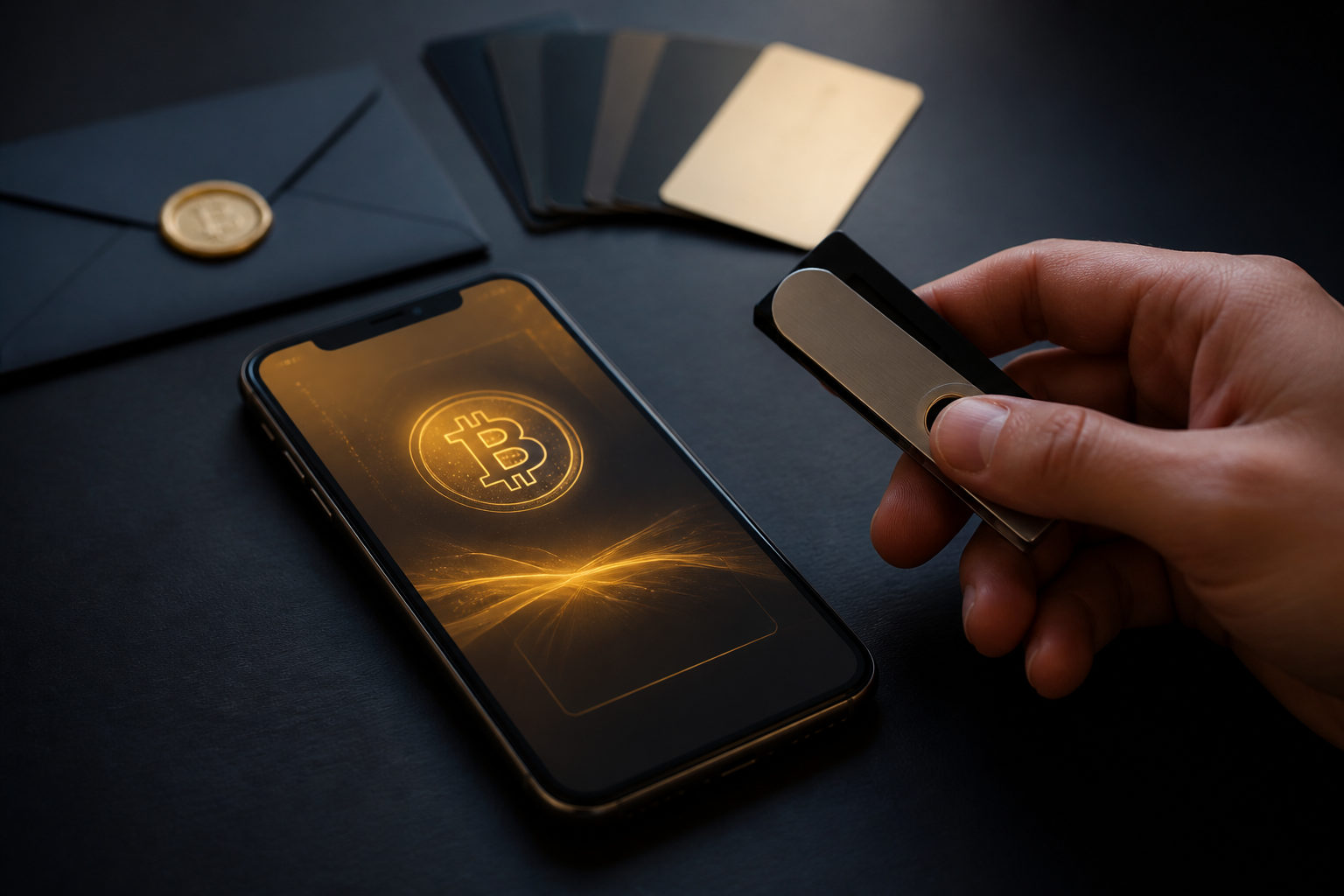
How to use a bitcoin wallet comes down to a few actions: set it up, back it up, verify every address, and treat your private keys like the keys to a vault. Bitcoin transfers are usually irreversible, so a rushed click can turn into a permanent loss.
What a bitcoin wallet actually does
A bitcoin wallet does not store coins the way a photo app stores files. Your bitcoin lives on the Bitcoin network as spendable outputs tied to keys. The wallet's job is to generate and manage those keys, show you addresses, and sign transactions when you send funds.
That distinction matters more than most beginners expect. If you forget a password for a typical web service, there may be a reset flow. If you lose the seed phrase for a self-custody bitcoin wallet, there is often no support desk that can restore control for you. On the other side of the risk, if someone gets your private key or seed phrase, they may be able to move the bitcoin without asking you.
| Item | What it does | What to remember |
|---|---|---|
| Private key | Controls funds and signs transactions | Never share it, never leave it exposed online |
| Seed phrase | Restores the wallet | Write it down offline and keep it separate |
| Wallet address | Receives bitcoin | You can share it, but still verify it each time |
| Wallet password | Protects local app access | Useful on the device, but not a replacement for backup |
If you use a custodial wallet, a company holds the keys for you. That can feel easier at first. It also means control depends on that service. With self-custody, you hold the keys yourself. Freedom goes up. So does responsibility.
How to set up and start using a bitcoin wallet
Start by choosing the wallet type that fits the job. A mobile wallet is common for everyday use. A desktop wallet can be easier when you want a larger screen and a fixed device. A hardware wallet is often chosen for longer-term storage because the signing process is usually kept more isolated from an internet-connected environment. A custodial wallet may feel familiar if you are used to exchange accounts.
| Wallet type | Best for | Main advantage | Main risk or trade-off |
|---|---|---|---|
| Mobile wallet | Daily payments and quick access | Convenient and fast | Phone loss or malicious apps can create trouble |
| Desktop wallet | Managing funds on a regular computer | Often gives you more visible detail | Computer security becomes part of wallet security |
| Hardware wallet | Longer-term holding | Keeps keys more separated during use | Setup and backup mistakes can be costly |
| Custodial wallet | People who want a simpler start | Access recovery is usually easier | You do not fully control the keys |
During setup, the wallet will often generate a seed phrase and ask you to confirm it. Slow down here. Do not take a screenshot. Do not save it in cloud notes, email drafts, or a chat with yourself. Write it down offline. Then check every word and the order again. A single mistake in the backup can break recovery later, which is a nasty surprise to discover only after a device fails.
Next, set the local protections. Device lock, wallet password, and biometric access all help. They protect the app on that device. They do not replace the seed phrase. Think of them as front-door locks, while the seed phrase is the master key for the whole property.
Only after that should you move on to receiving bitcoin. Open the receive screen in your wallet and copy the address shown there. Before you send that address to anyone, check it yourself. Look at the full string if possible, not just the first few characters. If the address has been copied through another app, check again.
Receiving and sending bitcoin without common mistakes
Receiving sounds easy. Sometimes it is. The catch is that address handling is one of the most common failure points. Clipboard hijacking malware can swap the address you copied for one controlled by an attacker. That is why copying and immediately sending without a second look is a bad habit.
When you send bitcoin, review the destination address, the amount, and the fee setting. Also check the unit on screen. Some wallets display values in BTC, some may show sats for smaller amounts. One satoshi equals 0.00000001 BTC, which is one hundred millionth of a bitcoin. If you misread the unit, the numbers may look familiar while meaning something very different.
For a brand-new address, send a small test transaction first. Wait until it shows up properly. Then send the larger amount. It is one extra step, and it can save you from a painful error caused by a wrong address, a bad copy-paste, or simple nerves the first time you use the wallet.
| Step | Frequent mistake | Safer move |
|---|---|---|
| Copying a receive address | Address gets replaced by malware | Paste and verify the full address again |
| First transfer to a new address | Sending the full amount right away | Send a small test first |
| Choosing a fee | Setting it too low and waiting longer | Use the wallet's current guidance if unsure |
| Checking whether funds arrived | Trusting a screenshot from the sender | Confirm inside your wallet or on a block explorer |
Fees go to miners as an incentive to include transactions in blocks. Bitcoin targets roughly one block every 10 minutes, but real confirmation time depends on network conditions. A transaction marked as broadcast is not the same thing as a transaction treated as settled by the receiver. Some services wait for confirmations before they credit funds.
Backup, recovery, and the part people regret skipping
The hardest moment in wallet use is usually not day one. It is the day a phone dies, a laptop stops booting, or a hardware wallet goes missing. That is when your backup either works or does not. There is no clever shortcut that fixes a missing seed phrase after the fact.
A useful backup has to meet a few basic tests. You can find it when needed. Other people cannot easily access it. It remains readable over time. A paper copy tossed into a bag you carry every day may disappear with the bag. A seed phrase stored in an online note may feel convenient until the account behind that note gets exposed.
Recovery deserves the same level of caution as setup. Install the wallet from a trusted source. Make sure the recovery screen is real and not a phishing copy. Pay attention to your surroundings before entering the seed phrase. Hidden cameras, screen recording, and remote access tools have caused plenty of losses that had nothing to do with Bitcoin itself and everything to do with a compromised environment.
| Situation | What you should have ready | What can go wrong if you do not |
|---|---|---|
| Phone failure | A readable seed phrase backup | You may not be able to restore the wallet |
| New device setup | The correct wallet app and recovery flow | You could enter your phrase into a fake wallet |
| Long-term holding | Occasional checks that the backup is still readable | You may learn too late that the backup failed |
| Too many people know the backup location | A better storage plan | Internal exposure risk rises |
If you plan to hold bitcoin for a while, a few stable facts help frame the stakes. Bitcoin has a hard cap of 21,000,000 BTC, expected to be fully issued around 2140. The block subsidy halves every 210,000 blocks, about every 4 years. The latest halving took place on 2024-04-19, bringing the current block reward to 3.125 BTC, and the next halving is expected around 2028. None of that changes the day-to-day wallet steps, but it does reinforce one point: Bitcoin does not come with an account-recovery desk built into the protocol. Control follows the keys.
FAQ
How do I receive bitcoin in a wallet?
Open the wallet's receive screen and copy the bitcoin address shown there, or let the sender scan the receive details. After the sender says the payment was sent, check your own wallet or a block explorer rather than relying on a screenshot.
Can I get bitcoin back if I sent it to the wrong address?
In most cases, no. Once a bitcoin transaction is confirmed by the network, there is usually no central party that can reverse it, which is why a small test transaction matters so much.
Is a seed phrase the same as a private key?
Not exactly. A seed phrase is commonly used to restore a wallet, while a private key is what directly enables signing control for specific funds. Exposure of either one can put your bitcoin at risk.
Can I use my old bitcoin wallet on a new phone?
Yes, if you still have the correct backup. Install the right wallet from a trusted source, use the recovery function, and verify that the addresses and balances look correct before you do anything else.
Do I need to change the transaction fee manually every time?
Not always. Many wallets suggest fee options automatically. If you are new, it is usually better to focus on address accuracy and confirmation status first, then learn manual fee tuning after you are comfortable with the basics.
Before your first real transfer, make a short checklist and actually use it: wallet type chosen, seed phrase written down offline, device checked, receive address verified, small test sent to any new destination, and only then the full amount. That routine is plain, maybe even boring. Good. Boring is exactly what you want when money moves on an irreversible network.
Disclaimer: This article is for informational and educational purposes only and is not investment, financial, or legal advice. Crypto assets are highly volatile and you could lose your entire investment. Do your own research and decide carefully.