
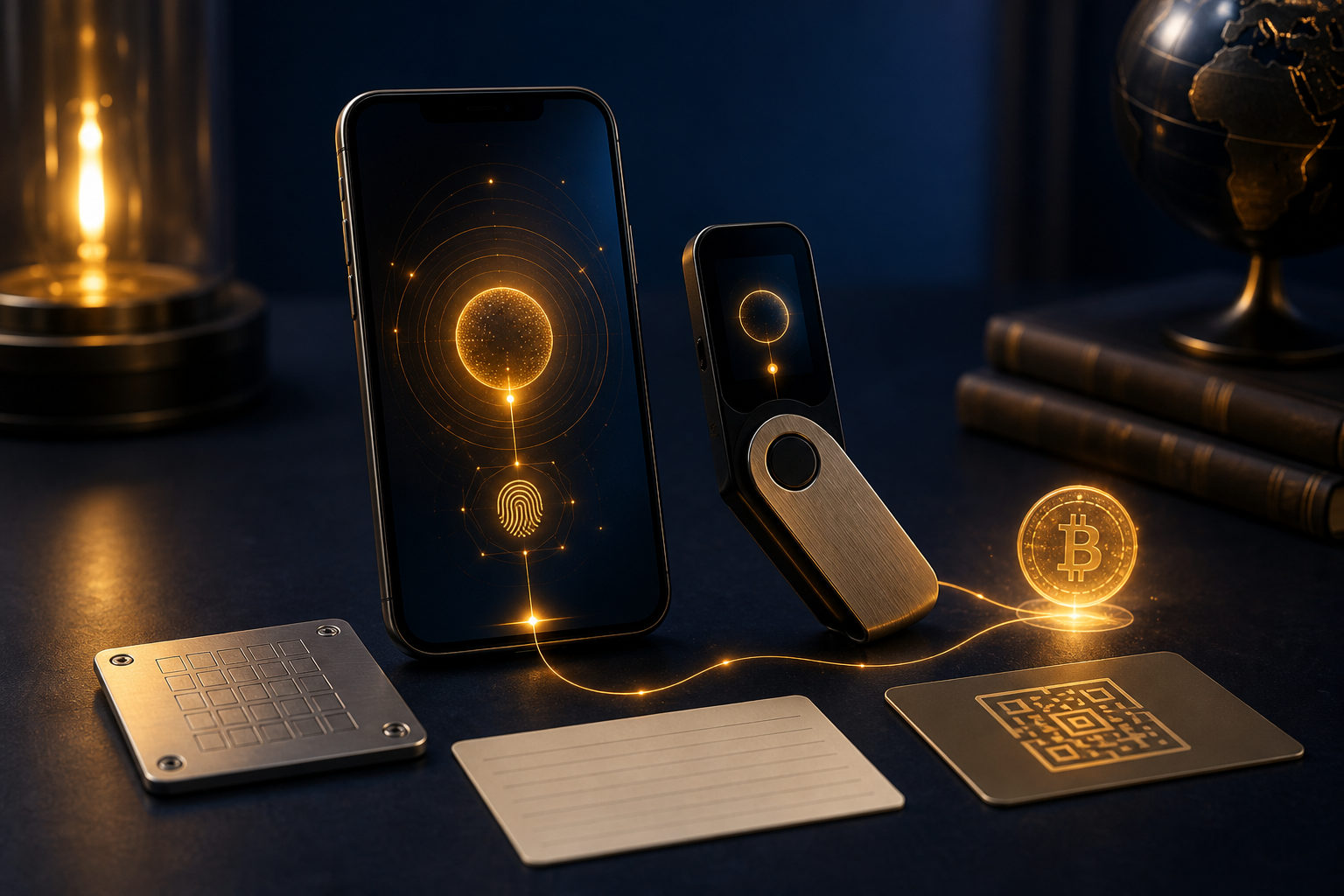
To open a bitcoin account or wallet in 2026, first decide whether you need a custodial platform account or a self-custody bitcoin wallet. That choice matters more than the sign-up form because it decides who controls the keys and who carries the risk.
Bitcoin account vs bitcoin wallet: what you are really opening
People often use the terms as if they mean the same thing. They do not. A bitcoin account usually means an account with an exchange or financial app where you sign up, complete identity checks if required, and use the service to buy, sell, deposit, or withdraw bitcoin.
A bitcoin wallet is different. Its main job is to manage the private keys that let you receive and send bitcoin. If a company holds those keys for you, that is custody. If you hold them yourself, that is self-custody. The user experience may look similar on the surface, but the responsibility is completely different.
For beginners, this is the first decision point. If you mainly want easy access to buying and selling, a platform account may be the easiest place to start. If you care most about direct control over your bitcoin, you will need a wallet where you manage backup and recovery information yourself.
Before you start: four choices that shape the setup
Choose your main purpose
If your goal is to buy bitcoin with as little friction as possible, a platform account is often the practical first step. The service usually brings registration, verification, balances, and trading tools into one interface.
If your goal is long-term holding, receiving bitcoin directly, or reducing reliance on a third party, a self-custody wallet makes more sense. Many users end up using both: an account for transactions and a wallet for storage.
Decide whether you can handle private key responsibility
This is the part many new users underestimate. Opening a self-custody wallet means accepting that your recovery phrase or other backup data is your responsibility. If it is exposed, another person may be able to control your bitcoin. If you lose it, you may lose access yourself.
Bitcoin transfers are usually irreversible. That single fact should be visible in your mind before you move any funds. There is no support desk that can simply reverse a completed on-chain transfer because the address was wrong.
Pick the device you trust
You can use a phone wallet, a desktop wallet, or a dedicated hardware-based setup. A phone is convenient for frequent checks and smaller amounts. A computer can make address review and backup handling easier. A more isolated device may suit users who care deeply about long-term storage discipline.
Use only devices you control and trust. Avoid unknown downloads, public computers, random links from chat groups, and any setup flow that starts with a stranger telling you which file to install.
Accept layered storage from the start
One of the most useful habits is separating spending, trading, and long-term holdings. You do not need an elaborate structure on day one. You do need to know that one tool does not fit every use case.
A platform account is a service relationship. A wallet is a control relationship. Once you see that distinction clearly, the setup process becomes much easier to plan.
How to open a bitcoin account in 2026
If by “bitcoin account” you mean an exchange or app account, the flow is usually straightforward. The details vary by provider, but the checkpoints are similar.
- Confirm the service actually supports bitcoin withdrawal. Some products let you gain price exposure without letting you move bitcoin to an external wallet. If you want future control, check this before registration.
- Register with contact details you control for the long term. Use your own email and phone number. Do not borrow someone else’s details just to get through setup faster.
- Complete identity verification when required. Fiat on-ramps and regulated trading services often ask for this step.
- Enable two-factor authentication right away. Do not rely on a password alone. If the service offers device management, withdrawal allowlists, or login alerts, turn them on.
- Review withdrawal settings before funding the account. Learn where the withdrawal screen is, how address confirmation works, and whether there are delays or approvals.
- Run a small test first. Before sending a meaningful amount of bitcoin to or from the account, make a small test transfer and confirm you understand each screen and each confirmation message.
This is where many mistakes begin. Users think the hard part was creating the account. In reality, the hard part is understanding what remains under the platform’s control and what remains under yours. If your bitcoin stays on the platform, your access depends on account security, service rules, and the platform’s withdrawal process.
How to open a bitcoin wallet in 2026
If you want a real bitcoin wallet, the important steps are creation, backup, verification, and testing. The setup itself is not hard. The discipline around it is what matters.
- Choose the wallet type. Decide whether you want a mobile wallet, a desktop wallet, or a setup designed with stronger isolation in mind. Beginners usually benefit from tools with clear backup instructions and a clean interface.
- Get the app or device from an official source. Avoid random search ads, unofficial mirrors, or files shared by strangers.
- Create a new wallet and pay attention during backup. The wallet may display a recovery phrase or other recovery material. This is not optional reading. It is the key to restoring access later.
- Write the backup down offline and verify it. Do not store it in a screenshot folder, a cloud note, or a chat app draft. If a service can sync it, leak it, or expose it, that is already too much risk.
- Set a local unlock method. Use a device passcode, password, or biometric option if offered. This protects local access on that device. It does not replace your recovery backup.
- Find your bitcoin receiving address and review it carefully. When copying the address, check the beginning and end characters. When scanning a code, make sure the wallet screen shows the expected result.
- Test with a small transfer. Your first incoming transfer should be a small one. Confirm that you can see the transaction record and understand where the funds appear.
The most important warning: never give your recovery phrase or private key to support staff, social media contacts, group admins, or websites claiming to “verify,” “sync,” or “upgrade” your wallet. Anyone who gets that information may be able to control your bitcoin.
Custodial account or self-custody wallet: which fits you better?
| Option | Best for | Main advantage | Main risk |
|---|---|---|---|
| Platform account | Beginners focused on buying and selling | Simple onboarding and integrated trading tools | Dependence on platform security and withdrawal policies |
| Self-custody hot wallet | Users who want direct control and transfers | You control the keys | Device compromise, weak backup habits, recovery phrase exposure |
| Long-term storage oriented setup | Users focused on holding bitcoin for longer periods | Stronger emphasis on key isolation and backup discipline | More careful handling required, recovery practice matters |
For many people, the right answer is not one or the other. It is both, with clear boundaries. Use the platform account for purchase and trading activity. Move bitcoin intended for longer-term holding into a wallet you control.
The mistakes are predictable. People save recovery phrases in cloud storage. They skip test transfers. They copy an address without checking it. They trust a fake support page. They assume a sent bitcoin transaction can be canceled later. None of those assumptions is safe.
Irreversible actions: keep these warnings in plain sight
- Bitcoin transfers are usually irreversible. Review the address and asset carefully before sending.
- Recovery phrase exposure is often worse than password exposure. A password may protect account access. A recovery phrase may control the bitcoin itself.
- Losing a phone is not always the disaster. Losing the only valid backup often is.
- Screenshots are not good backup practice. They are easy to sync, forward, steal, or forget about.
- Be suspicious of any page asking for wallet recovery data. “Wallet verification” and “wallet sync” are common social engineering hooks.
A practical 2026 checklist you can follow
- Decide whether you need a bitcoin account, a bitcoin wallet, or both.
- Use only a device you trust and control.
- If opening a platform account, enable two-factor authentication and review withdrawal protections before funding it.
- If opening a wallet, back up the recovery data offline and verify that you copied it correctly.
- Test every new receiving address with a small transfer first.
- Separate trading funds from longer-term holdings.
- Never share private keys, recovery phrases, or one-time codes.
- Review your backup method from time to time and make sure you can still understand and access it when needed.
FAQ
Do I need an exchange account before opening a bitcoin wallet?
No. You can create a wallet without opening an exchange account first. If you want to buy bitcoin with fiat currency, though, many users start with a platform account and then withdraw to their own wallet later.
The account is often the purchase route. The wallet is the storage and control tool.
Is a bitcoin wallet safer than a bitcoin account?
It depends on what you mean by safe. A self-custody wallet gives you direct control, but only if your backup habits are strong and your device hygiene is good.
A platform account may feel easier, but your access depends on account protection and the service provider’s controls. The safer option is the one whose responsibilities you can actually handle well.
Why should I test with a small amount before moving more bitcoin?
Because you are not only testing the address. You are testing your own process: copying the address, confirming the destination, finding the transaction record, and understanding where the bitcoin appears.
That small rehearsal can catch mistakes before they become expensive ones.
If I forget my wallet password, is my bitcoin gone?
Not always. If you still have the correct recovery material, you may be able to restore the wallet on another device.
The more serious problem is losing the recovery backup or exposing it to someone else.
How do I tell whether a bitcoin wallet is beginner-friendly?
Look for clear explanations about who controls the keys, how backup works, and how recovery is handled. A simpler interface with strong warnings is usually better for a new user than a feature-heavy app with vague security guidance.
Before moving your first meaningful amount of bitcoin, confirm three things: the device is trustworthy, the backup is offline, and you have already completed a small test transfer. Those checks matter more than finishing the setup quickly.