
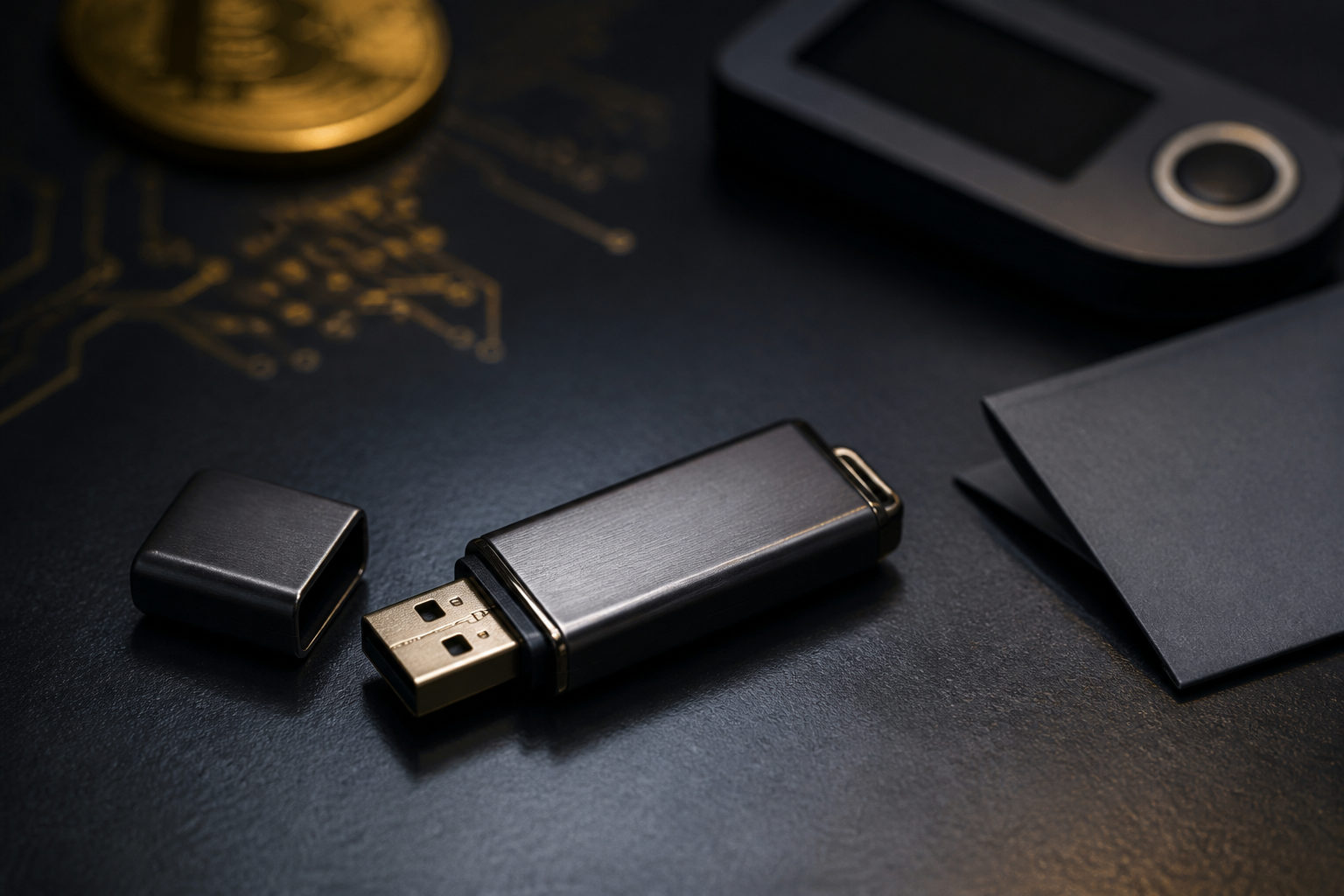
How to store bitcoin in usb? In practice, you are not putting bitcoin itself onto a USB drive. You are storing the private keys, seed phrase, or wallet file that gives you control over the coins on the blockchain.
What a USB drive can actually store
Bitcoin does not live inside a file the way a photo or spreadsheet does. The network records ownership on the blockchain, and access is controlled through cryptographic keys. A USB drive can hold the data you need to prove control: a seed phrase, a private key, or an encrypted wallet file.
This distinction matters because the risk sits with the backup, not with the plastic stick itself. Since Bitcoin launched with the genesis block on 2009-01-03, control has always come down to valid signatures from the right key. If someone else gets that key, they can move the funds. If you lose it, nobody can reverse that loss for you.
| Item stored on USB | Can it go on a USB drive? | Purpose | Main risk |
|---|---|---|---|
| Seed phrase | Yes | Restore the whole wallet | Anyone who sees it may control the funds |
| Private key | Yes | Control a specific address or set of addresses | Exposure can lead to immediate loss |
| Wallet file | Yes | Restore a software wallet with the right password | File damage or forgotten password |
| Bitcoin itself | No | Bitcoin remains on the blockchain | Concept errors lead to bad decisions |
Common ways people store bitcoin data on a USB drive
Most people who ask this question are really asking how to make an offline backup. The goal is simple: keep the critical recovery data away from your everyday internet-connected device for as much of its life as possible.
Method 1: Save the seed phrase or private key as a file
This is the most direct route. You create a wallet, write down or export the recovery data, and copy it to a USB drive. It is easy to understand and easy to do.
It is also easy to get wrong. A plain text file can be copied by malware, synced to cloud storage by accident, or exposed through screenshots, clipboard tools, or device backups. If the file sits on a connected laptop even briefly, your offline plan may already be compromised.
Method 2: Save an encrypted wallet file
Some wallet apps create a wallet file that can be protected with a password. Backing up that file to a USB drive is usually safer than storing a raw private key in plain text because the attacker still needs the password.
This shifts the burden rather than removing it. A weak password cuts down the value of encryption. A strong password that you never preserve safely can lock you out just as effectively as theft.
Method 3: Create the wallet in an offline environment, then back it up
This approach is closer to cold storage. You generate the wallet on a device that is kept away from the internet as much as possible, then move the recovery data onto a USB drive for storage.
It offers better separation, but it also demands more care. Untrusted wallet software, reused devices, or contaminated operating system images can break the security model before you even start.
| Approach | Difficulty | Convenience | Main security focus | Best fit |
|---|---|---|---|---|
| Plain seed phrase or private key on USB | Low | High | Prevent exposure | Short-term transfer or temporary backup |
| Encrypted wallet file on USB | Medium | Medium | Password strength and storage | Users comfortable with wallet software |
| Offline creation plus USB backup | High | Low | Isolation and recovery testing | Long-term self-custody |
A practical checklist you can follow
If you want a USB backup that is actually useful, you need more than a copy-and-paste step. The backup has to survive device failure, resist casual exposure, and remain recoverable by you later.
- Start with a clean device and a dedicated USB drive. Avoid drives that are full of everyday files or regularly shared between computers. A dedicated device reduces confusion and accidental exposure.
- Create the wallet and verify the recovery data immediately. Check every word and the exact order if you are working with a seed phrase. One missing word or one typo can make recovery fail.
- Encrypt before saving. If you are storing text-based recovery data, place it inside an encrypted container or encrypted archive before copying it to the USB drive. Do not leave the raw phrase in a visible file.
- Make more than one backup. USB drives can fail, get lost, or be damaged. Separate backups in different locations reduce the chance of a single mistake wiping out access.
- Store the file and the unlock information separately. Keeping the encrypted backup and the password in the same pouch defeats the point.
- Run a recovery test. On a spare device, use the backup to restore the wallet and confirm that the process works. A backup that has never been tested is only a theory.
- Clear temporary traces. Look for leftover copies in downloads folders, desktop files, clipboard history, print logs, or auto-backup software.
Put this warning near the top of your plan: always do a small test transfer before moving a larger amount to a new wallet. Once a Bitcoin transaction is broadcast and confirmed, it cannot be rolled back like a card charge.
Main risks of using a USB drive for bitcoin storage
A USB drive can be part of a sound setup, but it is not magic. The real risk comes from three places: the medium, the environment, and human mistakes during setup or recovery.
| Risk | Typical example | What can happen | How to reduce it |
|---|---|---|---|
| Hardware failure | Aging flash memory, broken connector, accidental formatting | Backup becomes unreadable | Keep multiple backups and check readability |
| Malware exposure | Plugging the USB drive into an infected computer | Seed phrase or key gets copied out | Limit use on everyday connected devices |
| Human error | Wrong word, wrong order, wrong address, forgotten password | Failed recovery or misdirected transfer | Verify carefully and test the workflow |
| Physical loss | Misplacing the drive during travel or a move | Leakage or total loss of backup | Use separate storage locations |
| False sense of cold storage | Recovery data appeared in plain form on an online machine | Backup seems safe when it is not | Reduce the time that unencrypted data exists |
If you are storing bitcoin for the long term, the network rules are stable even when market prices are not. Bitcoin has a hard cap of 21,000,000 BTC. The block subsidy halves every 210,000 blocks, roughly every 4 years. The target block interval is about 10 minutes. After the 2024-04-19 halving, the current block reward is 3.125 BTC. Those rules explain why many holders think carefully about long-term custody, but the rules do not protect a poorly handled backup.
The smallest unit also matters for testing. 1 satoshi equals 0.00000001 BTC, so you can verify your process with a very small amount before trusting a new storage setup with a larger balance.
What not to do
- Do not take a photo of your seed phrase and call that a backup. Photos can leak into phone galleries, cloud backups, and messaging apps.
- Do not keep sensitive wallet data on a general-purpose USB drive. The more often it moves between machines, the wider the attack surface.
- Do not rely on a single copy. Any one device can fail.
- Do not skip recovery testing. Finding out that a backup is broken only when you need it is a costly mistake.
- Do not paste an address without checking it. Clipboard hijacking malware can replace a recipient address silently.
FAQ
Does putting wallet data on a USB drive make it cold storage?
Not by itself. Cold storage depends on the full process: how the wallet was created, where the keys were exposed, and how often the backup touches internet-connected devices. A USB drive can be part of cold storage, but it does not guarantee it.
Is a USB backup better than writing the seed phrase on paper?
They fail in different ways. A USB drive can be encrypted and duplicated easily, while paper avoids electronic failure but can burn, get wet, or be photographed. Many people use both so one weakness does not take down the whole plan.
Can I move bitcoin directly from an exchange to a USB drive?
No. You first need a wallet address that you control with your own keys, then withdraw from the exchange to that address. The USB drive stores recovery data, not the coins themselves.
Is an encrypted USB drive fully safe?
No setup is fully safe. Encryption raises the barrier, but weak passwords, compromised devices, and forgotten credentials can still break the plan. Good security comes from layers, not from one product or one step.
Will the USB backup still work on a different computer later?
It can, as long as the backup remains intact, readable, and paired with the right password or seed phrase. The best way to know is to test recovery on a spare machine before you depend on it.
If you are acting on this today, keep the sequence simple: create a wallet you control, save the recovery data in encrypted form on a USB drive, then test the restore flow with a small amount first. That turns the USB drive into a backup tool instead of a new single point of failure.