
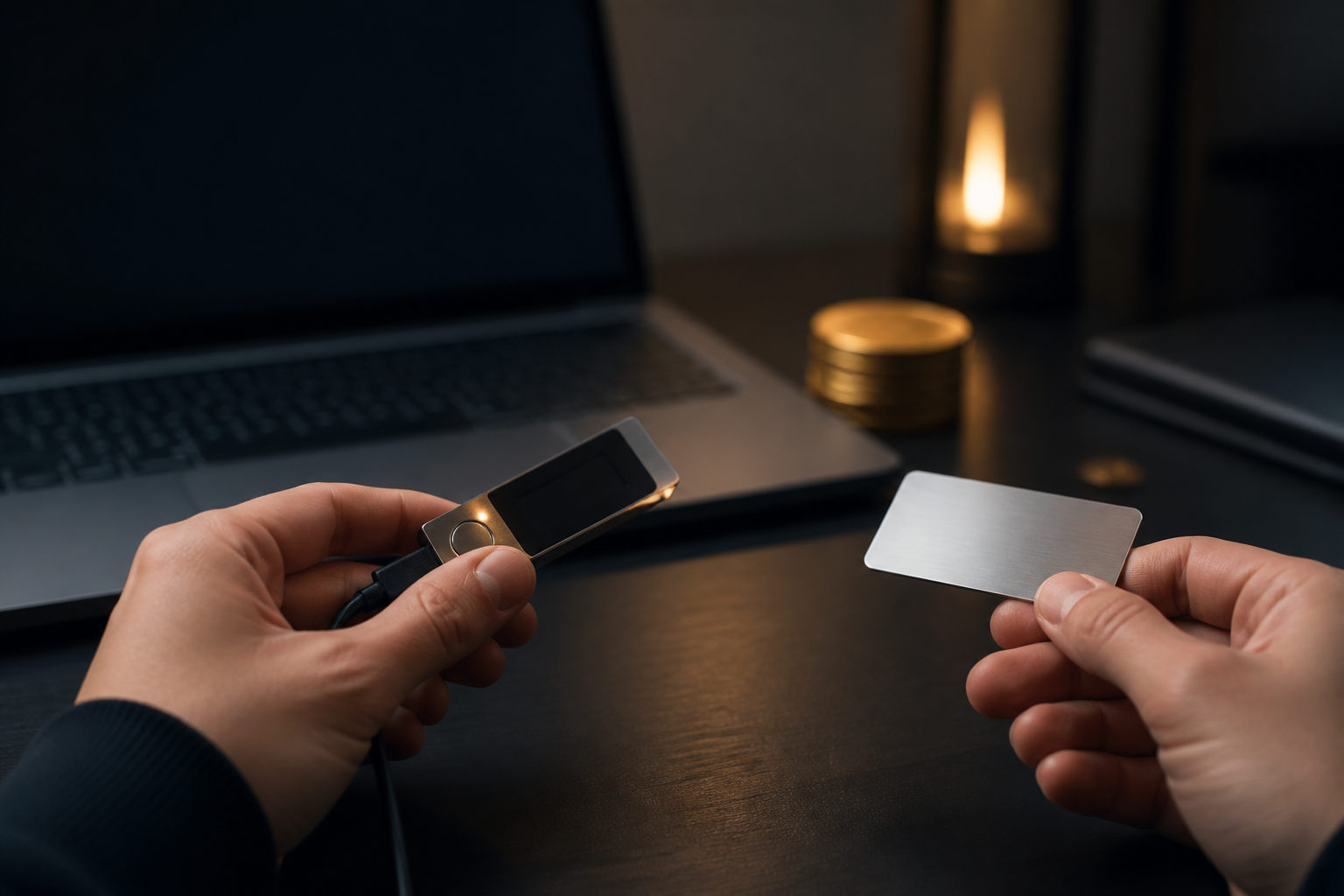
To store bitcoin in a hardware wallet, set up the device first, write down the seed phrase offline, verify the receive address on the device screen, and send a small test transaction before moving a larger amount. The part many people miss is simple: once you self-custody bitcoin, the responsibility for the private keys sits with you.
What a hardware wallet actually protects
Bitcoin is not physically stored inside the device. Your coins remain recorded on the blockchain, while the hardware wallet is built to keep the private keys away from a normal internet-connected environment and to approve signatures inside the device itself.
That difference matters because many beginners come from exchange accounts. On an exchange, access depends heavily on account security and platform controls; with a hardware wallet, control depends on your seed phrase, device verification habits, and your ability to avoid avoidable mistakes during setup and transfers.
| Item | Hardware wallet | Exchange account |
|---|---|---|
| Who controls access | The holder controls the private keys | The platform usually acts as custodian |
| Main risk | Seed phrase loss, wrong address, bad signing habits | Account takeover, withdrawal limits, platform issues |
| Ease of use | Higher learning curve | Usually easier for beginners |
| Best fit | Long-term self-custody | Frequent trading or temporary storage |
How to move bitcoin into a hardware wallet step by step
The safe sequence matters more than speed. When the device arrives, do not rush to receive bitcoin right away; finish setup, confirm your backup, then generate a receive address and test the flow with a small amount.
1. Initialize the device in a quiet setting
Use a place where you will not be interrupted. Check that the device appears normal, then follow the official companion software or on-device prompts to create a new wallet. When the device shows seed words, confirmation prompts, or unlock settings, treat the device screen as the source of truth rather than the computer or phone display.
Write the seed phrase by hand on an offline medium. Do not save it in notes apps, cloud drives, email, chat apps, or screenshots. The moment the seed phrase enters a connected system, your attack surface expands in a way the hardware wallet itself cannot fix.
2. Confirm that your backup is usable
Many failures come from weak backup habits rather than device flaws. People write a word in the wrong order, skip a word, or create a backup they cannot read later; that is why backup verification matters. If the wallet offers a way to confirm the seed phrase safely, use it before you fund the wallet.
If you plan to use an extra passphrase, understand what it does before turning it on. A passphrase can change which wallet you open, and forgetting it can leave you unable to reach the expected balance even if the seed phrase is still correct.
3. Generate a bitcoin receive address and verify it on-device
After setup, open the bitcoin account in the companion app and generate a receive address. The key step is not copying the address quickly; it is checking that the address shown on your computer or phone matches the one shown on the hardware wallet screen.
This protects you from clipboard replacement malware, fake interfaces, and other forms of address tampering. If the address on the host device and the address on the hardware wallet do not match exactly, stop there and find out why before sending anything.
4. Send a small test transfer first
When withdrawing bitcoin from an exchange or another wallet, start with a small amount that you can afford to use as a test. Once that transfer reaches the correct account in your hardware wallet, you can move the rest with much more confidence.
This step helps catch the mistakes that hurt the most: the wrong network setting, the wrong account, a pasted address from an old session, or a misunderstanding of the wallet interface. A short delay here is cheaper than an irreversible transfer mistake.
| Step | What to do | What to check | Typical mistake |
|---|---|---|---|
| Setup | Create a new wallet on the device | Seed phrase is generated by the device | Using a phrase provided by someone else |
| Backup | Write the seed phrase offline | Order, spelling, readability | Saving it in a digital app |
| Receive | Generate a bitcoin address | Address matches on the device screen | Trusting only the computer display |
| Test | Send a small amount first | Funds arrive in the intended account | Skipping the test and sending full size |
| Transfer | Move the remaining bitcoin | Address, asset, account checked again | Reusing the wrong copied address |
The biggest risks: seed phrase handling, address checks, and recovery assumptions
People often buy a hardware wallet because they want a stronger security setup, then lose sight of where the real weak points live. In practice, the device is only one layer. If you mishandle the seed phrase, skip address verification, or misunderstand recovery, the security model breaks at the human level.
Your seed phrase is the highest-value secret in the whole setup. Whoever gets it can usually recreate the wallet in a compatible environment and control the funds, which is why it should never be typed into a random website, sent to support staff, or uploaded to any online form. No legitimate support flow needs your seed phrase.
Address verification is another place where people get careless. A long string of characters can feel tedious to compare, yet that brief check on the hardware wallet screen can block some of the most damaging attacks. If your workflow trains you to trust copy and paste without looking at the device, your workflow needs to change.
Recovery planning matters too. If the hardware wallet is lost, stolen, or stops working, access to your bitcoin depends on the backup you created during setup and on your understanding of how recovery works. The device is replaceable; a missing or exposed seed phrase is the real emergency.
| Risk area | Common example | Possible result | Practical response |
|---|---|---|---|
| Seed phrase exposure | Photo, cloud backup, message to another person | Loss of control over funds | Keep backups offline and private |
| No address verification | Trusting pasted text on a computer | Sending to the wrong address | Use the device screen as final confirmation |
| Poor recovery understanding | Assuming a broken device means lost bitcoin | Panic and bad decisions | Learn the recovery path before funding |
| Account confusion | Using the wrong wallet account in the app | Thinking funds never arrived | Name accounts clearly and review before sending |
A practical checklist before you transfer bitcoin
If you are about to move bitcoin into a hardware wallet today, use this list as a final gate. It is designed to stop irreversible mistakes before they happen, not to make the process feel complicated.
- Trusted device setup: You created a new wallet on the device and did not rely on a prewritten seed phrase from any other source.
- Offline backup completed: The seed phrase is written down clearly, in order, and does not exist in screenshots, cloud notes, email, or chat history.
- Secrets stored separately: Your device PIN or unlock information is not stored together with the seed phrase or any extra passphrase.
- Address verified on-screen: The bitcoin receive address shown by the host device matches the one displayed on the hardware wallet itself.
- Small test completed: You already confirmed that a test amount reached the intended wallet account.
- Accounts labeled clearly: If you use more than one account, each one has a clear purpose so you do not mix them up later.
- Recovery path understood: You know that recovery depends on the seed phrase, not on keeping the original physical device forever.
If your plan is long-term storage, think carefully about where the offline backup will live and who can access it. The best arrangement is one you can maintain consistently without creating extra complexity that you may forget under stress.
FAQ
Can I send bitcoin straight from an exchange to a hardware wallet?
Yes, that is a common route, but the safer move is to test with a small amount first. That first transfer confirms the address, the account, and your own process before more value is involved.
Does a hardware wallet keep bitcoin completely safe?
No storage method removes every risk. A hardware wallet reduces exposure of private keys to online systems, but it does not protect you from seed phrase leaks, wrong addresses, or careless approvals.
If I lose the device, do I lose my bitcoin too?
Losing the device does not automatically mean losing the funds. If your seed phrase backup is correct and has stayed private, you can usually recover the wallet in a compatible environment; losing the backup is the bigger problem.
What is the difference between a seed phrase and a device PIN?
A device PIN protects access to that physical device. A seed phrase controls wallet recovery and, in practice, the ability to regain control of the bitcoin, so it needs stronger handling and stricter privacy.
Is it okay to store the seed phrase in a phone note or password app?
That adds online exposure and weakens the point of using a hardware wallet in the first place. An offline handwritten backup keeps the seed phrase out of the systems most often targeted.
Do I need to check the receive address every single time?
Yes. Even if you have used the wallet before, each transfer deserves a fresh address check on the hardware wallet screen because a single wrong send can be permanent.
Before you confirm the final transfer, pause and review three items: your seed phrase backup is offline and readable, the receive address matches on the device screen, and your small test already arrived in the right bitcoin account. Those three checks do more for safe storage than moving quickly ever will.