
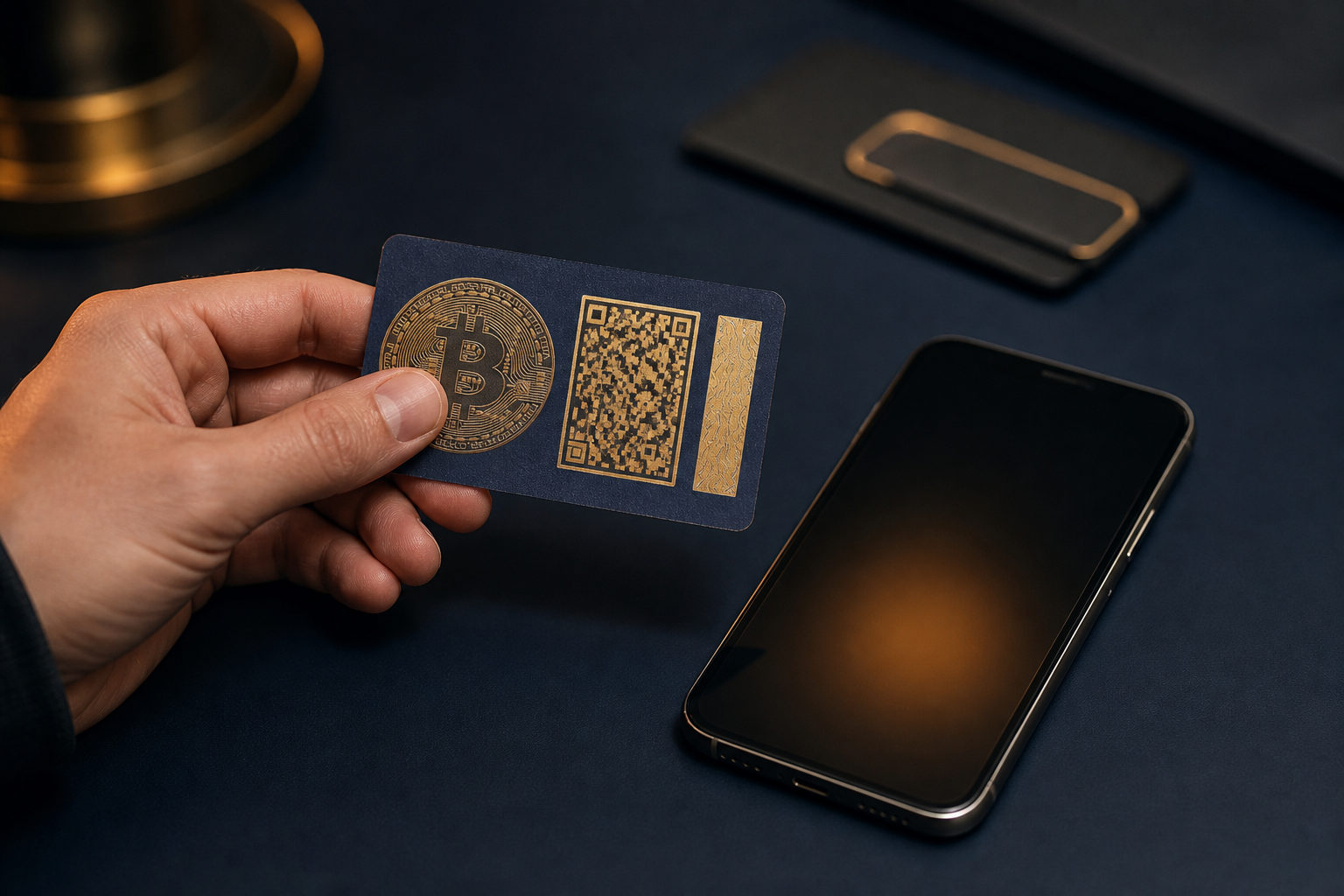
To redeem a bitcoin paper wallet, you need control of the private key or seed phrase written on that paper. If it only shows a public bitcoin address, you can check the balance, but you cannot spend the coins; once you enter secret data into the wrong app or share it with someone else, the loss can be permanent.
Identify what the paper wallet actually contains
People often use the term “paper wallet” loosely. One printout may contain a public address and a matching private key, another may hold a seed phrase, and some old printouts show only receiving information. Those cases lead to very different next steps.
| What is on the paper | Can you redeem it? | What to do next |
|---|---|---|
| Bitcoin address only | No, not by itself | Find the matching private key or seed phrase |
| Private key or private-key QR code | Yes | Import or sweep it with a wallet that supports bitcoin private keys |
| Seed phrase | Usually yes | Restore it in a compatible wallet, then move funds if needed |
| Unknown printout, screenshot, or forwarded image | High risk | Pause and verify the source before entering any secret data |
This distinction matters because a public address is not a spending credential. Anyone can see activity on an address, but only the holder of the private key can authorize a transaction. If you do not have that secret, there is nothing to redeem yet.
Old paper wallets can also create confusion around address formats. A wallet app may support bitcoin in general but still handle import paths, script types, or key formats in different ways. If a restored wallet looks empty, that does not automatically mean the coins are gone.
The main risk: whoever has the key has the coins
Paper wallets concentrate control into one piece of information. That is why they can work as cold storage, and also why they become dangerous the moment the secret is exposed by a printer, camera roll, cloud backup, shared screen, or helpful friend.
Bitcoin transactions are normally irreversible after broadcast and confirmation. There is no password reset for a leaked private key, and there is no support desk that can roll back a valid signed transfer. Treat the paper wallet as compromised the moment the secret touches an internet-connected device.
That leads to an important operational choice: import versus sweep. Importing a private key means your software wallet starts controlling the same old address. Sweeping means the wallet creates a new transaction that sends the balance from that old address into a fresh address generated by your current wallet.
| Method | What it does | Main risk | Best use case |
|---|---|---|---|
| Import private key | Adds the old key to the wallet and keeps using the old address | If the paper was exposed before, the risk remains | Short-term access or compatibility testing |
| Sweep funds | Moves coins from the old address to a new wallet address | You must review the receiving address and network fee before sending | Most users redeeming a paper wallet for normal use |
| Restore seed phrase | Rebuilds the wallet tied to that phrase | Using an incompatible wallet can hide the balance from view | Paper records that were created as seed backups |
For most situations, sweeping is the cleaner end state. It replaces an old secret with a new one that you generated yourself, under conditions you control today.
Step-by-step: how to redeem a bitcoin paper wallet
Before touching the paper wallet, create a new receiving wallet and write down its backup offline. That new wallet is your destination. Without it, people often import an old key, stop there, and leave the funds tied to a secret that may have already leaked.
- Prepare a controlled device. Use a device you trust. Close screen sharing, remote assistance tools, clipboard managers, and anything that could copy secret text behind the scenes.
- Read the paper carefully. Determine whether it shows a private key, a seed phrase, or only an address. Do not paste every string you see into random wallet fields and hope one works.
- Choose a wallet with the right feature. Some bitcoin wallets can restore a seed phrase but cannot import a single private key. Others support key import yet do not provide a proper sweep function. Match the tool to the data type you have.
- Check the wording in the app. “Import,” “restore,” and “sweep” are not interchangeable. Read the prompt before confirming so you know whether the app is adopting the old address or moving funds out of it.
- Enter the secret data carefully. If you type it, verify every character. If you scan a QR code, make sure you are scanning the intended code and not exposing other sensitive items on camera.
- Verify the derived public address if possible. A good wallet may show the address linked to the imported key. Compare it with the public address printed on the paper when available.
- Send the balance to your new wallet address. Once your new wallet has generated a receiving address, transfer the funds there. If the wallet offers a send-all option that accounts for the network fee, it is often the safest route for a paper wallet cleanup.
- Wait for the transfer to appear in the new wallet. Do not destroy notes too early. Confirm that the funds have arrived where you expect them before you treat the process as finished.
A practical reason to move everything at once is change handling. If you send only part of the balance, some wallets may place the remainder in a change address inside the wallet rather than back on the exact paper address you are watching. Users who do not understand that behavior often think the rest of the bitcoin vanished.
Mistakes that cause trouble
The first mistake is confusing visibility with control. A blockchain explorer can show the balance of any public bitcoin address, but that says nothing about whether you possess the key required to spend from it.
The second is sharing the private key for “help.” If you send a photo of the paper wallet to customer support, an over-the-counter trader, or a technician, you are handing over the ability to transfer the coins. They do not need your email login or phone approval.
The third is leaving funds on an imported key after redemption. Once the private key has touched an online device, the original paper wallet should no longer be trusted for long-term storage. Move the balance to a new address that was generated fresh in your own wallet.
| Common error | What can happen | Safer response |
|---|---|---|
| You only have the public address | You cannot redeem the coins | Look for the original private key or seed backup |
| You share the private key with someone assisting you | The funds may be moved without your permission | Enter secret data only on your own device |
| You import the key and stop there | The old secret remains a live risk | Transfer the balance to a newly generated address |
| You restore with the wrong wallet type | The balance may not appear | Retry with software that matches the original format |
| You ignore the final send screen | You may misunderstand the fee or destination | Review the receiving address and total before confirming |
There is another trap with very old holdings: people expect every wallet to read every old backup the same way. Bitcoin itself launched with the genesis block on 2009-01-03, but wallet software has changed a lot over time. If your paper record comes from an early tool, take extra time to confirm compatibility before concluding anything.
One more point matters when you judge small leftovers. Bitcoin is divisible down to 1 satoshi, which equals 0.00000001 BTC. That does not mean every tiny remainder is worth moving immediately; you still need to review whether the wallet’s fee handling makes the transfer sensible for your case.
FAQ
Can I redeem a paper wallet by scanning the QR code?
Only if that QR code contains a private key or a recoverable secret. If it contains a public address, scanning it may let you monitor the balance or receive funds, but it will not give you spending control.
I found a bitcoin address on paper, but no private key. Is there any workaround?
In normal circumstances, no. A bitcoin address is like a public identifier; without the matching private key or seed phrase, you cannot create a valid transaction from that address.
Why do many guides say to sweep instead of import?
Because a paper wallet may have been exposed long before you found it. Sweeping sends the coins into a fresh address in a wallet you created yourself, which removes dependence on the old secret.
I restored the wallet, but the balance does not show up. Are the coins lost?
Not necessarily. A more common explanation is that you used the wrong wallet type, wrong import method, or an incompatible derivation path for the backup you have.
Should I keep using the paper wallet after I redeem it once?
That is usually a bad idea. After the private key or seed phrase has been entered into software on an online device, the paper copy should be treated as retired and no longer suitable for secure storage.
The practical rule is simple: identify the secret correctly, use a wallet that supports the right recovery method, move the funds to a fresh address you control, and stop whenever a screen or prompt is unclear. With bitcoin, guessing through a redemption flow is far more dangerous than taking extra time to verify each step.
Disclaimer: This article is for informational and educational purposes only and is not investment, financial, or legal advice. Crypto assets are highly volatile and you could lose your entire investment. Do your own research and decide carefully.