
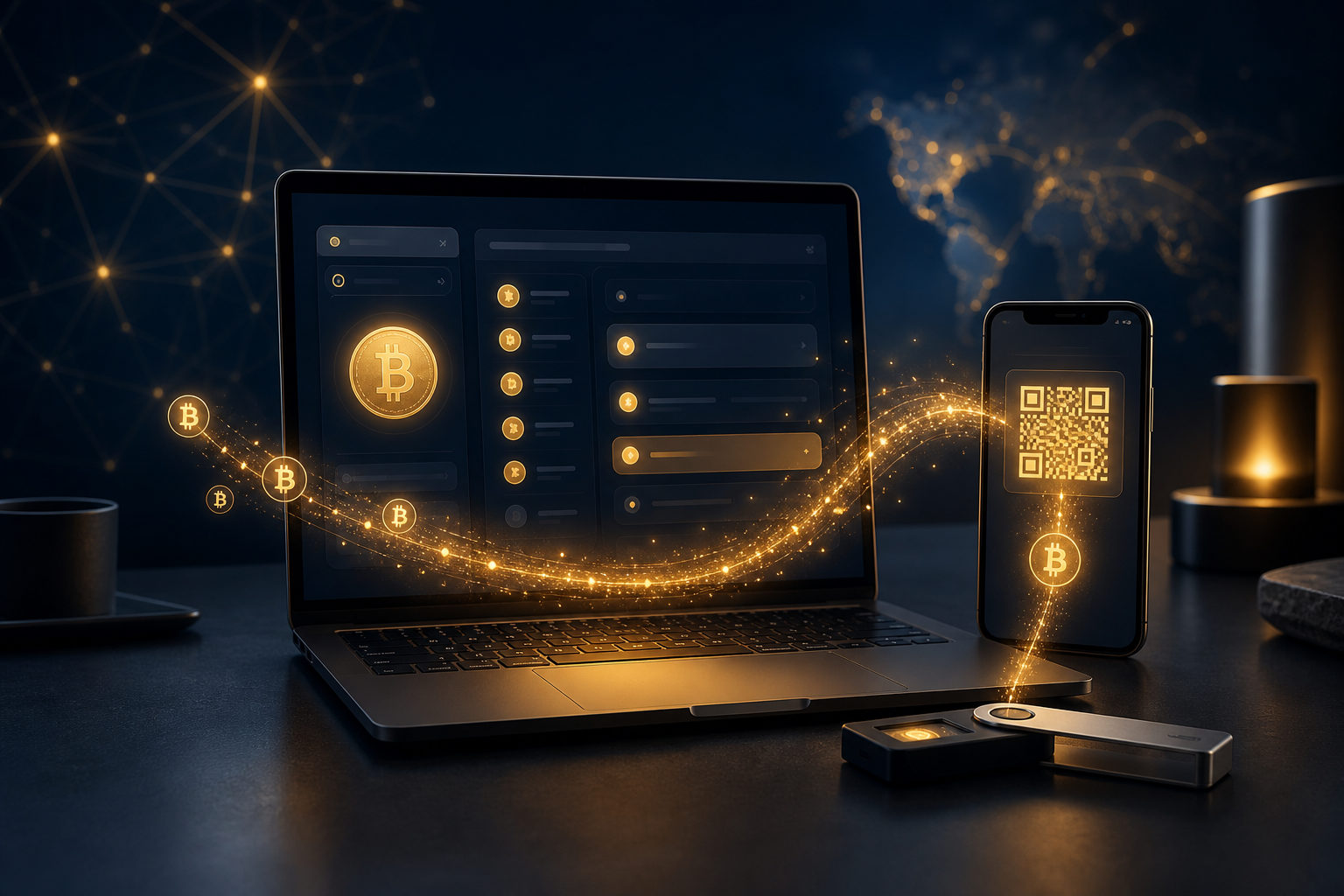
To add bitcoins to Electrum, you need to send BTC to an address generated by your Electrum wallet. The safe order is simple: back up the wallet first, copy a receiving address, send bitcoin from an exchange or another wallet, then verify the incoming transaction inside Electrum.
What “adding bitcoins” to Electrum really means
Electrum is a Bitcoin wallet, not a custodial account where a company updates your balance on its own system. Your balance changes when a real Bitcoin transaction reaches an address controlled by your wallet.
That matters because many users think “add bitcoins to Electrum” means pressing a deposit button inside the app. In practice, it means receiving BTC from somewhere else. Once you understand that, the process becomes much clearer.
What to check before you transfer anything
Make sure you are sending BTC
Electrum is built for Bitcoin. Before you withdraw from an exchange or send from another wallet, confirm that the asset being sent is BTC. Sending the wrong asset to a Bitcoin receiving address can create serious recovery problems.
If the sending platform lists many assets and networks, do not rely on guesswork. Pause and verify the asset first. A short delay is better than a permanent mistake.
Back up your wallet before funding it
Before you move bitcoin into Electrum, confirm that your recovery information has been stored safely offline. If you use Electrum with a hardware wallet, the backup focus is usually on the hardware wallet itself. If you use a software wallet, local device security and backup discipline matter even more.
A lot of wallet trouble starts after funds arrive, not before. Devices fail, operating systems get reinstalled, files get deleted, and people discover too late that they never prepared for recovery.
Confirm the receiving address belongs to your wallet
Open Electrum and copy the Bitcoin receiving address shown in the receive section. After copying it, check more than the first few characters. A quick review of the beginning and end is the minimum. For larger transfers, a full comparison is better.
This is not paranoia. Clipboard replacement malware is a known risk. If a bad address is pasted and the transaction is sent, Bitcoin transfers cannot simply be reversed.
How to send bitcoin to Electrum
From an exchange
- Open Electrum and get your BTC receiving address.
- Log in to the exchange and go to the Bitcoin withdrawal page.
- Paste your Electrum address into the destination field.
- Confirm that the asset is BTC and that the withdrawal is set up for Bitcoin.
- Review the amount, any fee prompt, and the exchange security checks.
- Submit the withdrawal and monitor the transaction status.
After submission, the exchange may show a processing state before the transaction is broadcast. Once it reaches the network, Electrum should display the incoming transaction, followed by confirmation progress over time.
From another wallet
- Copy your receiving address from Electrum.
- Open the wallet that currently holds your BTC.
- Choose the send function.
- Paste the Electrum address and verify it carefully.
- Confirm the asset is bitcoin, review the transaction details, and send.
If the sending wallet lets you set the miner fee manually, a lower fee can mean a longer wait. You do not need a live price figure to understand the key point: fee choice affects confirmation speed.
Use a small test transaction first
If this is your first transfer into Electrum, or your first withdrawal from a particular exchange to this wallet, sending a small test amount is usually the safest move. It confirms that the address was copied correctly, the withdrawal flow is understood, and the wallet displays the incoming payment as expected.
Once that test works, you can send the rest. This extra step takes time, but it reduces the chance of turning a simple error into a full loss.
What you will see after the transfer
Unconfirmed does not mean missing
After the transaction is broadcast to the Bitcoin network, Electrum may show it as unconfirmed first. That means the wallet can already see the transaction, but the network has not yet added enough block confirmations for your purpose.
Bitcoin produces a new block about every 10 minutes, but actual waiting time depends on current network conditions and the fee attached to the transaction. If you see an unconfirmed status, do not assume your coins are gone and do not rush into sending a second transfer out of panic.
Balance views can differ by status
Electrum may separate confirmed funds from incoming funds that are still waiting for confirmation. What matters most is whether the transaction is visible in your history and whether it has reached the confirmation level you are comfortable with.
If the transfer came from an exchange, the exchange may already show it as sent while Electrum is still waiting on network progress. That difference in status is normal.
Receiving addresses may change
A Bitcoin address can receive more than once, but wallets often generate fresh receiving addresses to improve privacy. Electrum may show you a new address for the next payment. That does not automatically mean older receiving addresses stopped working.
The practical point is this: understand that those addresses are still controlled by the same wallet, and make sure your backup is complete. Address rotation is a wallet management feature, not a sign that something broke.
Common mistakes and how to think about them
Sending the wrong asset
This is one of the most serious mistakes. Electrum is mainly for Bitcoin, so sending a different asset to a Bitcoin receiving address can be difficult or impossible to resolve on your own. The best defense is a final check before you press send.
Copying an altered address
Malware can watch the clipboard and swap your copied address for an attacker’s address. The fix is procedural: verify the pasted address every time. On larger transfers, review the whole string, not just a few characters.
Slow confirmation
If the sender used a low fee, confirmation can take longer. In that case, first check whether the transaction appears in Electrum. A delay is not the same thing as a failed transfer.
Connection or sync confusion
Electrum needs network connectivity to display current blockchain information. If your local connection is unstable or the wallet is not communicating properly with its server, transaction history and balances may not refresh immediately. Check connectivity before assuming the transfer failed.
Mixing up buying bitcoin and receiving bitcoin
Many beginners treat those as the same action, but they are different. In many cases, you buy BTC on an exchange or another service first, then withdraw it to Electrum for self-custody. Electrum manages your wallet. It does not create balance out of nowhere.
Practical habits that make transfers safer
- Back up before funding: do not move meaningful funds into a wallet that you cannot recover.
- Test with a small amount first: this is especially useful with a new wallet, a new device, or a new exchange.
- Verify every address: at minimum, compare the beginning and end after pasting. For important transfers, review the full address.
- Use a clean device environment: avoid wallet activity on systems you do not trust.
- Understand new receiving addresses: a newly displayed address is often part of normal privacy management.
- Store recovery information properly: do not depend only on screenshots kept on an internet-connected device.
Electrum is a strong fit for people who want direct control over their bitcoin. That control comes with responsibility. Once you understand receiving addresses, backups, and confirmation states, adding bitcoins to Electrum is a straightforward process rather than a mystery.
FAQ
How do I receive bitcoin in Electrum?
Open the wallet, copy a receiving address, and send BTC to that address from an exchange or another wallet. After the transaction appears in Electrum and reaches the confirmation level you need, the receiving process is effectively complete.
Why is my exchange withdrawal not showing in Electrum yet?
The exchange may still be processing it, the transaction may have just been broadcast, or your wallet may not have refreshed yet. Check the withdrawal record and the wallet connection state before doing anything else.
Can I use the same Electrum address more than once?
Yes, a Bitcoin address can receive multiple payments. Even so, Electrum may generate fresh addresses to improve privacy, and using those newer addresses is often the better habit.
Do I need to buy bitcoin before I can add it to Electrum?
If you do not already have BTC, you need to obtain it from a service that supports Bitcoin first. Electrum is the wallet that receives and manages your coins; it does not create them for you.
What should I double-check before sending BTC to Electrum?
Focus on three things: the receiving address is correct, the asset being sent is actually BTC, and your wallet backup is complete. Those checks prevent most of the expensive mistakes people make.
The useful sequence is short and practical: back up the wallet, copy the Electrum receiving address, run a small test transfer, then confirm the incoming transaction before moving a larger amount. Follow that order and the process is usually far less stressful.