
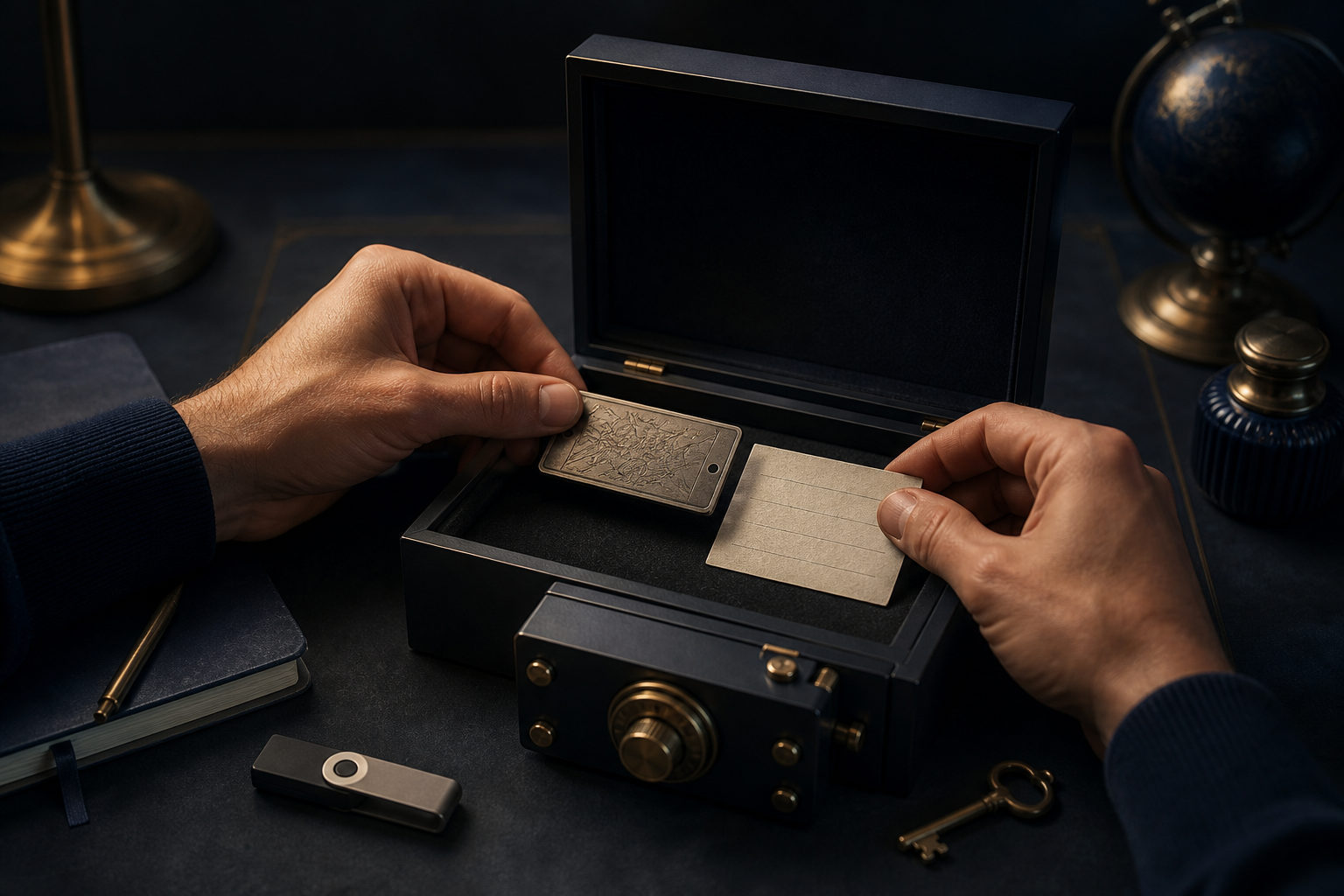
How to store a bitcoin seed phrase safely comes down to four rules: keep it offline, make more than one backup, store copies separately, and verify that recovery actually works.
A seed phrase is not just another password. In most wallet setups, it is the master backup that can recreate wallet access on another device. If someone else gets it, they may be able to restore the wallet; if you lose it or record it incorrectly, you may lock yourself out for good. That is why storage is not a side task. It is the core security task.
What a bitcoin seed phrase actually does
A bitcoin seed phrase is a list of words shown when a self-custody wallet is created. Those words are used to restore the wallet and the keys associated with it. Many beginners confuse the seed phrase with an app password, but they solve different problems.
A wallet password usually protects one device or one app session. The seed phrase is what lets you recover the wallet elsewhere if your phone breaks, your computer is replaced, or the app is removed. The reverse is also true: your device can still be in your hand, yet your bitcoin may no longer be safe if the seed phrase has been exposed.
The safest way to store a bitcoin seed phrase
Keep it offline from the start
The safest default is to write the seed phrase down by hand or record it on a dedicated physical backup that does not connect to the internet. Do not take a screenshot. Do not save it in a notes app. Do not email it to yourself. Do not put it in cloud storage, chat messages, photo galleries, or any tool that syncs across devices.
This matters because most losses do not begin with a dramatic attack. A gallery sync, a copied clipboard, malware on a computer, a compromised email account, or an old phone that still holds data can all turn a private backup into an exposed one.
Make multiple backups, but do not scatter them carelessly
One copy is fragile. Paper can be lost, damaged, thrown away by mistake, or destroyed in an accident. Creating more than one backup reduces the risk that a single event wipes out your recovery path.
Still, more copies do not automatically mean more safety. Each copy increases the number of places where the phrase exists. Good backup practice is controlled redundancy: enough copies to avoid a single point of failure, few enough that you can account for every one of them.
Store copies in separate physical locations
Two backups kept in the same drawer are only slightly better than one. If you create multiple copies, place them in separate locations so that one local incident does not affect all of them at once.
The exact locations depend on your living situation and your privacy needs, but the principle stays the same: separation reduces concentration risk. At the same time, avoid leaving copies in places where visitors, cleaners, contractors, or casual acquaintances might come across them.
Check the words, order, and readability
Seed phrase storage fails in simple ways more often than people expect. A missing word, bad handwriting, wrong order, or unclear spelling can turn a backup into a false sense of security. Write clearly, preserve the exact order, and check the full list after recording it.
If your wallet setup allows it, do a careful recovery test in a trusted environment. The goal is not to keep typing the phrase over and over. The goal is to confirm that the backup is real, complete, and usable before you ever need it in an emergency.
A practical storage checklist for beginners
If you are new to self-custody, the best approach is usually the simplest one you will actually follow. Start with a process that lowers digital exposure and improves recoverability.
- Create the wallet in a clean setting: avoid screen recording, screenshots, and multitasking with chat or note-taking apps.
- Write the phrase by hand: make the handwriting plain and easy to read later.
- Prepare at least two offline backups: this helps protect against loss or physical damage.
- Store backups separately: do not keep every copy in one room, bag, or container.
- Keep the seed phrase separate from device unlock details: combining them creates a larger single failure point.
- Verify recovery once: confirm that the phrase works before you rely on it.
- Reduce future exposure: once verified, avoid pulling it out casually or showing it to anyone.
This process is intentionally boring. That is a good sign. Most good seed phrase storage methods are plain, disciplined, and easy to repeat. The goal is not to look advanced. The goal is to stay recoverable without handing attackers an easy win.
Common mistakes that put a seed phrase at risk
The most common errors are convenience decisions. They feel harmless at the time, then become the weak link later.
- Saving a photo of the phrase: photo galleries often sync automatically or remain on old devices.
- Putting it in notes or documents on a computer: internet-connected devices are frequent targets, and local files are easy to misplace or back up unintentionally.
- Sending it through email or chat: once transmitted, it may exist in more places than you realize.
- Relying on memory alone: memory fades, especially under stress or after long gaps.
- Sharing it with another person for convenience: if someone else has seen it, sole control is already gone.
- Using a complex hiding scheme you cannot reliably reverse: if your future self cannot reconstruct it, the design has failed.
A frequent beginner mistake is assuming that deleting a digital copy solves the problem. It might reduce exposure, but it does not guarantee that the phrase never synced, never backed up, and never appeared in logs or older devices. The safer policy is to keep the phrase out of connected systems in the first place.
Think beyond hackers: physical risk matters too
Loss, damage, and confusion are real threats
People often focus only on online theft, yet physical mishaps are just as dangerous. Paper can fade, get wet, tear, or be discarded by someone who thinks it is junk. A move to a new home can break a careful setup if storage was never documented clearly enough for you to relocate it.
That does not mean you need a dramatic or expensive arrangement. It means your method should survive normal life: cleaning, moving, routine household changes, and long periods without use.
Leave instructions for your future self
A good backup is not just hidden. It is understandable. Months or years later, you may not remember which wallet you used, how recovery works, or what exactly the backup note refers to. It can help to leave a short instruction sheet that does not reveal the phrase itself, such as a reminder that the document is for wallet recovery and should never be typed into random websites or support chats.
Keep those instructions separate from the phrase if possible. The point is to lower confusion without packaging every sensitive detail together.
Never give a seed phrase to support staff or websites
No legitimate support interaction should require you to reveal your bitcoin seed phrase to another person. If someone claiming to be wallet support, exchange staff, a security team, or a project representative asks for it, stop immediately.
In normal self-custody use, the seed phrase is entered by you, in a wallet you trust, only when you are intentionally restoring that wallet. A request for the phrase is usually the strongest warning sign in the entire process.
FAQ
Can I keep my bitcoin seed phrase on my phone as a backup?
It is a bad idea. Phones are connected devices, and the phrase may be exposed through screenshots, backups, synced notes, malware, or account takeover.
If you already stored it there, move to an offline backup process and remove visible copies. Just do not assume deletion fully erases prior exposure.
Is a seed phrase the same as a private key or wallet password?
No. A wallet password usually protects local access to an app or device. A private key controls spending authority, while the seed phrase is the recovery source that can recreate wallet access.
For most users, the practical point is simple: losing an app password is not the same kind of disaster as exposing or losing the seed phrase.
Should I split the phrase into parts and hide them separately?
It can reduce the impact of one copy being found, but it also adds complexity and the risk of self-lockout. If you use any split method, make sure you can reconstruct it reliably without guessing.
For beginners, clear offline backups in separate locations are usually safer than elaborate hiding systems.
How often should I check my seed phrase backups?
Check them occasionally for readability, completeness, and physical condition, but do not handle them more than necessary. Every extra exposure is another chance for someone to see, copy, or photograph the phrase.
The purpose of checking is to confirm the backup still exists and still works, not to keep re-entering it into devices.
What should I do if a website or support agent asks for my seed phrase?
Do not provide it. Treat that request as a major danger sign and leave the page or end the conversation.
A bitcoin seed phrase should only be entered by you during deliberate wallet recovery in a trusted wallet environment.
Before you do anything else, move any digital seed phrase copy out of connected systems, create clear offline backups, store them separately, and verify recovery in a safe setting. With bitcoin self-custody, seed phrase storage is not optional admin work. It is the job.