
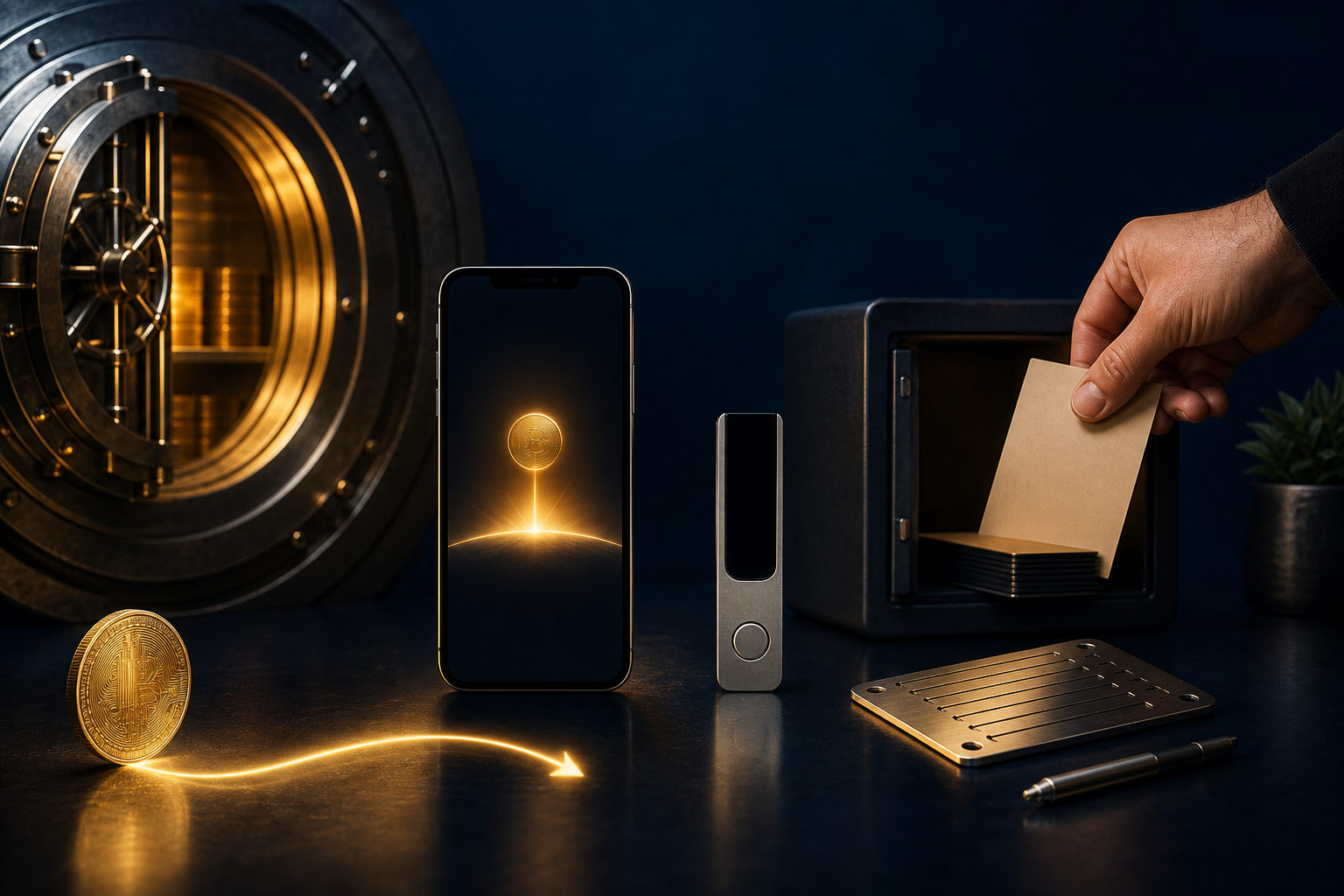
To open a bitcoin wallet account as a beginner, do three things first: choose between custodial and self-custody, secure your recovery method, and test with a small amount before using it seriously. A bitcoin wallet is not the same as a bank account, and mistakes are often hard to reverse.
What a bitcoin wallet account actually means
Many beginners use the phrase “bitcoin wallet account” to describe two different setups. One is an account on an exchange or app that lets you buy, sell, and hold bitcoin through a service provider. The other is a wallet that gives you direct control over the keys or recovery method tied to your bitcoin.
That distinction matters from the start. In a custodial setup, the provider handles the private keys and you access your balance through a login, app, and account controls. In a self-custody setup, you are responsible for the wallet backup, recovery phrase, device security, and the long-term safety of your bitcoin.
So the first answer to “how to open a bitcoin account wallet for beginners” is simple: decide who will control the keys. If you skip that question, the rest of the setup can look easy while the real risk stays hidden.
The right order for beginners
Start by choosing custody type
If your goal is to learn the basics of buying bitcoin and navigating an app, a custodial account may feel easier at first. You usually get a familiar sign-up flow, account recovery options, and a single place to view balances and transactions. The tradeoff is that access, withdrawals, and account use depend on the provider’s rules and security process.
If your goal is long-term control, or if you want to hold bitcoin without relying on a third party, you should learn self-custody early. That does not make you safer by default. It means the safety of the wallet depends on how well you manage the backup and how carefully you avoid phishing, device loss, and careless storage.
Pick the wallet format that matches your use case
Beginners often choose a wallet based on popularity alone. That is not enough. A mobile wallet may be convenient for checking balances and making occasional transfers. A desktop wallet may fit users who prefer managing funds from one computer. A hardware wallet is built around stronger separation between sensitive signing and everyday internet use.
No wallet type is perfect for everyone. A better way to decide is to ask practical questions. Will you change phones often? Are you organized enough to keep an offline backup? Do you plan to hold bitcoin for a long time or use it more actively? The more honest you are here, the better your setup will fit.
Use only official download and sign-up channels
Whether you are opening an exchange account or installing a self-custody wallet, use the official app listing, official website, or the provider’s own published instructions. Search ads, random messages, fake support accounts, and copied app pages can lead to phishing or malware.
For beginners, one of the biggest risks is not complexity. It is downloading the wrong thing. A fake wallet app or fake login page can capture passwords, recovery phrases, and verification codes before you realize anything is wrong.
Set login security, but do not confuse it with recovery
If you open a custodial bitcoin account, use a strong unique password and add extra account protection where available. If you create a self-custody wallet, set a device passcode and any local wallet lock offered by the app or device.
Still, login security and wallet recovery are different layers. A password protects access to an account or device. A recovery phrase or private key protects your ability to restore control if the device is lost, broken, replaced, or wiped. Beginners get into trouble when they treat those as the same thing.
Back up first, then receive or send bitcoin
This step is where many first-time users rush. They create the wallet, see a receive address, and move bitcoin into it right away. Only later do they realize they never wrote down the recovery phrase or never checked whether the backup was complete and readable.
A safer order is this: create the wallet, write down the recovery information exactly as instructed, review it carefully, store it offline, and only then test receiving or sending a small amount. Until the backup is done, the wallet setup is not truly finished.
Private key responsibility is the real lesson
Bitcoin does not work like a standard online account where support can simply reset everything for you. On the network itself, transfers are generally hard to undo. Control comes from the private key or the recovery method that can recreate it.
That is why opening a bitcoin wallet account is not just a registration task. In a custodial product, your focus should be account security, withdrawal steps, and understanding what the provider controls. In self-custody, the focus shifts to backups, secrecy, recovery, and avoiding social engineering.
- Custodial account: easier to start, but you depend on the service provider.
- Self-custody wallet: more direct control, but mistakes are your responsibility.
- Mixed approach: some users keep small working balances in an accessible wallet and use a more cautious setup for longer-term storage.
Never share a recovery phrase or private key. Do not save it in a chat app, do not email it to yourself, and do not hand it over to anyone claiming to be support, compliance, or account verification. If anyone asks for it, stop immediately.
Another beginner mistake is assuming that remembering the app password is enough. It is not. In self-custody, the recovery phrase is often the real backup line. Without it, a broken phone or deleted app can turn a manageable inconvenience into permanent loss of access.
A practical beginner checklist after setup
You do not need to master every bitcoin topic on day one. You do need a repeatable process that reduces avoidable errors. Use this checklist when opening your first bitcoin wallet account.
- Define the purpose: buying, holding, receiving payments, or learning the basics.
- Choose custody: provider-controlled account or self-custody wallet.
- Use official channels: avoid links from strangers and unofficial downloads.
- Create a unique password: do not reuse email or social account passwords.
- Add extra account protection: helpful for logins, but not a backup substitute.
- Write down recovery information offline: keep it accurate and separate from your main device.
- Test with a small amount: first receive or transfer should be a trial run.
- Check the address carefully: confirm the beginning and end after copying.
- Assume transfers are hard to reverse: pause before every confirmation step.
- Know how recovery works: not just where the wallet button is, but what you would do if your device disappeared.
If you buy bitcoin on an exchange and plan to move it into your own wallet, read the withdrawal screen carefully before confirming anything. Make sure your account status, destination details, and receiving setup are all ready. If something looks unclear, stop and review it first.
If your plan is long-term holding, do not postpone backup. A lot of losses come from ordinary events such as changing phones, deleting an app, losing access to a device, or assuming you will “do it later.”
FAQ
Should a beginner open an exchange account first or create a wallet first?
That depends on the goal. If you want to learn how buying works, an exchange account may be the easiest entry point. If you care more about direct control, learning self-custody early makes sense. The key question is not the order. It is whether you understand who controls the keys.
Can someone send bitcoin to my account name like a bank transfer?
Usually no. Bitcoin payments are generally sent to a receiving address or another supported receiving method, not to a display name alone. Before sharing anything, make sure the address comes from the correct wallet screen.
Is a recovery phrase the same thing as my login password?
No. A password usually protects access to an app, exchange account, or device. A recovery phrase or private key is tied to restoring wallet control. Mixing those up is one of the most common beginner errors.
Why should I test with a small amount first?
Because bitcoin transfers are generally hard to reverse. A small test helps you catch address mistakes, screen misunderstandings, or withdrawal issues before you move a meaningful amount.
If I keep bitcoin on a platform for now, what security steps still matter?
You still need strong account security, a protected email account, and a clear understanding of the platform’s withdrawal process. If you later move bitcoin into your own wallet, finish your recovery backup before receiving funds there.
Warnings that should stay front and center
No legitimate setup requires you to give your recovery phrase or private key to another person. Bitcoin transfers are generally hard to undo, so every destination detail deserves a final check. In self-custody, losing the recovery method can mean losing access for good.
The safest beginner routine is simple: open the bitcoin wallet account, back it up before doing anything else, run a small test, and only then use it for larger amounts or longer-term storage.