
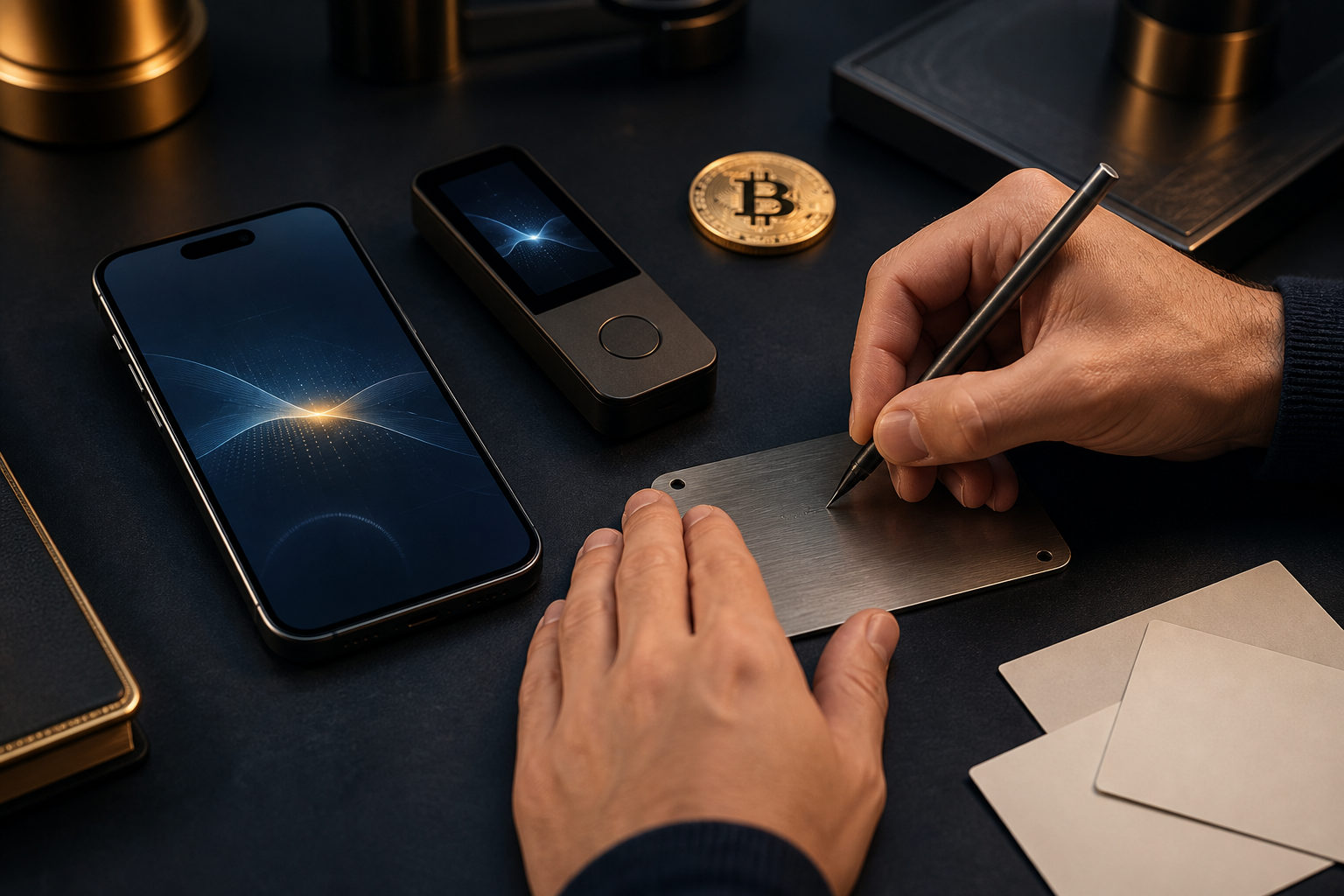
To create a Bitcoin wallet address, you first choose a wallet, set it up, back up its recovery information, and open the receive screen. The easy part is getting an address. The part that matters is understanding that your private key or recovery phrase carries the real responsibility, because a wrong network, a leaked phrase, or a bad backup can be hard to fix.
What a Bitcoin wallet address actually is
People searching for how to create bitcoin wallet address often mean one of two things: they want a place to receive bitcoin, or they want a wallet they control themselves. Those are related, but not identical. A wallet address is public-facing information used for receiving funds. A private key is the secret that controls those funds.
Many wallets also show a recovery phrase during setup. That phrase is not just a convenience feature. It is usually the main backup that lets you restore control if your phone is lost, your computer fails, or the app is removed. You can share an address with a sender. You should never share your recovery phrase or private key.
Another point confuses many beginners: one wallet can generate more than one address. In practice, that means creating a Bitcoin wallet address does not always mean making a brand-new wallet every time. In many apps, you already have a wallet and the software simply gives you a fresh receive address when needed.
Step-by-step: how to create a Bitcoin wallet address
Choose the wallet type before you install anything
Start with your use case. If you want quick everyday access, a mobile wallet may suit you best. If your main goal is longer-term storage, a hardware wallet may make more sense. If you prefer working from a computer, a desktop wallet can be a practical option.
The main question is not whether the app looks simple. Ask whether you control the keys and whether the recovery process is clear. Some services show a bitcoin balance and let you receive funds, but they operate more like custodial accounts than self-controlled wallets. That distinction matters if you want direct control over your assets.
Install only from an official source
Use the wallet provider's official website or a major app store. Do not install from random ads, chat groups, copied files, or links sent by strangers. If you are buying a hardware wallet, avoid unknown second-hand devices for anything important.
This step sounds basic, but it sits at the front of the whole security chain. If the wallet software or device is compromised from the start, every step after that becomes less trustworthy.
Create a new wallet, not an import
When you open the wallet for the first time, you will usually see a choice between creating a new wallet and importing an existing one. If this is your first wallet, choose the new wallet option. The import path is for people who already have a recovery phrase or private key.
Beginners sometimes click the wrong option because both screens look similar. That can lead to confusion later, especially if they think they have finished setup when they have only opened a restore screen.
Write down the recovery phrase offline
During setup, many non-custodial wallets display a recovery phrase. Write it down offline and keep the order exactly as shown. Do not store it in cloud notes, email drafts, screenshots, or chat apps. Those methods are convenient, but they expand the number of ways the phrase could be exposed.
A device password, fingerprint lock, or face unlock protects access on that device. It does not replace the recovery phrase. If the device disappears, the phrase is often the thing that lets you recover the wallet elsewhere.
Some wallets hide the private key and focus on the recovery phrase instead. That does not reduce the importance of key control. It only means the app is presenting the backup in a form that is easier for regular users to handle.
Open the receive tab and generate an address
Once setup is complete, look for a button such as Receive or Request. There you should see a string of letters and numbers, often alongside a QR code. That is your Bitcoin wallet address.
Use the app's copy button when possible. Then check the first and last characters before sharing it or using it for a transfer. Clipboard hijacking malware exists, and a quick visual check lowers the chance of sending funds to the wrong place.
Test with a small transfer first
If this is a new wallet or a new address, do not move everything at once. Send a small test amount first, confirm that the wallet shows the incoming transaction as expected, and only then continue with larger transfers if needed.
This habit feels slower, but it catches common mistakes at low cost. A pasted address error, a misunderstood send screen, or a wrong network is much easier to discover with a test transfer than with your full balance.
The private key responsibility most beginners underestimate
The phrase private key responsibility sounds abstract until something goes wrong. In ordinary web services, people are used to password resets, account recovery forms, and support tickets. Bitcoin does not work that way when you control your own wallet. If you lose your recovery information, or if someone else gets it, there may be no practical way to reverse the outcome.
That is why the visible warning should come early: never give your private key or recovery phrase to anyone claiming to help you. Not support staff, not a friend in a hurry, not a social media contact, not a trading group admin. A wallet address is meant to be shared for receiving. Your secret recovery data is not.
There is another hard lesson here. Many actions around wallet creation feel like normal app setup, but the consequences are not normal app consequences. You can reinstall an app. You cannot assume you can recover bitcoin without the right backup. You can copy and paste an address in seconds. You may not be able to pull funds back after sending them on the wrong network.
Common mistakes when creating a Bitcoin wallet address
- Saving the recovery phrase online: screenshots, cloud drives, chat messages, and email drafts all create extra exposure.
- Confusing the address with an account name: a username or platform profile is not the same thing as an on-chain receive address.
- Skipping the network check: assets with similar names can exist in different systems, and a matching label does not guarantee compatibility.
- Copying the address without verifying it: always inspect the beginning and end of the copied string.
- Thinking a device password is enough: local app security is useful, but recovery data is what usually restores access after device loss.
- Assuming one address means one wallet forever: many wallets generate fresh addresses over time. That is normal.
Address reuse is another area worth handling carefully. In many cases, a Bitcoin address can be used more than once. Still, many users prefer fresh addresses for better privacy and simpler payment tracking. Whether you reuse addresses or not, the safety of the wallet still comes back to your backup and device security.
Which wallet type fits your situation
Mobile wallet
A mobile wallet is usually the fastest way to get started. It is convenient for receiving and sending small amounts and works well for people who want access on the go. The tradeoff is that phones are often full of apps, permissions, and daily distractions, so device hygiene matters a lot.
Desktop wallet
A desktop wallet can be easier if you manage payments from a computer, keep records, or prefer a larger screen for review. It still depends on the health of the computer itself. A poorly maintained system can create avoidable risk.
Hardware wallet
A hardware wallet is often chosen for longer-term storage because key operations are handled within a dedicated device rather than in a general-purpose internet-connected environment. That does not remove the need for backup discipline. If the device is lost or damaged, recovery still depends on the information you wrote down during setup.
Custodial account
Some people only need a quick way to receive bitcoin and use an exchange account or another custodial service. That can be simpler in the short term, but it is not the same as creating a self-controlled wallet address. If your goal is to learn how to create bitcoin wallet address in a way that gives you direct control, custodial access is a different model.
Practical checklist before, during, and after setup
Before setup
- Decide whether you want convenience, self-custody, or longer-term storage.
- Pick a wallet type that matches that goal.
- Use an official installation or purchase source.
- Prepare an offline way to write down recovery information.
During setup
- Choose to create a new wallet.
- Set a device-level lock, but do not treat it as the only backup.
- Write down the recovery phrase carefully and in order.
- Open the receive screen and copy the Bitcoin address.
- Check the beginning and end of the address string.
After setup
- Make a small test transfer first.
- Confirm that the wallet displays the incoming funds correctly.
- Store the written backup in a secure location.
- Think through how you would restore the wallet if the device stopped working.
If you are creating a wallet address for a family member, colleague, or client, be explicit about who holds the recovery phrase. That person usually holds the real control. Without that clarity, a simple setup task can turn into a dispute about access and responsibility later.
FAQ
Why does my wallet show more than one Bitcoin receive address?
That is normal in many wallets. One wallet can generate multiple receive addresses for privacy and record-keeping while still remaining under the same overall control.
You do not need to create a new wallet each time a new address appears. What matters is that the addresses come from the wallet you control.
Can I recover my wallet if I only have the address?
Usually no. A wallet address helps with receiving funds and viewing on-chain activity, but it is not the secret needed to restore control.
The recovery phrase, private key, or other supported recovery data is what normally matters. Without that, the address alone is generally not enough.
Do I need identity verification to create a Bitcoin wallet address?
If you use a non-custodial wallet on your own device, creating the wallet itself may not require identity verification. In that case, you are generating and managing control locally.
If you receive bitcoin through an exchange or another regulated service, that provider may have its own account verification rules. Those are separate situations.
Can I reuse the same Bitcoin address every time?
In many cases you can, but many users prefer new receive addresses for privacy and cleaner accounting. Using a fresh address can make it harder for others to connect multiple incoming payments directly.
Your backup discipline remains the main issue either way. A new address does not solve poor key management.
What if I forgot my device password but still have the recovery phrase?
In many cases, you can restore the wallet in another trusted wallet that supports the same recovery standard. The device password protects local access, while the recovery phrase is often what restores the wallet itself.
Enter the phrase carefully and in a quiet setting. A rushed restore attempt is a common source of avoidable mistakes.
Where should I check the live Bitcoin price before sending funds to my new address?
You can use major market data platforms, exchange price pages, or tools tied to blockchain explorers. Just keep price checking separate from wallet setup and asset storage.
If your backup is not complete and you have not done a test transfer yet, do not let market urgency push you into a large move. Finish the safety steps first.
The actionable path is simple: install from an official source, create a new wallet, write down the recovery information offline, generate the receive address, verify the network, and test with a small transfer before doing anything larger. If anyone asks for your private key or recovery phrase, stop there.
Disclaimer: This article is for informational and educational purposes only and is not investment, financial, or legal advice. Crypto assets are highly volatile and you could lose your entire investment. Do your own research and decide carefully.