
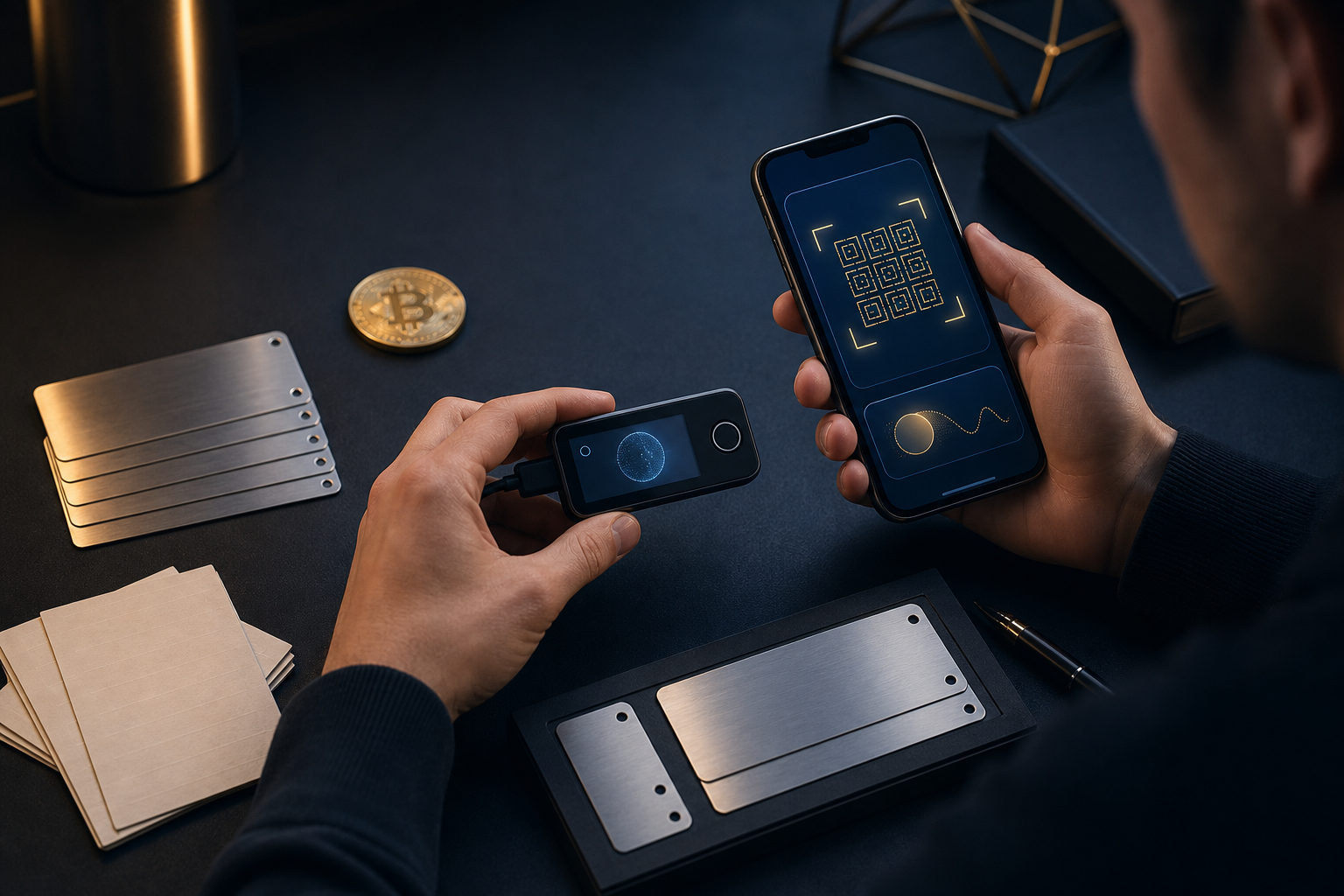
If you want to learn how to create a Bitcoin wallet for beginners in 2026, the right path is simple: choose a wallet type that fits your use case, write down the seed phrase offline, and test with a small amount before doing anything bigger. The hard part is not installation. It is accepting that private key mistakes are usually irreversible.
Start with this rule: a Bitcoin wallet does not store bitcoin the way a bank app stores an account balance. Bitcoin exists on the blockchain. A wallet manages private keys, creates receiving addresses, and signs transactions. Whoever controls the private keys controls the coins tied to those addresses.
What a Bitcoin wallet actually does
Beginners often think of a wallet as a place where the asset sits. That picture is useful at a very basic level, but it misses the most important detail. A wallet is really a key management tool. It gives you a way to receive bitcoin, prove ownership of certain addresses, and authorize outgoing transactions.
This matters because responsibility changes the moment you move from a platform-held balance to a self-custody wallet. If an exchange account has an issue, there may be a support process. If you lose your seed phrase or expose your private keys in a self-custody setup, there is usually no reset button and no reliable recovery path.
Core terms beginners should know
- Private key: the secret that gives spending control.
- Seed phrase: a human-readable backup used to restore wallet access.
- Address: what you share to receive bitcoin.
- Signing: the process of approving an outgoing transaction with your keys.
- Self-custody: you hold the keys instead of a third party holding them for you.
That is why any guide on how to create a Bitcoin wallet for beginners in 2026 should focus as much on backup and verification as on app setup. The wallet interface may look friendly. The underlying responsibility is still serious.
Choose the right wallet type before you create one
Before you install anything, decide what you want the wallet for. Are you trying to learn the basics of receiving and sending bitcoin? Or are you setting up storage for funds you plan to hold for a long time? Those are different goals, and they do not always point to the same tool.
Software wallets are usually the easiest entry point. They run on a phone or computer, they are quick to set up, and they help beginners understand addresses, backups, and transaction flow. That convenience comes with exposure to device-level risks such as malware, fake apps, clipboard tampering, or a lost phone.
Hardware wallets are built to keep private keys more isolated from internet-connected devices. That makes them a stronger option for longer-term storage. Still, they are not magic. If you buy from an unreliable source, skip the setup checks, or mishandle your seed phrase backup, the security benefit can disappear fast.
| Wallet type | Best for | Main advantage | Main risk |
|---|---|---|---|
| Mobile software wallet | First-time users and small amounts | Fast setup and easy learning curve | Phone loss, fake apps, phishing |
| Desktop software wallet | Users who want a larger screen and more detail | Clearer transaction review | Malware and clipboard attacks |
| Hardware wallet | Long-term storage and stronger key isolation | Private keys stay more separated | Poor backup habits or setup errors |
For most beginners, a practical route is to learn first with a reputable software wallet using a small amount. Once the process feels natural and your security needs rise, you can decide whether long-term holdings belong in a hardware wallet.
Step-by-step: how to create a Bitcoin wallet safely
The creation process itself is not complicated. What matters is doing each part with intent. A rushed setup can leave you with a wallet that seems ready but is one lost device away from disaster.
1. Download only from an official source
Do not trust random search results, sponsored listings, chat messages, or social posts claiming to link to a wallet. Use the wallet provider's official distribution channels. Check the app name, publisher details, update history, and requested permissions before installing anything.
A common trap is a fake page that looks nearly identical to the real one. Another is a fake support message telling you to import a wallet for a reward or urgent security check. If anyone asks for your seed phrase, treat that as a direct warning sign.
2. Create a new wallet on a clean device
Use a phone or computer that is reasonably up to date and not cluttered with risky extensions, pirated software, or unknown system modifications. When the wallet opens, choose the option to create a new wallet unless you are intentionally restoring an existing one.
You will usually set a local password, PIN, or device-level lock for day-to-day access. This is useful, but do not confuse it with the seed phrase. The local password protects the app on that device. The seed phrase is what restores the wallet and gives final control.
3. Write down the seed phrase offline
This is the most important step in the entire process. When the wallet shows your seed phrase, write it down by hand in the exact order shown. Read it back carefully. Then read it again. If the wallet asks you to confirm the order, complete that check without skipping it.
Do not take a screenshot. Do not save the phrase in cloud notes. Do not email it to yourself. Do not place it in a password manager unless you fully understand the tradeoffs and have a deliberate security model. For most beginners, offline handwritten backup is the safest starting habit.
4. Store backup information with separation in mind
Your backup plan should reduce single points of failure. That means not keeping the seed phrase and the wallet password in the same place, and not placing all sensitive information in one digital folder. You may want to record non-sensitive notes such as which wallet app you used or which device it lives on, but keep that separate from recovery data.
The goal is simple: if your phone fails, gets stolen, or the app must be reinstalled, you should still be able to restore access. At the same time, someone who casually finds one note should not automatically get everything they need.
5. Test receiving and sending with a small amount
After setup, do not move everything into the wallet right away. Generate a receiving address and test an inbound transaction with a small amount. Then try sending a small amount out. This teaches you how address review works, how fee choices appear in the interface, and how transaction status looks in practice.
That small test matters because Bitcoin transactions are generally irreversible once sent. It is much better to discover confusion while moving a small amount than while trying to move a larger holding.
6. Build habits for every future transaction
Creating the wallet is only the start. Ongoing safety comes from repeated checks. Review the app before opening it. Confirm that the address you copied matches what you expect. Be skeptical of any website or pop-up asking you to reconnect or restore your wallet by entering the seed phrase.
If you are using a computer, stay alert for clipboard replacement attacks, where malware swaps the address you copied for another one. If you are using a phone, be extra careful with app impersonation and fake update prompts.
Private key responsibility: the part beginners cannot skip
Many tutorials make wallet creation sound like a fast app install. That framing leaves out the real shift. When you create a Bitcoin wallet yourself, you are choosing direct control over the keys. Direct control is powerful, but it also means many mistakes cannot be reversed by support staff, payment processors, or banks.
There are two kinds of secrets here, and beginners should not mix them up. One is the local unlock method such as a PIN or app password. The other is the seed phrase or private key. The first helps block casual access to your device. The second determines true ownership and recovery ability.
- If your seed phrase leaks: someone else may restore the wallet elsewhere and move the funds.
- If your seed phrase is lost: device failure can become permanent loss of access.
- If you send to the wrong address: there is usually no undo function.
- If you enter your recovery phrase on a phishing page: the loss can happen quickly.
This is why the best beginner setup is usually not the flashiest one. It is the one you can explain back to yourself clearly: where the recovery data is, how it is protected, how you would restore the wallet if the device vanished, and what information you would never type into a website.
Beginner checklist after wallet creation
Once your wallet is ready, go through a short checklist before treating it as fully usable. This is where many avoidable mistakes can be caught.
- Recheck the seed phrase backup: order and spelling must be exact.
- Keep the backup offline: avoid screenshots and casual cloud storage.
- Separate sensitive items: do not store the seed phrase with the local password.
- Test a small incoming transaction: confirm that receiving works as expected.
- Test a small outgoing transaction: make sure you know how to send, not just receive.
- Review addresses carefully every time: never rely on a quick glance.
- Ignore anyone asking for recovery words: legitimate wallet support does not need them.
If you later move to a hardware wallet, this same checklist still applies. Hardware improves key isolation. It does not fix poor backup discipline, address mistakes, or phishing habits.
FAQ
Should a beginner start with a mobile wallet or a hardware wallet?
A mobile wallet is often the easiest place to learn the basics with a small amount. A hardware wallet makes more sense when long-term storage and stronger key isolation become the priority, but only if you are ready to handle backup carefully.
Do I need identity verification to create a Bitcoin wallet?
Usually not for the wallet itself. Creating a wallet is different from opening an account with a buying or selling service. Identity checks depend on the service you use and the rules that apply in your region.
Can I save my seed phrase as a photo or in cloud notes?
That is generally a bad idea for beginners. Once recovery data enters internet-connected storage, the exposure grows. Writing it down offline is slower, but it is often the safer default.
If someone sees my receiving address, can they steal my bitcoin?
A receiving address by itself is not the same as a private key. Sharing an address mainly affects privacy. The dangerous information is the seed phrase, the private key, or anything that can restore wallet control.
How soon can I use the wallet after creating it?
You can receive bitcoin as soon as the wallet is created and backed up correctly. Before making any meaningful transfer out, test the process with a small amount so you know exactly how the wallet behaves.
If you are ready to act, the safest order is straightforward: choose a reputable wallet, create it on a clean device, write the seed phrase down offline, confirm the backup, and run a small receive-and-send test. If any step feels unclear, stop there and verify it before moving on.
Disclaimer: This article is for informational and educational purposes only and is not investment, financial, or legal advice. Crypto assets are highly volatile and you could lose your entire investment. Do your own research and decide carefully.