
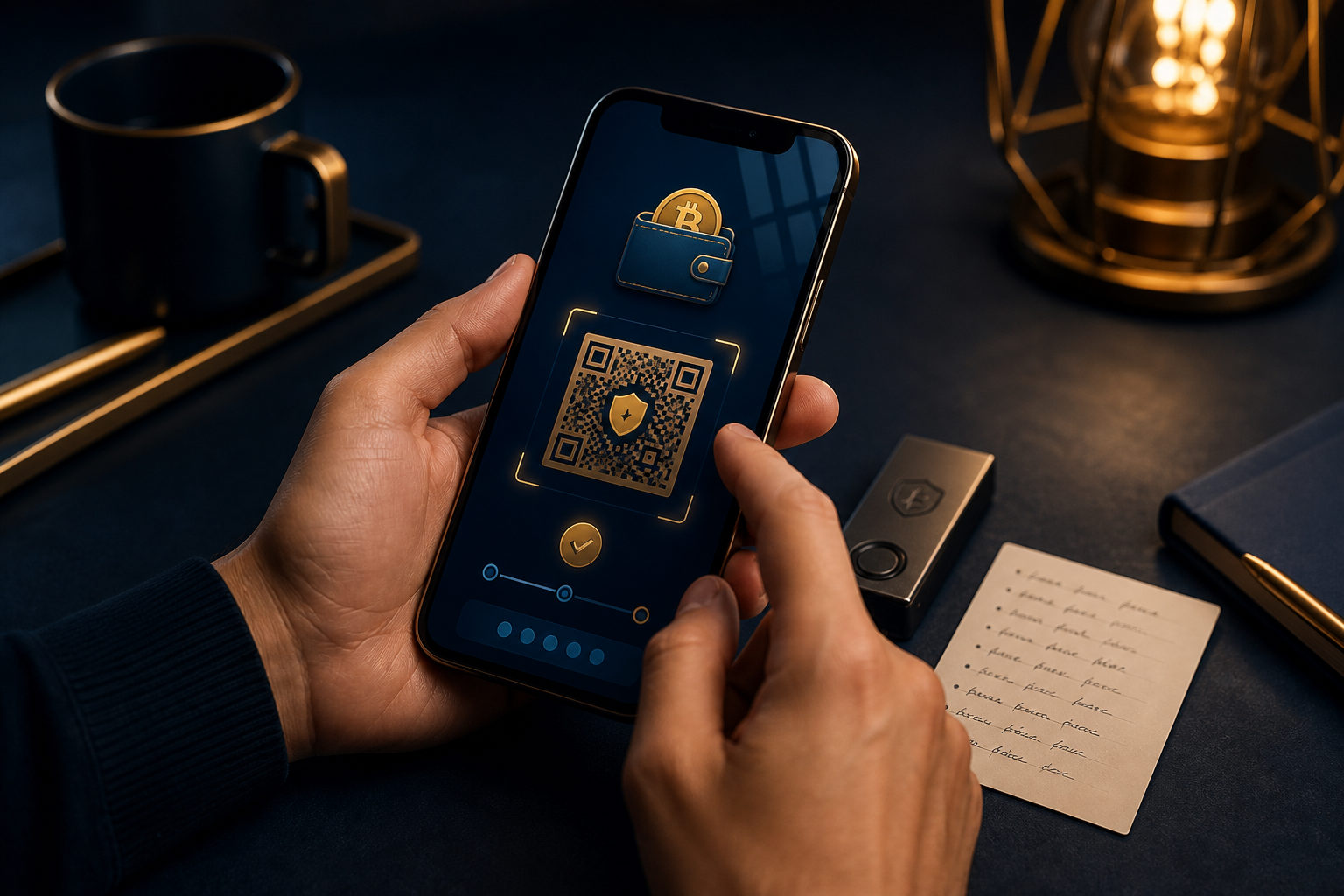
To create a non-custodial bitcoin wallet, you need to set up a wallet where you control the seed phrase or private keys yourself, then back up that recovery data before receiving funds.
What a non-custodial bitcoin wallet actually means
A non-custodial bitcoin wallet gives you direct control over the credentials that restore and spend your bitcoin. In practice, that usually means a seed phrase is generated during setup, and whoever has that phrase may be able to control the wallet.
This is the main difference from a custodial account on an exchange. With custody, the platform manages the keys for you. With a non-custodial setup, control is in your hands, but so is the risk of loss if you mishandle the backup or approve a wrong transaction.
What to prepare before you create one
Do not start by downloading the first app you see. The safer approach is to decide how you will use the wallet, where you will store the backup, and which device is appropriate for that purpose.
- Pick the wallet type: Common choices include mobile wallets, desktop wallets, and hardware wallets. A mobile wallet is often easier for beginners, while a hardware wallet is usually preferred for stronger separation from everyday device risk.
- Use an official download source: Fake wallet apps and cloned sites are a common problem. Get the software only from the wallet provider's official release channels.
- Prepare an offline backup method: Write the seed phrase down by hand. Do not store it in screenshots, cloud notes, email drafts, or chat apps.
- Set aside uninterrupted time: Most seed phrase mistakes happen during rushed setup. A quiet environment reduces the chance of writing words in the wrong order.
If you have not decided where the backup will live, pause there. For a non-custodial bitcoin wallet, backup discipline matters more than a polished interface.
How to create a non-custodial bitcoin wallet step by step
1. Install the wallet and choose to create a new wallet
When you open the wallet, you will usually see an option to create a new wallet. The app may ask you to set a local password, PIN, or biometric lock. That protects access on the device, but it is not the same thing as wallet recovery data.
Many beginners mix up a login code with actual ownership. The code helps protect the app on one device; the seed phrase is what lets you restore control if the device is lost or replaced.
2. Generate and record the seed phrase carefully
During setup, the wallet will usually show a seed phrase. Write each word down in the exact order shown, and check the spelling before moving on.
This is the most important irreversible step. If someone else sees the seed phrase, they may be able to access your bitcoin. If you write it down incorrectly, you may lock yourself out later.
3. Complete the backup check
Good wallets often ask you to confirm several words from the seed phrase before setup is finished. Do not skip this if the wallet allows you to postpone it. The point is to catch mistakes while the wallet is still in front of you.
You can also make a second offline backup and store it in a separate place. The reason is simple: one copy can be lost, damaged, or destroyed.
4. Find your receive address and test with a small amount
After setup, the wallet will display a bitcoin receive address. Before using larger amounts, test with a small transfer and confirm that the address was copied correctly and the wallet shows the incoming funds as expected.
Check the first and last characters of the address every time you paste it. Clipboard malware can swap addresses without making the change obvious at a glance.
Your private key responsibility starts right away
The appeal of a non-custodial bitcoin wallet is control. The tradeoff is that mistakes are often final, and there may be no support team that can restore access for you.
- Seed phrase exposure: This is the biggest risk. Anyone who gets it may be able to move the funds.
- Lost or broken device: If the wallet was never backed up correctly, access may be gone for good.
- Fake wallet software: Some copycat apps exist mainly to trick users into entering seed phrases.
- Wrong address or wrong network action: Blockchain transfers are generally not something you can reverse after the fact.
That is why learning how to create a non-custodial bitcoin wallet is only half the task. The other half is keeping recovery information private, readable, and available when you need it.
Action checklist after setup
- Make sure the seed phrase is written down offline and checked at least once.
- Never send the seed phrase to anyone, including people claiming to be support staff.
- Use a device lock and add a local wallet password or PIN.
- Receive a small test amount before handling larger transfers.
- Review your backup storage plan so you know where it is without exposing it often.
- Before replacing a phone or computer, confirm that the wallet can be restored properly.
If you plan to hold bitcoin for different purposes, you may want separate wallets for spending and long-term storage. Keeping those roles apart can reduce confusion and lower the chance of a costly mistake.
FAQ
Is a wallet with self-controlled keys always safer
Not always. It removes part of the platform risk, but it also puts backup, security, and scam awareness on you. The result depends a lot on your habits.
Can I create a non-custodial bitcoin wallet before buying bitcoin
Yes. In fact, setting up the wallet first is often the better order. You can confirm the backup process before any funds are involved.
What is the difference between a seed phrase and a wallet password
A seed phrase is the recovery credential for the wallet itself. A wallet password or PIN usually protects local access on one device and does not replace the recovery phrase.
Can one person create multiple non-custodial bitcoin wallets
Yes. People often separate daily use from longer-term storage. Just remember that each wallet needs its own backup, and those backups should not be mixed up.
Where do I check the bitcoin price if my wallet does not show it
Some wallets focus on storage and transfers rather than market data. If you want a live price, check a major market data site or exchange quote page separately.
Before you set anything up, decide where the backup will be stored. Then create the wallet, verify the seed phrase, and run a small test transaction. That order matters more than the brand name on the app.