
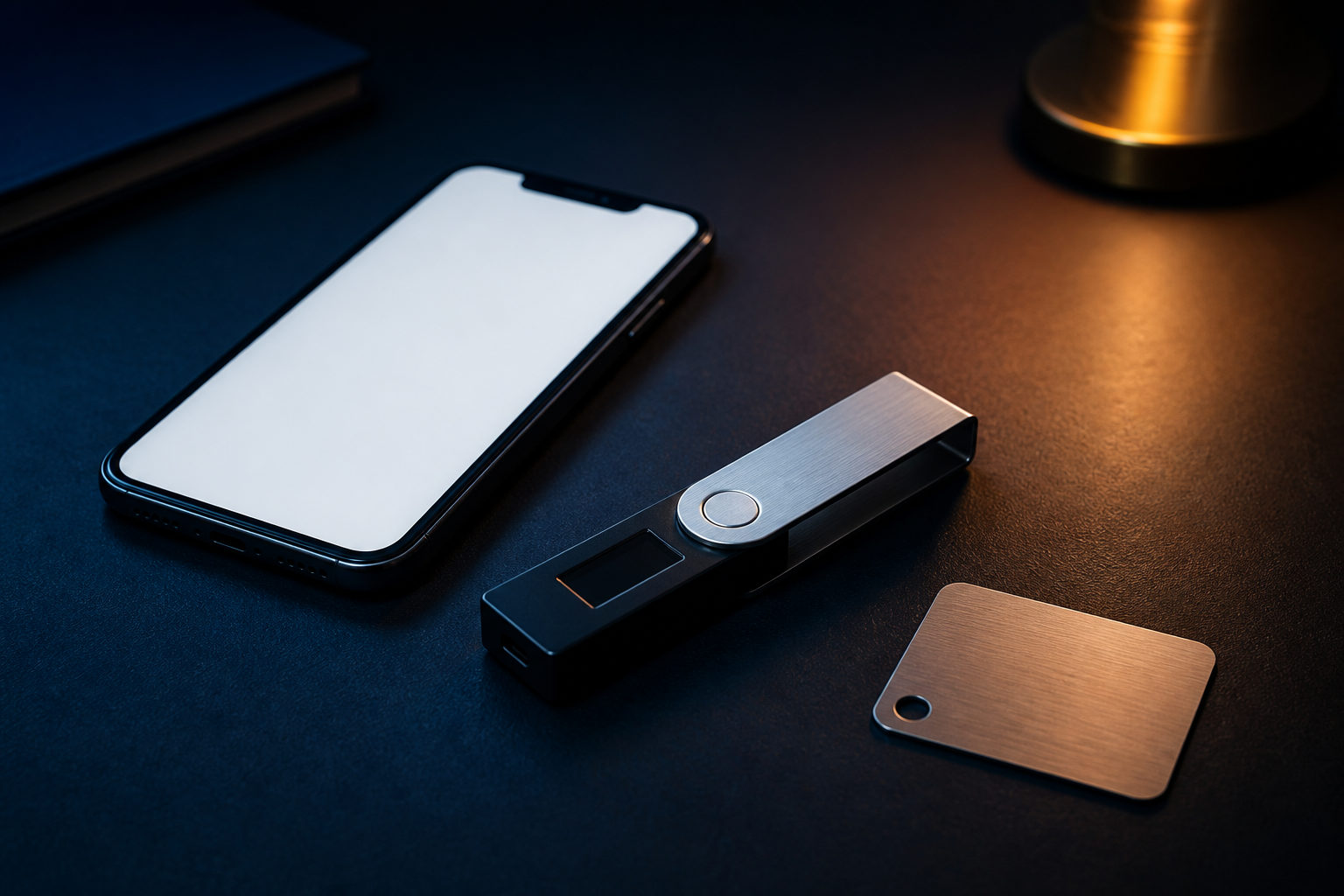
To get a Bitcoin wallet, pick a wallet type, install or set up the wallet yourself, back up the recovery phrase or private key, and use your receive address to accept bitcoin.
The hard part is not opening the wallet. It is understanding that if you control the private key, you control the bitcoin, and if that key or recovery phrase is exposed, a transfer is usually irreversible.
What a Bitcoin wallet actually does
A Bitcoin wallet does not store coins the way a bank account stores cash. It manages the private keys, public keys, and addresses that let you prove ownership and send transactions on the Bitcoin network.
You will usually see wallets in a few forms: mobile apps, desktop software, browser extensions, and hardware devices. They look different, but the core job is the same: create keys, protect recovery data, and let you receive or send bitcoin.
How to get a Bitcoin wallet
If you are searching for how to get a Bitcoin wallet, start with your use case. A wallet for small everyday payments is different from one meant for long-term storage, and that choice affects both convenience and risk.
1. Choose the wallet type first
- Software wallet: installed on a phone or computer; quick to start and common for beginners.
- Hardware wallet: keeps private keys on a dedicated device; often preferred for long-term storage.
- Custodial wallet account: managed by an exchange or service provider; easy to use, but you do not fully control the private keys.
If full control matters most, look at a non-custodial wallet. If you mainly want to learn the basics, a software wallet is often the easiest first step.
2. Get it from a trusted source
Download software wallets from the official site or a major app store. Buy hardware wallets from the brand's official channel when possible, then follow the setup instructions on your own device.
Do not let another person create the wallet for you. Do not install files sent by strangers. The setup process should happen under your control from start to finish.
3. Set up the wallet and back it up
During setup, the wallet may show a recovery phrase or private key. This is the most important step. Write it down offline, store it carefully, and keep it away from cloud drives, email, screenshots, and chat apps.
Some wallets ask you to confirm the recovery phrase in order before finishing setup. That extra step matters because wallet recovery usually depends on that exact information if your phone is lost or your device fails.
4. Add basic protection
After setup, create a strong password and make sure your device has a screen lock. If the wallet offers extra verification, watch-only mode, or multi-step approval, you can decide whether those features fit your needs.
A local password protects access on that device. The recovery phrase or private key is different: it is the root access to the wallet itself. Losing one is a problem; exposing the other can be much worse.
How to get bitcoin into your wallet
Many users really mean something closer to “how do I get bitcoins in my wallet.” Once the wallet is ready, open the receive function, copy your Bitcoin address, and use that address when withdrawing from an exchange or receiving a transfer from another wallet.
Check the address carefully before any transfer. A small test transaction is a smart habit because blockchain transfers are generally not reversible in the way card payments or bank support cases may be.
- Open the wallet and find the receive section.
- Copy the Bitcoin address or show the QR code.
- Ask the sender to verify the address characters before sending.
- For a first transfer, start small and confirm receipt before moving more.
If your question is really about getting bitcoin into your wallet, the key checks are simple: correct address, correct network, and clear control over the wallet you are using.
What to look for when choosing a wallet
There are many wallets, and the marketing can be noisy. A few practical checks matter more than the feature list.
- Who controls the private keys: choose non-custodial if self-custody is your goal.
- Backup and recovery clarity: a clear recovery process is important for beginners.
- Device fit: make sure it works with your phone or computer and your normal habits.
- Security reputation: look for products with broad usage and transparent documentation.
- Purpose: long-term storage usually puts security first; frequent transfers may favor convenience.
Do not choose a wallet just because the interface looks polished. A Bitcoin wallet is mainly a security tool, not a promise of returns.
Common mistakes and irreversible risks
Most problems happen after setup, not during it. New users often run into avoidable mistakes that can lead to permanent loss.
- Sharing the recovery phrase or private key: anyone with that information may be able to move the funds.
- Saving backup data in connected services: screenshots, cloud notes, and forwarded emails increase exposure.
- Installing a fake wallet: phishing pages and copycat apps are common traps.
- Sending to the wrong address or network: these errors are often hard to reverse.
- Treating an exchange account like your own wallet: it may be convenient, but the control model is different.
One short rule helps: whoever controls the private key controls the bitcoin.
FAQ
What is the easiest way for a beginner to get a Bitcoin wallet?
A software wallet on a phone or computer is often the simplest place to start. Set it up yourself, back up the recovery phrase, and test a small receive transaction before using it more seriously.
Which wallet should I choose if I want full control?
A non-custodial wallet is the usual choice because you hold the private keys. For long-term storage, many users prefer a hardware wallet, while mobile wallets are common for day-to-day use.
How do I receive my first bitcoin after opening a wallet?
Open the receive section and copy your Bitcoin address. Share that address with the sender, and for the first transfer, start with a small amount to confirm everything works as expected.
Can I get a Bitcoin wallet before I buy any bitcoin?
Yes. Setting up a wallet and buying bitcoin are separate steps, so you can prepare the wallet first and learn the recovery process before receiving any funds.
Is a wallet password the same as a recovery phrase?
No. A wallet password usually protects access on one device, while the recovery phrase or private key is what restores control of the wallet itself. The recovery data is more sensitive.
Before you move any meaningful amount, make sure you can back up the wallet correctly and understand how recovery works. A small test transaction and a careful address check are practical first moves.
Disclaimer: This article is for informational and educational purposes only and is not investment, financial, or legal advice. Crypto assets are highly volatile and you could lose your entire investment. Do your own research and decide carefully.