
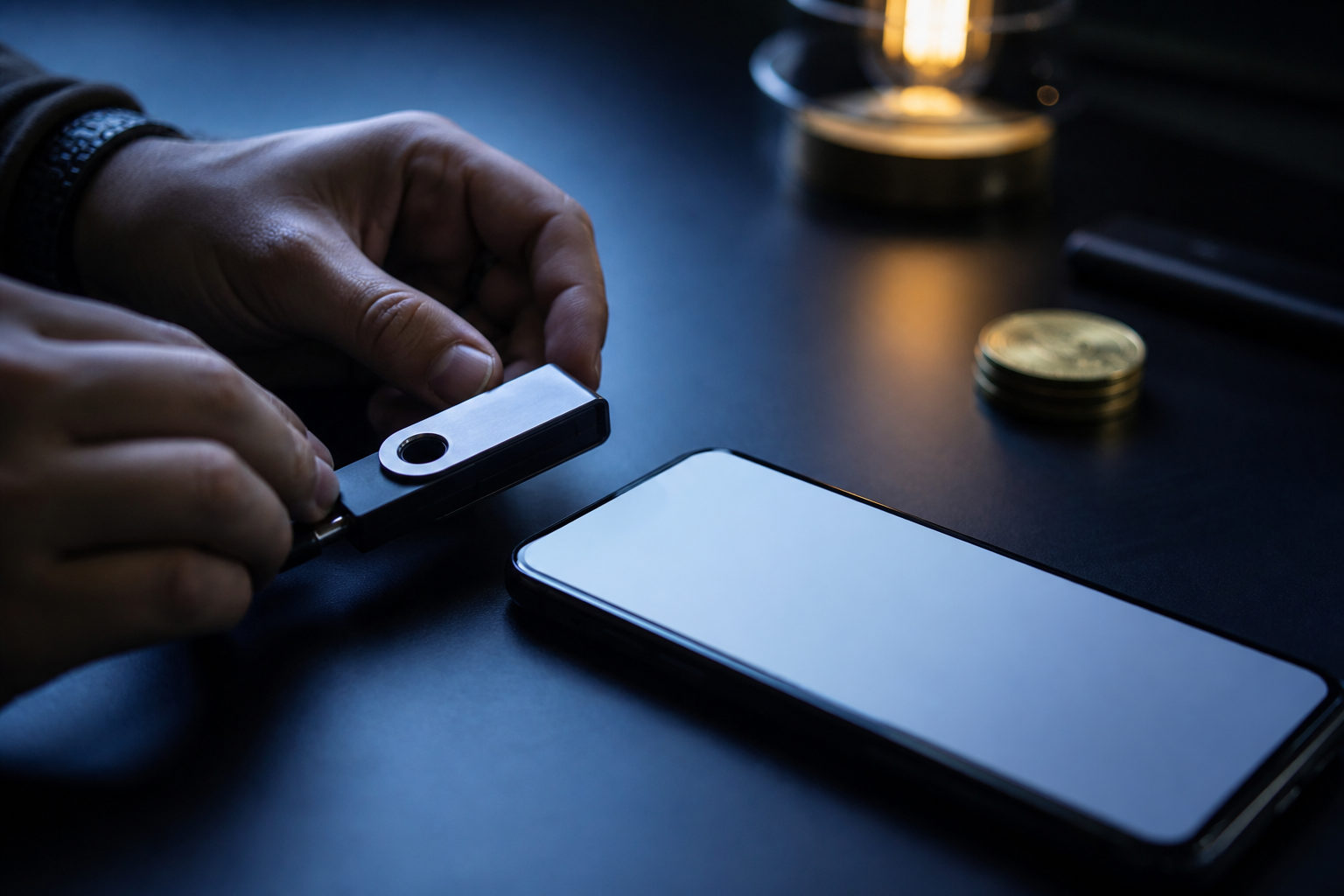
To move bitcoin to a wallet, you first need the correct BTC receiving address, the right network selection, and a clear understanding that self-custody means you are responsible for the private key or seed phrase. Once a bitcoin transaction is sent, it usually cannot be reversed.
Start with the type of wallet you are using
People often say they want to “move bitcoin to a wallet,” but the wallet is not a storage box in the usual sense. Your bitcoin remains recorded on the blockchain. What the wallet gives you is a way to generate addresses, view balances, and authorize transactions with keys.
That distinction matters because there are two very different setups: custodial wallets and self-custody wallets. In a custodial setup, a platform controls the keys on your behalf. In a self-custody setup, you control them yourself. The transfer process can look similar on screen, yet the responsibility after the transfer is completely different.
| Wallet type | Who controls the keys | Best fit | Main risk |
|---|---|---|---|
| Custodial exchange wallet | The platform | Beginners or active traders | Platform risk, withdrawal limits, account restrictions |
| Mobile or desktop self-custody wallet | You | Users who want direct control | Seed phrase exposure, malware, poor backup habits |
| Hardware wallet | You | Long-term holders focused on separation | Bad backup handling, setup mistakes, address verification errors |
If you are withdrawing from an exchange to your own wallet, the biggest shift is simple: account recovery no longer depends on support staff. It depends on whether your backup is correct and private.
What to verify before sending any bitcoin
Before you move anything, make sure the receiving wallet actually supports bitcoin on the BTC network. Many wallet apps support multiple assets and multiple chains, so the app may show several receiving options. You need the bitcoin receive screen, not a page for a different coin.
Next, verify the receiving address carefully. After copying it, compare the beginning and the end, then check the full string again before you submit the withdrawal. If you use a QR code, confirm that the scanned result matches the address shown in the wallet. Clipboard hijacking and address replacement malware are common enough that this step should never be rushed.
You also need to confirm the network on the sending side. Some exchanges ask you to choose a network during withdrawal. Use the network that matches the receiving wallet's BTC instructions. If the wallet gives a specific warning or format, follow that instead of guessing.
Fees deserve a quick check as well. On a self-custody wallet, the fee can affect how quickly miners include the transaction in a block. On an exchange withdrawal page, the fee may be preset or shown as part of the withdrawal details. You do not need advanced fee management to complete a normal transfer, but you should know that lower fees can mean a longer wait.
| Checkpoint | What to confirm | Common mistake | Safer approach |
|---|---|---|---|
| Asset | You are on the BTC receive page | Using a receive page for another coin | Open the bitcoin receive screen again and copy from there |
| Network | Withdrawal network matches the receiving setup | Picking a network by guesswork | Follow the wallet's receive instructions |
| Address | The full address is correct | Bad paste, partial copy, replaced address | Check the full string after comparing both ends |
| Fee | Withdrawal cost and expected confirmation behavior | Focusing only on speed or only on cost | Choose based on urgency and leave presets alone if unsure |
This is the point where most preventable losses happen. A bitcoin transfer is usually final after broadcast, so the best protection is a slow review before you press confirm.
The actual steps to move bitcoin to a wallet
A common path is moving bitcoin from an exchange to a self-custody wallet. Open the receiving wallet and go to the BTC receive screen. Copy the address. Then return to the exchange withdrawal page, paste the address, choose the correct network, enter the amount, review the fee details, and complete the required verification steps.
If this is your first time using that wallet or that exchange, send a small test transaction first. The point of a test is practical: it confirms that the address, network choice, security prompts, and your own workflow are all correct before you move a larger amount. Once the test arrives, you can send the rest with more confidence.
After submission, you may need to approve the withdrawal through email, two-factor authentication, or device confirmation. Treat those checks as part of the security model, not as a nuisance. If a code request appears in a place you did not expect, stop and verify what triggered it.
If you are sending from one self-custody wallet to another, the app may offer fee presets such as slow, standard, or fast. For most users, a preset is fine. Setting the fee too low in an attempt to save money can create a long delay, which often leads new users to panic or believe the transaction failed.
| Scenario | Before sending | During submission | After sending |
|---|---|---|---|
| Exchange to wallet | Copy the BTC address and confirm the network | Enter amount and complete security checks | Track withdrawal status and wallet confirmations |
| Self-custody wallet to self-custody wallet | Confirm the receiving address and pick a fee level | Sign and broadcast the transaction | Watch confirmation progress inside the wallet |
Private key and seed phrase responsibility
Once you use a self-custody wallet, the most important thing is not the app icon on your phone. It is the private key or seed phrase behind that wallet. Whoever has it can control the bitcoin associated with that wallet. If someone else gets it, your funds may no longer be under your control.
The seed phrase is usually what lets you recover access on a new device. If your phone breaks, your computer fails, or the wallet app is removed, recovery depends on whether that phrase was backed up accurately and kept away from other people. Saving it in screenshots, cloud notes, email drafts, or chat apps may feel convenient, but each of those choices increases exposure.
A better habit is to write the backup down offline, review it carefully, and store it in a place that is not casually accessible. If you use a hardware wallet, compare the address shown on the hardware device with the address shown in the companion app. Looking only at the computer or phone screen is not enough when malware is a possibility.
You should also assume that any person or service asking for your seed phrase is a danger sign. Legitimate support does not need it to help with normal wallet use.
Common mistakes and what to do next
Most transfer problems do not come from bitcoin itself. They come from rushed human actions: copying the wrong address, selecting the wrong network, skipping the test transaction, or storing recovery data in an exposed place.
| Problem | Typical cause | What to do first |
|---|---|---|
| Funds have not arrived yet | Exchange review, pending confirmations, or low fee | Check whether the withdrawal was actually sent, then review the transaction status |
| Wrong address entered | Copy-paste error or address replacement | Stop further actions, save records, and contact the relevant service right away |
| Wrong network selected | Ignoring the wallet's receiving instructions | Do not send another transfer; ask the wallet or platform support what recovery options exist |
| Seed phrase exposed | Screenshots, cloud backup, or sharing it with someone | If you still control the wallet, move funds to a new wallet and create a fresh backup |
Some mistakes may still have a recovery path, but the odds depend on what went wrong and whether the funds have already moved again. The real defense is prevention at the moment you send.
FAQ
After I move bitcoin to a wallet, is it stored on my phone?
No. The bitcoin remains on the blockchain, while the wallet on your phone gives you access to the keys used to control it. If your device is lost, access can still be recovered if your backup is correct and private.
Why is my bitcoin transfer to a wallet taking so long?
The delay may come from exchange processing, network congestion, or the fee setting. First check whether the sender has actually broadcast the transaction, then watch the confirmation status instead of sending a second transfer out of panic.
Can I reuse the same bitcoin receiving address?
Some wallets generate a fresh address to improve privacy, while others let you reuse an older one. Even if reuse is possible, copy the address from the current receive screen each time rather than from an old message or note.
Do I need a hardware wallet to move bitcoin safely?
Not always. A hardware wallet can reduce some risks by keeping keys separate from general-purpose devices, but safe transfer habits still matter. Address checks, test transactions, and proper backup handling are just as important.
If I enter the wrong amount or fee, can I cancel the transfer?
In most cases, a broadcast bitcoin transaction cannot simply be canceled. Your best protection is to review the amount, address, network, and fee before final submission.
The usable checklist is short: open a wallet that supports BTC, copy the receiving address from the bitcoin receive screen, confirm the network, send a small test transfer first, and only then move the main amount. If the wallet is self-custody, back up the seed phrase offline and keep it separate from your everyday devices.