
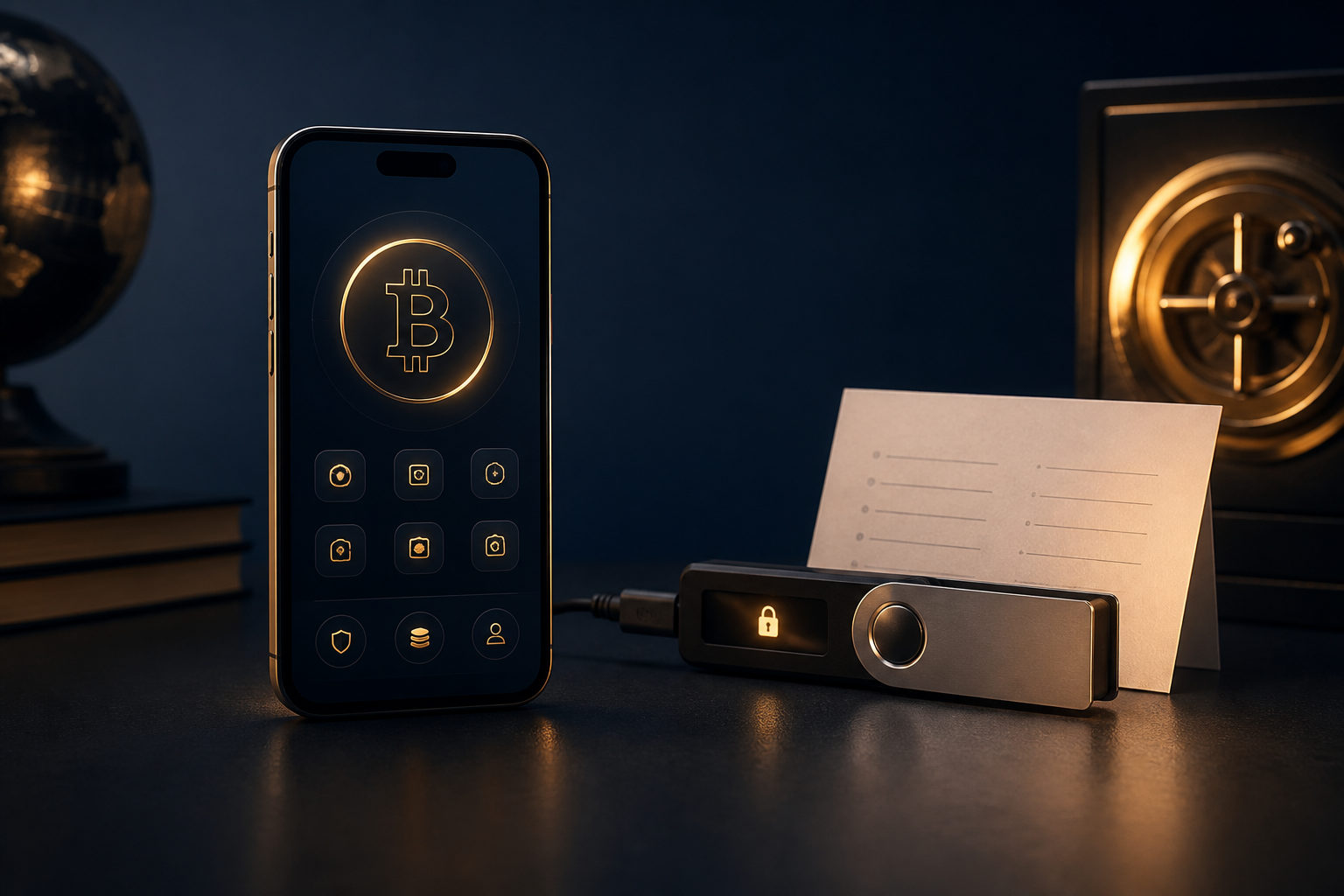
For beginners, opening a bitcoin account or wallet starts with one decision: do you want a service provider to hold the asset for you, or do you want to control the private keys yourself? A bitcoin account and a bitcoin wallet can look similar on screen, but they place responsibility in very different places.
Bitcoin account vs wallet: what beginners need to know first
Many new users treat these terms as interchangeable. In practice, a bitcoin account usually means an account with an exchange or app where you sign in, buy or sell, and request deposits or withdrawals through that company’s system. A bitcoin wallet is a tool that manages private keys, generates receiving addresses, and lets you sign outgoing transactions.
The difference that matters most is control. With a custodial account, the provider generally manages the keys on your behalf. With a self-custody wallet, you hold the recovery material and carry the responsibility that comes with it. That responsibility is the part beginners should understand before they move any funds.
- Custodial account: easier for many beginners to start with, especially if the goal is learning basic buying and withdrawal steps.
- Software wallet: useful for direct control and everyday use, provided the device is secure and recovery data is backed up.
- Hardware wallet: often chosen for longer-term storage because the private keys stay on a dedicated device.
If you remember only one line, make it this: an account gives you access to a service, while a wallet gives you direct control over bitcoin. Those are not the same thing.
How to open a bitcoin account or wallet for beginners
New users often focus on the app screen and the sign-up button. The safer approach is to decide on the use case first, then choose the tool, then set up security and backups before sending anything.
1. Define your goal before you create anything
Ask yourself a few simple questions. Are you planning to buy and hold, make occasional payments, or learn with a small test amount? Are you comfortable being fully responsible for recovery information? Will you need fast access, or are you setting this up for longer-term storage?
These answers affect the right setup. A beginner who wants a low-friction start may open a regulated exchange account first and learn the basics of deposits and withdrawals. A beginner who cares most about direct ownership should spend time learning self-custody and wallet backup from the start.
2. Choose the type of tool
There is no single best option for everyone. A custodial account can be simpler in the early stage, but you are relying on the provider’s systems, rules, and access controls. A software wallet gives you direct control, but it also means the security of your phone or computer becomes part of your bitcoin security. A hardware wallet adds another layer of separation by keeping private keys on a dedicated device.
Beginners should not choose based on convenience alone. Fewer steps can feel better, yet fewer steps can also mean fewer safety checks.
3. Use only official sources
Whether you are opening an account or installing a wallet, use the official app listing, official desktop client, or the provider’s official website. Avoid random links from messages, copied download pages, social posts, or search ads that you have not verified carefully.
Fake apps and fake support pages are a common trap. A familiar logo or a similar name is not proof that the software is genuine. If you enter recovery words into a fake wallet screen, the damage may be immediate and permanent.
4. Set up account security and device security
For a custodial account, use a strong unique password and enable an additional verification step. Your email account matters too, because it is often part of password resets and security changes. Reusing a password from another site creates an obvious weak point.
For a software wallet, protect both the wallet app and the device itself. Use screen lock, keep the operating system updated, and avoid installing untrusted software. In many real-world losses, the problem is not the wallet design but the compromised phone or computer underneath it.
5. Back up recovery information right away
This is where many beginners go wrong. After creating a self-custody wallet, do not delay the backup step. The recovery phrase or other recovery material is what lets you restore access if the device is lost, damaged, or reset.
Do not store recovery words in screenshots, cloud notes, chat apps, or email drafts. Keep them offline and stored in a way that is hard for others to access. Anyone who gets those words may be able to move your bitcoin without asking you.
The part that matters most: private key responsibility
Opening the wallet is easy. Living with the responsibility is the real skill. Bitcoin transfers are generally not like card payments where you can ask a bank to reverse a mistake. If you send funds to the wrong address, trust a scammer, or expose your recovery phrase, there may be no practical way to undo it.
That is why beginners need a clear routine before every transfer. Check the receiving address carefully. Confirm that you are using the correct network and following the recipient’s instructions. Avoid making transfers while distracted, rushed, or under pressure from someone claiming there is an urgent problem.
- Private key: the core secret that controls access to bitcoin.
- Recovery phrase: a human-readable backup that can restore wallet access.
- Receiving address: shareable information used to receive bitcoin, but still worth checking carefully before use.
- Transaction status: seeing a submission notice is not the same as final confidence; keep checking status through your wallet or a block explorer.
Beginners do not need to master every technical detail on day one. They do need to understand the boundary: self-custody means the provider cannot simply rescue you from every mistake.
A practical beginner checklist you can follow
If you want a simple action plan, use this order. It keeps the setup process clear and reduces the odds of making avoidable mistakes.
- Decide the purpose: buying, receiving payments, learning, or long-term storage.
- Pick the tool: custodial account, software wallet, or hardware wallet.
- Verify the official source: do not install apps or follow links from unknown parties.
- Create a unique password: never reuse one from social media, shopping sites, or other financial services.
- Enable extra protection: additional verification for accounts, and app plus device protection for wallets.
- Back up recovery data offline: keep it out of cloud storage and messaging apps.
- Run a small test first: for your first deposit, withdrawal, or wallet transfer, use a small amount to learn the flow.
- Double-check pasted addresses: check the beginning and end after pasting in case clipboard malware changed it.
- Write down your own recovery process: know where the backup is and how you would restore access on a new device.
- Review security regularly: keep software current and confirm your backup is still readable.
That checklist matters more than memorizing jargon. Good habits protect beginners better than fast clicks do.
FAQ
Should a beginner start with an exchange account or a wallet?
If your first goal is to understand basic buying and withdrawal steps, an exchange account may feel easier. If direct control matters more to you, start learning self-custody early and treat backup as part of the setup, not an optional extra.
Do I need identity verification to open a bitcoin wallet?
That depends on the service. A custodial account often has its own verification rules, while a self-custody wallet is mainly about whether you can secure your private keys and recovery phrase properly.
What happens if I lose my recovery phrase?
In self-custody, losing recovery information can mean losing access. If the device fails and you do not have a correct backup, there may be no reliable way to restore the wallet later.
Is it okay to leave bitcoin on an exchange?
Some beginners do that while learning the basics. The trade-off is that the provider controls the keys, so for longer holding periods you should think seriously about whether to move funds into a wallet you control.
What is the most common mistake before a first transfer?
Rushing. Beginners often fail to verify the address carefully, skip a small test transaction, or follow instructions from an unverified source. Slow down and confirm each detail before sending anything.
Before you move more bitcoin than you can afford to mishandle, finish the backup step, verify the destination address twice, and make one small test transfer so you know your setup works as expected.