
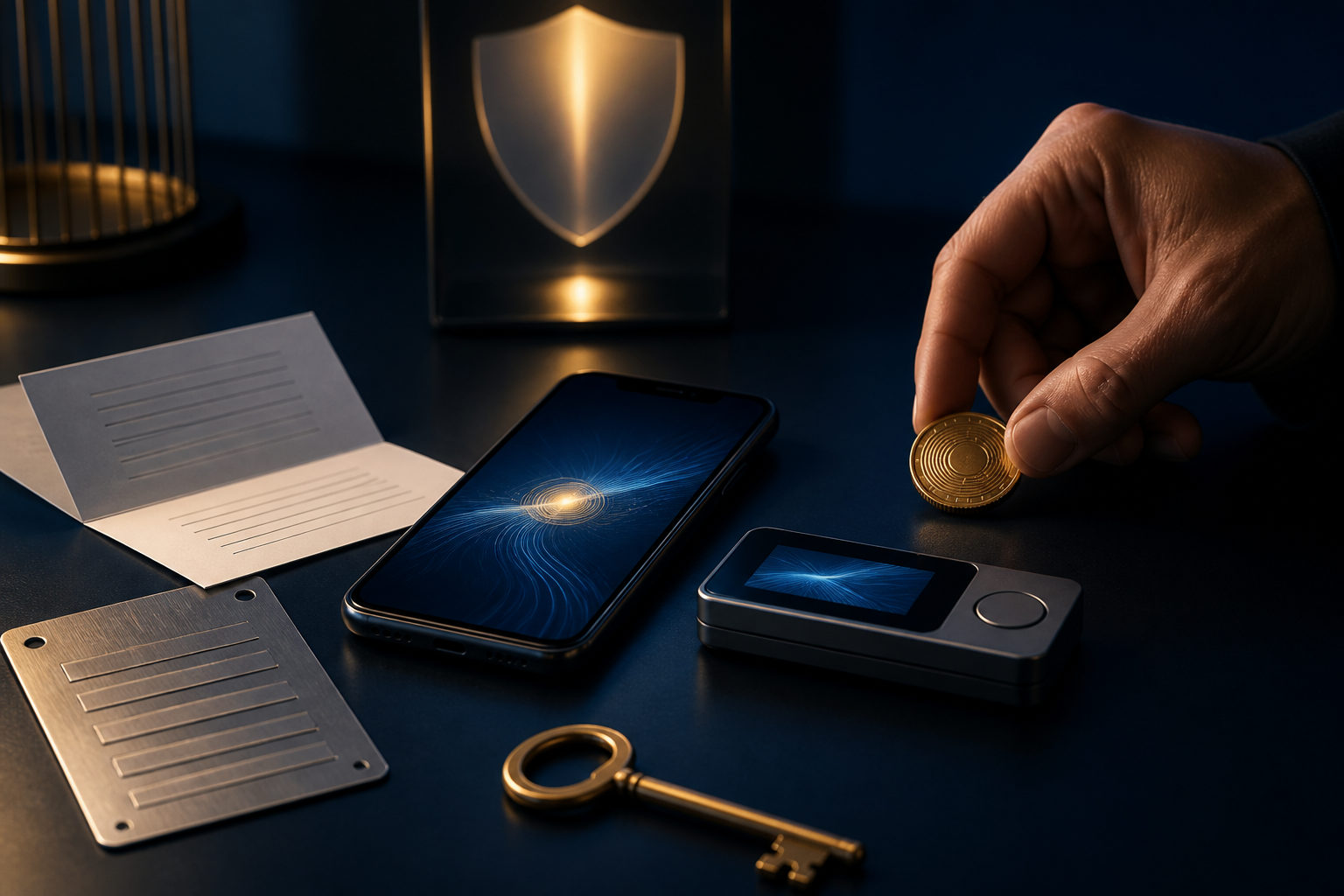
To open a Bitcoin wallet, first decide whether you want to control the private keys yourself or use a custodial service, then set up backups before you move any meaningful amount of bitcoin.
Start by choosing what kind of Bitcoin wallet you want
People often ask how to open a Bitcoin wallet as if it were the same as opening a normal online account. The setup can look simple, but the real choice is about control. A Bitcoin wallet is not just an app icon on your phone. It is a tool for managing access to bitcoin, and that access depends on who holds the private keys.
There are two broad paths. A self-custody wallet puts responsibility on you. You create the wallet, receive recovery information, and keep it safe. A custodial wallet, often offered through an exchange or platform account, is easier for many beginners because the service handles more of the account side. That convenience comes with trade-offs, since the service controls the access model, withdrawal process, and account rules.
The key rule is simple: whoever controls the private keys controls the bitcoin. If you forget a platform password, there may be an account recovery process. If you lose your wallet recovery phrase or expose it to someone else, there is usually no support team that can reverse the damage.
Common wallet categories
- Mobile wallets: often used for everyday viewing, receiving, and sending.
- Desktop wallets: useful if you prefer managing funds from a dedicated computer.
- Hardware wallets: built around stronger isolation of private keys and often chosen for longer-term storage.
- Custodial platform wallets: easy to start with, but you depend on the platform's account systems and withdrawal policies.
If your real question is how to open a bitcoin wallet for the first time, this is the first decision to make. Do you want convenience first, or direct key control first? There is no universal answer. The right choice depends on how much responsibility you can realistically handle.
How to open a Bitcoin wallet step by step
The basic process is straightforward. The mistakes usually happen when people rush through setup, skip the backup stage, or assume they can fix everything later. With Bitcoin, that assumption can be costly because transactions are typically irreversible.
- Define the use case. Are you setting up a wallet for small payments, occasional transfers, long-term holding, or just learning the process? Your goal affects the wallet type you should use.
- Choose a reputable wallet tool or service. Look for a clearly maintained product with an official download source and visible guidance on backup and recovery. Avoid random download pages or links shared by strangers.
- Use a clean device. Update your phone or computer first. Create the wallet on a device you trust rather than on a shared or poorly maintained system.
- Create a new wallet. Follow the wallet's setup prompts. Some apps ask you to set a local password. That password protects access on the device, but it is not the same as the private key.
- Record the recovery information offline. If the wallet gives you a recovery phrase, write it down carefully and verify the order. Do not store it in screenshots, cloud notes, email drafts, or chat apps.
- Complete any recovery check. Many wallets ask you to confirm the recovery phrase before setup is finished. That step matters because it catches mistakes while you still have the chance to fix them.
- Generate a receiving address. Once the wallet is ready, you can create a Bitcoin receiving address or display a QR code for incoming funds.
- Test with a small amount first. Before using larger amounts, make one small inbound and one small outbound transaction to confirm that everything works as expected.
For most beginners, the app installation is the easy part. The hard part is understanding that backup is the setup. You can always reinstall software. You cannot assume you can recover access if the only copy of your recovery phrase is lost.
Private key, recovery phrase, and address: what each one means
New users often mix these terms together, which leads to dangerous mistakes. They do very different jobs.
- Private key: the core secret that proves control over bitcoin linked to the wallet.
- Recovery phrase: a human-readable backup that many wallets use to help restore access. It is still part of the control system.
- Receiving address: the string you share with others so they can send you bitcoin.
- Local password or app PIN: a device-level protection layer that helps stop casual access to the wallet app.
The easiest way to remember it is this: a receiving address can be shared, but a private key or recovery phrase must never be shared. If anyone asks for your recovery phrase, treat that as a serious warning sign, no matter how official the message looks.
This is also where the irreversible nature of Bitcoin matters most. If you send funds to the wrong address, or if you enter your recovery phrase into a fake interface, there may be no practical way to undo the mistake. Slow is often safer than fast.
Security habits that matter right after setup
Opening the wallet is only the beginning. The long-term result depends on your habits after the wallet is created. Many losses do not come from advanced technical attacks. They come from ordinary shortcuts, weak storage choices, and trusting the wrong message at the wrong time.
Do these things immediately
- Store recovery information offline. The best method is the one you can access later and others cannot.
- Keep the recovery phrase out of connected apps. No screenshots, no cloud storage, no chat messages, no email drafts.
- Check the receiving or sending address carefully. After copying and pasting, compare the beginning and end before confirming.
- Use small test transactions. New wallet, new device, new recipient, same rule.
- Separate everyday use from longer-term storage. Keep only what you need for active use in a day-to-day wallet.
If you use a custodial wallet through a platform, remember what is being protected. Account passwords, device codes, and identity checks secure account access. They do not remove operational risks around withdrawals, address entry, or service restrictions.
If you use self-custody, the upside is direct control. The burden is direct responsibility. A lost device is manageable if your backup is correct. A missing backup is a much bigger problem than a broken phone.
Common mistakes to avoid
- Saving the recovery phrase as a photo in your phone gallery.
- Sending the phrase to someone claiming to be support staff.
- Installing wallet software or browser extensions from unofficial sources.
- Skipping the small test and transferring a larger amount first.
- Creating the wallet on a shared computer or unsafe network.
These may sound like minor details, but details decide outcomes in Bitcoin. There is usually no bank-style reversal process waiting for a bad transfer.
FAQ
Do I need ID verification to open a Bitcoin wallet?
Not always. A self-custody wallet is generally created by generating your own wallet and storing the recovery information yourself. A custodial service may require account verification under its own rules.
That is why it helps to separate the idea of opening a wallet from opening a platform account. They are not the same thing.
Can I create a Bitcoin wallet before I buy any bitcoin?
Yes. You do not need to own bitcoin first. A wallet can be set up in advance so you can learn the backup process, generate a receiving address, and get comfortable with the interface.
For beginners, that order often makes more sense than rushing money into a wallet they do not yet understand.
Can one person have more than one Bitcoin wallet?
Yes. Many people separate wallets by purpose, such as one for frequent use and another for longer-term holding.
That can improve organization, but it also raises the backup burden. Each wallet needs clearly managed recovery information.
If my phone is lost, is my bitcoin gone too?
Not necessarily. If you still have the correct recovery phrase, you can usually restore access with a compatible wallet. If you never backed it up, losing the device may also mean losing control of the wallet.
The phone is replaceable. Your recovery information is what matters.
Does my Bitcoin receiving address stay the same forever?
Some wallets can provide new receiving addresses over time, often for privacy reasons. Whether you keep using an older address depends on the wallet and its design.
The security rule stays the same either way: share receiving addresses when needed, but never share the private key or recovery phrase.
Before you move beyond setup, write down your use case, choose the wallet type, create it on a trusted device, back up the recovery information offline, and complete one small test transaction. Do not move a larger amount until that test is done.
Disclaimer: This article is for informational and educational purposes only and is not investment, financial, or legal advice. Crypto assets are highly volatile and you could lose your entire investment. Do your own research and decide carefully.