
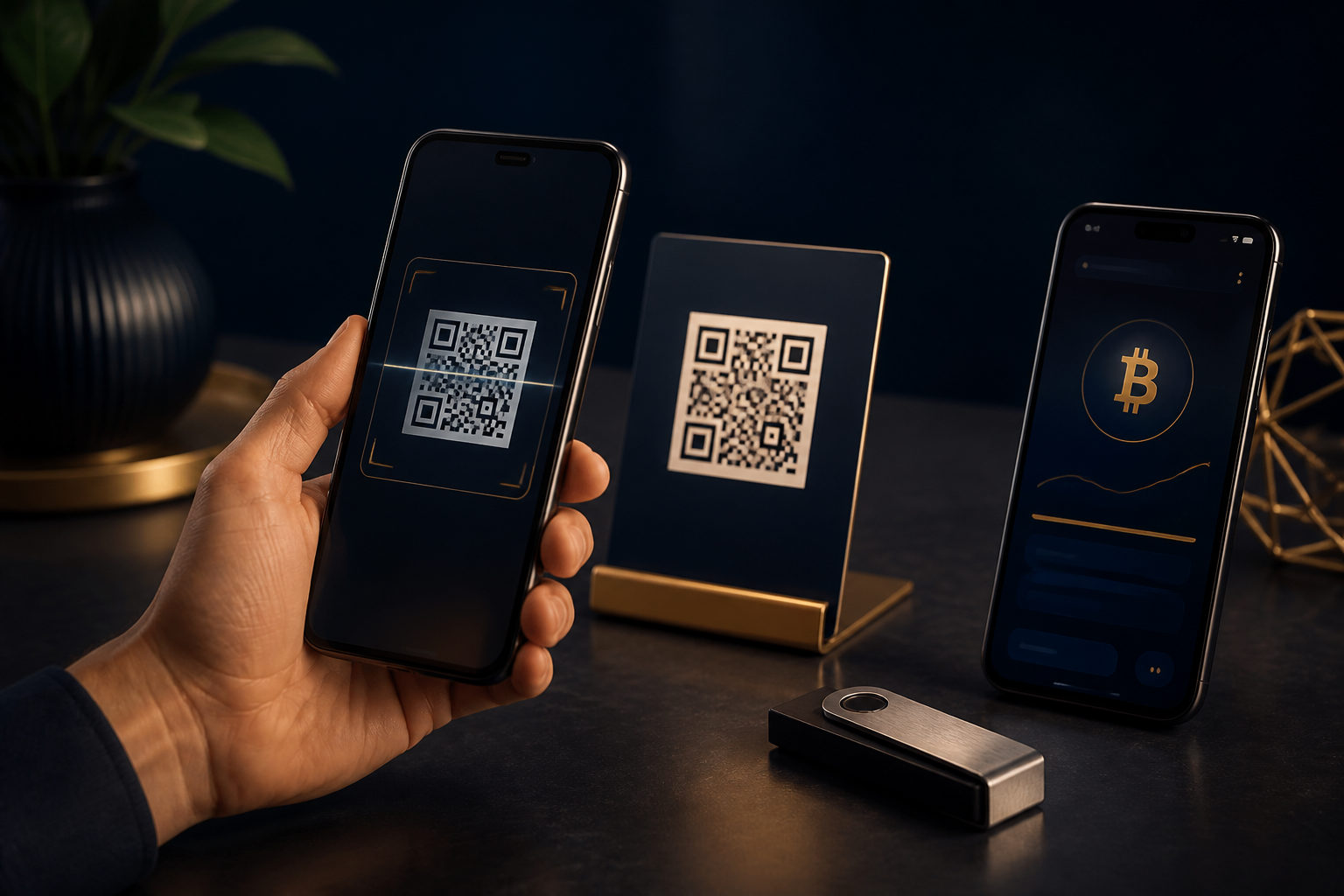
To pay Bitcoin with a QR code, open the send screen in your wallet, scan the code, verify the address, amount, and network, then send the transaction. The hard part is not scanning the code. It is making sure the payment request has not been swapped, misread, or rushed.
What a Bitcoin QR code actually contains
A QR code is not the payment itself. In most cases, it is a compact way to present payment details that your wallet can read, such as a Bitcoin address and, sometimes, a requested amount or a note.
That matters because the code does not judge whether the request is legitimate. Your wallet simply reads the data inside it. After scanning, the important step is to review what your wallet decoded, not to assume that a successful scan means the payment is correct.
Some merchants also show a plain text address next to the QR code. That can help, because it gives you a second way to check the destination. If the text address and the QR code do not match, stop there and ask for a fresh payment request.
Step-by-step: how to pay with a Bitcoin QR code
Step one: confirm that the seller wants Bitcoin
Before you scan anything, make sure the other party is asking for BTC, not a different crypto asset. Some checkout pages support several assets, and the payment box can look similar across them.
The reason is simple: sending the wrong asset is a common and expensive mistake. Do not rely on a message that says “just scan this.” Use a clear order page, checkout screen, or direct confirmation that the payment request is specifically for Bitcoin.
Step two: open the send function in your wallet
Go to the send or pay section of your Bitcoin wallet before you scan the QR code. New users often open the receive screen by mistake, which creates their own address instead of preparing an outgoing payment.
This step matters because scanning from the wrong part of the wallet can create confusion fast. It is also a good time to check that you have enough available balance and room for the network fee, so the transaction can actually be sent once you approve it.
Step three: scan the code, then pause
Once the wallet reads the QR code, it may fill in the destination address automatically. Sometimes it also fills in the amount. That is the moment to slow down, not speed up.
The reason is that a QR code can be replaced, forwarded out of context, or pulled from an old screenshot. Review the decoded payment details carefully. Check the first and last part of the address, look at any note or order reference, and make sure the request matches the payment you intended to make.
Step four: verify the amount and the display unit
Wallets do not all present amounts in the same way. Some focus on BTC. Others display an estimate in fiat terms or emphasize a smaller unit. What you need to confirm is the amount of Bitcoin you are about to send and the total cost shown on the confirmation screen.
This matters because blockchain payments usually cannot be handled like card payments or standard bank app transfers. If the seller quoted one figure but your wallet shows another after scanning, do not guess. Compare it with the active order details and resolve the mismatch before sending.
Step five: confirm the network and address type
If you are paying with a Bitcoin wallet, the payment request should clearly resolve to Bitcoin payment details. If your wallet shows something unexpected, fails to parse the request properly, or the screen suggests a different asset or chain, stop and review it.
The reason is that a scannable code is not always a valid code for the payment you mean to make. Being able to scan it only tells you the wallet recognized some data. It does not tell you that the payment destination is correct for your transaction.
Step six: review the fee and the seller’s confirmation rule
Before you send, most wallets show the network fee and the total outgoing amount. Read that screen closely. Some merchants are satisfied once the transaction is broadcast. Others want to see a later on-chain status before they treat the order as paid.
This point prevents arguments. You should know what the other party considers paid, and you should understand that fee settings can affect how quickly the transaction moves through the network. Setting the fee too low can delay the order even if everything else is correct.
Step seven: keep payment proof without exposing sensitive wallet data
After sending, keep the transaction record in your wallet so you can refer to it later if needed. If the merchant asks for proof, share only what is needed to identify that payment.
Do not expose recovery phrases, private keys, backup screens, or a full view of your wallet balances just because someone asks for a screenshot. Proof of one transaction is enough. Your broader wallet information is not part of the payment process.
Where people go wrong when paying Bitcoin by QR code
The QR code was swapped
One of the biggest risks is not technical failure but replacement. A code can appear on a fake checkout page, in a forwarded image, or inside a chat message that looks legitimate while pointing to a different address.
A safer habit is to scan only from the merchant’s active checkout screen, an in-person point-of-sale display, or a payment request that you initiated yourself. Even then, check the address after scanning. The code should not be treated as trusted by default.
The text address and the QR code do not match
Sometimes a seller provides both for convenience. That is useful only if they match. If they differ, do not pick one and hope for the best.
Ask for a new payment request through the original channel. A mismatch can come from a page error, but it can also point to tampering. Either way, the safe move is to stop until the details are consistent.
You treat a screenshot as final proof of payment
Many disputes start here. The payer thinks “I pressed send, so I’m done.” The receiver may only accept the payment once the transaction reaches the state they require on-chain.
Handle this before you pay. Ask what status the seller needs to see before they release goods or services. That way, you are not relying on assumptions after the transaction is already in motion.
The QR code includes a payment request and you do not notice
A Bitcoin QR code may include more than an address. It can also include a preset amount and a note. That can make checkout easier, but it can also make people review the screen less carefully.
Every scanned payment request should be treated as pre-filled information that still needs your approval. Automatic does not mean verified.
A practical safety checklist before and after sending
Before you send
- Confirm that the payment is for Bitcoin, not another asset.
- Make sure you are in the send screen of your wallet, not the receive screen.
- Check that the QR code came from a trustworthy source.
- Verify that the decoded address matches the order or merchant display.
- Read the amount, fee, and total outgoing amount carefully.
- Do not approve the payment while distracted, rushed, or guided by an unknown remote helper.
After you send
- Keep the transaction record in case the payment needs to be checked later.
- Share only the minimum proof needed for that payment.
- If the order status does not update, compare the transaction details with the order details first.
- If you think the payment went to the wrong destination, contact the recipient fast, but do not assume the transfer can be reversed.
When you should stop and not pay
If the other party keeps pushing you to pay immediately but does not provide a clear order screen, pause. If the QR code only appears in a private message and does not match the public checkout page, pause again.
You should also stop if you do not fully understand what the wallet is showing. Guessing is a bad strategy with Bitcoin payments. If you need to test a process, do it only with the other party’s agreement and only after you are sure the payment details are genuine.
Another warning sign is being told to install unfamiliar software, use an unusual browser extension, or allow remote access before paying. A normal Bitcoin QR code payment does not require those extra steps.
FAQ
Does scanning the code mean I am definitely paying the right person?
No. The code only passes payment data to your wallet. You still need to verify that the decoded address, amount, and any order note match the payment you intend to make.
Why did my wallet fill in the amount automatically after I scanned?
Some QR codes include a payment request, not just an address. That can include a requested amount and a note, which is convenient, but you still need to review every field before sending.
Can a Bitcoin QR code payment be cancelled?
In most cases, you should not expect a simple cancel option. Once a transaction is sent, any recovery usually depends on the recipient’s cooperation, so the review before sending matters much more than any action after.
What do people miss most often during QR payments?
The common misses are failing to verify the destination address, misreading the amount display, and assuming that “sent” means “accepted by the merchant.” Sharing screenshots that reveal too much wallet information is another avoidable mistake.
What should I do if the seller is rushing me?
Tell them you need to verify the address, amount, and fee before sending. A legitimate recipient should not object to basic checks on a Bitcoin payment.
The safest workflow is straightforward: use a trusted device, open your wallet’s send screen, scan the QR code, verify the address, amount, network, and fee, then send only when every part makes sense. If one part does not, stop before you complete the Bitcoin QR code payment.