
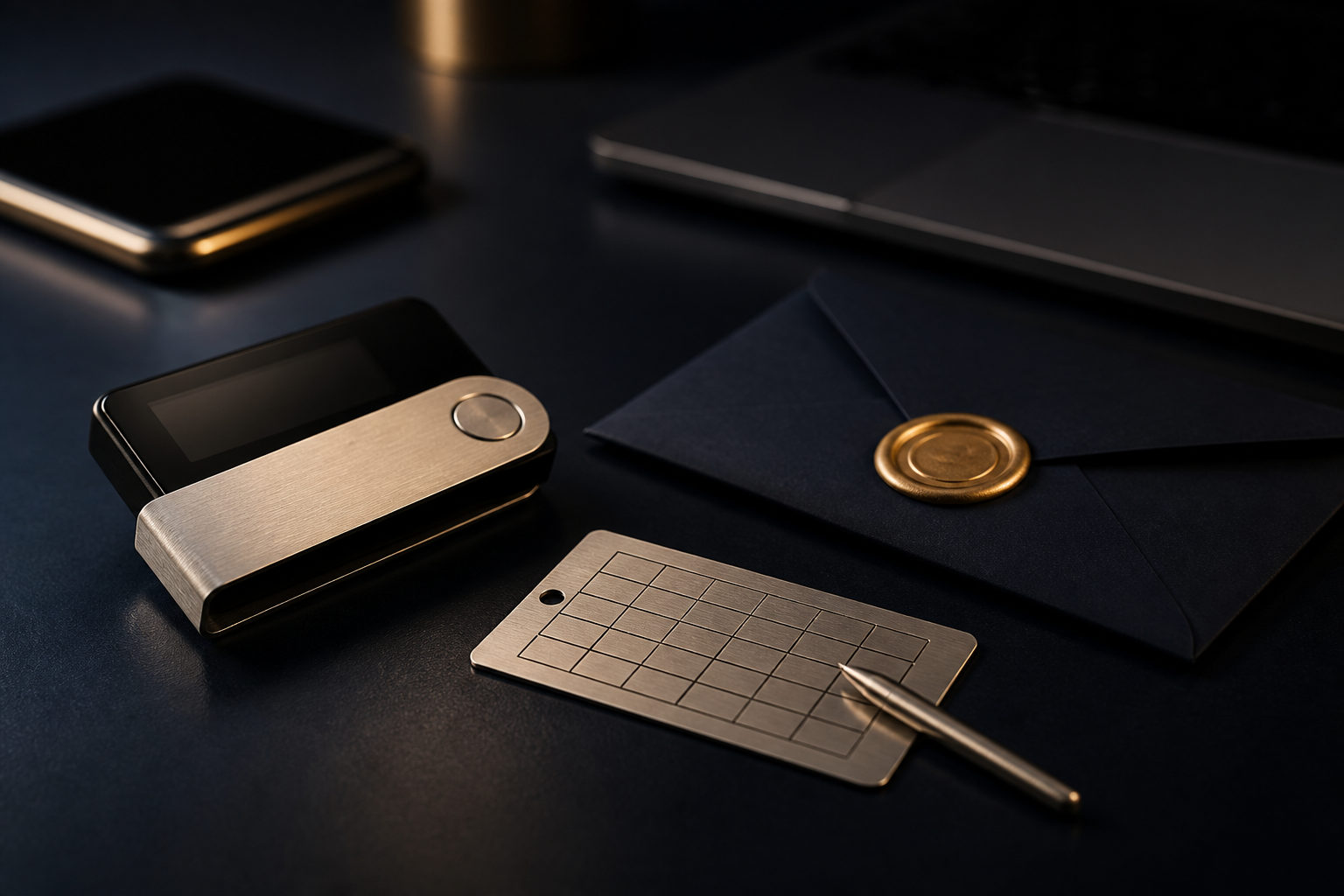
To protect your bitcoin wallet, treat your private keys and recovery phrase as the real asset, and treat every outgoing transfer as final. In most cases, a bitcoin transaction cannot be casually reversed after it is signed and broadcast.
What you are actually protecting
A bitcoin wallet does not hold coins in the same way a banking app holds an account balance. Your bitcoin stays on the blockchain; the wallet manages private keys and creates the signatures that let you spend from specific addresses.
That distinction matters because control comes from keys, not from the phone or computer itself. If someone gets your private key, they may be able to move your bitcoin. If someone gets your recovery phrase, they can often rebuild the wallet and gain the same control.
| Item | What it does | Main risk if exposed | Best protection habit |
|---|---|---|---|
| Private key | Authorizes spending from an address | Funds can be moved by someone else | Keep it out of internet-connected notes and messages |
| Recovery phrase | Restores the wallet and its keys | An attacker can recreate the wallet | Write it down offline and store it carefully |
| Wallet password | Protects local access to the wallet app or device | Easier access if your device is taken | Use a unique password separate from device unlock |
| Receiving address | Destination for incoming bitcoin | Funds may go to the wrong place if altered | Verify it on the trusted wallet screen |
This is also why people separate custodial storage from self-custody. On an exchange, the platform usually controls the keys. In a self-custody wallet, you control them, which gives you more independence and more responsibility at the same time.
Choose wallet types by use case, not by hype
No single wallet setup fits every need. A phone wallet may be practical for spending, while a hardware wallet is often a better fit for long-term holdings. If all your bitcoin sits in one internet-connected device, one mistake can affect everything at once.
| Wallet type | Best for | Strength | Main weak point | Practical use |
|---|---|---|---|---|
| Hardware wallet | Long-term storage, larger holdings | Keys usually stay inside a dedicated device | Tampered setup, untrusted seller, poor backup handling | Buy from a trusted source and initialize it yourself |
| Mobile wallet | Everyday payments, small spending balance | Fast and convenient | Malware, fake apps, lost phone | Keep only what you are willing to risk for daily use |
| Desktop wallet | Frequent management, advanced workflows | More visibility and control | Clipboard malware, infected computer | Use on a clean system or dedicated machine |
| Offline backup | Recovery phrase storage | No online exposure by default | Fire, water damage, loss, physical discovery | Store where you can recover it but others cannot easily access it |
A layered setup is usually easier to defend. Keep a small hot wallet for spending, and keep long-term holdings in colder storage with a stronger backup plan. If your phone is compromised, the damage is contained instead of spreading across your entire stack.
A hardware wallet is not magic. It lowers one class of risk, but it does not fix careless setup, weak backup practices, or a rushed transfer to the wrong address.
Build a repeatable security routine
Most wallet losses come from ordinary mistakes made at the wrong moment. A fixed routine helps because it removes improvisation when money is on the line.
Back up the recovery phrase offline at setup
When you create a wallet, do it in a calm environment without screen recording, remote access tools, or anyone looking over your shoulder. Write the recovery phrase by hand on paper or another offline medium. Do not store it in cloud drives, email drafts, chat apps, password managers you have not fully evaluated, or photo galleries.
If you want more than one backup, make sure the plan is still simple enough for you to recover later. A backup system that looks clever but confuses you under stress is a weak system.
Protect the device and the wallet separately
Your phone or computer should have a proper lock, and the wallet itself should also require its own password or approved device authentication. Those controls serve different purposes. One protects the device in general; the other slows access if someone gets physical possession of it.
Only install wallet software from the official publisher or a widely trusted app store listing that you have checked carefully. Fake wallet apps often push users to enter a recovery phrase during a fake verification or sync process.
Verify every transfer before you send
Do not send meaningful amounts from public computers or devices loaded with random browser extensions. Clipboard hijacking malware can replace a copied address with an attacker’s address, so do not rely on a quick glance at the first and last characters.
Check the full destination on a trusted wallet screen if your setup allows it. For a new address, a small test transfer is often the cheapest way to catch an expensive mistake before it becomes permanent.
Test recovery before you need it
A written recovery phrase is only useful if it actually restores the wallet you expect. In a controlled environment, test that the phrase works and that you understand the steps. Then clear the test device if needed.
This reveals problems that are easy to miss at setup: unreadable handwriting, wrong word order, a missing word, or confusion about any added passphrase. You do not want the first recovery attempt to happen after a device failure or a theft.
The most common wallet risks are small operational failures
People often imagine a highly technical attack, but many losses happen through simple exposure points. A screenshot, a fake download page, a compromised clipboard, or a rushed click can be enough.
| Risky situation | What goes wrong | Safer move |
|---|---|---|
| Saving the recovery phrase as a photo | It may sync to cloud services or be seen by others | Keep it offline only |
| Sending the phrase in a chat app | Messages persist and spread across devices | Never transmit it online |
| Downloading a wallet from search ads | You may land on an imitation site | Use the official source you verified yourself |
| Sending a full amount to a new address immediately | An address error becomes costly | Send a small test first |
| Relying on a single backup copy | One fire, flood, or loss event can wipe out recovery | Keep independent offline backups |
| Leaving long-term holdings on an exchange | You depend on a third party for access and withdrawal | Move long-term holdings to self-custody |
If you share financial responsibilities with family, think about recovery and inheritance as part of wallet security. A plan that only works while you are personally available is incomplete. At the same time, do not leave all sensitive information in one obvious place.
Bitcoin is divisible down to 1 satoshi, which equals 0.00000001 BTC. That precision is useful for payments, but it also reflects how exact wallet management needs to be: one wrong character, one exposed phrase, or one unchecked screen can have real consequences.
FAQ
What is the difference between a private key and a recovery phrase?
A private key directly controls spending from an address. A recovery phrase is a human-readable backup that can usually regenerate the wallet and its keys, which is why both need careful protection.
Is a hardware wallet always safer than a phone wallet?
For long-term storage, a hardware wallet is often the stronger choice because keys usually stay inside the device. That advantage disappears fast if the device comes from an untrusted source or the recovery phrase is exposed during setup.
If I change phones, will my bitcoin disappear?
No, not if you still have the correct recovery information. The real danger is discovering too late that your backup was incomplete or never tested.
Can I cancel a bitcoin transaction if I sent it to the wrong address?
In most cases, you should assume the answer is no once it has been signed and broadcast. That is why address verification and a small first test matter so much.
Is keeping bitcoin on an exchange the same as having my own wallet?
No. An exchange account usually means the platform controls the keys, while your own wallet gives that control to you. Self-custody gives more direct ownership, but it also means you must handle backup and security correctly.
If you want one useful next step today, audit your setup in this order: check whether your recovery phrase exists anywhere online, confirm you have at least one readable offline backup, and run a small transfer while verifying the destination address on a trusted screen.
Disclaimer: This article is for informational and educational purposes only and is not investment, financial, or legal advice. Crypto assets are highly volatile and you could lose your entire investment. Do your own research and decide carefully.