
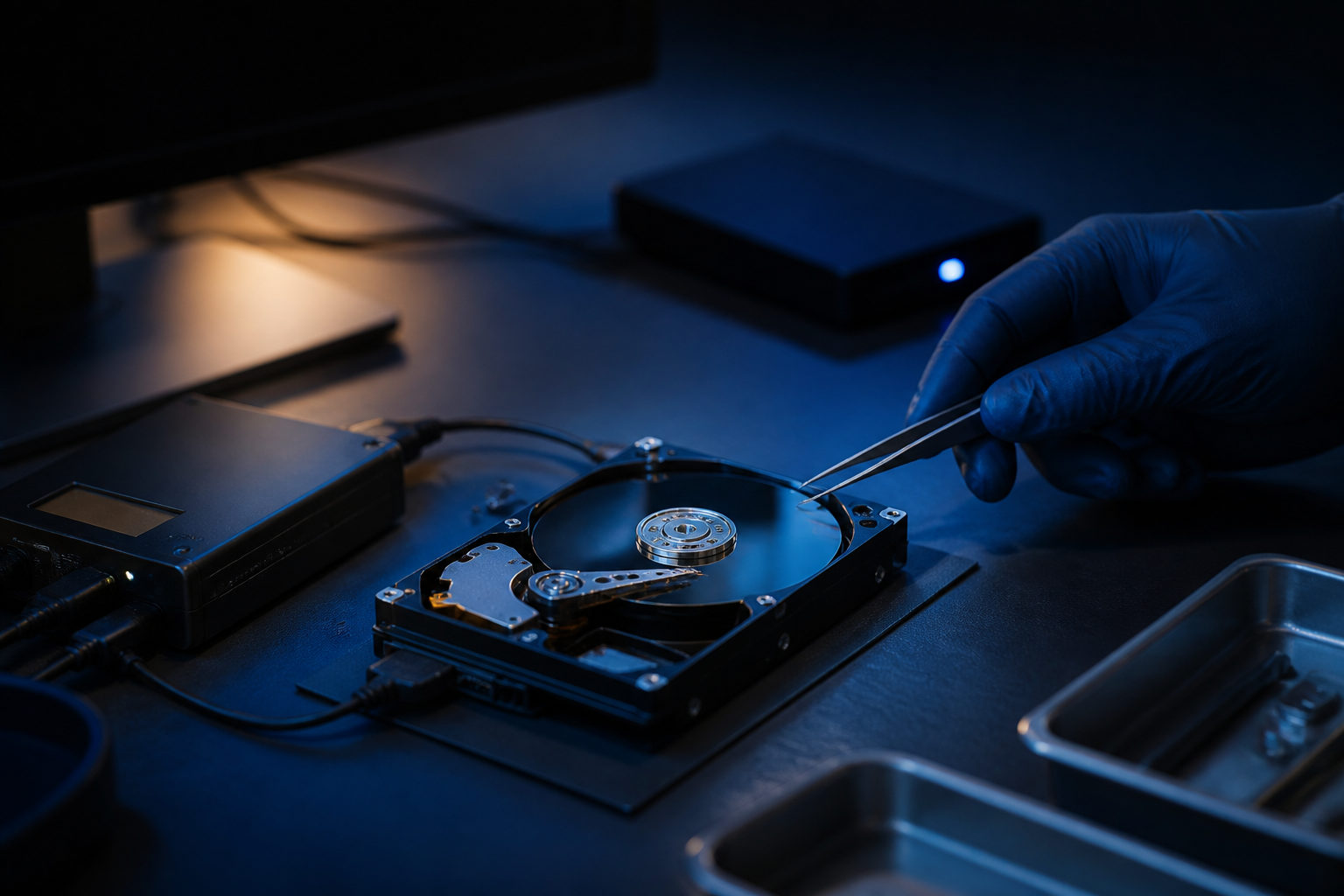
To search for bitcoin on an old hard drive, start by protecting the drive, then look for wallet files, seed phrases, private keys, and account clues in a controlled order.
Stop using the drive before you do anything else
If the drive may contain old bitcoin wallet data, the biggest threat is often accidental overwrite. Booting the old system, installing recovery tools onto the same disk, or saving scan results back to that drive can destroy the very files you are trying to recover.
A safer approach is to treat the old drive as original evidence. Connect it to another machine in read-only mode if possible, create a full disk image, and do your searching on the copy. That keeps your first pass from becoming your last pass.
| Action | Why it matters | What to avoid |
|---|---|---|
| Stop using the old drive | Reduces the chance of overwriting deleted data | Using the computer as normal |
| Create a full disk image first | Lets you work on a duplicate | Running repeated scans on the original disk |
| Use read-only access | Limits automatic system writes | Allowing repair tools or updates to run |
| Keep notes of each step | Makes it easier to backtrack | Trying random methods with no record |
Know what you are actually searching for
You are not searching for coins stored inside the drive. Bitcoin exists on the blockchain. What may be on the drive is the material that gives you control over those coins.
| Clue type | What it may look like | Why it matters |
|---|---|---|
| Wallet files | Application data, backup files, wallet databases | May allow recovery if still intact |
| Private keys | Text files, exported strings, scanned printouts | Directly tied to spending control |
| Seed phrases | Word lists, photos, notes, backup copies | Can rebuild wallet access if complete |
| Addresses and transaction records | Receiving addresses, screenshots, history exports | Useful for confirmation, usually not enough to spend |
This distinction saves time. If you only find an address, an exchange email, or an old transaction screenshot, you may be able to confirm that you once held bitcoin, but you may still lack the secret needed to move it. Control usually comes down to a private key, a seed phrase, or a wallet file that can still be unlocked.
Search in layers, starting with the highest-value locations
Before running broad file searches, think back to how you used the computer. Which operating system did you use, what wallet software do you remember, where did you save important files, did you email backups to yourself, and did you rename files to something ordinary? Memory gaps are common, but even partial habits help narrow the search.
Start with user folders such as Desktop, Documents, Downloads, and any folder you used for backups. Then check exported mail archives, attachment folders, screenshots, scanned documents, and messaging app file directories. Search filenames and content for terms such as wallet, bitcoin, btc, seed, key, backup, but do not depend on names alone. Sensitive material is often hidden inside generic filenames.
If you remember a desktop wallet, inspect its application data folders, hidden directories, and old backup locations. If the computer was ever reformatted, migrated, or split into partitions, examine old user profiles, archive files, and undeleted remnants from prior installations.
| Search layer | Where to look first | What to check for |
|---|---|---|
| Layer one | Desktop, Documents, Downloads, backup folders | Obvious wallet backups, text exports, archive files |
| Layer two | Email exports, chat attachments, screenshot folders | Seed phrase photos, private key exports, payment records |
| Layer three | Hidden folders, app data, old system directories | Wallet databases, config files, leftover app data |
| Layer four | Recovered deleted files | Whether files are intact or only fragments |
Do not limit yourself to obvious formats. A seed phrase may be stored in a plain note, spreadsheet, draft email, scanned document, or photo folder. Some people save backups under names like tax notes, old accounts, words, personal archive, or setup files. Search for patterns and context, not just for one exact filename.
When you find something, identify it before opening or importing it
A common mistake is to rush from discovery to action. If you find a suspicious file, first decide whether it is a wallet file, a seed phrase, a private key export, or only an address record. Each one leads to a different next step.
| What you found | Do this first | Do not do this right away |
|---|---|---|
| Wallet data file | Copy it into an isolated workspace and preserve the original | Overwrite your current wallet folder with it |
| Seed phrase text or image | Check word order and completeness offline | Send it to someone for help |
| Private key string | Confirm it is complete and readable | Paste it into a random website |
| Address or transaction screenshot only | Use a public block explorer to verify activity | Assume you already regained access |
If you discover a seed phrase or private key, your responsibility changes at once. Do not upload it to image recognition tools, cloud note apps, support chats, or online balance checkers. Anyone who gets that material may be able to take the bitcoin, and that risk can be immediate.
Wallet files need a different kind of caution. An old file may be encrypted, tied to a password you no longer remember, or linked to an older wallet format. In many cases, the obstacle is compatibility or credentials, not the absence of funds.
Misreads that waste time or create loss
One of the most common errors is thinking that an address equals access. An address can show activity, but it does not prove you still hold the secret that controls the coins. Another error is treating an installer, log file, or cache folder as if it were the wallet itself.
People also make the search harder by dumping every recovered file into one pile and trying random imports. That creates noise and raises the chance of mishandling something sensitive. A better method is to sort findings by type and trace them back to how you used the computer at the time.
| Common mistake | What is actually true | Better approach |
|---|---|---|
| Finding a receiving address means recovery is done | An address does not let you spend coins | Keep looking for keys, seed phrases, or wallet files |
| The installer is the wallet | Program files usually do not contain spending secrets | Search user data and backup locations |
| More recovered files always helps | Large amounts of junk hide the useful items | Classify files before deeper testing |
| Remote help is the fastest path | It can expose sensitive material | Share only non-sensitive clues at first |
Practical checklist
- Stop using the old hard drive.
- Connect it to another device in the safest read-only method available.
- Create a full disk image before searching.
- List the wallet apps, operating systems, email accounts, and file habits you may have used.
- Search high-value folders first: Desktop, Documents, Downloads, backups, email exports, attachments, screenshots.
- Then inspect hidden directories, app data, old user profiles, and recovered deleted files.
- Sort findings into wallet files, seed phrases, private keys, and address records.
- Handle seed phrases and private keys only in an offline workflow.
- Choose recovery tools or wallet software only after you know what kind of file you found.
FAQ
Can I search for bitcoin if the old computer no longer boots?
Yes, if the hard drive itself can still be read. The usual path is to remove the drive, connect it to another machine, image it first, and search the copy.
I remember buying bitcoin, but I do not remember the wallet. Where should I start?
Start with habits rather than software names. Check old email accounts, download folders, screenshots, attachment directories, and any notes where you might have saved setup details or backup words.
I found a photo that may contain a seed phrase. What should I do next?
Check it offline for word order, readability, and completeness. Do not upload the image elsewhere while trying to identify the words, because that can expose the wallet to theft.
If I only have an address or a transaction record, can I still recover the bitcoin?
Those records can help confirm past activity and point you toward the right wallet history. By themselves, they usually are not enough to restore spending control.
Should I import every recovered file into a wallet app and see what works?
No. Random imports create confusion and may damage your current setup. It is better to identify the file type first and test only in an isolated environment.
What is the biggest rule if I need outside help?
Do not hand over seed phrases, private keys, or full wallet files at the start. Share only non-sensitive context first, such as filenames, folder paths, or redacted screenshots, until you understand the risk.
The outcome usually depends on two things: whether the original data stayed intact, and whether you can recover usable control material from it. Make the disk image first, and handle any seed phrase or private key offline from that point on.