
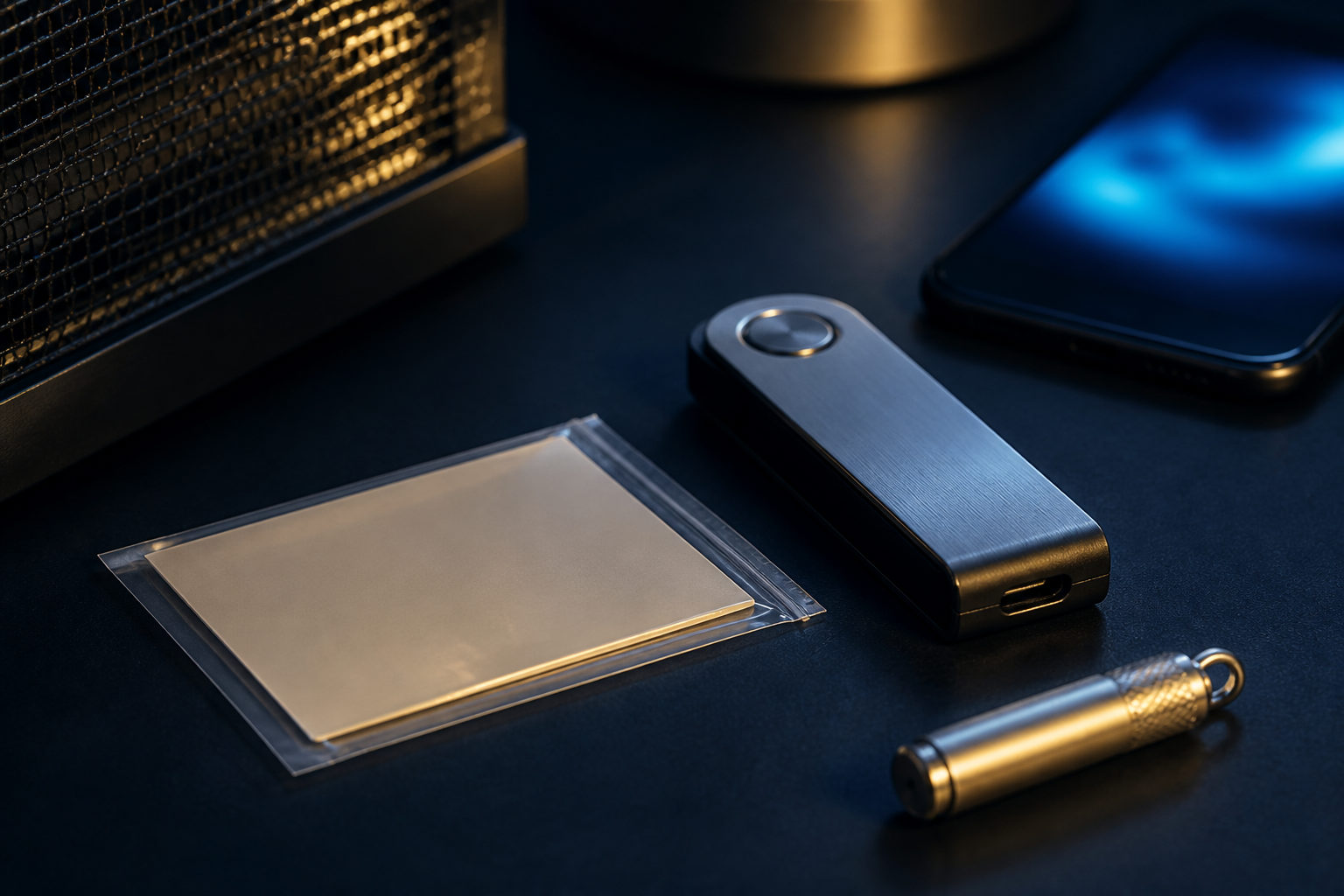
To secure your Bitcoin wallet, protect your private keys, keep recovery data offline, and treat every send as final. If someone gets your seed phrase, they can usually take your bitcoin; if you send funds to the wrong address, recovery is often impossible.
What you are actually protecting
People often say they want to protect their wallet, but the real target is the key material behind it: the private key, the seed phrase, and the authority to sign transactions. The app is only the interface. You can replace the phone, reinstall the software, or move to another wallet brand, and control still comes down to the same secret data.
This matters because Bitcoin was designed around self-custody from the start. The white paper, published by Satoshi Nakamoto on 2008-10-31, described a peer-to-peer cash system where users can hold value without depending on a central operator to approve every move. That freedom comes with direct responsibility for wallet security.
| Item | Purpose | If exposed or lost | Main protection goal |
|---|---|---|---|
| Private key | Authorizes spending | An attacker can move funds | Keep it offline and out of plain text storage |
| Seed phrase | Restores the wallet | Exposure can hand over full control; loss can block recovery | Make offline backups and store copies separately |
| Wallet password | Protects local access | Someone with the device may open the wallet | Use a unique strong password |
| Device security | Protects the signing environment | Malware can manipulate what you approve | Keep the system clean and permissions limited |
Choose a wallet with the right risk model
Wallet security starts before setup. You need to know whether you are using a custodial service or holding the keys yourself, and whether the wallet is meant for daily spending or long-term storage.
| Wallet type | Best for | Strength | Main risk |
|---|---|---|---|
| Custodial wallet | Beginners, small balances, active trading | Easier account recovery and lower complexity | You depend on the platform's security and operations |
| Software self-custody wallet | Personal control and regular use | You hold the keys and can migrate freely | Device compromise or bad backup practices |
| Hardware wallet | Larger balances, infrequent spending | Private keys stay isolated on dedicated hardware | Bad purchase source, tampered setup, weak backup handling |
| Multisig wallet | Shared control, family holdings, team treasury | Reduces single-point failure | Setup and recovery are more complex |
A simple wallet with disciplined backup habits is safer than an advanced setup you do not fully understand. For many users, the biggest improvement comes from separating spending funds from long-term holdings, then raising protection as the amount grows.
The operating checklist that prevents expensive mistakes
Set up the wallet in a clean environment
Create a Bitcoin wallet only on a device you trust. Avoid public computers, shared devices, random browser extensions, and software from unknown sources. Before setup, update the operating system and install the wallet from its official release channel.
When the seed phrase appears, write it down offline right away. Do not take a screenshot, save it in notes, upload it to cloud storage, or send it to yourself in email or chat. Convenience tools often expand exposure without making that risk obvious.
Backups must be recoverable, not merely stored somewhere
Many wallet losses happen after a phone dies or a laptop is reset, not after a direct theft. The real test of a backup is simple: if your device disappears today, can you restore the wallet accurately and independently?
| Backup method | Recommendation | Why | Better practice |
|---|---|---|---|
| Screenshot | No | It may sync to cloud services or be accessed by other apps | Write it on an offline medium |
| Email to yourself | No | Email accounts are common attack targets and easy to search | Keep recovery data off the internet entirely |
| Cloud document or note app | No | Sync, sharing, and version history widen exposure | Use separate physical backups |
| Handwritten copies | Yes | Offline and under your direct control | Store copies in different locations |
| Durable physical backup | Yes | Better resistance to accidental damage | Useful for long-term holders |
After backing up the seed phrase, test your recovery process in a safe environment. A backup is only as good as its accuracy. Wrong word order, missing words, or unclear handwriting can make a backup useless at the worst time.
Treat every outgoing transaction as irreversible
Bitcoin transactions are built for final settlement, so your sending routine matters. Malware can swap a copied address in the clipboard. A fake QR code can redirect funds. A rushed review can miss a wrong amount or wrong destination.
When sending to a new address for the first time, a small test transfer is one of the best habits you can adopt. Wait for the recipient to confirm it, then proceed with the rest if needed. That extra pause is often cheaper than one mistaken transaction.
| Transaction step | Typical risk | What to verify |
|---|---|---|
| Paste address | Clipboard replacement malware | Check the beginning and ending characters again |
| Scan QR code | Code was replaced or spoofed | Confirm the source and ask for a second check if needed |
| Enter amount | Decimal error or wrong unit | Review the full amount before signing |
| Confirm asset and wallet support | Sending to an incompatible setup | Make sure the recipient expects bitcoin |
| Final approval | Rushed signing | Pause and review address, amount, and prompts |
Bitcoin's smallest unit is 1 satoshi, which equals 0.00000001 BTC. Since the unit scale can be easy to misread, slow down any time you enter a number or review a send screen.
Reduce the attack surface of your device
Your wallet is only as safe as the device that displays transaction details and signs them. If that device is overloaded with unknown apps, risky downloads, open remote access tools, or excessive permissions, your security model weakens even if the wallet itself has a good reputation.
One practical approach is to separate functions. Keep a smaller balance in a day-to-day wallet and use a more restricted setup for larger long-term holdings. That way, a compromise of your everyday phone does not automatically expose your entire stack.
Assume unsolicited support is malicious until proven otherwise
A large share of wallet theft comes from social engineering. The attacker does not need to crack Bitcoin if they can persuade you to reveal a seed phrase, private key, or screen-sharing access.
Fake support agents, fake wallet updates, impersonation accounts, search ads, and lookalike apps all exist to push you into handing over control. No legitimate wallet should need your seed phrase for routine support. If you already exposed it, move funds to a newly created wallet as soon as you safely can.
What can be fixed and what usually cannot
Good wallet security comes from understanding which errors leave room to recover and which ones do not. That distinction shapes how careful you should be before you click send.
| Problem | Can it be fixed? | Why |
|---|---|---|
| Forgot local wallet password | Sometimes | If you still have the seed phrase or private key, you may restore elsewhere |
| Lost or broken device | Often yes | A correct backup can restore access |
| Seed phrase exposure | High risk | Anyone with it may control the wallet, so migration is urgent |
| Sent bitcoin to the wrong address | Usually no | Confirmed on-chain transactions are generally not reversible |
| Installed a fake wallet | Depends | If recovery data was entered, treat it as compromised |
Bitcoin's monetary rules are strict, and that is part of what gives the asset its appeal. The supply is capped at 21,000,000 BTC, and new issuance follows the block reward schedule. Every 210,000 blocks, about every 4 years, the reward is cut in half. After the 2024-04-19 halving, the current block reward is 3.125 BTC, with about 450 BTC added across the network per day before the next halving around 2028. Those rules make ownership clear, but they do not protect careless wallet handling for you.
FAQ
Is a Bitcoin wallet the same as an exchange account?
No. An exchange account is mainly an account-security problem tied to logins and platform controls. A self-custody Bitcoin wallet shifts the main responsibility to your keys and recovery data.
Can I keep my seed phrase in a password manager?
That increases exposure if the manager syncs across devices or stays on an internet-connected machine you use daily. For long-term holdings, an offline backup is usually the safer choice.
Are hardware wallets always the safest option?
They improve isolation by keeping private keys on dedicated hardware, but setup quality still matters. A bad purchase source, a compromised recovery process, or entering your seed phrase on a fake website can undo the benefit.
How should I move my wallet to a new phone?
First confirm that your backup is accurate and accessible. Restore on the new device in a trusted environment, verify receiving addresses and wallet behavior, and only then consider removing the old installation.
What is a safer setup for family or shared holdings?
Multisig can reduce the risk of one person, one device, or one mistake taking down the whole wallet. It works best when the signing rules and recovery path are planned before funds are moved in.
If you only do one thing today, review your Bitcoin wallet backup and make sure it is offline, complete, and readable. Before your next transaction, verify the destination and amount one more time before you sign.
Disclaimer: This article is for informational and educational purposes only and is not investment, financial, or legal advice. Crypto assets are highly volatile and you could lose your entire investment. Do your own research and decide carefully.