
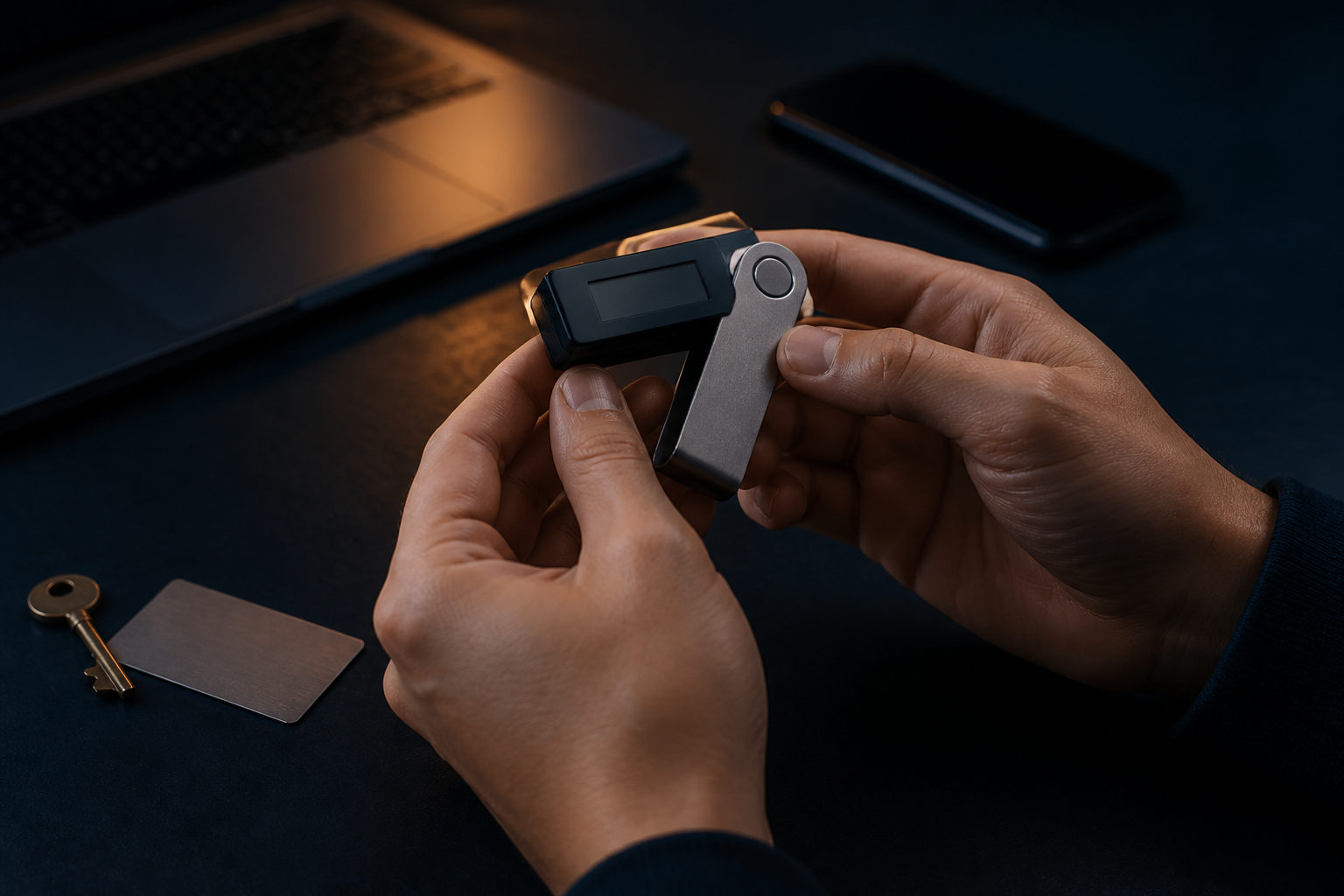
To self custody bitcoin, you need to control the private keys or seed phrase yourself. That gives you direct ownership of the asset on the network, but it also means a wrong address, a leaked backup, or a lost recovery phrase can lead to permanent loss.
What self custody bitcoin actually means
Many people buy bitcoin on an exchange and assume they already hold it in full. In practice, if the coins remain on a platform, the platform still sits between you and on-chain control. Self custody starts when you use your own wallet and can restore access without needing a company to approve anything.
The Bitcoin network does not care about your email address, phone number, or legal name. It recognizes valid cryptographic control. Whoever holds the private keys can authorize a transaction. That is why self custody is powerful and demanding at the same time.
There are several common wallet styles: hardware wallets, mobile wallets, desktop wallets, and setups that separate viewing from signing. The real difference is not whether they “contain” bitcoin, but where the signing authority lives and how exposed that authority becomes during daily use.
Choose a custody setup before you move funds
| Setup | Best for | Where keys stay | Main advantage | Main risk |
|---|---|---|---|---|
| Hardware wallet | Long-term holders with higher security needs | Inside a dedicated device | Keeps signing away from a general internet device | Bad purchase source, weak backup habits, poor recovery planning |
| Mobile wallet | Small balances and frequent payments | On the phone | Fast setup and easy day-to-day use | Fake apps, malware, screenshots of seed phrases |
| Desktop wallet | Users who prefer managing funds on a computer | On the computer | Often offers a fuller interface for addresses and transactions | Malware, compromised permissions, file loss |
| Watch-only with offline signing | Users willing to handle a more advanced flow | On an offline device | Separates balance checking from transaction signing | More setup complexity and harder troubleshooting |
If you are new, do not pick a setup just because it sounds sophisticated. The right choice is the one you can operate correctly every time. A highly secure design still fails if you skip address checks, store your recovery phrase in cloud notes, or never test whether your backup works.
Another source of confusion is account security on an exchange. Login protection, withdrawal allowlists, and email verification can help defend a platform account, but they are not the same as self custody. A simple test works well: if you need a platform's rules and interface to regain control, then you do not fully control the bitcoin yet.
Step by step: create the wallet, back it up, then test it
Start with a wallet from a trusted source. For hardware wallets, avoid unknown resellers or used devices with unclear history. For software wallets, install directly from the official source. During setup, pay attention to anything that suggests the wallet was preconfigured. If a device comes with a seed phrase already written down, stop there.
Next, create the wallet in a private setting where no one can watch, record, or interrupt the process. The wallet will usually generate a seed phrase or equivalent recovery data. Write it down offline. Do not take a photo, do not paste it into a messaging app, and do not save it in email drafts, password managers you do not fully understand, or cloud storage.
After that, verify the backup. This is the step many users skip. Writing down a seed phrase is not enough if you never confirm that the words are complete, readable, and in the right order. A recovery test turns a backup from a guess into something you can actually trust.
Only then should you prepare to receive bitcoin. Generate a receiving address from your wallet and send a small test amount first. The point is not the exact size of the test. The point is to confirm the address was copied correctly, the wallet shows the incoming transaction as expected, and you understand what the wallet is telling you.
Once the test transfer behaves as expected, move the remaining funds according to your plan. Before each withdrawal from an exchange, check the beginning and end of the receiving address again. Clipboard hijacking, switching to the wrong asset, and rushing through familiar screens are common ways people make expensive mistakes.
| Stage | What you do | What to verify | Frequent mistake |
|---|---|---|---|
| Create wallet | Initialize a new wallet | Trusted source and clean setup state | Using a fake app or preconfigured device |
| Record backup | Write down the seed phrase or recovery data | Correct order, legibility, safe storage | Saving it in a connected service |
| Recovery test | Confirm the backup can restore access | Every word and step works | Skipping verification |
| First deposit | Send a small test transfer | Address accuracy and wallet display | Sending a large amount first |
| Ongoing storage | Separate long-term storage from daily use | Device and recovery data are not kept together | Putting everything in one place |
How to think about seed phrases, private keys, and backups
A seed phrase is usually the recovery doorway to the entire wallet. A private key is the direct signing authority for an address or set of addresses. Many users interact only with the seed phrase, which is fine, but they still need to understand what it represents. Anyone who gets that phrase may gain control of the wallet.
A useful backup has to satisfy two goals at the same time. You must be able to recover from it, and an attacker should not be able to get it easily. People often lean too far in one direction. They hide the phrase so well that they later cannot recover it, or they make access so convenient that the phrase ends up scattered across connected devices.
It helps to separate your active wallet environment from your recovery materials. The phone, computer, or hardware wallet you use day to day should not be stored with the seed phrase. If both the wallet device and the recovery data are taken together, the situation becomes far worse.
You should also think ahead about continuity. If you intend to hold bitcoin for a long time, ask yourself what happens if you become unable to access your setup. That does not mean sharing the full secret widely. It means creating a clear and limited plan rather than leaving a complete mess behind.
| Item | Purpose | Good practice | Bad practice |
|---|---|---|---|
| Seed phrase | Restore the wallet | Write it offline, store it separately, keep it readable | Photos, chat messages, email copies |
| Private key | Direct control of spending authority | Expose it only when truly necessary | Importing it into random tools or sites |
| Wallet device | View balances and sign transactions | Use basic device protection and trusted software | Keeping it with recovery data |
| Recovery process | Rebuild access after device failure | Test it in advance and document the steps clearly | Trying to figure it out during an emergency |
The biggest self custody risks are often basic and irreversible
The hardest part of self custody is not learning new terms. It is accepting that many mistakes cannot be undone. If you send bitcoin to the wrong address, reveal your seed phrase to a phishing page, or rely on a backup you never tested, there may be no realistic way to reverse the damage.
Phishing attempts often pretend to be support staff, wallet upgrade prompts, account recovery help, or security alerts. Any message, website, or app that asks for your seed phrase or private key should be treated as a serious danger. Wallet recovery should happen inside tools you control, not through a stranger's instructions.
Routine also matters more than people expect. Losses often begin with casual shortcuts: storing all funds in one hot wallet, experimenting with new features using long-term holdings, or assuming you will “organize the backup later.” A clean and repeatable process reduces the chance of panic-driven errors.
If you plan to self custody bitcoin, build your habits before the balance grows. Fix the source you use for wallet downloads, decide where backups belong, define how you verify addresses, and stick to that process every time.
FAQ
Do I need a hardware wallet to self custody bitcoin?
No. A hardware wallet is often a better fit for long-term storage and stricter security needs, but it is not the only valid option. A well-chosen software wallet can still work if you understand the risks and keep strong backup discipline.
The key question is whether you control the recovery data and can use it safely, not whether the wallet looks advanced.
What is the difference between a seed phrase and a private key?
A seed phrase usually restores the whole wallet, while a private key is the direct spending authority behind specific addresses. Most everyday users focus on protecting the seed phrase because that is what the wallet gives them during setup.
If a tool asks you to export or paste a private key, pause first and make sure you understand why. That action can increase your exposure quickly.
What should I do after withdrawing bitcoin from an exchange?
Confirm that the wallet shows the incoming transfer as expected, then make sure the recovery backup is stored separately from the device you use daily. You should also decide whether that wallet is meant for long-term storage or regular spending.
Those two use cases call for different habits. A wallet meant for holding does not need constant interaction.
If I lose my phone, do I lose my bitcoin too?
Not necessarily. If your seed phrase or other recovery data is correct and available, you can usually restore the wallet on another trusted device.
The real problem appears when the phone is gone and the backup is missing, incomplete, or never tested in the first place.
Is splitting the seed phrase across locations a good idea?
It can help in some setups, but only if you are sure you can reconstruct the backup correctly when needed. Spreading pieces around lowers single-point exposure, yet it also adds complexity and room for self-inflicted mistakes.
For many beginners, one complete offline backup that is accurate and readable is a better starting point than an elaborate storage scheme.
If you are ready to start, pick a wallet type you can manage with discipline, create a fresh wallet, write down the recovery data offline, verify that it works, and make a small test transfer before moving more bitcoin. Keeping the device, the backup, and daily operations separate will do more for your security than chasing a complicated setup.