
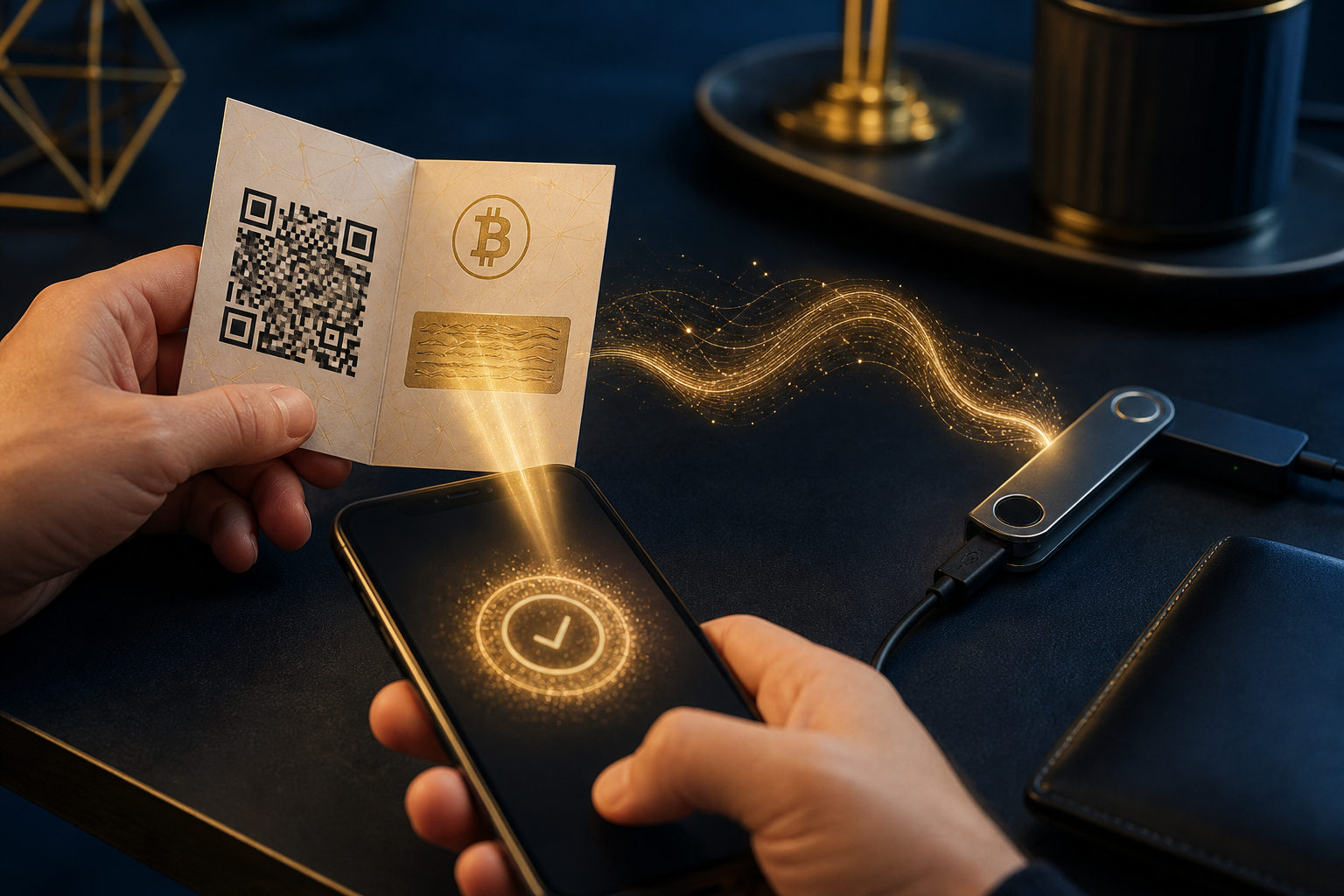
To send bitcoin from a paper wallet, you usually need to sweep or import its private key into a trusted wallet first, then move the balance to a fresh BTC address. The key rule is simple: once that private key touches an internet-connected device, treat the old paper wallet as no longer secure.
What a paper wallet actually holds
A paper wallet is not a wallet app with a send button. It is usually a printed record of a bitcoin address and the private key that controls that address.
The address is public and can receive funds. The private key is the secret that authorizes spending, which means anyone who gets it may be able to move the bitcoin tied to that paper wallet.
Read this before you try to move funds
Using a paper wallet is a security-sensitive task because the private key starts in offline storage and then gets exposed during the transfer process. If your phone or computer is compromised, or if you paste the key into an untrusted tool, the balance can be stolen.
There is another issue that catches many beginners: partial spending. When bitcoin is spent, the wallet may send the remainder to a change address. If you do not understand how your wallet handles that process, you can end up confused about where the rest of the funds went. For most users, sweeping the full balance into a new wallet is the cleaner option.
Irreversible action warning: bitcoin transactions are generally not reversible after broadcast and confirmation. A wrong address, a wrong network choice, or sending BTC to a service that does not support it can lead to permanent loss.
How to transfer bitcoin from a paper wallet
1. Set up a new wallet first
Before touching the paper wallet, prepare the wallet that will receive the funds. A widely used software wallet or a hardware wallet is often the safest starting point, as long as you understand its backup process and recovery method.
Create a fresh BTC receiving address in that wallet. After the transfer, this new wallet becomes the place you manage the funds, so its backup matters more than the old piece of paper.
2. Make sure you have the private key, not only the address
Many paper wallets show both a public address and a private key, sometimes with separate QR codes. You can check a balance with the public address, but you cannot spend from it without the private key.
Take a moment to identify which code or text string is which. Do not upload the private key to chat apps, notes services, or random web pages.
3. Choose between importing and sweeping
Importing a private key usually means adding that old key to your wallet. Sweeping a private key usually means the wallet creates a new transaction that moves the balance from the paper wallet into a fresh address generated by your current wallet.
If your goal is long-term storage in a safer setup, sweeping is often easier to reason about. It follows a good security habit: after exposure, the old private key should stop being part of your storage plan.
4. Verify the destination before you proceed
Paper wallets in this context refer to bitcoin on the BTC network. Check that the receiving wallet supports BTC and confirm the destination address carefully before sending anything.
If your wallet lets you scan a QR code, that can reduce typing mistakes. Even so, review the beginning and end of the address before you approve the transfer.
5. Confirm the move, then retire the paper wallet
After the sweep or import-and-send process, look for the pending transaction or updated balance in your new wallet. Once the move is underway, do not keep treating the old paper wallet as secure cold storage.
In practice, the safest mindset is to use the paper wallet one last time, move the funds, and then stop relying on that private key.
Practical checklist before sending
- Prepare a trusted new wallet and back it up first
- Generate a fresh BTC receiving address
- Confirm that the paper wallet includes the private key
- Use a wallet's built-in sweep feature if available
- Avoid pasting the private key into unknown online tools
- Double-check the network and destination address
- After the transfer, stop using the old paper wallet for storage
Import vs sweep: the difference that matters
| Method | What it does | Best fit |
|---|---|---|
| Import | Adds the old private key to your wallet, so control still depends on that key | Users who understand wallet behavior and key management |
| Sweep | Creates a new transaction that moves funds to a fresh address in your current wallet | Most everyday users |
If you are unsure which path to use, sweeping is usually the safer default. It reduces the chance that you keep relying on a private key that has already been exposed.
FAQ
Can I send bitcoin directly from a paper wallet?
Not in the same way you would from a wallet app. A paper wallet is only a record of keys, so you need to use the private key with a trusted wallet to authorize the transfer.
For many people, sweeping into a new wallet is the easiest route to understand and manage.
Why do people say to move the full balance at once?
Because once the private key is used on a connected device, it should no longer be treated as cold storage. Moving only part of the balance can create confusion around change outputs and leftover funds.
Sending everything to a fresh wallet keeps the setup simpler.
What if I only have the public address?
A public address lets you receive bitcoin and check activity, but it does not let you spend. You need the private key to sign a transaction.
If the paper is damaged or incomplete, pause before trying anything else and confirm what information you still have.
Is it safe to use an online tool to move funds from a paper wallet?
It is usually a higher-risk choice because you cannot fully verify how the page handles your private key. If the tool is malicious or your device is compromised, the funds may be lost.
A reputable local wallet app or a hardware wallet workflow is generally a better option.
Can I keep using the same paper wallet after I transfer the bitcoin?
That is not a good idea. Once the private key has been scanned, typed, or imported on a connected device, the original cold-storage assumption is gone.
Use a fresh receiving address in your new wallet for future storage instead.
Before you do anything, keep these three points in view
Back up the new wallet before you sweep the paper wallet. Check the BTC address every time before approval. When the transfer is done, retire the old paper wallet and do not paste that private key into unknown services.