
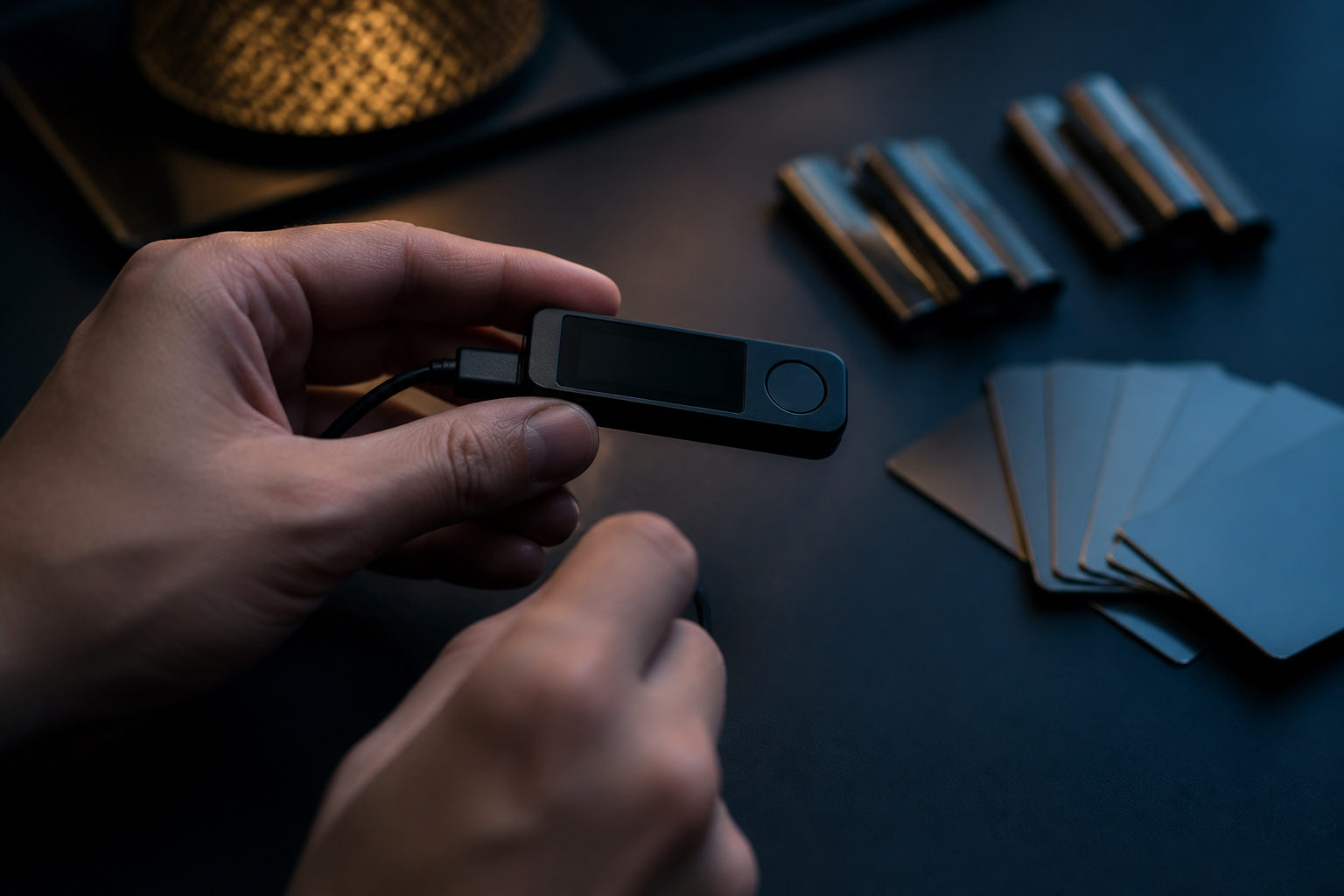
To store bitcoin on Trezor, you first need to set up the device correctly, record the recovery seed offline, and verify the receiving address on the device screen before sending any BTC. The transfer is simple; the long-term responsibility is protecting the keys and recovery data.
What “storing bitcoin on Trezor” actually means
A hardware wallet does not hold bitcoin the way a USB drive holds files. Your bitcoin stays on the blockchain, while Trezor keeps the private keys used to control the BTC assigned to your addresses and signs transactions without exposing those keys to your computer.
That distinction matters because the device itself is only one part of the setup. If the Trezor is lost or damaged, access can usually be restored with the recovery seed and, if used, the passphrase. If the recovery seed is exposed, the risk exists even if the device never leaves your desk.
Bitcoin has run since the genesis block on 2009-01-03, and its hard cap is 21,000,000 BTC. When your Trezor wallet shows a balance, that balance reflects bitcoin on the chain that your keys can spend, not an internal number maintained by an exchange.
The right order for moving bitcoin to Trezor
The safe workflow starts before any withdrawal. On first use, initialize the device in the official environment, create a new wallet, write down the recovery information by hand, and confirm key prompts on the device screen. Only after that should you generate a receiving address and move BTC.
| Step | What to do | What to verify | Common mistake |
|---|---|---|---|
| Prepare the device | Get a Trezor from a trusted source and inspect its condition | The setup should begin under your control | Using a device that appears preconfigured |
| Initialize the wallet | Create a new wallet and generate recovery information | The recovery seed is shown for you to record offline | Saving it as a photo, note, or cloud file |
| Set protections | Create a PIN and decide whether to use a passphrase | You can reproduce both accurately later | Turning on a passphrase without understanding recovery consequences |
| Generate a receive address | Open the bitcoin account and request a receiving address | The address on the computer matches the address on the Trezor screen | Trusting the computer display alone |
| Send a test amount | Transfer a small amount of BTC first | The wallet detects the payment correctly | Sending your full balance on the first attempt |
| Send the main amount | Move the rest only after the test succeeds | The withdrawal address and selected network are correct | Pasting the wrong address or choosing an incompatible route |
If your bitcoin is currently on an exchange, the process is usually straightforward: generate a BTC receiving address in Trezor, return to the exchange, and submit a withdrawal to that address. The key check is accuracy, not speed.
Put this warning front and center: bitcoin transactions are generally irreversible once broadcast and confirmed. If you send BTC to the wrong address, choose the wrong asset, or use an incompatible network option, recovery may be impossible.
Your real responsibility: device, PIN, seed phrase, and passphrase
People often lump every wallet security setting together, but each item does a different job. When you use Trezor, you reduce the need to trust a third party and increase the need to handle recovery data with care.
| Item | Purpose | If lost or mishandled | How to think about it |
|---|---|---|---|
| Trezor device | Keeps private keys isolated and signs transactions | The wallet can usually be restored on another compatible device | Important, but not the ultimate backup |
| PIN | Stops casual physical access to the device | It does not replace the recovery seed | A local protection layer |
| Recovery seed | Primary method to restore wallet access | If you lose it and later lose device access, recovery may fail | The most sensitive offline record |
| Passphrase | Adds another layer beyond the seed | If forgotten or entered incorrectly, you may open a different wallet | Useful only if you can manage it reliably |
The recovery seed deserves the most care. It should not live in your phone photos, cloud storage, email drafts, chat history, or any internet-connected note app. A seed phrase copied into connected software expands the attack surface immediately.
A passphrase can add meaningful protection, but it also adds failure modes. It is not like a website password reset. If you cannot reproduce the passphrase exactly in the future, your valid recovery seed may still restore the wrong wallet or an empty one.
Pre-transfer and post-transfer checklist
Most losses tied to self-custody do not come from mysterious wallet flaws. They come from skipped checks, clipboard tampering, seed phrase exposure, or rushed withdrawals. A repeatable checklist helps more than overcomplicated security habits.
- Generate the address inside the Trezor wallet flow: Do not reuse an address copied from an old note without checking it on the device.
- Verify the address on the Trezor screen: The device display is your trusted confirmation point.
- Make sure you are withdrawing BTC: Similar-looking tickers or wrapped assets are not the same thing.
- Check the transfer route: If the sending platform offers multiple network or withdrawal formats, confirm they fit a bitcoin mainnet receive address.
- Start with a test transfer: This is especially useful when using a new exchange account or a new wallet setup.
- Wait for the wallet to reflect the payment: A platform saying “sent” is not the same as you confirming the deposit on your side.
- Keep basic records: Save the transaction ID and withdrawal confirmation details for later review if needed.
Clipboard hijacking is a practical threat. Malware on a computer can swap the destination address after you copy it, which is why checking the address on the hardware wallet screen matters so much. If the device screen does not match what you expect, stop immediately.
Bitcoin’s smallest unit is 1 satoshi, equal to 0.00000001 BTC. Even if your test transfer is tiny, run the full verification routine anyway. The network does not treat avoidable mistakes as reversible just because the first payment was small.
Where Trezor fits and where it does not
| Claim | Accurate? | Reality |
|---|---|---|
| My bitcoin is stored inside the Trezor device | No | The blockchain records the bitcoin; Trezor protects the spending keys |
| A hardware wallet removes all risk | No | Seed leaks, phishing, and address errors still cause losses |
| I can write down the recovery seed later | No | It should be recorded clearly during setup, before funds arrive |
| A passphrase is always better, so I should enable it right away | Not always | It helps only when you can preserve it accurately over time |
Trezor is usually a better fit for bitcoin you plan to hold rather than funds you move constantly. Frequent traders may prefer keeping only working balances on a platform they use often, while storing long-term BTC in a wallet where they control the keys.
You only need one comparison sentence here: Trezor lowers dependence on an exchange, but raises the importance of your own operational discipline.
FAQ
Do I need to keep bitcoin on an exchange after moving it to Trezor?
No. Once the BTC has been withdrawn to an address generated and confirmed by your Trezor setup, control usually sits with your wallet keys rather than the exchange account. You may still keep some funds on an exchange if you need active trading or conversion services.
If I lose my Trezor, do I lose my bitcoin too?
Not necessarily. If your recovery seed is correct and you remember your passphrase when one is used, you can usually restore access on another compatible wallet. The larger problem is losing or misrecording the recovery information itself.
Can I save my recovery seed in my phone for convenience?
That is a bad tradeoff for most users. A phone note, screenshot, or synced file can be copied, backed up, or exposed far more easily than an offline written record.
Why should I verify the receive address on the device screen every time?
The computer screen is not your final trust anchor. If malware changes the pasted address, the Trezor display is the place where you can catch the mismatch before funds leave the sender.
Should every Trezor user turn on a passphrase?
Not by default. A passphrase is useful only when you fully understand how wallet recovery works and can preserve the exact phrase for the long term. If not, the extra protection can turn into self-lockout.
If you are about to move bitcoin today, the practical sequence is simple: initialize the Trezor, write down the recovery seed offline, set a PIN, decide carefully on passphrase use, verify a fresh BTC receive address on the device, send a test amount, and only then transfer the main balance.
Disclaimer: This article is for informational and educational purposes only and is not investment, financial, or legal advice. Crypto assets are highly volatile and you could lose your entire investment. Do your own research and decide carefully.