
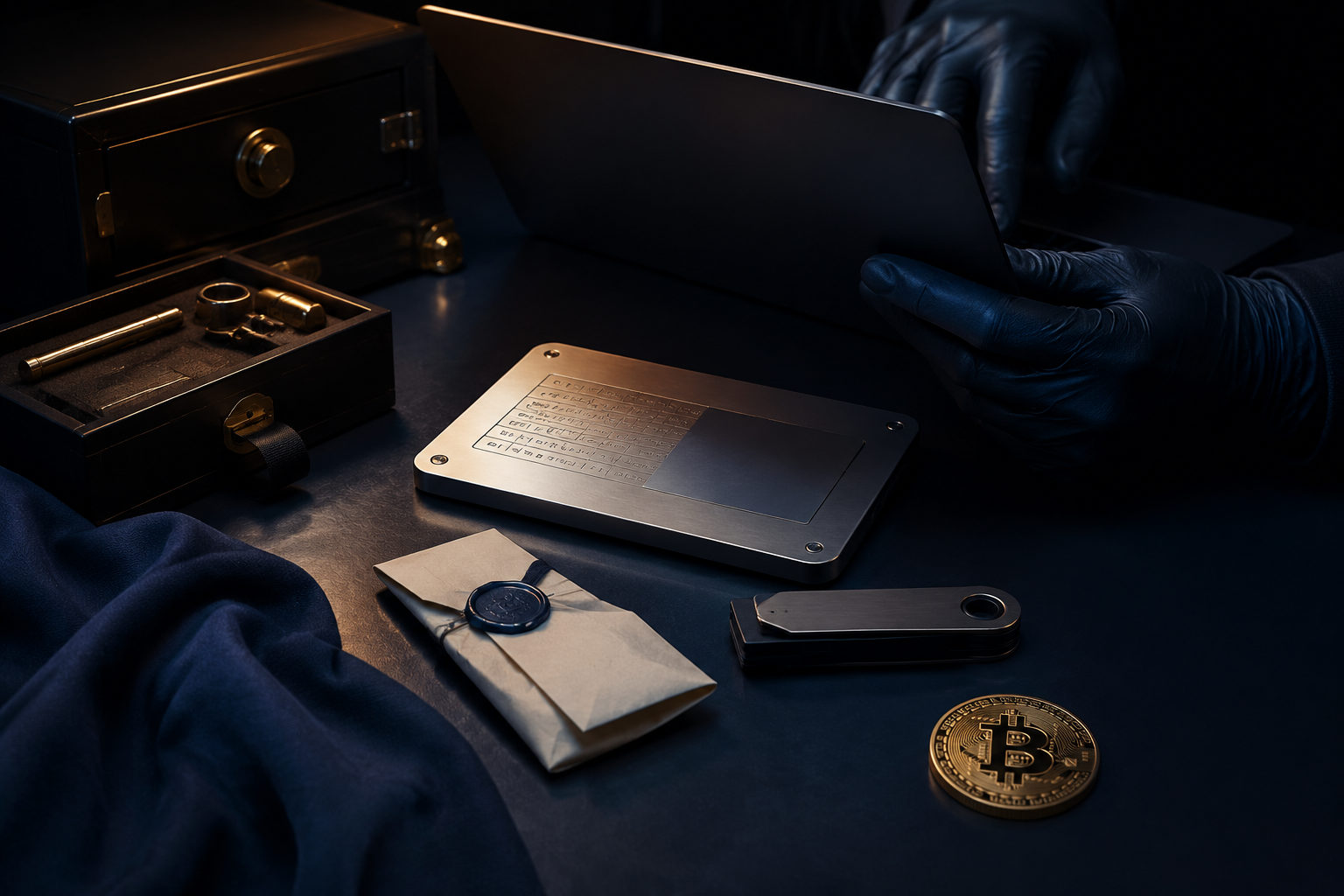
A Bitcoin private key should be used only in a trusted wallet for recovery, import, or transaction signing. If you can avoid exposing it, avoid exposing it.
What a Bitcoin private key actually does
A private key is the secret that gives control over bitcoin held at a matching address. Anyone who gets that key can usually authorize spending, which is why it matters far more than an app password or a device unlock code.
People often mix up private keys, seed phrases, wallet passwords, and transaction IDs. They serve different jobs. A seed phrase is usually a human-readable backup for wallet recovery, a wallet password often protects local app access, and a transaction ID is only a record reference on the blockchain. None of those should be treated as interchangeable.
That distinction matters before you even start. When people ask how to use bitcoin private key data, the first task is to verify what they actually have in front of them. A wrong assumption at this stage can lead to failed recovery attempts, false panic, or unsafe behavior.
Before doing anything: identify what you have
Step one: determine the backup type
You may be holding a single private key string, a seed phrase, or a wallet file that works with a password. Those are different recovery methods, and they should not be mixed together.
The reason is simple. Wallets are built around different key management models. If you try to restore a seed phrase as though it were a raw private key, it usually will not work. If you force a single private key into a seed-only recovery flow, you may think the wallet is empty when the issue is really the wrong import method.
Be careful with any message that says, in effect, that you should paste a code to claim coins, sync your wallet, verify ownership, or fix an error. Private keys and seed phrases should not come from strangers, and you should never enter them into a random web page because someone in chat told you to do it.
Step two: decide whether the task really requires a private key
In normal use, you do not need to touch your private key very often. Common legitimate cases include restoring an old wallet, importing a single address into another wallet, or signing a transaction in a controlled setup.
This check matters because the moment a private key enters a connected device, the exposure surface expands. Many scams are built around fake urgency: account verification, wallet upgrade, migration help, sync repair, node validation, and similar language meant to push you into handing over the most sensitive data you have.
If a site, browser extension, support agent, or remote helper asks you to send the full private key, upload a screenshot, or share your screen while the key is visible, stop there. In legitimate self-custody use, there is no sound reason to hand that secret to a third party.
How to use a Bitcoin private key safely, step by step
Scenario one: restoring an older wallet
Action: Turn off unnecessary network connections and sync tools first. Make sure screen sharing, remote access, and clipboard sync are disabled. Then open a wallet application you have personally verified, enter the restore or import flow, and input either the seed phrase or the private key according to the backup type.
Why: Wallet recovery means loading control of funds back onto a device. If that environment has malware, recording software, or background sync services, your key material can leak without any obvious warning.
Watch for this: Prepare an offline backup before you start. Do not move the key through chat apps, notes, or shared documents while you work. After recovery, verify that the receiving addresses match your own records before sending anything. If the result looks wrong, pause and check the wallet type and settings instead of entering the same secret into multiple apps.
Scenario two: importing a single address
Action: Confirm that the wallet supports private key import rather than seed-only recovery. After import, check whether the wallet is only watching the address or whether it can actually sign and spend from it.
Why: Different wallets use the word import in different ways. Some merely display balance and history for an address. Others actually take in the private key and enable spending. Those are very different levels of access.
Watch for this: Importing a private key is not always the same as migrating funds to a new security setup. The old key often remains valid. If that key was ever exposed, the risk is still there. In many cases, the safer move is to use the old key once to sign a transaction that sends the bitcoin to a new address generated by a fresh wallet, then retire the old key from use.
Scenario three: signing a transaction
Action: Review the recipient address, the send amount, the fee settings, and the change output before signing and broadcasting. If signing can be done in a more isolated environment, choose that over a high-risk connected one.
Why: This is the core function of a private key: authorizing a valid transaction. Once the network accepts that transaction, mistakes are usually not easy to reverse. The review step matters more than the click that applies the signature.
Watch for this: Do not verify only the first and last few characters of an address if you can avoid it. Clipboard hijacking exists. Also inspect where change is going. If the transaction view is not clear to you, stop and review it rather than approving it under pressure.
Scenario four: you suspect the private key has been exposed
Action: Create a completely new wallet in a trusted environment and move funds to a new address as soon as you safely can. Treat the old private key, old screenshots, old text copies, and cloud backups as compromised.
Why: A private key cannot be reset the way a normal account password can. Once copied by someone else, the only reliable remedy is to move control to a new key set.
Watch for this: Do not waste time arguing with a suspected scammer or trying to clean a potentially infected device before moving funds. After the move, inspect the likely cause: browser extensions, clipboard managers, remote access tools, sync settings, note apps, and any workflow that may have captured the key.
Security details that matter in every case
Back up first, then act
Whether you are restoring, importing, or migrating, create a clear offline backup before changing anything. If an app is deleted, a device fails, or you enter something incorrectly, you still need a reliable path back.
Do not rely only on cloud notes, saved messages, or email drafts. Those options are convenient, but they also place your most sensitive secret inside multiple apps and multiple login sessions. One breach can spread risk across everything connected to that account.
Reduce copying, screenshots, and online exposure
Many private key leaks do not happen because someone defeats the wallet directly. They happen because the user copies the key through a browser, saves it in an online note, takes a screenshot, or syncs it across devices.
If entry is necessary, do it directly inside a wallet environment you trust. Avoid passing the key through forms, text files, or chat windows first. Afterward, review clipboard history, device sync, and automatic backup settings so the secret is not left behind in places you forgot about.
Know the difference between viewing and spending
Checking a balance does not usually require a private key. In many cases, a public address is enough. A private key is only needed when you are restoring control or authorizing a spend.
This difference is a major anti-scam filter. If a page claims you must import your private key just to view funds, verify ownership, or check incoming bitcoin, treat that claim as dangerous until proven otherwise.
Do not trust support messages or remote assistance with key material
A large share of losses in crypto comes from social engineering rather than complex protocol failure. Attackers may pretend to be wallet support, community admins, technical staff, or recovery helpers. The script changes, but the target stays the same: get your private key or seed phrase.
The safe rule is straightforward. Your private key should be used locally by you, not shown, narrated, uploaded, or forwarded to anyone. If a person asks to see it for troubleshooting, that alone is a reason to end the conversation.
Common mistakes people make when learning how to use bitcoin private key data
A common misunderstanding is that once you know the process, you should use the private key directly for routine tasks. In practice, the opposite is better. You should understand what the key does and how recovery works, but minimize direct contact during normal wallet use.
Good habits follow from that. Receive funds through normal wallet flows. Avoid exporting sensitive material unless there is a real need. When moving to a safer setup, transfer funds to a newly generated address rather than keeping an old exposed key in circulation. A private key is not a convenience tool. It is the root of control.
Another mistake is assuming that self-custody guarantees safety by itself. Self-custody gives you control, but it also gives you the full burden of backup discipline, device hygiene, and careful review before signing. If any of those fail, losses can still happen even though you "hold your own keys."
FAQ
Can I give my private key to someone else to help me?
No. If another person gets your private key, they get the ability to control the bitcoin tied to it. At that point, your safety depends on their behavior, not on your ownership claim.
If you need help, describe the symptoms, the wallet behavior, or the recovery issue. Do not send the private key, the seed phrase, or screenshots that reveal either one.
Should I restore with a seed phrase or with a private key?
Use the same backup type that your original wallet gave you. If your backup is a seed phrase, restore with the seed phrase. If what you saved is a single private key for a specific address, use a wallet flow that supports private key import.
Avoid trial-and-error across multiple apps. If recovery fails, first check the backup type and the wallet's supported method.
Does importing a private key move my bitcoin into a new wallet?
Not always. In many cases, importing only gives the new wallet access to the same old address. The funds are not automatically moved to a fresh address or a new security model.
If the old key was ever exposed, a separate transfer to a new address created by a new wallet is often the safer way to cut off that old risk.
Why should I not enter a private key just to check a balance?
Because viewing a balance usually needs only a public address, not spending authority. Using a private key for a low-permission task creates needless risk.
If a page says you must paste a private key to see your bitcoin, treat that page as hostile until you can verify otherwise.
Can a private key be changed after exposure?
Not in the way a normal password can be changed. Once a private key is exposed, the practical fix is to move funds to a new wallet and a new address.
After that, deal with the source of the leak as well. If malware, sync tools, or unsafe handling caused the first exposure, the same problem can compromise the next wallet too.
What to do next if you already have the key
If you are holding a Bitcoin private key right now, do not rush to paste it into the first wallet or website you see. Identify the backup type, make an offline backup, and use it only inside a wallet environment you have checked yourself. If the key was ever screenshotted, forwarded, uploaded, or entered into an unfamiliar site, treat it as compromised and move funds to a newly created wallet.