
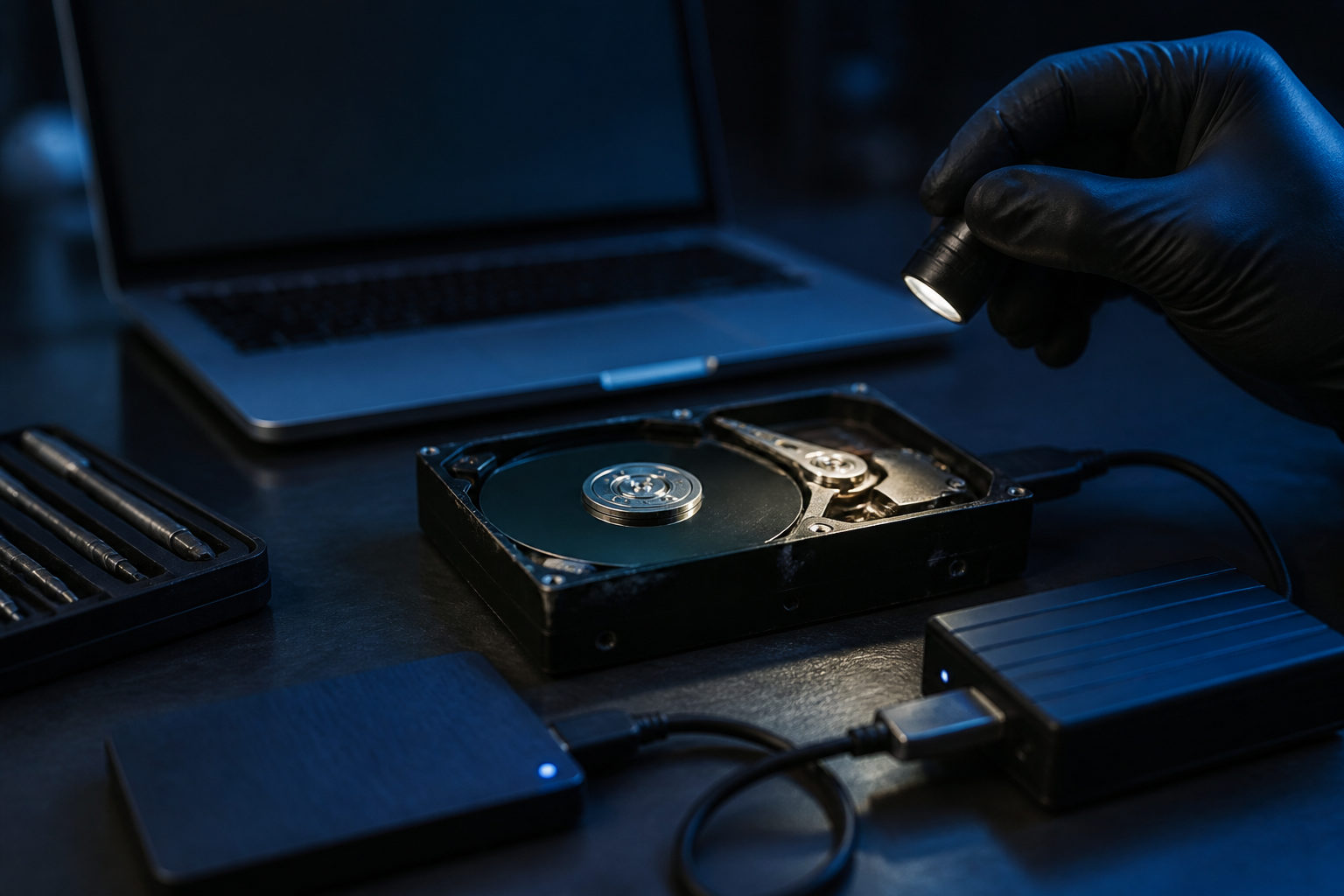
How to find bitcoins on old hard drives comes down to one rule first: protect the original drive, then search for wallet evidence, recovery material, and account traces in a controlled order.
Start by defining what you are actually trying to recover
People often say they want to “find bitcoin,” but an old hard drive can hold several very different kinds of clues. You might discover a wallet data file, a written seed phrase, an exported private key, old screenshots, a backup archive, or email records tied to an exchange account. Each of those points to a different recovery path.
This distinction matters because not every clue gives control over coins. A bitcoin address, a transaction screenshot, or a spreadsheet entry may show that you once held bitcoin. That does not mean you can spend it today. Real control usually depends on a private key, a seed phrase, or an account that you can still access and verify.
| What you find | What it may mean | Priority |
|---|---|---|
| Wallet data file | May contain direct recovery material | High |
| Seed phrase or private key note | May restore control | High |
| Exchange email or statement | May help recover an account | Medium |
| Address or transaction screenshot | Only a supporting clue | Medium |
| Software install trace | May identify the wallet once used | Medium |
Before you search, reconstruct your own history as clearly as possible. Which computer used the drive? Which operating system was on it? Did you reinstall that system? Did you store backups in a document folder, on the desktop, or inside compressed archives? Those details help narrow the search and stop you from wasting time on random keyword scans.
Protect the drive before you inspect the contents
The biggest mistake is treating the old drive like a normal working disk. If you install recovery tools onto it, rename files, run system repairs, or let the operating system write new data, you may overwrite exactly what you hope to recover. That is why the first practical step is preservation, not exploration.
A safer approach is to connect the drive to another machine for read-focused access, create a full backup or disk image, and perform your searches on the copy. If the drive is unstable, repeated power cycles and long scans can make the condition worse. In that case, every action should have a purpose.
| Step | Why it helps | Common mistake |
|---|---|---|
| Label the drive and its history | Keeps evidence organized | Mixing several old drives together |
| Read it from another device | Reduces accidental writes | Booting directly from the old drive |
| Create a backup or image first | Lets you test safely | Working only on the original |
| Search the copy, not the source | Preserves original traces | Editing or moving files in place |
| Verify sensitive material offline | Cuts exposure risk | Pasting secrets into online tools |
If you have more than one old hard drive, treat each one as a separate case. Give each drive its own notes, its own folder of findings, and its own timeline. Small records like file paths, folder names, and the context in which a clue appeared will help later when you compare evidence.
What to search for on an old hard drive
Searching for the word “bitcoin” alone is not enough. Valuable recovery clues often sit in plain-looking folders and ordinary file types. A better method is to inspect several categories at once: wallet files, document traces, image archives, browser records, and email exports.
Wallet files and configuration data
Some wallets store their data in application folders or user profile locations. Others leave backups in document folders, desktop folders, downloads, or manually named archives. When you find something that looks like wallet data, do not alter the file where it sits. Record the path, duplicate it, and keep the original untouched.
A wallet-related file does not always mean instant recovery. It may require the original wallet software, a password you no longer remember, or a compatible environment to read the backup correctly. That is why identification comes before experimentation.
Text files, photos, scans, and notes
Many people wrote down private keys or recovery words in places that did not look special at the time. Notes, spreadsheets, scanned pages, printed backups, photographs, or a plain text file with a vague name can all contain critical material. Search by context as much as by filename.
If you discover a string of words or characters that looks important, handle it as if it grants access until proven otherwise. Do not post it in forums, do not paste it into chat apps, and do not upload it to a website for convenience. First determine whether it is an address, a private key, a seed phrase, or unrelated data.
Email, browser, and exchange account traces
Sometimes the old hard drive does not hold a self-custody wallet at all. The bitcoin may have been left on an exchange or another service. In that case, the useful clues are old registration emails, saved statements, account names, browser bookmarks, or identity verification screenshots.
Those traces can help rebuild the chain of access. You may learn which email address was used, which services were involved, and which account recovery route makes sense. In some cases, recovering bitcoin from an old drive means recovering your old account history first.
| Clue type | What to look for | Best next step |
|---|---|---|
| Wallet backup | User folders, app data, backup archives | Copy first, then test |
| Seed phrase draft | Notes, images, scans, printed copies | Check completeness and order |
| Private key export | Text files, print files, copied notes | Keep isolated and offline |
| Exchange email | Mail archives, downloaded attachments | Recover email access first |
| Address screenshot | Pictures, desktop files, reports | Use as supporting evidence only |
How to verify a discovery without losing the coins
The dangerous part often begins after you find something promising. If the material may be a seed phrase, private key, or wallet backup, treat it as highly sensitive from the start. Convenience is the enemy here. Copying it into cloud notes, messaging apps, or unknown websites creates new risk for no real gain.
A simple classification helps. Addresses and transaction records are mostly evidence that helps map the past. Wallet backups, seed phrases, and private keys are possible control materials. The first group can support your investigation; the second group must be handled in isolation and with care.
| Discovery | What it proves | Verification rule |
|---|---|---|
| Bitcoin address | Possible link to past ownership | Use for cross-checking only |
| Seed phrase | May restore a wallet | Review offline before any import |
| Private key | May control an address directly | Do not expose or share |
| Wallet backup file | May need password or old software | Test on a copy in isolation |
| Exchange login trace | Points to account recovery | Recover email and identity access |
Another common problem is false hope from file recovery tools. They can return many fragments, partial files, and damaged records that look important but cannot be used. The useful question is whether a recovered item connects to a clear recovery path: a known wallet, a known account, or a complete set of credentials.
Keep a written log as you work. Note which drive produced each clue, where the file was located, whether you already copied it, and whether it may contain sensitive material. This reduces repeated testing and lowers the odds of corrupting or exposing the only useful lead you have.
FAQ
I found a bitcoin address on the drive. Does that mean the coins are still mine?
Not by itself. An address may show that the drive was linked to a wallet or a transaction at some point, but it does not prove current control. You still need the private key, the seed phrase, or access to the related account.
I found what looks like recovery words. Should I import them into a mobile wallet right away?
That is risky. First confirm that the words appear complete and belong together, then review them in an offline setting before trying any recovery step. Moving too fast can expose sensitive material to malware or unwanted syncing.
The computer was reinstalled long ago. Is recovery still possible?
It may be, but the search becomes harder. A reinstall can remove visible files while leaving behind traces in backups, old archives, image folders, or partially untouched storage areas. That is why preservation and careful review matter.
What if I only remember using an exchange, not a wallet?
Shift the search toward account recovery evidence. Old emails, saved statements, browser records, and verification screenshots may be more useful than local wallet hunting if the bitcoin was never stored in self-custody on that machine.
Should I send suspicious files to someone else for help?
Do not send anything that may contain a private key, a seed phrase, or a wallet backup unless you fully understand the risk. A safer approach is to describe the file type, location, and context without sharing the secret itself.
Your next move should be practical: organize every clue by drive, file path, sensitivity, and possible recovery route. When you are trying to find bitcoins on old hard drives, careful preservation and disciplined verification matter far more than speed.