
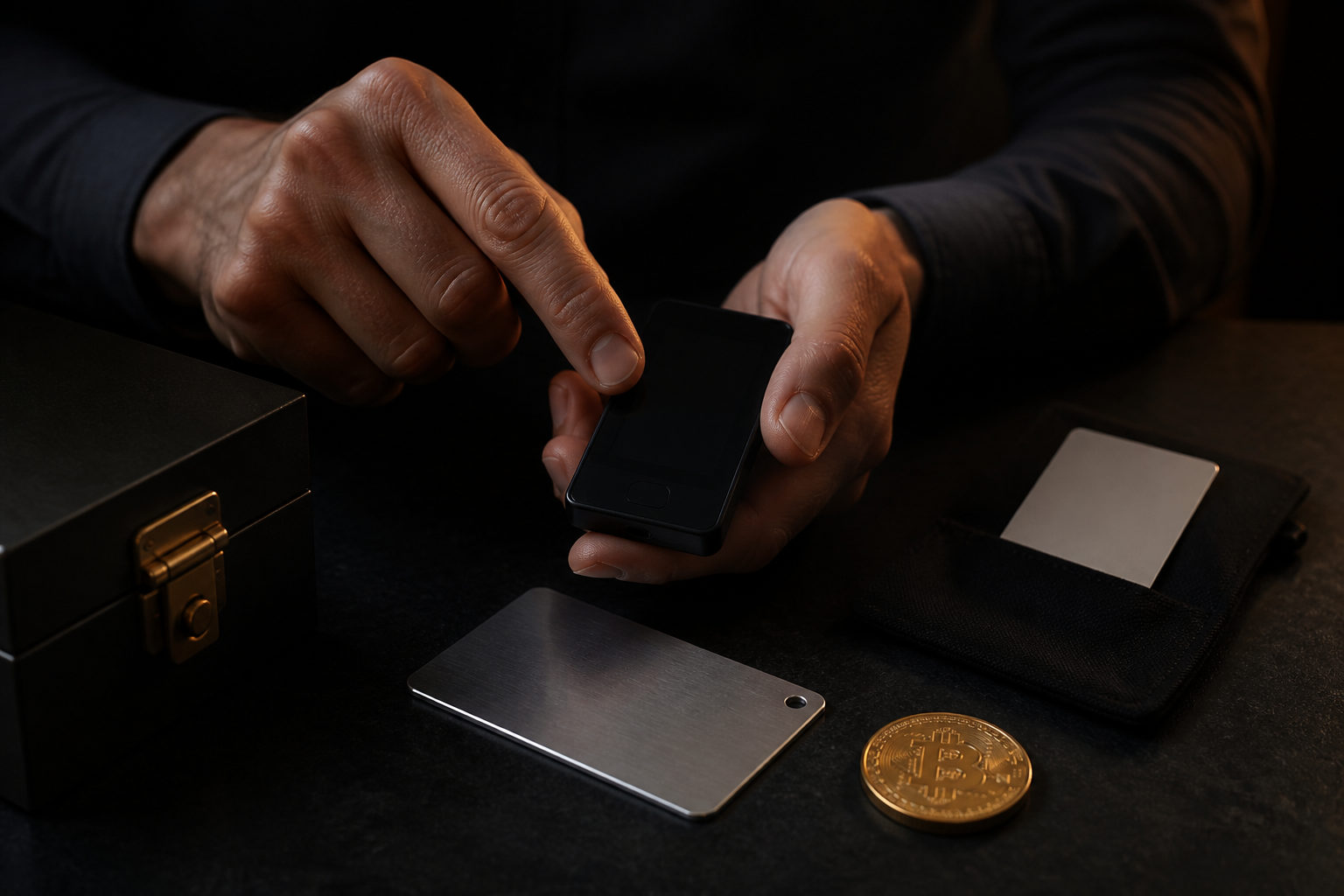
Yes, you can create your own Bitcoin wallet. The part that matters most is not the setup screen but whether you are ready to hold the private key, back up the recovery phrase safely, and accept that a sent Bitcoin transaction usually cannot be reversed.
What “creating your own Bitcoin wallet” actually means
People often use the word wallet as if it were just another online account. In Bitcoin, a wallet is better understood as a tool that generates and manages key material, lets you receive funds through addresses, and signs transactions when you want to spend them.
That distinction matters because there are two very different models. In a custodial setup, a company handles the core control layer for you. In a non-custodial setup, you hold the control yourself, which means backup, recovery, privacy, and operational discipline become your job. If you are asking whether you can create your own Bitcoin wallet, you are really asking whether you want direct control over that responsibility.
| Wallet type | Who controls the private key | Who it fits | Main risk |
|---|---|---|---|
| Custodial wallet | Platform or service provider | Users who want the fastest start | Withdrawal limits, account restrictions, reliance on a third party |
| Non-custodial software wallet | You | Users willing to learn backup and recovery | Recovery phrase exposure, malware, user mistakes |
| Hardware wallet | You, with keys commonly isolated on the device | Long-term holders | Lost backup, bad purchase source, setup mistakes |
| Offline backup approach | You | Users focused on cold storage | Bad recordkeeping, unreadable backup, recovery confusion |
Choose the wallet approach before you set anything up
If your goal is to learn the basics, a non-custodial software wallet is often the most practical place to start. It usually gives you a clear view of addresses, transaction flow, fee settings, and the recovery phrase process without adding too much hardware complexity at the beginning.
If your goal is long-term storage, a hardware wallet often makes more sense because it keeps signing activity more separated from an internet-connected device. That does not remove your responsibility. It just changes the attack surface and the way you handle day-to-day use.
Convenience and control rarely sit at the same point. The more responsibility you keep, the less room there is for someone else to fix your mistakes later. Make that tradeoff before you receive any Bitcoin, not after you already have value in the wallet.
| Use case | Common choice | What to think about first |
|---|---|---|
| First-time Bitcoin use | Non-custodial software wallet | Learn backup and recovery before moving larger funds |
| Long-term holding | Hardware wallet | Verify setup flow and store backups separately |
| Frequent spending and receiving | Easy-to-use wallet app | Check addresses carefully every time |
| Shared family management | Planned access and backup arrangement | Avoid a single point of human failure |
How to create your own Bitcoin wallet step by step
The first step is choosing a wallet and getting it from a trustworthy source. For software wallets, use the official distribution channel and verify that the app name and publisher match what you expect. Fake wallet apps and copycat download pages exist because they do not need to break Bitcoin itself; they only need to trick a user once.
The second step is initialization. In a non-custodial wallet, this is when the wallet generates a recovery phrase or similar recovery material. Treat that moment as sensitive. Do not take a screenshot, do not save it in cloud notes, and do not send it to yourself in a chat app. If that information leaks, someone may be able to spend your Bitcoin without touching your phone or laptop.
The third step is backup verification. Writing recovery words down is not enough if the order is wrong, the handwriting is unclear, or you do not know how recovery actually works. You do not need to rush funds into the wallet right away, but you should know what you wrote down, where it is stored, and how it would be used if the original device were lost or damaged.
The fourth step is a small test. Once the wallet gives you a receiving address, copy it carefully rather than typing it manually. Before sending any amount out, compare the beginning and ending characters of the address and make sure the wallet is behaving normally. A small test transfer can reveal problems in your process before the stakes are high.
The fifth step is regular use. At that point, your security comes from habits more than setup. Verify updates before installing them, pause if your device acts strangely, and confirm your backup still exists before replacing a phone or wiping a computer. Many losses happen because a person skipped a boring step, not because Bitcoin itself was too difficult to use.
| Step | What you do | Common failure point |
|---|---|---|
| Pick a wallet | Choose custodial or non-custodial | Confusing platform signup with true self-control |
| Initialize | Generate and record recovery material | Screenshots, cloud storage, handing it to someone else |
| Verify backup | Make sure the record is complete and readable | Assuming memory alone is enough |
| Run a test | Use a small amount first | Wrong address, altered clipboard, rushed action |
| Use it long term | Build repeatable operating habits | Changing devices before checking recovery access |
Private key responsibility is the real issue
Setting up a Bitcoin wallet is usually the easy part. Living with self-custody is the harder part. If you create your own Bitcoin wallet in a non-custodial model, the private key or recovery phrase becomes the center of control. Lose it, and you may lose access. Expose it, and someone else may take control.
A common beginner mistake is to think the app is the wallet and the phone is the asset. The app is just a tool. The device is just one place where the tool runs. What matters most is whether you still possess correct recovery material and whether no unauthorized person has seen it.
Another mistake is treating secrecy as the whole security plan. A strong setup also needs recoverability and clarity. A hidden backup that nobody can read later is not useful. A very convenient backup stored in an online account is easy to access for you and may also be easy to access for the wrong person.
| Control factor | Correct view | Bad assumption |
|---|---|---|
| Private key or recovery phrase | Core to recovery and control | A photo in your gallery is safe enough |
| Wallet app | Management and signing interface | Deleting the app means the Bitcoin is gone |
| Device security | Affects daily transaction risk | Proceeding while the device shows suspicious behavior |
| Backup plan | Determines whether you can recover after an incident | Keeping only one copy in one place |
A practical checklist before and after wallet creation
- Decide where control should live: with you through a non-custodial wallet or with a service through a custodial one.
- Use trusted sources only: fake wallet apps often look convincing enough to fool a rushed user.
- Keep recovery material offline: avoid screenshots, cloud drives, email drafts, and chat apps.
- Run a small test first: do it for your first incoming transfer and your first outgoing transfer.
- Check the address every time: compare key characters before you confirm a transaction.
- Stop if the device feels off: unexpected pop-ups, strange input behavior, and system warnings deserve attention before you move funds.
- Confirm recovery access before changing devices: never wipe the old device first and search for the backup later.
- Do the sensitive steps yourself: setup, recovery phrase recording, and restore testing should not be outsourced casually.
FAQ
Do I need to code my own wallet software to make my own Bitcoin wallet?
No. Most people mean using an existing wallet tool to generate and manage their own keys, not building a wallet application from scratch.
Writing wallet software is a separate technical project with security and compatibility concerns far beyond normal user setup.
Can I create a Bitcoin wallet without being online?
In some setups, wallet generation and backup recording can happen in an offline environment. Checking the chain or broadcasting a transaction still requires a later process for communication with the network.
For most users, good source verification, secure backup, and careful transaction habits matter more than chasing a complicated offline workflow from day one.
Can one person create more than one Bitcoin wallet?
Yes. Many users separate wallets by purpose, such as one for routine spending and another for longer-term storage.
That can improve organization, but only if your labels and backups are clear. If you cannot tell which recovery record belongs to which wallet, complexity starts to work against you.
Is a recovery phrase the same thing as a private key?
They are related, but they are not the same thing. A recovery phrase is commonly used as a human-manageable way to restore wallet access, while the private key is the underlying signing secret.
For everyday use, the key point is to store the recovery material exactly as instructed by the wallet and avoid inventing your own format.
Can I receive Bitcoin right after creating the wallet?
Usually yes. Once the wallet has generated a valid receiving address, you can receive Bitcoin to that address.
It is still smart to test the process with a small amount first so you can confirm the address handling and your own workflow before using the wallet more seriously.
If you plan to create your own Bitcoin wallet, your first move should be to settle the backup plan and recovery path, then test the process with a small amount before treating it as your main wallet.