
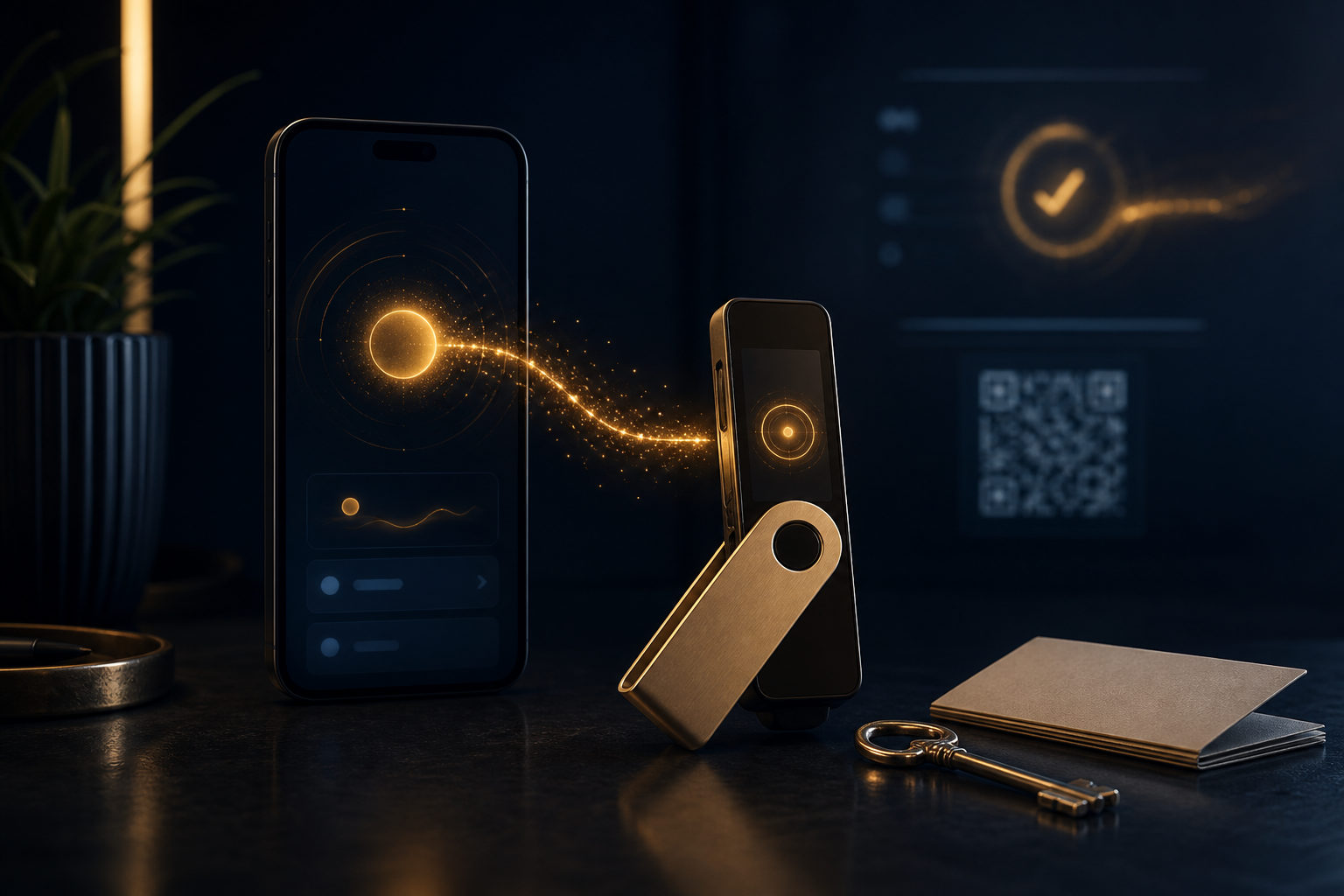
To put bitcoin in a wallet, you first create or open a wallet, back up the seed phrase or private key, copy your Bitcoin receive address, and send BTC to that address. The part that matters most is not the transfer button; it is checking the address and protecting your recovery backup.
What it means to put bitcoin in a wallet
People often picture bitcoin as something stored inside a phone or laptop like a file. That is not really how it works. A wallet manages the keys that let you control bitcoin associated with a blockchain address.
So when people ask "how to put bitcoin in wallet," the real task is to move bitcoin to an address controlled by your wallet. If your coins stay on an exchange account, the platform usually keeps custody even if you can see the balance on screen.
The basic steps to move bitcoin into your wallet
1. Choose the wallet type
You can use a software wallet, a hardware wallet, or an exchange account. If you want direct control, pick a wallet that gives you a seed phrase or private key backup. If convenience comes first, an exchange account is easier, but control depends more on the platform.
Before doing anything else, confirm that the wallet clearly supports Bitcoin. You should be able to find a receive function, a backup process, and a transaction history without guessing.
2. Create the wallet and back it up
During setup, most self-custody wallets show a seed phrase and ask you to write it down. This is the key warning point: if someone gets that phrase, they may be able to move your bitcoin. If you lose it yourself, recovery may be impossible.
A safer habit is to write it down offline and keep copies in separate secure places. Do not store it in chat apps, cloud notes, or screenshots. A wallet password helps protect local access, but it is not a substitute for the recovery phrase.
3. Find your Bitcoin receive address
Open the wallet and tap the receive option. You should see a Bitcoin address and often a QR code. This is the information you will share with the sender or paste into an exchange withdrawal page.
Slow down here. Make sure you are receiving Bitcoin, not another asset with a similar ticker view somewhere else in an app. New users often rush this step and assume any crypto address field will work.
4. Send bitcoin from the exchange or another wallet
If your BTC is on an exchange, go to the withdrawal page and paste your receive address. If another person is sending it to you, they need that same address. After pasting, compare the first and last characters and make sure the address matches what your wallet shows.
For a first transfer, send a small test amount before moving the full balance. That one extra step can catch copy errors, wrong account selection, or simple stress mistakes before they become costly.
5. Wait for network confirmation
Bitcoin does not settle the moment you press send. The network produces a new block about every 10 minutes, so your wallet may first show the payment as pending before it becomes spendable.
If the balance does not update right away, do not send the same amount again out of panic. Check the transaction record, the destination address, and whether your wallet app has fully refreshed.
The mistakes that cause the most damage
- A wrong address is usually final. Bitcoin transfers are generally not reversible once broadcast and confirmed.
- Your seed phrase matters more than your app password. The password may protect the device, but the recovery phrase controls the wallet restore process.
- Never share your seed phrase with support staff. Real support does not need it.
- Check the receive details before every transfer. Do not assume an old copied address is still what you intended to use.
- Test first when the amount matters. A small trial transfer is basic risk control, not overthinking.
Another common misunderstanding is the idea that seeing BTC on an exchange means it is already in your own wallet. In many cases, that is still custodial storage. Self-custody starts when you control the keys or recovery credentials yourself.
A practical checklist before and after the transfer
Before you send
- Confirm the wallet supports Bitcoin.
- Back up the seed phrase or private key offline.
- Copy the receive address carefully.
- Review the withdrawal details one more time.
- Send a small test amount first.
After it arrives
- Check that the transaction shows confirmations.
- Verify the balance shown by your wallet.
- Make sure your backup is still secure and readable.
- If you plan to hold long term, think about whether your current wallet setup matches that goal.
If you are asking "how do I put bitcoins in my wallet," the shortest useful answer is this: set up the wallet, back up the recovery phrase, copy the Bitcoin receive address, send BTC to it, and wait for confirmation. The process is short, but the responsibility is real.
FAQ
Is bitcoin really mine after I move it to a wallet?
If you control the seed phrase or private key, your control is much stronger than on a custodial account. If the coins remain on an exchange balance, the platform usually retains custody.
How do I move bitcoin from an exchange to my own wallet?
Open your wallet, get your Bitcoin receive address, and paste it into the exchange withdrawal page. Check the address carefully, then consider a small test transfer before sending the full amount.
Does it cost money to put bitcoin in a wallet?
The receiving wallet may not charge you just for receiving. Still, a blockchain transfer usually involves a network fee, and the exact display depends on the sending service or wallet.
What happens if I lose my seed phrase?
In most self-custody setups, losing the seed phrase can make recovery extremely difficult or impossible. That is why backup is not an optional step; it is part of the setup itself.
Why has my wallet not shown the bitcoin yet?
The transaction may still be waiting for confirmation, or the wallet app may need time to refresh. Check the transaction details and the receive address before doing anything else.
Before sending a meaningful amount, do three things without skipping: secure the backup, verify the receive address, and run a small test. With bitcoin, careful habits are part of the transaction, not an extra step.