
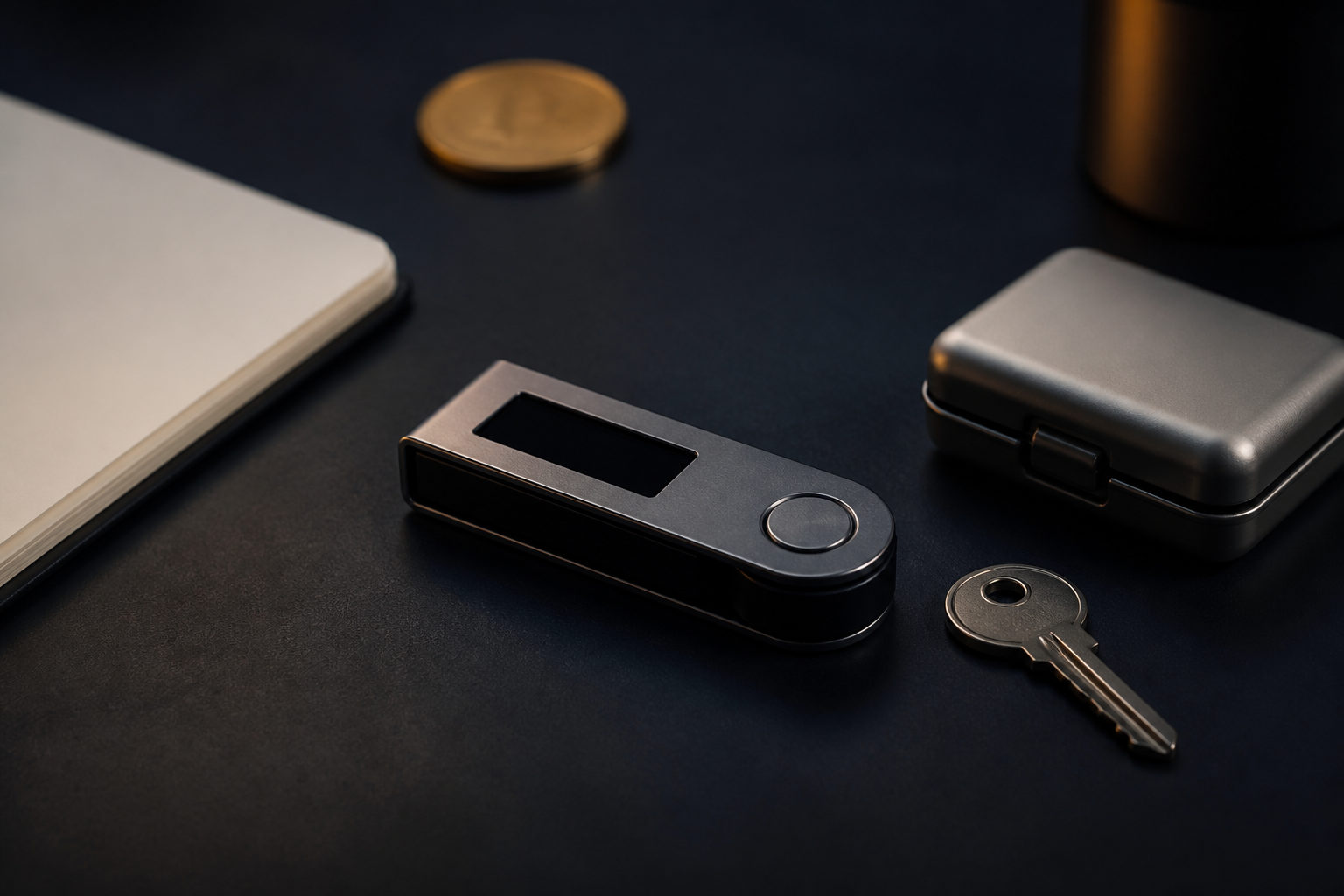
How to store bitcoin comes down to one thing: protect your private keys and choose a wallet setup that fits your use case. Bitcoin itself is not sitting inside your phone or laptop; ownership is tied to keys that authorize access on the blockchain.
Where bitcoin is actually stored
A common misunderstanding is that bitcoins are stored like regular files on a device. That is not how the system works. The blockchain records balances and transaction history, while a wallet helps you create and sign transactions with the keys connected to your addresses.
So when people ask where bitcoins are stored, the practical answer is this: the asset is tracked on the blockchain, and your wallet stores or manages the credentials that let you control it. That distinction matters because losing a device is not always the same as losing your bitcoin, but losing your private key or recovery phrase can be.
Main ways to store bitcoin
Custodial wallets
With a custodial wallet, an exchange or service provider controls the private keys on your behalf. This is often the easiest starting point for beginners because setup is simple and account recovery may be available. The trade-off is clear: you depend on the provider's security, policies, and access controls.
If your account is compromised, frozen, or targeted through phishing, the problem is no longer just about your own device hygiene. It also becomes a platform and account security issue. Convenience is the selling point, but convenience does not remove risk.
Software wallets
Software wallets run on phones or computers and usually put key management in your hands. They offer a good balance between direct control and daily usability, which makes them popular for routine transfers. At the same time, any internet-connected device can be exposed to fake apps, malware, clipboard tampering, or social engineering.
For many users, this is the first real step into self-custody. It is also where good habits start to matter more than brand names.
Hardware wallets
Hardware wallets keep key material on a dedicated device and are often used for longer-term storage. Their main benefit is separation: signing activity is kept apart from the device you use for browsing, email, and downloads. That reduces some attack paths, but it does not make mistakes impossible.
You still need to buy from a trusted source, verify setup carefully, and protect the recovery phrase created during initialization. If that phrase is exposed or recorded incorrectly, the extra device will not save you.
Offline backups
Some bitcoin holders write down their recovery phrase and store it offline. This avoids many online leaks, yet it introduces physical risks such as loss, damage, theft, or accidental exposure. Offline storage is useful, but only if the backup is legible, complete, and kept where unauthorized people cannot reach it easily.
Private key responsibility comes first
People often search for how to store bitcoins and focus only on wallet type. Wallet choice matters, but responsibility matters more. In self-custody, you are responsible for backups, device security, recovery testing, and every transfer you approve.
A recovery phrase should not live in cloud notes, chat apps, screenshots, or email drafts. Treating it like a normal password is a serious mistake. Passwords can often be reset; private keys and seed phrases usually cannot be reissued.
If you prefer a custodial setup, your attention should shift to account defenses. Use a strong password, keep your email account secure, enable two-factor authentication, and review login activity. The risk has not disappeared; it has simply moved.
A practical bitcoin storage checklist
- Separate long-term holdings from spending funds. Do not keep everything in one place just because it feels simpler.
- Back up your recovery phrase carefully. Write it down clearly and check every word in the correct order.
- Test recovery before you need it. A backup is only useful if it actually works.
- Avoid single points of failure. One platform, one device, and one storage location can create concentrated risk.
- Verify addresses before sending. Check copied addresses to reduce the chance of clipboard attacks or fake interfaces.
- Keep your environment clean. Update your operating system and wallet software, and avoid untrusted downloads.
- Never share your seed phrase. Real support teams do not need it to help you.
You may also want a basic contingency plan. If something happens to you, a trusted person should at least know that a wallet exists, what kind of records matter, and how to find instructions without being handed unrestricted access too early.
FAQ
Should I keep bitcoin on an exchange or in my own wallet?
It depends on your goals. If you need easy access for frequent trading, a custodial option may suit you better. If you care more about direct control, self-custody is usually the stronger fit, provided you can handle the responsibility.
Are bitcoins stored on my phone?
Not in the way photos or documents are. Your phone may hold a wallet app that manages keys and signs transactions, while the bitcoin record itself remains on the blockchain. If the phone is lost, a proper backup can still let you recover access.
What should a beginner do first when storing bitcoin?
Start by deciding whether the bitcoin is for regular use or long-term holding. After that, pick a custodial or self-custody route and handle backup right away. Many losses happen during storage, not during the purchase.
Can I store my seed phrase in the cloud?
That is usually a bad idea. Cloud storage, synced notes, and messaging apps can expose sensitive data through account compromise, malware, or accidental sharing. For something this important, offline storage is generally safer.
Can I reuse the same wallet address?
In many cases, yes, but it is not always great for privacy. Reusing one address can make your transaction history easier to connect. Many wallets generate fresh addresses to reduce that exposure.
What to check before choosing a setup
Before you decide how to store bitcoin, check three things: who controls the private keys, whether the backup is reliable, and whether you can recover access in a safe environment. If any of those points are weak, the storage plan is weak too.