
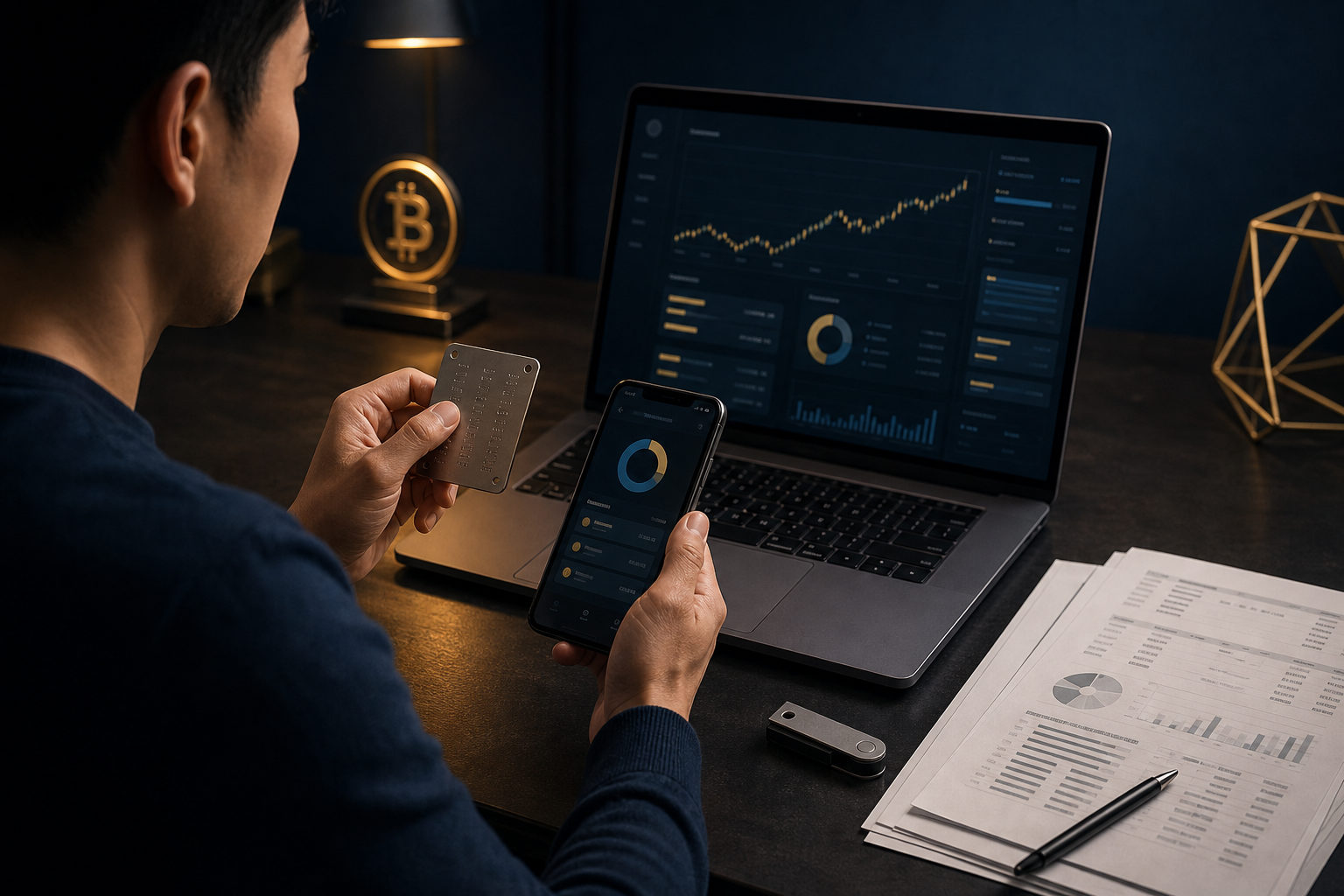
To check if you have bitcoins, start by identifying any exchange account, wallet backup, or BTC address tied to you, then verify both the balance and your ability to access it.
Where your bitcoin might be
Bitcoin does not appear in one universal account view. The coins are tracked on the blockchain, but your ownership depends on whether you control the account or wallet connected to that history.
In practice, most people fall into one of two buckets. Their bitcoin is either held on an exchange account, or it sits in a self-custody wallet backed by a seed phrase, private key, or wallet file.
- Exchange account: You bought BTC through a trading platform and the balance is shown in your account dashboard.
- Software wallet: You used a mobile or desktop wallet and may still have app access or a backup.
- Hardware wallet: Your bitcoin may be linked to a device, with recovery words stored elsewhere.
- Old records: A paper note, screenshot, text file, or email may contain an address or recovery clue.
How to check step by step
The cleanest approach is to retrace your own activity. Look at the places where you may have bought, received, stored, or backed up bitcoin before trying any recovery tool.
Check exchange accounts first
Search your main email inboxes for account registration messages, login alerts, identity verification notices, deposit confirmations, or withdrawal emails from crypto platforms. If you find a likely match, sign in through the platform's official app or site and review your asset page, transaction history, and security settings.
If you cannot remember the password, use the normal account recovery process. If the account is still recoverable, you can usually confirm whether you have bitcoin from the balance page and trade records.
Inspect old phones, computers, and backups
Many people leave the real clue on an older device rather than the one they use today. Check for wallet apps, desktop wallet folders, screenshots of receiving addresses, notes with wallet names, or cloud backups that may contain wallet data.
If an old device still turns on, avoid making major changes right away. Keep the data intact first, then see whether the wallet opens and whether you can view addresses, transaction history, or recovery options.
Look for a seed phrase, private key, or wallet file
For self-custody, access matters more than memory. A seed phrase, private key, encrypted backup file, or exported wallet record is often the strongest evidence that you may still control bitcoin.
If you have the correct recovery material, you may be able to restore the wallet and inspect the balance. If all you have is a vague memory of buying BTC at some point, but no account access and no backup, verification becomes much harder.
Check any BTC address on a block explorer
If you find a bitcoin address, you can look up its transaction history and current balance with a block explorer. This can show whether the address ever received bitcoin, but it does not prove that you control those funds.
That distinction matters. Seeing BTC on an address is not the same as being able to spend it; actual control comes from the private key or from access to the custodial account holding that address.
Best places to look for clues
If a lot of time has passed, memory alone is rarely enough. Start with the records most likely to preserve a trail.
- Email: Search for exchange names, wallet names, deposit notices, withdrawal emails, and security alerts.
- Authenticator apps and text messages: These may reveal which platforms you used for sign-in or withdrawals.
- Notes and paper backups: Look for a list of words, a long string of characters, or a saved receiving address.
- Payment history: Bank or card records may help you identify a platform where you bought bitcoin.
- Chats and screenshots: You may have sent someone a BTC address, a transfer screenshot, or a wallet view.
If you discover an address, store it carefully and avoid posting it in public. An address alone does not give away control, but it can expose your transaction history and balance information.
Common mistakes that lead to loss
Some people do have bitcoin, but lose access while trying to check. Safety comes first because a bad step can expose the very data that protects your funds.
- Entering your seed phrase into a random website: This is one of the most dangerous errors. If a page asks for recovery words, treat it with extreme caution.
- Installing unknown wallet software: Fake wallets and fake support tools often pretend to help you recover assets.
- Confusing an address with ownership: Seeing activity on an address does not mean you can control the BTC there.
- Checking only one platform: Your bitcoin may be spread across several exchanges or wallets.
- Working directly on the only copy of an old backup: Make a safe copy first so you do not overwrite or damage the original.
There is another easy mistake: assuming any crypto balance is bitcoin. In a multi-asset wallet, confirm that the asset is actually BTC rather than a token with a similar symbol or interface icon.
FAQ
I forgot where I bought bitcoin. Can I still find it?
Yes, in many cases you can. Start with your email, text messages, payment records, and authenticator app entries to identify the platform you used, then recover access through its normal sign-in process.
If I found a BTC address, does that mean I have bitcoins?
Not by itself. An address with a balance shows that bitcoin exists at that address, but you only control it if you have the matching private key or access to the custodial account tied to it.
I have a seed phrase but not the original wallet app. What should I do?
You may still be able to restore the wallet if the phrase is correct. Before doing anything, confirm the wallet type and use a trusted wallet application, and never send the seed phrase to anyone.
There is a wallet file on my old computer, but it will not open. What now?
Make a backup copy of the file before you try anything else. After that, you can test recovery in a safer environment instead of risking damage to the only original copy.
How do I tell whether I am looking at BTC and not another coin?
Check the asset label, wallet view, and transaction context carefully. Do not rely only on a familiar logo or short ticker, since many wallets display several assets in a similar format.
If you want the fastest path, list every email account, device, exchange, and backup location you may have used, then verify access, addresses, and transaction records one by one; never share your seed phrase or private key during that process.