
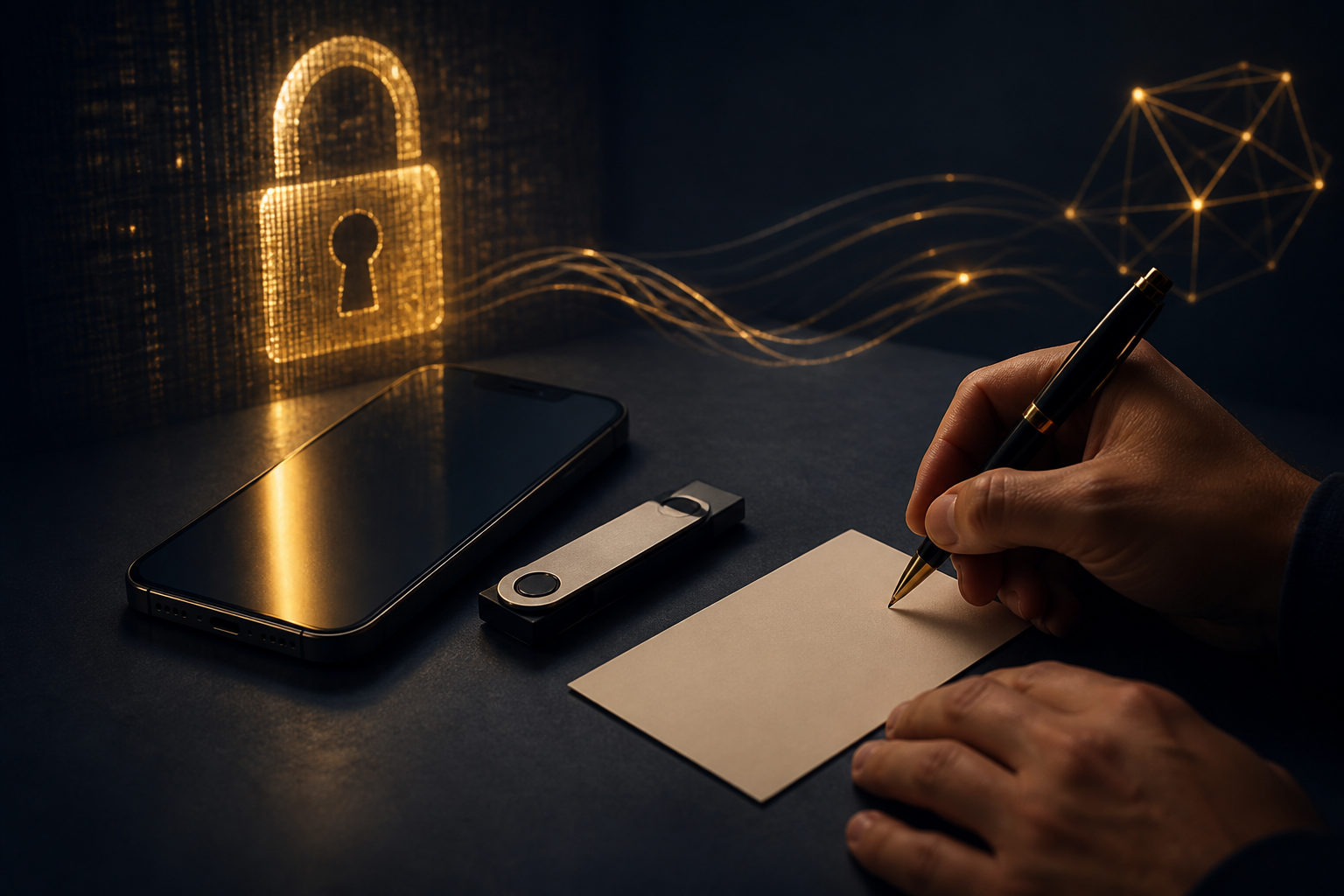
How to set up a bitcoin wallet comes down to three things: pick the right wallet type, back up the seed phrase offline, and test sending and receiving with a small amount first. The real security issue is not the app design. It is who controls the private keys.
Choose the wallet type before you install anything
Many beginners download the first app that looks convenient, then realize later that it does not match their needs. Before setting up a bitcoin wallet, decide what you want it for: long-term storage, regular payments, occasional transfers, or simple learning.
The biggest split is between custodial and self-custodial wallets. In a custodial setup, a platform or service manages the keys for you. That can feel familiar and simple, but you are relying on that provider. In a self-custodial wallet, you control the seed phrase or private keys yourself, which gives you direct ownership and direct responsibility.
Common wallet formats
- Mobile wallets: good for everyday use, quick balance checks, and small transfers.
- Desktop wallets: useful for managing funds on a personal computer and reviewing transaction history.
- Hardware wallets: often chosen for longer-term storage because signing is separated from a general internet-connected device.
- Exchange or platform wallets: easy to start with, but they are closer to an account feature than full self-custody.
If you are just starting out, a simple mobile wallet may be the easiest way to learn the basics. If you plan to hold bitcoin for a longer period, it makes sense to think more seriously about self-custody and key management.
The standard setup process for a bitcoin wallet
The steps look simple on the surface, but the order matters. Most serious mistakes happen when users rush through backup prompts, skip verification, or do a full-size transfer before they understand what the wallet is showing them.
- Get the wallet from an official source: use the wallet's official app store page, official website, or official hardware vendor channel. Do not trust random search ads, chat links, or files sent by strangers.
- Create a new wallet: if this is your first wallet, choose the option to create a new one. The restore option is only for someone who already has a seed phrase.
- Set a local password or device lock: many wallets ask for a password, PIN, or biometric protection. This helps protect access on your current device, but it is not the same thing as the private key itself.
- Write down the seed phrase: this is the most important step. Anyone who gets that phrase may be able to control the wallet.
- Complete the backup check: some wallets ask you to confirm the words in order. Do not skip it. This is the moment that proves you actually recorded the phrase correctly.
- Find your receiving address: open the receive screen and copy the address or display the QR code. It is normal for a wallet to generate different receiving addresses over time.
- Do a small test first: before moving a meaningful amount, make a small test transaction. Confirm that it arrives and confirm that you understand what the wallet displays before doing more.
So if someone asks, “how to set up a bitcoin wallet” in the practical sense, the answer is not just install and tap next. It means build a setup that you can still recover if your phone is lost, your computer fails, or you need to move to a new device.
Seed phrase, private key, and address: what each one means
These terms get mixed together all the time. Once you separate them, the main safety rules become much easier to follow.
A private key is the secret that authorizes control over funds. A seed phrase is the human-readable backup that can recreate the wallet. An address is the public identifier you share to receive bitcoin. You can share an address. You should never share your seed phrase or private key.
That leads to a very simple rule: if someone only needs to send you bitcoin, they only need your receiving address. If a person, page, or app asks for your seed phrase outside a genuine wallet recovery flow that you started yourself, you should stop immediately and verify what you are doing.
Backup rules that matter
- Prefer offline storage: writing the seed phrase down is generally safer than taking a screenshot or saving it in notes.
- Do not put it in cloud storage: synced services add extra exposure.
- Do not send it through email or chat: convenience is not worth the risk.
- Do not let another person “hold it for you”: customer support, online helpers, and fake recovery services are common danger points.
- Think through device loss in advance: if your phone disappears today, how exactly would you restore the wallet?
A lot of new users assume that a phone passcode solves this problem. It does not. A device lock protects local access to the phone. A seed phrase leak can create a separate path to loss, with no need for the attacker to touch the original device.
Checks to make right after setup
Creating the wallet is only the first half. Before you use it for real, make sure you can handle the basic actions without guessing.
Know the difference between receive and send
Receive means you are displaying an address or QR code for someone else to use. Send means you are entering another address and approving a transfer. That sounds obvious, but many first-time errors come from treating both screens as if they were interchangeable.
Build an address-check habit
Every time you paste an address, compare the beginning and the end before confirming. Clipboard replacement malware is a known risk in crypto use, and this quick check helps reduce the chance of sending funds to the wrong place.
Make sure you are using the correct asset and function
If you mean to move bitcoin, confirm that the destination supports bitcoin and that you are on the correct wallet screen. This matters even more on multi-asset platforms where many balances and transfer tools appear in one interface.
Understand that fees affect confirmation speed
When you send bitcoin, the wallet may show a network fee choice. Bitcoin produces a new block about every 10 minutes, but confirmation time can still vary with network conditions. A transfer is not the same thing as an instant bank app update.
Confirm that your backup is actually usable
“I know I wrote it somewhere” is not a backup plan. A real backup means you can find it, read it, and trust that it was recorded accurately when needed.
The most dangerous mistakes to avoid
Setting up a bitcoin wallet is not hard. What is hard is staying disciplined when a shortcut looks harmless. The following habits cause a large share of preventable problems.
- Saving the seed phrase as a screenshot: photo libraries, cloud sync, and device backups increase the chance of exposure.
- Trusting anyone who asks for the seed phrase: no legitimate helper needs it to send you bitcoin.
- Downloading from random search results: fake apps and phishing pages often rely on impatient clicks.
- Skipping the small test transaction: this pushes all uncertainty into one full-size transfer.
- Confusing a platform account with a self-custody wallet: similar wording does not mean the same control model.
- Revealing the seed phrase during screen sharing: remote support sessions, recordings, or live streams can expose more than you realize.
Bitcoin transfers are generally irreversible. If you send to the wrong address, expose the seed phrase, or approve the wrong action, there may be no practical way to undo it. Going slowly is not hesitation. It is part of proper wallet setup.
FAQ
What kind of bitcoin wallet should a beginner use first?
For most beginners, a straightforward mobile wallet is the easiest place to start because it makes the basic receive and send flow easier to understand. If your main goal is long-term storage, you may want a setup that puts more emphasis on self-custody.
Where should I keep my seed phrase?
Keep it offline, easy for you to find, and hard for others to access. Do not store it in cloud notes, email drafts, chat apps, or your photo library.
Can I use more than one bitcoin wallet?
Yes. Many people separate everyday use from longer-term storage so that one device does not carry every role at once. That can also reduce the impact of a single mistake.
Do I need to understand private keys before I start?
You can begin with the basic flow first, but you should learn what the seed phrase and private key mean as early as possible. Once you hold bitcoin, key responsibility becomes part of using it.
Why does my wallet show different receiving addresses?
That is normal in many wallets. Different receiving addresses can still belong to the same wallet, so the important thing is to confirm they are generated inside your own trusted wallet app or device.
What is the safest way to make the first transaction?
Start with a small amount. Check the destination address carefully, watch the transaction status in the wallet, and only move a larger amount after you understand how the process looks from start to finish.
If you are setting up a bitcoin wallet today, the most practical checklist is simple: choose the wallet type first, write the seed phrase down offline, verify the backup, and use a small test transfer before anything larger. If any page suddenly asks for your seed phrase, stop and confirm that you personally started a real recovery process.