
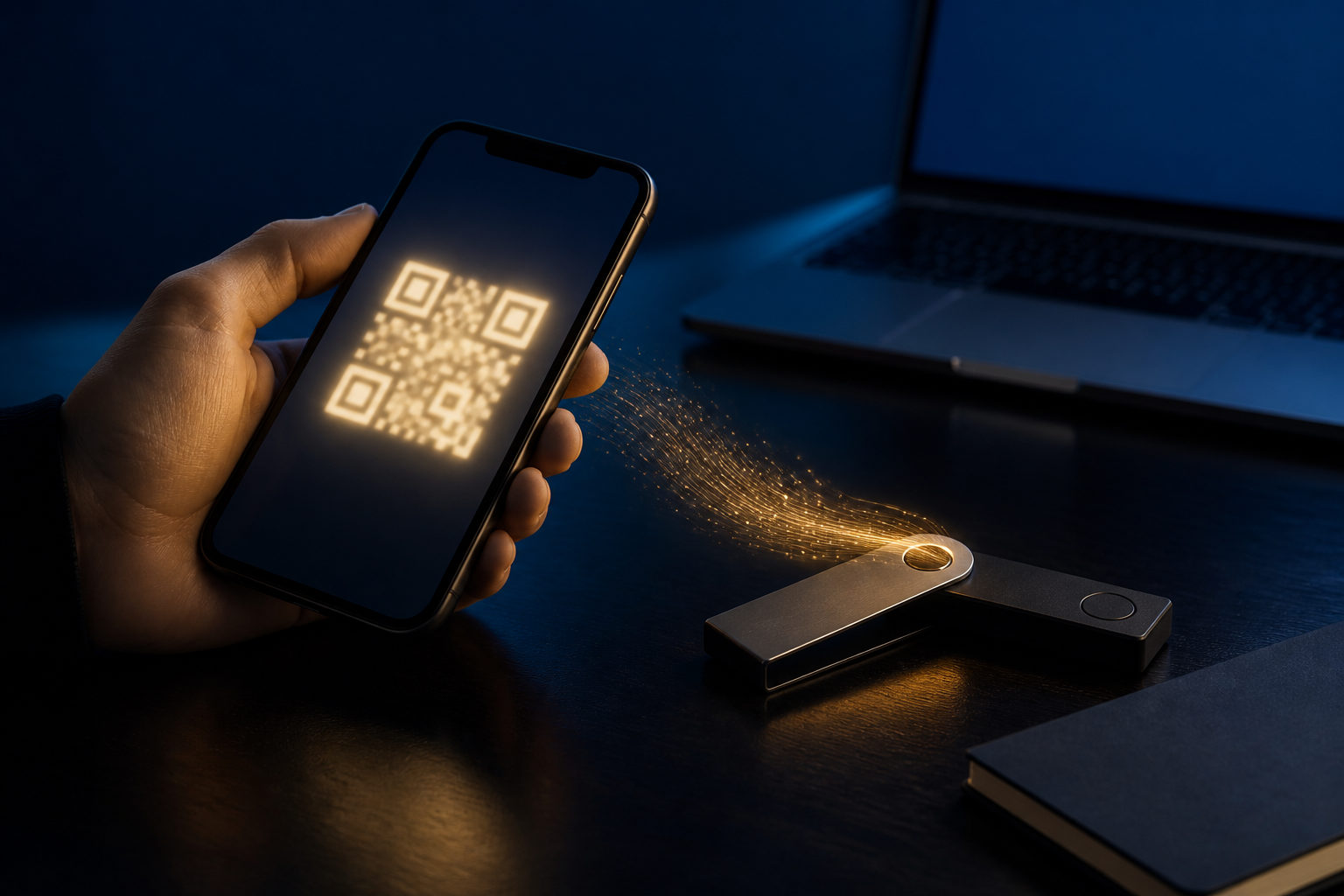
To add bitcoins to a wallet, you usually need to open your BTC receive screen, copy your receiving address, and send bitcoin to it from an exchange or another wallet. Before you confirm anything, check the address, use the correct network, and back up your recovery phrase or private key.
What “add bitcoins” really means
People often talk as if a wallet stores coins like a folder stores files. That is not how Bitcoin works. A wallet is mainly a tool for managing keys and viewing blockchain activity tied to addresses you control.
Because of that, “adding bitcoins” usually means one of two things. You are either receiving a new transfer at a BTC address, or you are restoring an existing wallet by importing a recovery phrase or private key. The steps look similar on the surface, but the risks are different.
How to add bitcoin to wallet step by step
1. Open the Bitcoin receive screen
Many wallet apps support several assets and networks in one place. Make sure you are on the BTC receive page, not a screen for another coin. A multi-chain wallet can show several address formats, so take a moment to confirm that the address shown is meant for Bitcoin.
2. Copy your receiving address carefully
Your wallet should display a string of characters and often a QR code. Use copy or scan instead of typing the address by hand. After copying it, compare the first and last few characters to what your wallet shows on screen.
3. Send from the source wallet or exchange
If your bitcoin is on an exchange, go to the withdrawal page and paste in your BTC receiving address. If you are moving funds from another self-custody wallet, use its send function. Right before you submit, verify the asset is bitcoin and the transfer method matches Bitcoin.
4. Start with a small test transaction
This is one of the best habits for new users. When you use a fresh address, a new device, or a wallet you have never used before, send a small amount first. Once it arrives as expected, complete the main transfer.
5. Wait for confirmation and check your wallet history
A transfer may not appear as spendable right away. Some wallets show incoming activity early, while others wait for more confirmation before marking it available. Check the transaction record inside your wallet instead of sending the same transfer again.
Receiving bitcoin is not the same as restoring a wallet
A lot of people searching for “how to add bitcoins to wallet” are really trying to recover access after changing phones, reinstalling an app, or moving to a new device. In that case, you are not receiving new bitcoin. You are restoring control by importing your recovery phrase or private key into a wallet you trust.
This distinction matters. A receiving address can be shared with the sender. A recovery phrase or private key must never be shared with anyone. If a stranger, support agent, or chat contact asks for that information, stop there.
- Receiving funds: you share only your BTC address or QR code.
- Restoring access: you enter your own recovery phrase or private key only inside a wallet you trust.
- Sending funds: you approve a signed transaction, and that action is usually irreversible.
Private key responsibility and irreversible mistakes
Bitcoin transfers usually cannot be reversed in the way bank transfers sometimes can. That is why key management is part of the transfer process, not a separate topic. If you choose self-custody, you also accept the responsibility that comes with it.
Keep these checks in front of you before every transfer:
- Back up your recovery phrase or private key offline. Do not rely on a screenshot stored on an internet-connected device.
- Install wallet software from a source you trust. Fake apps and phishing pages are common attack routes.
- Review the pasted address every time. Clipboard malware can replace wallet addresses without much warning.
- Avoid shared or unfamiliar devices. Public computers and borrowed phones are poor places for wallet actions.
- Know which task you are doing. Receiving, restoring, and sending each require a different mental checklist.
If your plan is long-term storage, consistency helps. Use a device you trust, test first, complete the full transfer only after the test works, and then confirm the transaction record in your wallet history.
FAQ
How do I move bitcoin from an exchange into my wallet?
Open your wallet, find your BTC receiving address, and copy it into the exchange withdrawal form. For a first transfer to a new address, a small test transaction is the safer move.
Can I reuse the same Bitcoin receiving address?
Many wallets allow the same address to receive BTC more than once. Even so, using a fresh address can be better for privacy and record-keeping, depending on how your wallet is set up.
Why has my wallet not shown the bitcoin yet?
The transfer may still be waiting for blockchain confirmation, or your wallet may be syncing. Check the transaction history and status before you try anything else.
What happens if I send bitcoin to the wrong address?
In many cases, recovery is very difficult or not possible at all. That is why the final address check matters so much before you approve a transaction.
Does importing a recovery phrase count as adding bitcoins?
Not in the usual sense of receiving a new transfer. You are restoring access to bitcoin that was already tied to your keys on the blockchain.
A short checklist before you start
Ask yourself one thing first: are you receiving bitcoin, restoring an old wallet, or moving custody to a new setup? Once that is clear, check the BTC address, confirm the transfer method, verify your backup, and only then send the transaction.