
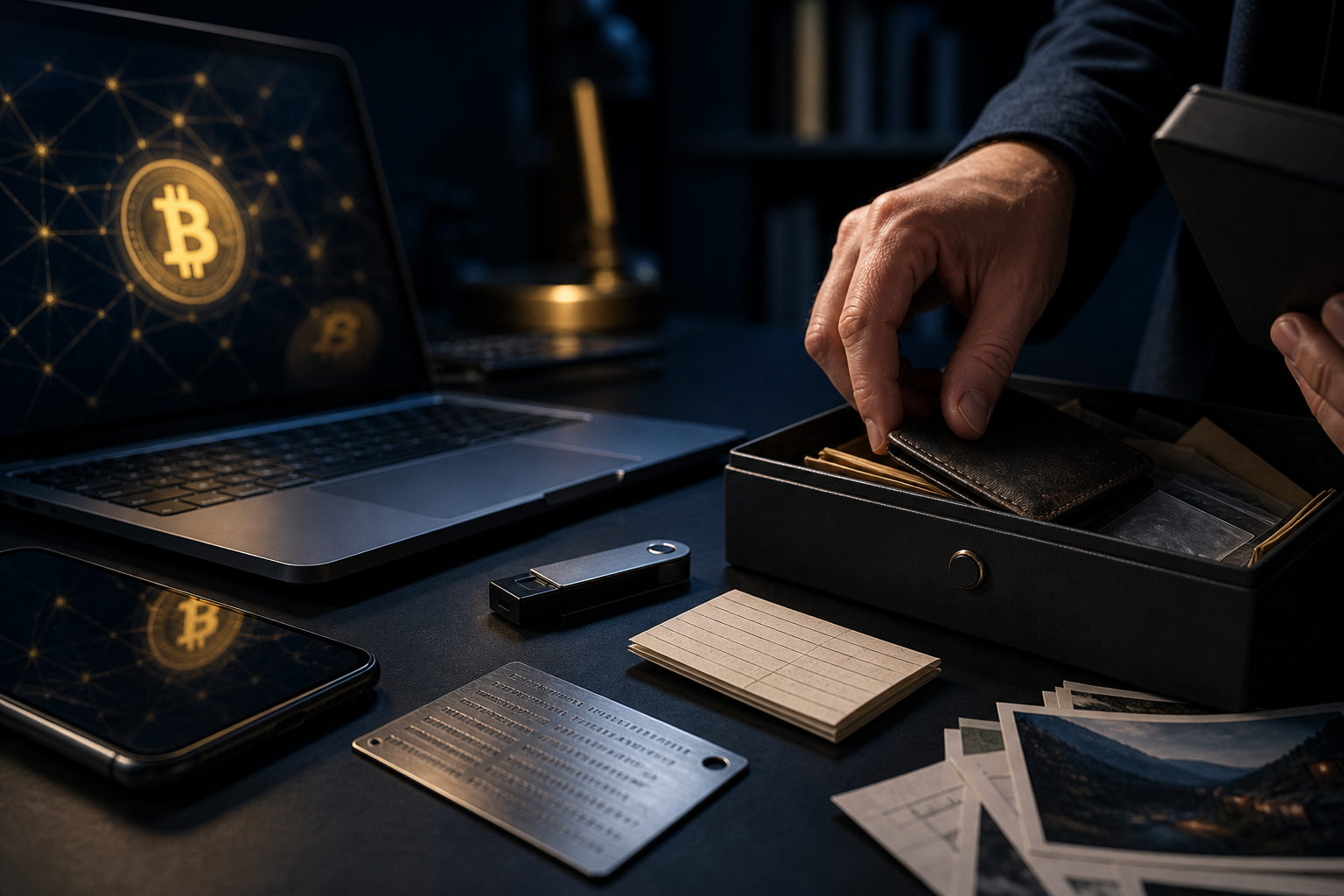
To find your Bitcoin wallet, start by figuring out what you originally used and stop any action that could erase clues, such as resetting a phone, deleting an app, or reinstalling a system.
What you are actually trying to find
When people ask how to find a Bitcoin wallet, they often mean very different things. You might be looking for an exchange account, a wallet app on an old device, a hardware wallet, a backup file, or the recovery information that gives you control over the coins.
Those are not the same thing. If your bitcoin stayed on an exchange, the recovery path is tied to account access, email records, identity checks, and two-factor authentication. If you used a self-custody wallet, what matters most is whether you still have the seed phrase, private key, backup file, or the original device where the wallet was set up.
Put the risk warning first: do not enter a seed phrase or private key into a random website, do not share your screen with anyone claiming to be support, and do not assume a new install with a zero balance means your original wallet is gone. Bitcoin transfers are irreversible. If recovery data is exposed, the coins can be moved out by whoever gets it.
Start with the wallet type
Exchange account
If you bought bitcoin on an exchange and left it there, you may not have a personal wallet file at all. In that case, you are trying to regain access to the exchange account rather than recover a self-custody wallet.
Look through old email inboxes for sign-up messages, login alerts, deposit or withdrawal notices, verification prompts, and support emails. Check old phones for authenticator apps, saved passwords, and device records. The right question here is not whether you still have a wallet app, but whether you can still access the account that held the bitcoin.
Mobile or desktop wallet
If you used a software wallet on a phone or computer, search for the original app, the old device, and any recovery materials you saved when the wallet was created. A common mistake is reinstalling a wallet app, tapping “create new wallet,” and then thinking the bitcoin disappeared because the newly created wallet is empty.
The safer approach is to identify the exact wallet you used before doing anything else. Check app download history, installed programs, old backups, notes, password managers, and cloud storage for hints. If the wallet offers both a new wallet option and a restore option, do not guess your way through the setup. First confirm that you have the correct recovery material.
Hardware wallet
A hardware wallet device is not the same as the wallet backup. The device helps sign transactions, but the real recovery path usually depends on the recovery phrase written down during setup, along with any device PIN or added passphrase you may have used.
So if you are trying to find a hardware wallet, search for more than the device itself. Think about where you may have stored the recovery phrase: paper notes, a safe, a document folder, a metal backup plate, or another offline location. Even if the device is missing, recovery may still be possible if the phrase is intact. If the phrase is gone, having the device alone may not solve the problem.
Paper backup, private key, or exported wallet file
Some users wrote down private keys by hand, exported wallet backups to removable drives, or stored recovery details in encrypted notes. These clues are easy to overlook because they may be scattered across old folders, storage devices, and paper records.
Do not focus only on a Bitcoin address. An address can help you identify past activity on the blockchain, but it does not prove you still control the funds. Control depends on the matching private key, seed phrase, or account access.
A practical checklist to find your Bitcoin wallet
If you do not know where to start, work through the search in a controlled order. Begin with steps that are low risk and reversible, then move on to recovery steps only after you understand what you have found.
- Rebuild your timeline. Think back to when you first got bitcoin. Which email address did you use? Which phone or computer? Did you use an exchange, a wallet app, or a hardware wallet?
- Check old devices. Look at old phones, laptops, desktops, tablets, external drives, and USB storage. Search for wallet apps, backup folders, saved files, screenshots, and password records.
- Search email and cloud storage. Look for wallet names, exchange messages, backup references, restore instructions, BTC-related emails, and exported file names. Avoid uploading sensitive files to unknown “recovery” tools.
- Search paper records. Review notebooks, drawers, safes, folders, envelopes, and any place where you may have stored a recovery phrase “for later.”
- Identify possible recovery phrases. If you find a list of words that looks like a wallet backup, treat it as highly sensitive. Do not paste it into a search engine or a random website.
- Check for private keys or backup files. If you find a wallet backup file, make a safe copy before doing anything else. Do not keep opening and moving the only copy around if you are unsure what it is.
- Use transaction history as a clue. Old screenshots, chat logs, invoices, or payment notes may include a Bitcoin address. A block explorer can show whether that address had activity, which may help confirm you found the right trail.
- Separate visibility from control. Seeing an address or balance history is not the same as being able to spend the bitcoin. To regain control, you still need the correct wallet credentials or recovery data.
If you find something that could restore access, pause before acting. Verify what it is, where it came from, and whether your device environment is safe.
Understand the difference between an address, a private key, and a seed phrase
Many recovery attempts fail because these terms get mixed together. A Bitcoin wallet is really a tool for managing keys, not a universal account that works like an email login.
- Bitcoin address: used to receive funds and inspect on-chain history. An address alone usually does not let anyone spend the coins.
- Private key: the secret that controls a specific address or set of funds. Anyone who gets it may be able to move the bitcoin.
- Seed phrase: a recovery phrase that can often restore the wallet and its related addresses. In practice, it is often more sensitive than a single private key because it may recover the full wallet.
- Backup file: some wallets create an exported or local backup. Whether it can be used depends on the wallet format and whether you still know any associated password.
That is why the real goal is not just to “find the wallet.” The real goal is to find the information that restores control. A screenshot, a receiving address, or a transaction email may show that you used bitcoin before, but none of those items alone guarantees access.
Common mistakes that make recovery harder
Do not trust anyone asking for your recovery phrase. Real support staff do not need your seed phrase or private key. If someone asks for it, treat that as a direct danger sign.
Do not assume an empty wallet means your coins are gone. You may have opened a brand-new wallet instead of restoring the old one. You may also be using the wrong recovery path or looking at the wrong account setup. Slow down and verify what you restored.
Do not mix up exchange access with self-custody recovery. Exchange access depends on account recovery steps. Self-custody recovery depends on what you personally saved. These are different problems and need different actions.
Do not keep writing new data to an old device if you think it contains wallet information. Continued use can make existing clues harder to preserve. If the device may hold an old wallet or backup, keep changes to a minimum until you know what is there.
Do not use unknown recovery websites. Many are designed to collect seed phrases. If you need to restore a wallet, use the official wallet software or a controlled offline environment after confirming the wallet type.
FAQ
How do I find my bitcoin wallet if I forgot where I stored it?
Start by identifying whether you used an exchange, a mobile app, a desktop wallet, or a hardware wallet. Then check old devices, email accounts, download history, backup locations, and any paper notes that may contain recovery data.
Can I recover my wallet with only a Bitcoin address?
Usually no. A Bitcoin address can help you view blockchain activity, but it does not give you spending control. You still need the matching private key, seed phrase, backup file, or exchange account access.
I found a list of words that may be my wallet backup. What should I do next?
Treat it as sensitive recovery material and keep it offline. Before entering it anywhere, confirm which wallet created it and restore only through trusted wallet software or a secure environment you control.
Will my Bitcoin wallet appear automatically on a new phone?
Not always. Some services may sync after login, but many self-custody wallets need to be restored manually with a seed phrase, private key, or backup file. A new install by itself does not recreate your old wallet.
What if I forgot my wallet password?
That depends on what else you still have. If you still have the correct seed phrase or a usable backup, there may be a recovery path. If you have neither the password nor the recovery data, access can be very difficult to regain.
If you are still trying to find your Bitcoin wallet, the most useful next move is to gather old devices, email records, paper backups, and any possible recovery material in one place, then sort them by wallet type before attempting any restore process.