
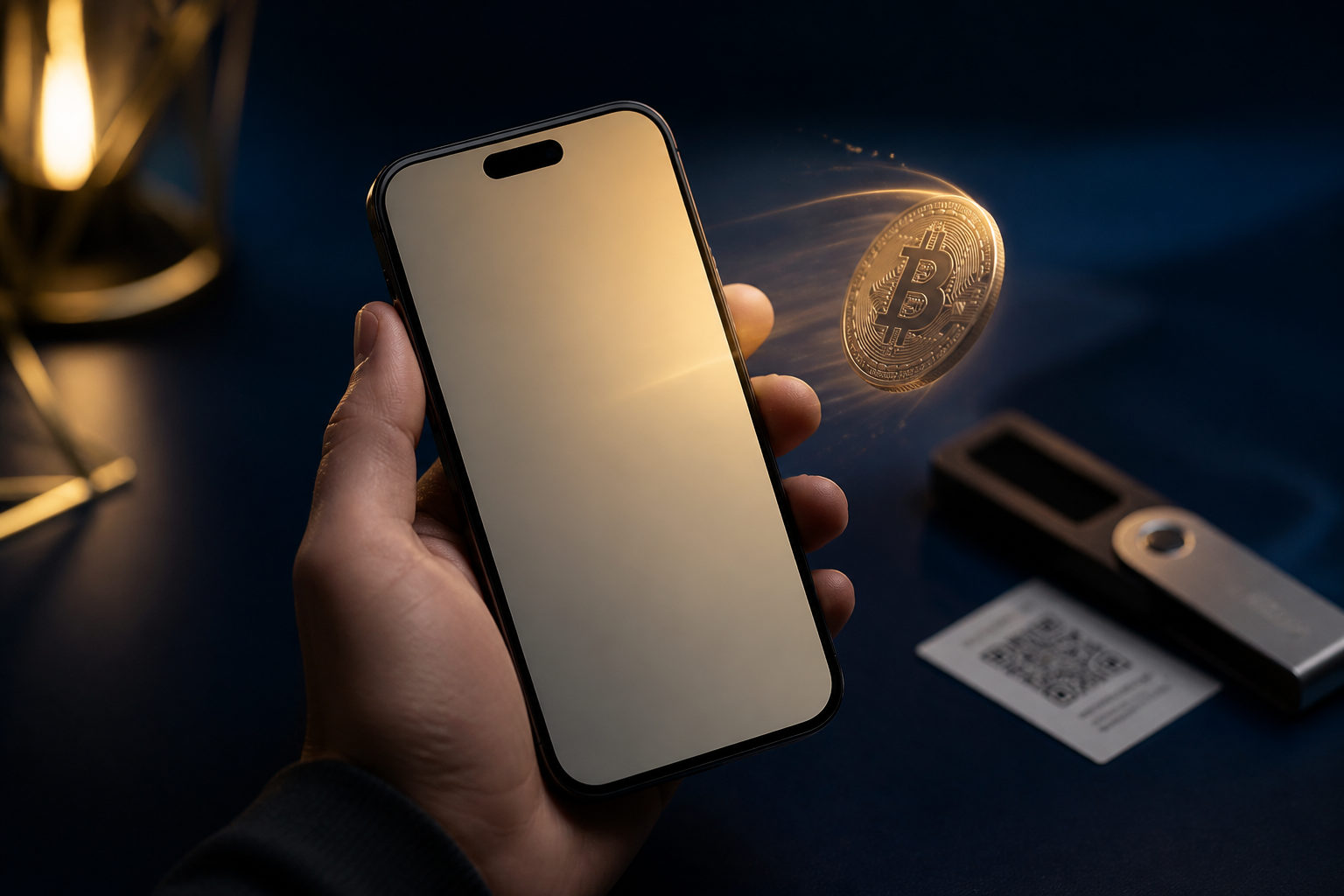
An app can let you send bitcoin right away, but that does not mean the payment is final right away. The useful question is which kind of app gives you the speed you want without hiding who controls the keys, how fees work, and what happens if you make a mistake.
Start with the wallet type, not the brand name
If you want to send BTC to another person, the first thing to identify is whether the app is a custodial service or a self-custody wallet. That single distinction changes your level of control, your recovery options, and the way a transfer is processed.
In a custodial app, the platform holds the keys for you. You sign in, request a withdrawal or transfer, and the service handles much of the back-end process. That can feel easier for a beginner, but your transfer may still be subject to internal review, security checks, or account restrictions before it reaches the Bitcoin network.
In a self-custody wallet, you hold the recovery phrase or private keys yourself. You can broadcast a Bitcoin transaction directly from the app without waiting for a platform to approve it. The trade-off is simple and serious: if your recovery phrase is exposed, or if you send funds to the wrong address, there is usually no support desk that can reverse the damage.
Before you install anything, check whether the app clearly supports BTC on the Bitcoin main network, whether it gives you a recovery phrase to back up, whether it shows the transaction fee before you send, and whether it displays the full destination address during confirmation. If any of that is vague, the app may still work, but your error risk rises fast.
What “instant” usually means in practice
Most people use “instant” to describe the moment an app broadcasts the transaction. That is only the first stage. The recipient may still wait for one or more confirmations before treating the payment as complete.
Bitcoin produces a new block about every 10 minutes. After you hit send, your transaction is typically broadcast, placed in the pool of pending transactions, selected by miners, and then confirmed in a block. Your app may say “sent” almost immediately, while the other side still sees the payment as pending.
Fees matter here. A wallet that lets you view or adjust the miner fee gives you some control over the balance between cost and speed. If the app hides fee logic behind a single button with no explanation, you may have less visibility into why a payment is moving quickly or slowly.
There is another source of confusion: transfers inside the same exchange or financial app can appear to settle right away because the platform is updating balances internally. That can be fast, but it is different from a normal on-chain Bitcoin transaction that anyone can verify on the network.
The checklist to complete before you send
Bitcoin transactions are generally irreversible. That warning should sit above every other convenience feature, because the largest mistakes happen before the transaction leaves your device.
- Confirm the network: make sure the app is sending BTC on the Bitcoin main network and that the recipient expects that format.
- Review the destination address carefully: check more than the first few characters. Compare the ending as well after pasting it into the app.
- Ask what kind of receiving method the other party is using: an on-chain address and an internal platform transfer are not handled the same way.
- Use a small test transaction for a new destination: once it arrives correctly, send the main amount.
- Read the fee and the total deduction: know exactly how much BTC will leave your wallet.
- Check whether extra details are required: some receiving setups need additional information beyond the address.
- Back up your recovery phrase offline: do not store it in chat apps, screenshots, cloud notes, or email drafts.
If you are using an exchange app, add two more checks. Look for withdrawal approval steps and make sure your account security settings are already in place. A transfer can feel slow even when the Bitcoin network is fine, simply because the platform has not completed its own review.
How to choose the right app for your use case
There is no single best app for everyone. A person who sends BTC once in a while has different priorities from someone who holds bitcoin long term and wants direct control over storage and recovery.
You only need to send occasionally
Clarity matters more than feature count. A good app for this case makes the confirmation screen easy to read, shows the address in full, and does not rush you through the last step. A slick interface is helpful only if it leaves room for careful review.
You want direct control over your bitcoin
Look for self-custody and a clean recovery process. During setup, write down the recovery phrase immediately and store it away from your phone. The app is only the tool you use; control of the funds comes from the recovery data.
You move funds in and out of exchanges often
Pay close attention to withdrawal rules, address allowlists, and account security locks. In many cases, what looks like a network delay is actually a platform delay caused by account protections.
You do most of your transfers on a phone
Use a device you control, keep the operating system updated, and avoid installing unknown software. Any screen that asks for your recovery phrase outside the wallet recovery flow should be treated as hostile, whether it claims to be support, verification, or a security check.
| Situation | Main thing to look for | Common risk |
|---|---|---|
| One-time BTC transfer | Clear confirmation screen, visible fee, full address display | Sending too fast without checking amount or network |
| Long-term self-custody | Recovery phrase backup, key control, easy restore process | Leaving recovery data in an online location |
| Exchange withdrawals | Withdrawal review steps, account security, transfer rules | Blaming the network for a platform hold |
| Frequent payments | Readable history, transparent fee settings, stable send flow | Ignoring fee choices until urgent timing matters |
FAQ
What kind of app sends bitcoin the fastest?
Many wallets can broadcast a transaction quickly. The larger difference often comes from fee settings and whether a custodial platform adds approval steps before the transfer goes out.
Can an exchange app count as an app that sends bitcoin instantly?
It can, if it supports BTC withdrawals. Still, what feels instant in the app may be a withdrawal request entering the platform process rather than a transaction already broadcast to the Bitcoin network.
Why does my app say sent while the recipient says nothing arrived?
The transaction may still be unconfirmed. If the recipient uses an exchange or merchant processor, their side may wait for its own crediting rules before showing the deposit.
Is the recovery phrase the same as my app password?
No. Your app password usually protects access on that device, while the recovery phrase is what restores control of the wallet itself. Anyone with the recovery phrase may be able to take control of the funds.
Should I decide when to send based only on the price screen in the app?
You can use the app to watch the market, but the send screen requires a different kind of attention. Address accuracy, network choice, and fee review matter more in that moment than a moving price chart.
What is the safest way to send bitcoin to a new address?
Confirm the address format with the recipient and send a small test amount first. After that arrives as expected, send the main amount with much lower risk of a costly mistake.
Before you tap send, pause once more
Read the destination address, amount, miner fee, total deduction, and receiving method one final time. If this is your first payment to that address, send a small test first; if you use a self-custody wallet, put the recovery phrase back into offline storage as soon as you are done.
Disclaimer: This article is for informational and educational purposes only and is not investment, financial, or legal advice. Crypto assets are highly volatile and you could lose your entire investment. Do your own research and decide carefully.