
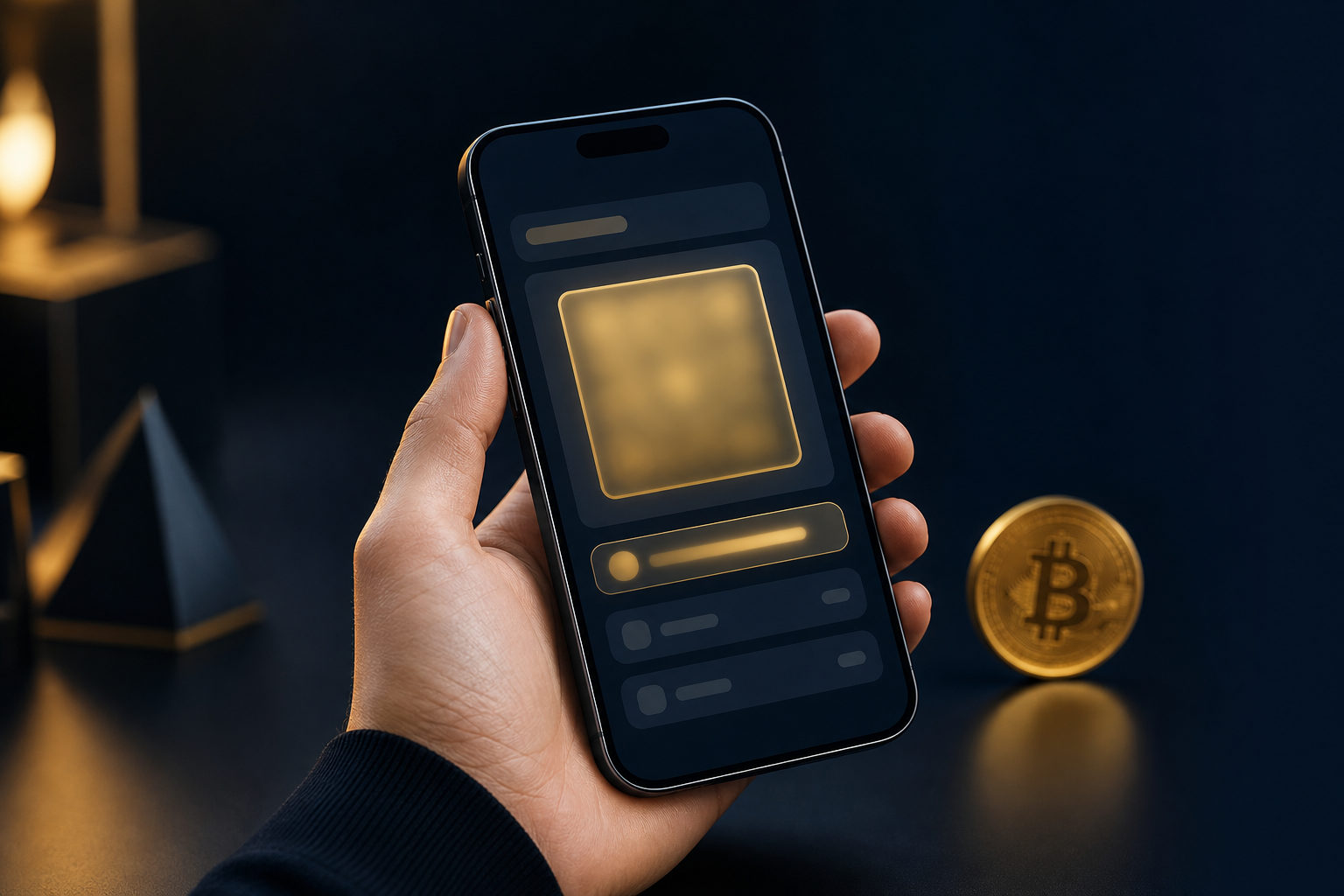
Your Bitcoin address is usually on the Receive screen of your wallet or exchange account. It is not your private key, not your seed phrase, and not something you should guess from past transactions.
What a Bitcoin address actually is
A Bitcoin address is the destination people use to send BTC to you. Think of it as receiving information, while the real control over the coins comes from the private key connected to that address.
That difference matters. You can share a Bitcoin address to receive funds, but you should never share your private key or seed phrase, because those items can give someone control over your wallet.
Where to find your Bitcoin address
The exact path depends on the product you use, but the pattern is usually simple. First identify whether your BTC is on a self-custody wallet, an exchange, or a hardware wallet setup.
Self-custody wallet
Most wallet apps place your Bitcoin address under a tab labeled Receive, Request, or something similar. After you open the BTC account, that screen usually shows both a text address and a QR code.
If the wallet supports several assets, make sure you are inside the Bitcoin account before copying anything. Many users get confused because they are looking at the address for another coin.
Exchange account
If your BTC is held on an exchange, look for Wallet, Assets, Deposit, or Receive. The platform may ask you to choose the asset and network before it reveals the deposit address.
This step deserves attention. If you choose the wrong network when moving funds between services, the transfer may not arrive as expected, and recovery can be difficult or impossible.
Hardware wallet app
With a hardware wallet, the keys are kept on the device, while the address is often displayed in the companion app. Open the Bitcoin account, select Receive, and confirm that the address shown on your computer or phone matches the one shown on the device screen.
That screen check is a real safety step, not a formality. Malware can replace copied addresses on a regular device, so the hardware screen is often the final source of truth.
What to check before sharing the address
Finding the address is only part of the task. Before you send it to anyone, run through a short checklist.
- Confirm the asset: make sure the address is for BTC, not another cryptocurrency.
- Confirm the network: this is especially important on exchanges that ask you to choose one.
- Check the first and last characters: do not trust a pasted address without a quick comparison.
- Use copy or QR code: manual typing creates avoidable mistakes.
- Test with a small transfer first: for a new address, a test transaction can catch setup errors.
If someone asks where to send your coins, the answer is your Bitcoin address or its QR code. The answer is never your seed phrase, backup file, password, or one-time verification code.
Common mistakes people make
Mixing up address and private key
A Bitcoin address is meant to be shared for receiving funds. A private key is the secret that controls spending, so treating them as the same thing creates serious risk.
Thinking the seed phrase is customer support information
It is not. A seed phrase is wallet recovery information, and any person or service asking for it is asking for the highest level of access.
Assuming one wallet has only one address
Many wallets can show a fresh receive address from time to time. That does not automatically mean something is wrong, as long as the address comes from your own wallet interface and you still control the wallet backup.
Irreversible action warning
Bitcoin transfers are generally irreversible. If you send BTC to the wrong address, use the wrong network on a platform, or expose your wallet secrets, there may be little you can do afterward.
Avoid downloading wallets from random search results. Be careful with copied addresses, keep your backup information offline when possible, and if you use a hardware wallet, trust the address verified on the device screen over the one on your computer.
FAQ
How do I find my Bitcoin receive address?
Open the wallet or exchange account that actually holds your BTC, then go to the Bitcoin section and tap Receive or Deposit. You should see an address string and often a QR code on the same screen.
Why can’t I see my Bitcoin wallet address?
You may be in the wrong account, the wrong asset page, or the send section instead of the receive section. Start by checking that you are signed in to the correct account and viewing BTC.
Can I share my Bitcoin address with someone?
Yes. A Bitcoin address is intended to be shared for incoming payments, but you should still double-check it before sending it out.
Why does my wallet show a different address now?
Some wallets generate new receive addresses as a normal feature. If the address appears inside your own wallet interface and your backup still controls that wallet, it is usually fine.
What should I do if I still cannot find it?
Pause before reinstalling anything. Check which wallet you used, whether you are in the BTC account, and whether you still have the correct recovery information for that wallet.
For a practical next step, open the BTC receive screen, copy the address, compare the beginning and ending characters, and use a small test transfer before sending a larger amount.