
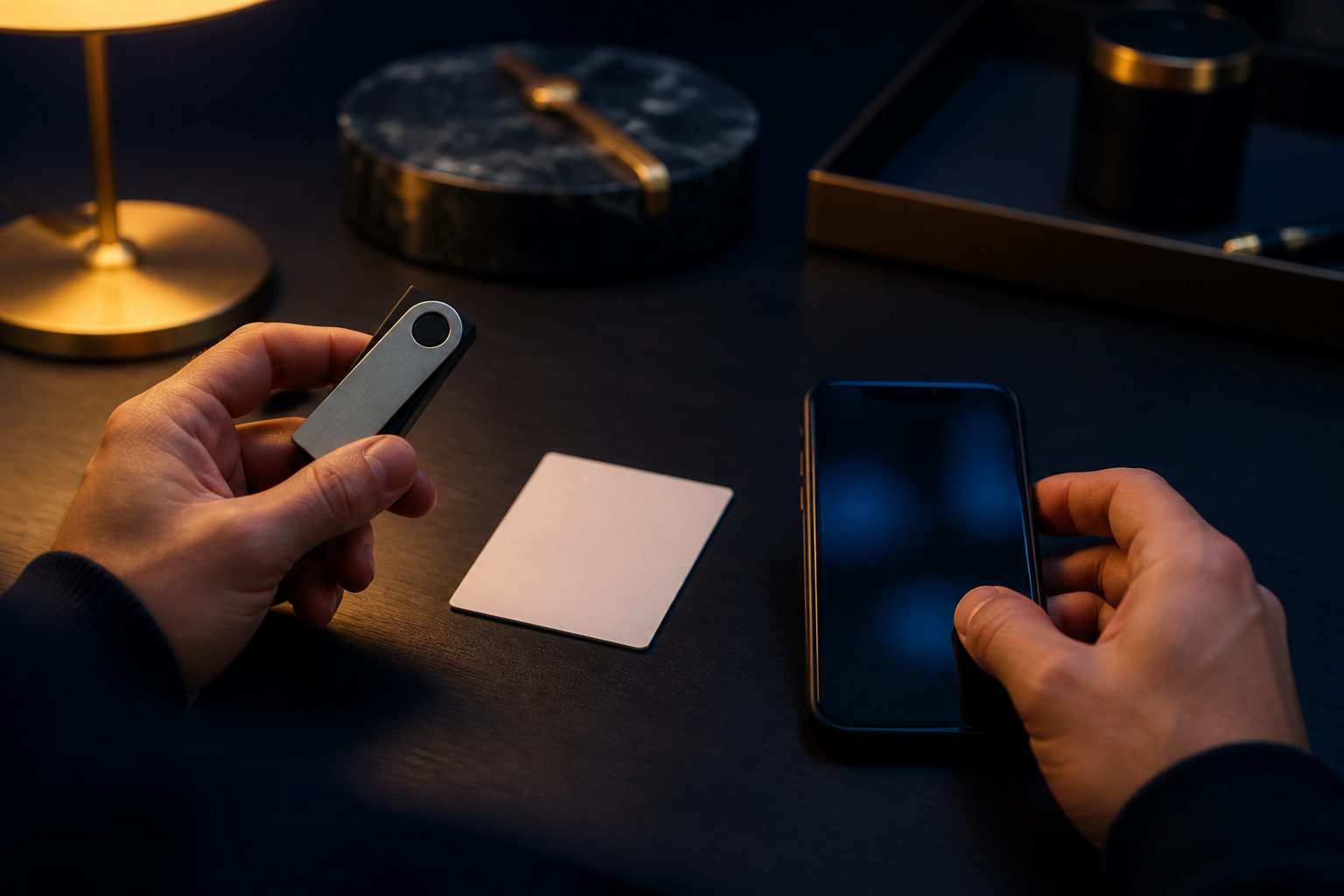
“Where is my bitcoin wallet” usually means one of two things: where you used to access it, and whether you still control the seed phrase, private key, or exchange account tied to it.
Start with the real question: location or control
People often talk about a Bitcoin wallet as if it were a file sitting on a phone or laptop. That picture causes a lot of confusion. Your bitcoin is tracked on the Bitcoin network; the wallet is the tool that manages keys, shows addresses, and lets you sign transactions.
That distinction matters because finding the old app icon is not the same as recovering control. If you still have the recovery phrase or private key for a self-custody wallet, a lost phone may be only a device problem. If you kept your bitcoin on an exchange, the recovery path usually depends on account access, identity checks, and login recovery rather than anything stored in a local wallet file.
| What you still have | What it means | Recovery outlook | Best next step |
|---|---|---|---|
| Seed phrase | Main backup for a self-custody wallet | Often good | Check word order and spelling offline |
| Private key | Direct control over a matching address | Often possible | Verify the source before importing anywhere |
| Hardware wallet device | Signing tool, not the asset itself | Depends on PIN and backup | Look for the recovery phrase before resetting |
| Exchange account | Custodial access managed by the platform | Depends on login recovery | Gather email, phone, and authentication records |
| Only a wallet address | View access to on-chain history | Unclear | Trace which app or platform created it |
| Screenshot of a balance | Proof you once saw the wallet | Weak by itself | Search the original device and backup trail |
Pause before you type anything sensitive. If you enter a seed phrase or private key into the wrong website, fake support page, or malicious app, someone else can move the funds and the transaction usually cannot be reversed.
Where a Bitcoin wallet is usually “located”
In practice, a Bitcoin wallet is usually tied to one of four places: a mobile app, desktop software, a hardware wallet, or an exchange account. Thinking back to how you bought, received, or stored bitcoin is often more useful than searching random folders.
Mobile wallet apps
If you used Bitcoin on a phone, the wallet may be in an app you installed long ago. Check your old device, app download history, cloud backups, notes, and any paper backup you may have written when the wallet was first created.
Be careful with photos and note apps. Some people stored seed phrases there for convenience, but that can expose them through cloud sync or device sharing.
Desktop wallets and browser extensions
Some wallets live as desktop programs or browser extensions. In that case, useful clues include installed software lists, extension menus, old drives, exported wallet files, and password manager entries.
Do not rush to install random “wallet recovery” tools. A fake recovery app can do more damage than the original loss.
Hardware wallets
A hardware wallet does not hold bitcoin in the same way a USB drive holds a document. It stores or protects the keys used to authorize spending. If the device is lost but your recovery phrase still exists, you may still be able to restore access with a compatible wallet.
If the device is present but you do not know the PIN and never saved the recovery phrase, your options can be very limited.
Exchange or custodial platform accounts
If you bought bitcoin on an exchange and never withdrew it, your “wallet” may really be your exchange account dashboard. In that case, the important items are your email access, phone number, authentication app, and any account recovery material the platform may ask for.
| Wallet type | What gives control | Typical access point | Main recovery clue |
|---|---|---|---|
| Self-custody mobile wallet | Seed phrase or private key | Phone app | Paper backup, old phone |
| Desktop wallet | Wallet file, password, or key | Computer software | Backup file, old drive, password manager |
| Hardware wallet | Recovery phrase plus device access | Device and companion software | Recovery card, PIN hint |
| Exchange account | Account login and verification | Website or app dashboard | Email, phone, authentication records |
A step-by-step checklist that avoids costly mistakes
The safest method is to work from strongest evidence to weakest. Random trial and error creates two new risks at once: exposing your recovery data and overwriting useful clues.
- Write down the last time you used the wallet. Was it to buy bitcoin, receive a payment, send a transfer, or check a balance? Was that done on a phone, computer, hardware wallet, or exchange?
- List every recovery clue you still have. Seed phrase, private key, old device, backup file, password manager entry, exchange emails, phone number, and authentication app records all matter.
- Do read-only checks first. If you know a Bitcoin address, you can inspect its on-chain history in a block explorer. That confirms activity, but it does not restore spending access.
- Return to the original environment first. The original device, app, browser profile, or exchange account often gives you a cleaner recovery path than importing data into new tools right away.
- Choose the recovery route that matches the evidence. Seed phrase means wallet restore. Exchange account evidence means account recovery. Address only means you need to keep tracing where that address came from.
Many people get stuck because they have an address and assume that is enough. It is not. A Bitcoin address is useful for receiving and checking history, but control comes from the key material behind it.
High-risk actions to avoid during recovery
The most dangerous moment is often when recovery feels close. That is when people accept help from strangers, trust a search result, or enter secrets into the first tool that looks familiar.
| Action | Main risk | Safer approach |
|---|---|---|
| Sending your seed phrase to “support” | Someone can immediately take the funds | Enter it only in a wallet you have independently verified |
| Using a random recovery website | Phishing or malware | Use software from a source you already trust |
| Resetting a hardware wallet too early | You may destroy your current access path | Confirm the recovery phrase exists before any reset |
| Importing a private key into many tools | More chances to leak the key | Plan one careful import in a trusted environment |
| Moving everything in one attempt | A wrong address or setup can cause a full loss | Test with a small amount first |
Bitcoin transactions are generally irreversible once confirmed. That is why key handling deserves so much attention. Bitcoin is divisible down to 1 satoshi, which is 0.00000001 BTC, so testing with a small amount is technically possible before moving larger holdings.
If you are recovering a wallet, remember the difference between convenience and responsibility. Self-custody gives you direct control, but it also means there is no central desk that can restore funds after a key leak.
FAQ
I only know my Bitcoin address. Can I get my wallet back?
You may be able to confirm that the address has activity, but that alone does not restore control. You still need to find the app, device, seed phrase, private key, or custodial account that originally created or managed that address.
I changed phones. Where did my Bitcoin wallet go?
If it was a self-custody wallet, it usually does not move automatically with the phone unless you restore it from backup. If it was an exchange account, reinstalling the app and logging in may be enough to see your balance again.
Is a hardware wallet enough by itself?
Not always. The device helps protect spending keys, but the recovery phrase is usually the critical backup. If the device is lost and the phrase survives, recovery may still be possible.
What is the difference between a seed phrase and a private key?
A seed phrase usually restores the whole wallet structure, often including multiple addresses. A private key is a direct control credential for a specific address or set of addresses, and exposing either one can put your bitcoin at risk.
Does bitcoin on an exchange count as my wallet?
People often describe it that way, but the control model is different. On an exchange, the platform usually holds the keys and you rely on account access, platform rules, and identity recovery procedures.
What should I do first after I find an old backup?
Check that the backup is complete, legible, and from the correct wallet before importing anything. After recovery, test receiving or sending with a small amount before making bigger changes.
If you are trying to find your Bitcoin wallet today, sort your clues into four groups: seed phrase, private key, account login, and original device. That simple separation usually shows very quickly whether you are looking for an app, a file, or the actual control needed to move your bitcoin.
Disclaimer: This article is for informational and educational purposes only and is not investment, financial, or legal advice. Crypto assets are highly volatile and you could lose your entire investment. Do your own research and decide carefully.