
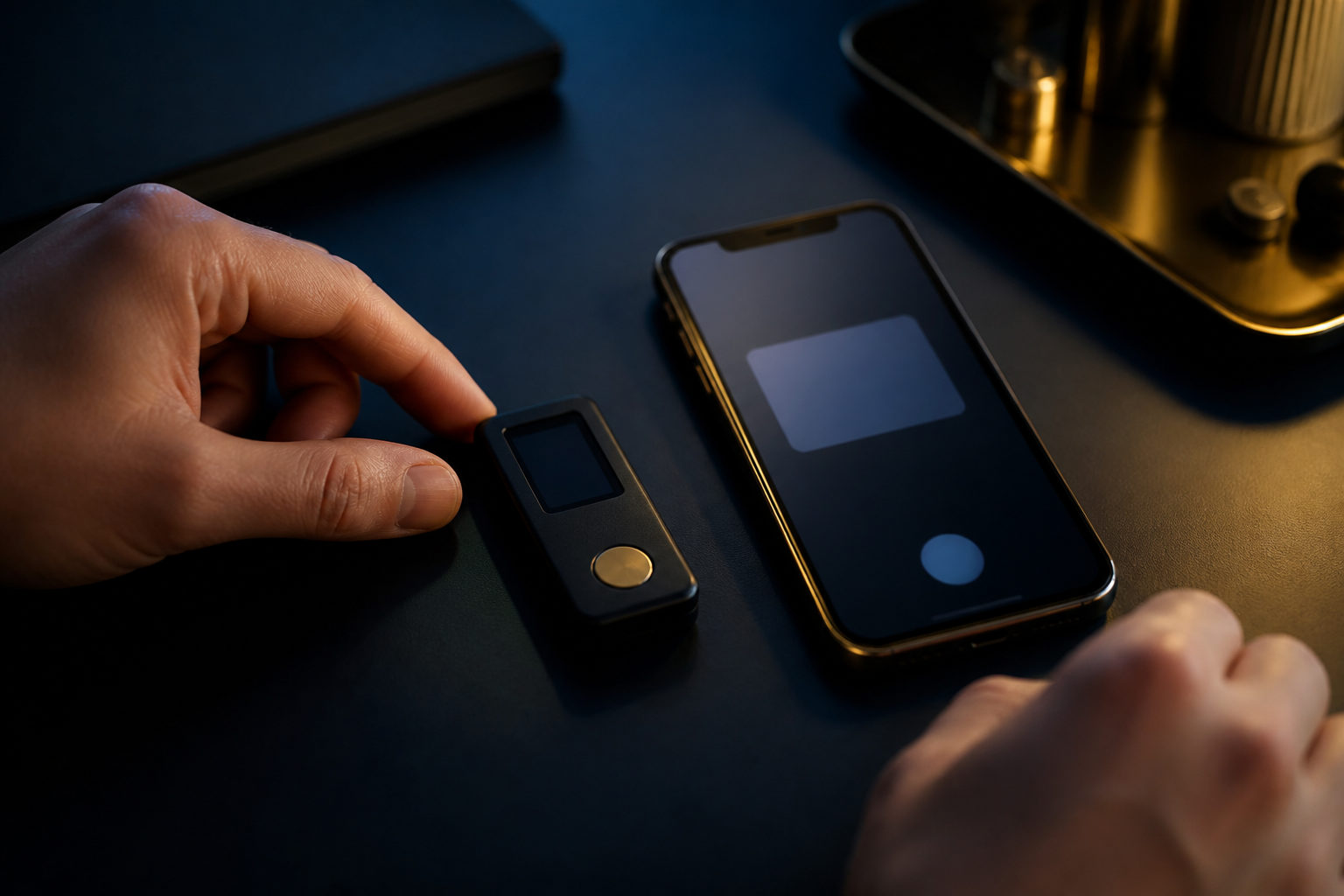
Where to create a Bitcoin wallet depends on one decision first: do you want a service to hold the private keys, or do you want to control them yourself? A wallet can be easy to open, but Bitcoin transfers are usually irreversible, and lost recovery data can mean lost access.
Where can you create a Bitcoin wallet?
There are three common paths: a custodial wallet inside a trading platform, a software wallet on your phone or computer, or a hardware wallet built for key storage.
All three can give you a Bitcoin receiving address. The difference is who holds the private keys, how recovery works, and what happens if your device breaks, your account gets restricted, or your backup goes missing.
| Wallet type | Best fit | Who controls the keys | Main advantage | Main risk |
|---|---|---|---|---|
| Custodial wallet | Beginners focused on buying and selling | The provider | Quick setup and familiar account flow | Account limits, withdrawal rules, provider risk |
| Software wallet | Users who want direct control | You | Fast to create and practical for daily use | Seed phrase exposure, malware, user error |
| Hardware wallet | Long-term holders with higher security needs | You | Private keys stay isolated from general devices | Bad purchase source, poor setup hygiene, backup mistakes |
If you only want to learn the basics of receiving BTC, a custodial wallet is the simplest entry point. If you want real control over your bitcoin, a self-custody wallet is the better place to start.
What to decide before you install anything
Your device matters. If your phone or computer is filled with random downloads, cracked software, unknown browser extensions, or suspicious files, that risk carries into wallet creation. A public computer is a poor place to create a Bitcoin wallet. So is a borrowed phone.
You also need a clear purpose: receive a small payment, make occasional transfers, or hold bitcoin for a long period. Many users are better served by separating a wallet for routine activity from a wallet meant for storage.
Then comes key responsibility. A self-custody wallet usually does not work like a standard web account where support can reset access. If someone gets your recovery phrase, they may be able to move the funds. If you lose that recovery phrase, there may be no practical way to restore the wallet.
| Pre-setup check | Why it matters | Better approach |
|---|---|---|
| Verify the download source | Fake wallets often copy names and branding | Use the official distribution channel and check app details carefully |
| Clean up the device | Malware can steal seed phrases or alter pasted addresses | Update the system and remove anything suspicious |
| Prepare offline backup materials | You may need to record recovery information during setup | Use a physical backup method instead of screenshots or cloud notes |
| Define the wallet's role | Mixing every use into one wallet creates confusion | Separate spending from long-term storage when possible |
How wallet creation works in each option
With a custodial wallet, the process usually starts with opening an account on a platform and completing its security setup. After that, you go to the asset section and get a BTC deposit address. The provider handles the underlying wallet infrastructure.
The trade-off is control. The private keys are managed by the service. If the platform pauses withdrawals, requests extra verification, or places limits on account activity, your access can be affected.
With a software wallet, you install the app, choose to create a new wallet, record the recovery phrase, set a local unlock method, and then open the main wallet screen. The most important step is whether you recorded the recovery phrase correctly, in order, and stored it offline.
A hardware wallet adds one more layer: setup integrity. The device should generate your recovery information during initialization, in your control, on a trusted setup environment. If a seller sends a device that appears preconfigured, or includes recovery words that were supposedly prepared for you, that is a serious warning sign.
| Step | Custodial wallet | Software wallet | Hardware wallet |
|---|---|---|---|
| How it starts | Create a provider account | Install the app and create locally | Initialize the device |
| How recovery works | Account recovery through the provider | Seed phrase or wallet backup | Seed phrase or wallet backup |
| Main setup priority | Account security settings | Accurate offline backup | Device authenticity and clean initialization |
| Common beginner mistake | Assuming platform balance means full self-control | Saving the seed phrase in photos or notes sync | Funding the wallet before testing recovery |
No matter which path you choose, get familiar with the interface before using real value. Know where to find the receiving address, where to review transaction history, and how the send screen presents the destination and network details.
Private key responsibility: what it means in daily use
A Bitcoin wallet is about key control. Whoever controls the private keys has the final ability to authorize movement of funds.
Backup behavior is where many problems begin. A seed phrase saved as a screenshot, chat message, email draft, or cloud document is easier to reach later, but also easier for the wrong software or person to reach. A physical, offline record reduces that exposure.
Address verification matters too. Some malware replaces copied wallet addresses in your clipboard. Confusion can also happen when users move too quickly and send from or to the wrong asset page. Once a Bitcoin transaction is broadcast, reversal is usually not available.
A wallet app, a trading platform, and the Bitcoin network are not the same thing. The app is the tool you use, the platform is a service provider if one is involved, and the network is the system that confirms transactions.
| Risky action | Why it is dangerous | Safer move |
|---|---|---|
| Saving the recovery phrase as a screenshot | It may sync automatically or be exposed through other apps | Write it down offline and verify the order |
| Sending a large first transaction | Early mistakes are common when the interface is new | Use a small test first |
| Following a wallet link from a random message | Phishing pages often mimic official prompts | Open the official source yourself and verify there |
| Using one wallet for everything | It increases exposure and makes mistakes easier | Separate routine use from storage |
How to choose the right place to create your wallet
Start with honesty about your habits. If you do not want to handle offline backups, recovery checks, and device hygiene, a custodial service may suit your current stage better, as long as you understand the trade-off.
If you do want self-custody, choose a wallet you can actually use correctly. The interface should make it easy to identify the BTC receiving screen, the send screen, the transaction list, and the backup prompts.
Some people need a phone wallet for quick access. Others want a setup better suited for long-term storage. The right answer is the option whose security model matches your behavior and whose setup steps you can follow without shortcuts.
FAQ
Do I need an exchange account to create a Bitcoin wallet?
No. An exchange or trading platform is only one option, and it usually means the provider holds the private keys on your behalf.
You can also create a self-custody wallet through software or hardware tools if you want direct control over your bitcoin.
Is a phone a safe place to create a Bitcoin wallet?
It can be, if the device is clean and the wallet comes from a trusted source. The bigger question is whether you will store the recovery phrase safely offline after setup.
A phone full of unknown apps and risky downloads raises the chance of compromise.
What matters more, the wallet password or the recovery phrase?
For most self-custody wallets, the recovery phrase matters far more. The password often protects local app access, while the recovery phrase can restore the wallet itself.
If the recovery phrase is exposed, the wallet may be at risk even if your device password is strong.
Can I create more than one Bitcoin wallet?
Yes. Many users split wallets by purpose, such as one for routine transfers and another for storage.
That can reduce confusion, but only if you can keep each backup and role organized.
How soon can I receive BTC after creating the wallet?
Usually as soon as the wallet generates a Bitcoin receiving address. Before using it, make sure you are on the BTC screen and know how to review incoming transactions.
A small test transfer is a practical way to confirm that your setup works as expected.
If you are about to create a Bitcoin wallet today, pick the wallet type first, verify the official source, record recovery data offline, and test the flow with a small amount before doing anything larger.
Disclaimer: This article is for informational and educational purposes only and is not investment, financial, or legal advice. Crypto assets are highly volatile and you could lose your entire investment. Do your own research and decide carefully.