
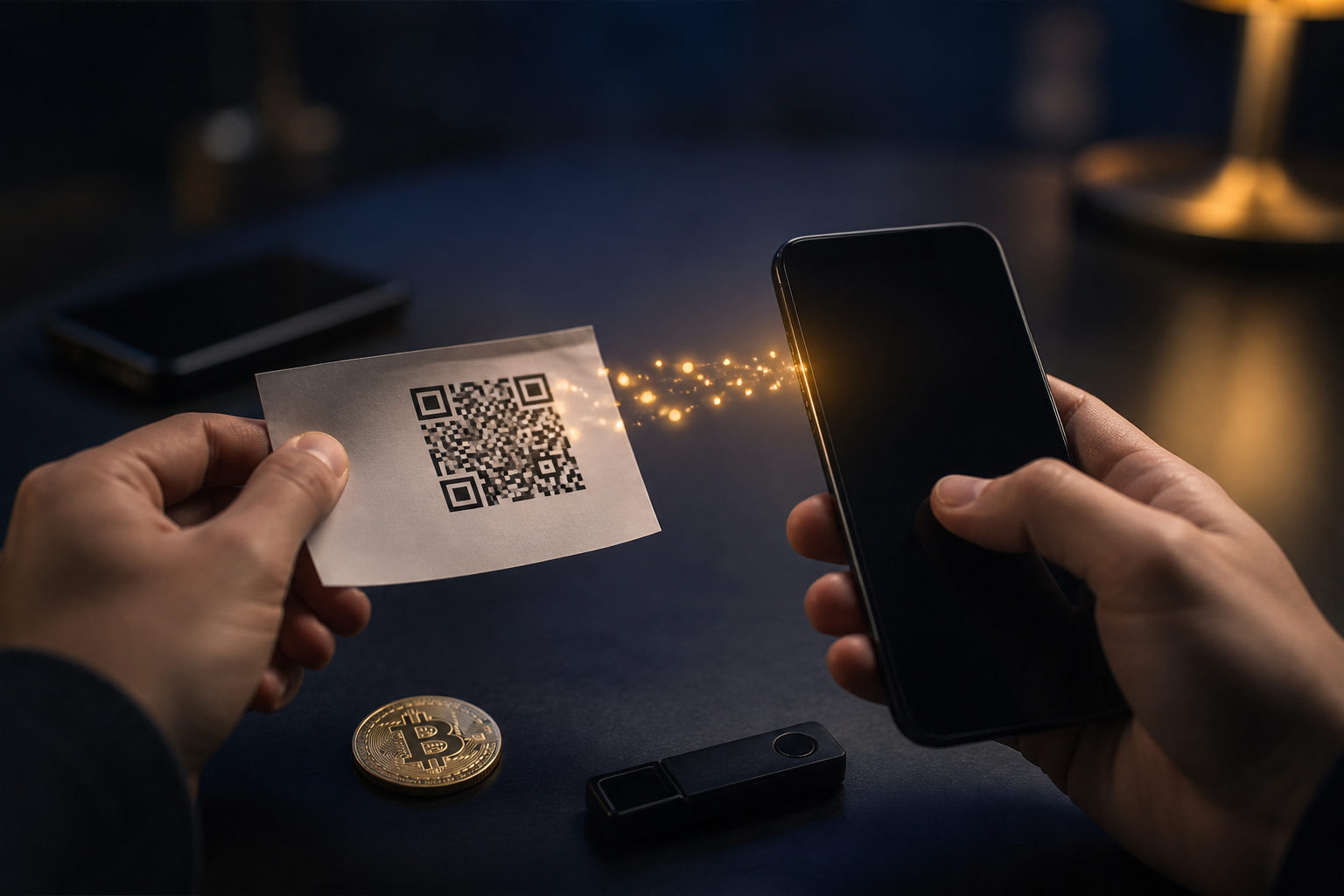
To withdraw bitcoins from a paper wallet, you usually import or sweep the private key into a Bitcoin wallet, then send the funds to a fresh address you control. The key job is handling the private key safely, spotting fake tools, and retiring the old paper wallet after use.
Start by identifying what is actually printed on the paper wallet
A paper wallet may show a public Bitcoin address, a private key, separate QR codes for each, or a password-protected key format. Those are not interchangeable.
Your first task is to work out what kind of paper wallet you have. If it contains a plain private key, you may be able to import or sweep it directly. If it contains an encrypted key, you may need a wallet that supports that format and the password that goes with it. If it is really a recovery phrase sheet rather than a classic paper wallet, the process changes.
| What is on the paper | What to verify first | What it usually means | Main caution |
|---|---|---|---|
| Bitcoin address and private key | Check that the private key is complete and readable | You may be able to import or sweep it | Never share the private key |
| Two QR codes | Figure out which code is the address and which is the private key | Only the private key lets you move funds | Scanning the address does not withdraw anything |
| Encrypted private key | Confirm whether a password is required | You need software that supports that format | Repeated guessing can create confusion and mistakes |
| Recovery phrase card | Decide whether this is a seed backup, not a paper wallet | You may need to restore a wallet instead | Do not mix seed recovery with private key import |
If the print is faded, torn, or partly damaged, inspect it carefully before using any connected device. A single missing character can break the recovery process, and a damaged QR code may need manual checking instead of scanning.
Prepare a clean setup and a new destination address before you touch the key
A paper wallet is secure only while the private key stays offline. Once that key is typed or scanned into an internet-connected device, the original security model is gone. Create a fresh Bitcoin receiving address in a wallet you plan to keep using before you begin.
This new address is where the funds should end up. Leaving coins tied to the old paper wallet after the key has been exposed defeats the point of moving them.
Update your operating system and wallet app, avoid public computers and public Wi-Fi, and do not use random QR scanner tools that ask for camera access. If you are scanning a private key, do it inside the wallet app you selected.
It also helps to understand the difference between importing and sweeping. Importing a private key usually adds the old key to your wallet. Sweeping usually creates a transaction that moves the bitcoin from the paper wallet into a new address generated by your wallet. For most users, sweeping is the cleaner option because it makes it easier to retire the old paper wallet afterward.
| Method | Best fit | Why people use it | Risk to remember |
|---|---|---|---|
| Import private key | Users who want direct access to the original address | Simple idea and direct control of the old key | The old private key remains exposed in a connected wallet |
| Sweep paper wallet | Users who want to move funds away and retire the old key | Cleaner separation from the paper wallet | Wallet apps may label the feature differently |
If your wallet allows it, a small test transfer can help catch address errors, compatibility issues, or fee settings before you move the rest.
Step by step: how to withdraw bitcoins from a paper wallet safely
Choose a wallet that clearly supports Bitcoin private keys
You need a wallet app that supports Bitcoin and gives you a clear way to import a private key or sweep a paper wallet. A generic crypto app is not enough if it does not explain how it handles Bitcoin keys.
Download only from official sources and be careful with sponsored search results, copycat names, and fake app listings.
Create a fresh receiving address first
Open your chosen wallet and generate a new Bitcoin receiving address before you scan or type anything from the paper wallet.
Check the address carefully after copying it. Do not rely on the first few characters alone. Review multiple sections of the address, because clipboard malware can swap it for one controlled by an attacker.
Use sweep or import to read the private key
If the wallet offers a sweep function for paper wallets, that is often the safer path for ordinary users. If it only supports importing, enter or scan the private key with care.
Do not do this while sharing your screen, using remote assistance, or chatting with someone who claims to be support. Anyone who sees the private key can move the funds without your permission.
Confirm that the wallet recognized the right thing
After the scan or import, the wallet may show the linked address or the spendable balance. Make sure it recognized the private key rather than the public receiving address printed on the paper.
This is also the stage where a test transfer makes sense. If you are unsure, send a small amount to the fresh address you created before the full withdrawal.
Move the rest of the bitcoin to the new address
Once the test looks right, send the remaining bitcoin to your new wallet address so future storage depends on the new wallet, not on the paper wallet that has now been exposed.
Review the destination address, amount, and network fee before you send. A low fee may mean slower confirmation, while a high fee raises cost. Use the wallet's fee options based on how quickly you need the transfer processed.
Retire the old paper wallet after the withdrawal
Once the private key has been entered into a connected device, that paper wallet should no longer be treated as secure long-term storage.
You can keep a record that it existed, but mark it as used. Do not hand out the old address for future payments, and do not assume the paper wallet is still a safe place to store bitcoin after the withdrawal process is complete.
| Step | Action | Why it matters | Common mistake |
|---|---|---|---|
| Pick a wallet | Use one that supports Bitcoin private key handling | Avoid incompatible or unsafe tools | Installing a fake app |
| Create new address | Generate a fresh destination first | Gives you a clean place to move funds | Failing to verify the copied address |
| Read the key | Sweep or import the private key | Lets the wallet control the funds | Exposing the key during screen sharing |
| Test the process | Send a small amount first | Catches mistakes early | Scanning the public address instead of the key |
| Move the rest | Send the remaining bitcoin to the fresh address | Completes the migration | Rushing through fee and address checks |
| Retire old paper wallet | Mark it as used and stop relying on it | Prevents later confusion and risk | Using the old address again |
The biggest risks are scams, fake tools, and bad habits
Most losses around paper wallet withdrawals happen because someone reveals the private key to the wrong person or app. Any request to send a photo of the paper wallet, paste the private key into a website, or allow remote access should be treated as a major warning sign.
Fake recovery tools are another common trap. If a webpage asks you to paste the private key into a form, leave it and use a real wallet app under your control instead.
After moving part of the funds, some people assume the remaining bitcoin is still safely stored on the old paper wallet forever. To avoid confusion, treat the paper wallet as single-use once the key has touched a connected device and complete the migration to a fresh wallet.
| Risk scenario | Warning sign | Safer response |
|---|---|---|
| Fake support | They ask for screenshots, remote access, or the private key | Stop the conversation and handle it yourself |
| Fake website tool | The site asks you to paste in the private key | Do not enter it; use wallet software instead |
| Copycat wallet app | Name and icon look close to a known wallet | Return to the official source and verify |
| Unsafe environment | Public computer, public Wi-Fi, or people watching your screen | Move to a private and controlled device |
| Using old address again | You keep giving out the paper wallet address after withdrawal | Use only the new wallet address going forward |
FAQ
Can I cash out bitcoin directly from a paper wallet
Usually, no. First you need to move control of the funds into a wallet by importing or sweeping the private key, then you can decide what to do next with the bitcoin.
Why did I scan the paper wallet and still see no funds
A common reason is that you scanned the public address QR code rather than the private key QR code. Another possibility is that the wallet app does not support the format printed on your paper wallet.
Is sweeping better than importing for a paper wallet
For many regular users, yes, because sweeping is often better for moving funds into a fresh wallet and retiring the old key. Importing can work, but it leaves more room for confusion about whether the old key should still be trusted.
Can I keep using the same paper wallet after I withdraw from it
That is not a good idea. Once the private key has been entered into a connected device, the paper wallet no longer offers the same safety assumptions it had before.
What should a beginner worry about first
Protecting the private key comes before everything else. If you avoid sharing the key, avoid suspicious websites, and avoid fake support, you remove the most serious paper wallet withdrawal risks.
If you are about to do this now, the practical order is clear: identify the paper wallet type, create a fresh receiving address, sweep or import the private key, test with a small transfer if possible, move the rest, and retire the old paper wallet.