More powerful, easier to use
From beginner to advanced — master exchanges, wallets and blockchain essentials
To check Bitcoin transaction status, find the TXID and read a block explorer for confirmations, inputs, outputs, and fee clues.
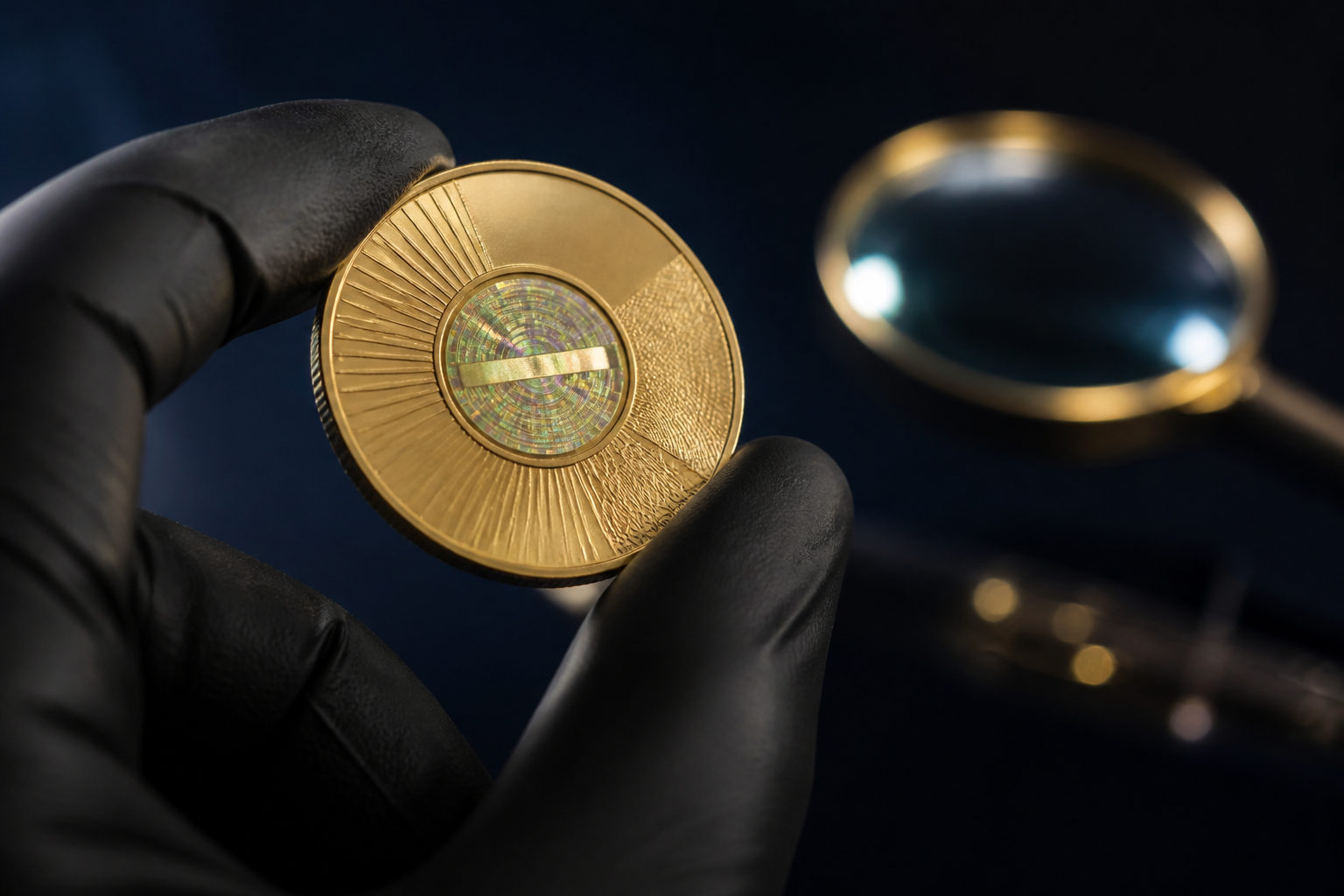
To check a physical bitcoin, first find out whether it is only a souvenir coin or a physical item that actually stores bitcoin access.
How to check a Bitcoin transaction: use a block explorer with a TXID, address, or block details to verify status, confirmations, inputs, outputs, and fees.
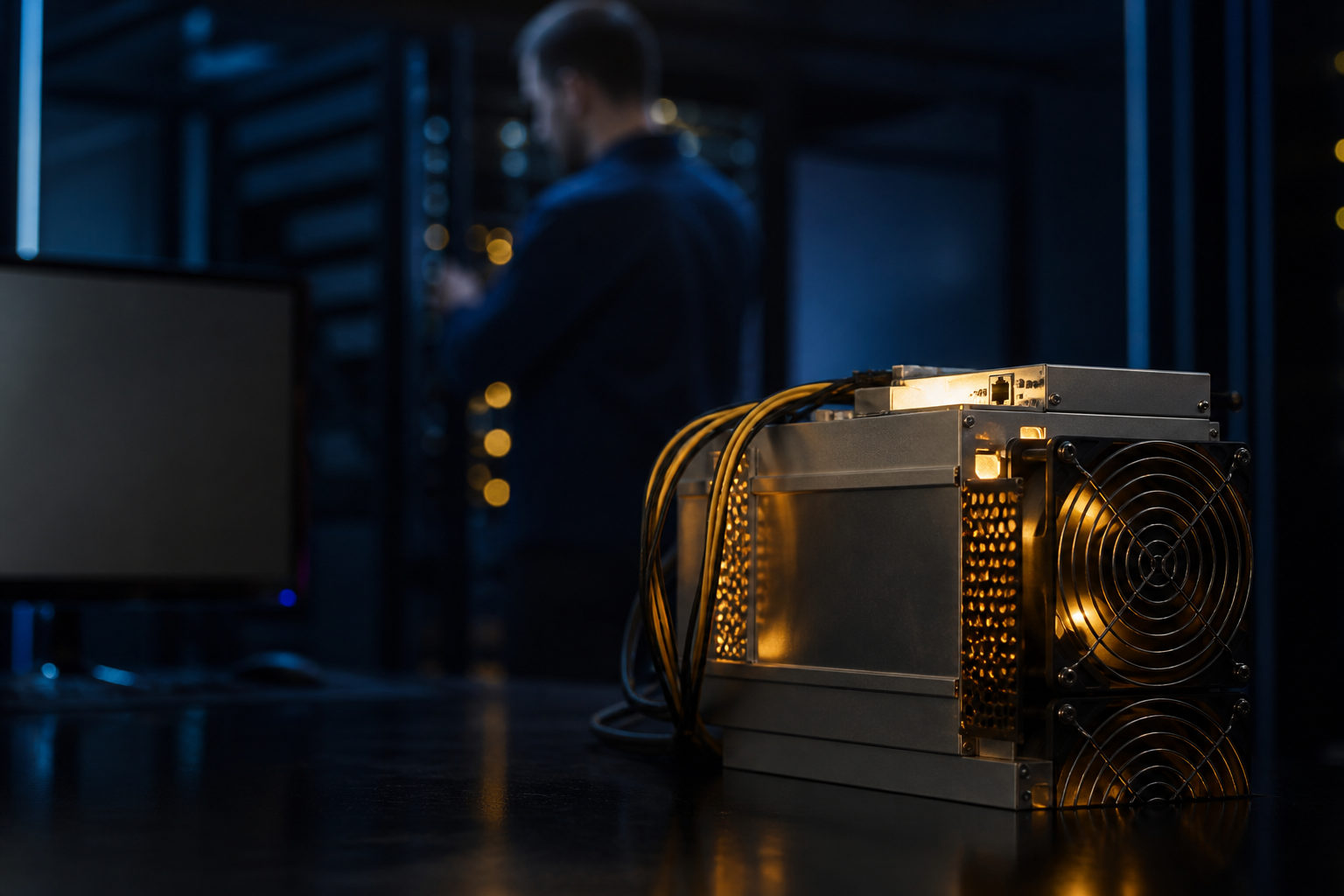
To check for bitcoin miners, first decide whether you want to identify block producers on-chain or inspect whether a device is actually mining.
To check how many bitcoins you have, identify where they are stored first, then verify BTC balances in your exchange account, wallet, and on-chain records.
To check for bitcoin miners on a PC, inspect resource-heavy processes, startup items, scheduled tasks, browser extensions, and unusual heat or fan noise.
To check Bitcoin confirmation status, find the transaction hash and look it up on a block explorer to see whether it entered a block and keeps advancing.
To see if you have a bitcoin miner, check the device type, background processes, mining pool connections, wallet payouts, and power or heat patterns.