
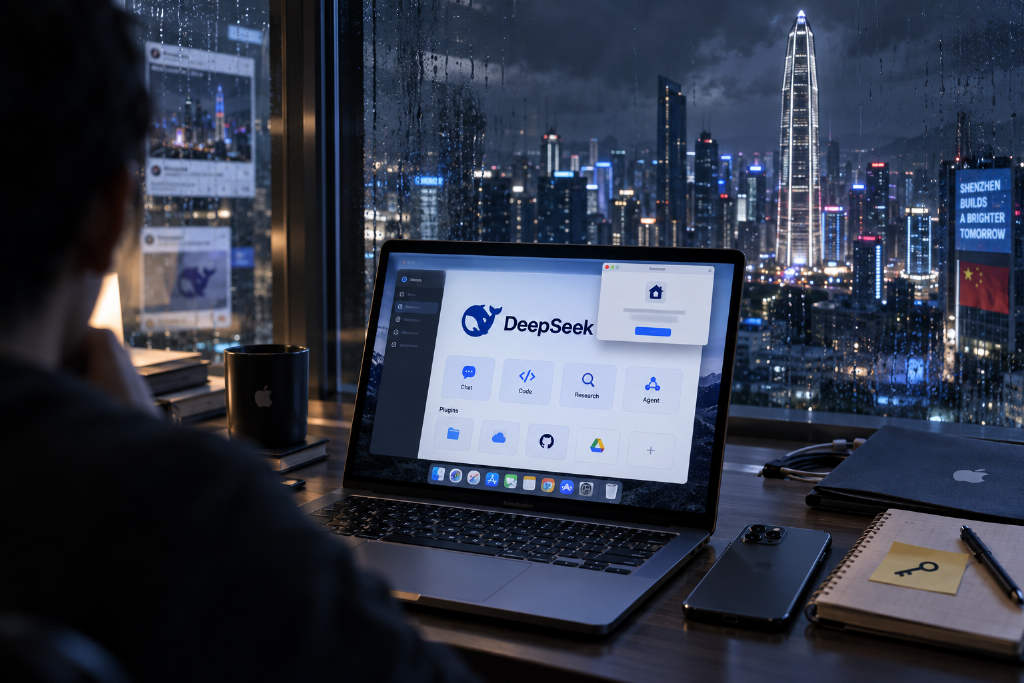
Download links for a desktop client of DeepSeek Harness are now circulating on social media. DeepSeek has not published a formal announcement, but a hands-on test found that the app can be downloaded, installed, and used.
The app is already functional after installation
The current interface shows a fairly complete GUI. After opening the application, users can either sign in with a DeepSeek account or add an API key, then select a local folder as the workspace. From there, they can assign tasks to an agent much like they would in a standard desktop AI application.
The client then asks users to choose a general direction for use, with categories such as office and research or code development. It also asks which workflow they prefer.
Four working modes are available
DeepSeek has prepared four operating modes for Harness: Standard, PTC, Minimal, and Creative.
- Standard mode: intended for most tasks and likely the easiest starting point for general users.
- PTC mode: more technical, allowing the model to write a small piece of code first and then use that code to organize and call tools in batches, which fits bulk processing work.
- Minimal mode: uses only terminal tools to complete tasks, making it closer to a traditional coding agent and more direct for developers familiar with the command line.
- Creative mode: lets the agent write plugins, add new functions or interface elements, and combine tools with prompts to create custom modes.
That design lines up with an idea DeepSeek Harness has emphasized from the start. The architecture has been described as 「Everything is a Plugin」, meaning the product’s capabilities are meant to be modular, composable, and extensible through plugins.
Six official plugins are built in
Based on the current interface, DeepSeek Harness includes six official plugins out of the box: Agent Team, Voice Input, Terminal, Agent Loop, Subagent, and Web Search.
Two of them, Agent Team and Voice Input, are currently labeled experimental.
- Agent Team: enables multi-agent collaboration, with support for team tools, a member list, and a shared task board.
- Voice Input: can call SenseVoice locally to convert speech directly into text, though it requires extra dependencies on first use.
The remaining plugins map more closely to the core capabilities of Harness.
- Terminal: handles local command-line calls and can limit the maximum runtime and maximum output of a single command.
- Agent Loop: controls how the agent repeatedly calls tools and continues task execution.
- Subagent: allows users to set recursion depth, quantity, and the model used for sub-agents, effectively letting one agent split work across several smaller helpers.
- Web Search: is used to configure DeepSeek’s own search provider.
In overall product shape, the client already looks much closer to a guided AI application for general users.
Desktop packaging lowers the barrier to entry
Before this, DeepSeek Harness already offered a Web UI, but the officially recommended way to start it was still to install Node.js first and run a terminal command: npx @deepseek-ai/dsh web. Harness would then start a local service and open a browser page.
That process is not difficult for developers. For many users who are not comfortable with the command line, though, it still feels like a developer tool. A desktop client changes that and cuts the usage threshold noticeably.
The community is still debating whether it counts as an official release
The biggest argument around the circulated build is straightforward: should it be treated as an official desktop version?
A discussion thread on GitHub asks exactly when an official DeepSeek desktop client will arrive. In that thread, a user named overFloweee replied that a build already exists, just without a formal public announcement.
The user said they checked the download source, version number, installer package, signing details, and website status. One of the most important findings was that the app had been signed with an Apple developer certificate tied to DeepSeek’s corporate entity and had also passed Apple notarization. The signing entity was listed as Hangzhou DeepSeek Artificial Intelligence Co., Ltd, which points directly to DeepSeek.
At the same time, that user also said DeepSeek has not officially announced the client. This build is distributed through a nightly channel, making it closer to a candidate build that has already entered the company’s production distribution system than to a formally released stable version.
Update prompt already appeared, Linux support is absent for now
Tests run inside the client also surfaced some of the key details mentioned by the community. Early user impressions have already started to appear.
One detail stood out: after installing the app from the address circulating in the community, the client immediately showed that a newer version was available. That suggests the team behind it is still iterating quickly.
For now, however, the desktop client does not support Linux.