
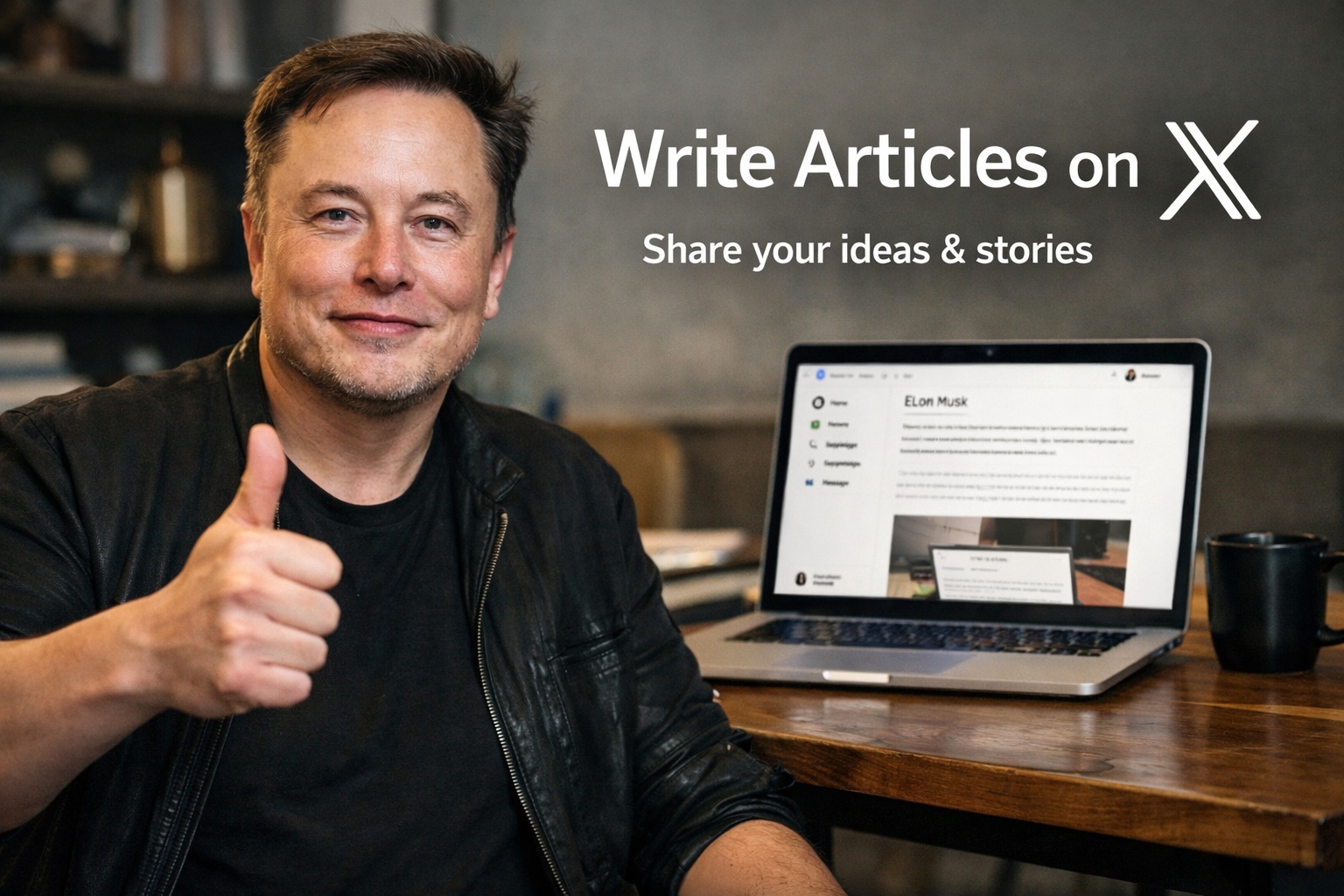
Elon Musk's X platform (formerly Twitter) has opened its long-form content feature, X Articles, to all Premium subscribers, alongside a new creator double earnings program. The official guide, now available in English, provides a step-by-step framework for writing, audience building, and monetization.
Start with a clear goal and a strong hook
Before writing, authors should define what they want readers to think, feel, or do after reading, and who the piece is for. A powerful headline must be specific, spark curiosity, and promise value, followed by a strong hook in the first sentence. For instance, “Why 95% of productivity advice doesn't work” outperforms generic titles like “Productivity tips for 2026.”
Structure for skimmability on mobile
Because most users access X via mobile, the guide stresses skimmability: keep paragraphs short (2-4 lines), insert a subheading every 3-5 paragraphs, use bullet points and numbered lists, bold key insights, and stick to one idea per paragraph. A conversational tone using “you” and “your” is preferred over stiff professionalism. “Show, don’t just tell” — support claims with data, personal stories, or before/after comparisons.
Edit ruthlessly and add visuals
The guide advises cutting 20-30% of word count after the first draft, eliminating filler words like “very” and “really,” and reading the piece aloud to catch awkward phrasing. Visual elements (images, screenshots, charts, embedded X posts) help break up text and boost shareability. End with a strong conclusion that summarizes key takeaways or includes a call to action.
Grow your audience and monetize via subscriptions
To expand reach, tease the article hours before publishing, pin it to your profile for 24-72 hours, break key excerpts into threads with a link back, reply to early commenters for visibility, and reshare evergreen content during relevant news cycles. For revenue, use subscriber-only articles: clearly communicate value (exclusive analysis, early access, behind-the-scenes), employ soft paywalls, create dedicated formats (weekly memos, portfolio updates, Q&As), publicly thank subscribers to build social proof, and tease next week’s content to retain readers.
How to publish subscriber-only content
After writing, click “Publish,” then under “Choose your audience” select “Subscribers” and publish again. Promote the article to non-subscribers using the link: https://x.com/your-username/creator-subscriptions/subscribe. X says it is working on more effective promotion tools. Creators can check eligibility in Creator Studio. The guide concludes with a list of popular articles for inspiration.